CoreFiles
Scanner with OCR, File Manager
Được thiết kế cho iPhone, iPad
Miễn phí · Mua hàng trong ứng dụng
- Độ tuổi4+
- Danh mụcHiệu Suất
- Nhà phát triểnDANIEL ROSIER
- Ngôn ngữTiếng Anh+ 1 ngôn ngữ khác
- Kích thước79,6 MB
Liên kết đến trang App Store chính thức
Download.org không lưu trữ tệp nào của CoreFiles. Nút này mở trang ứng dụng trên App Store, nơi DANIEL ROSIER phát hành ứng dụng. Trang được kiểm tra lần cuối: 14/11/2026.
Ảnh chụp màn hình


Giới thiệu
Nhà phát triển chưa cung cấp nội dung này bằng ngôn ngữ của bạn.
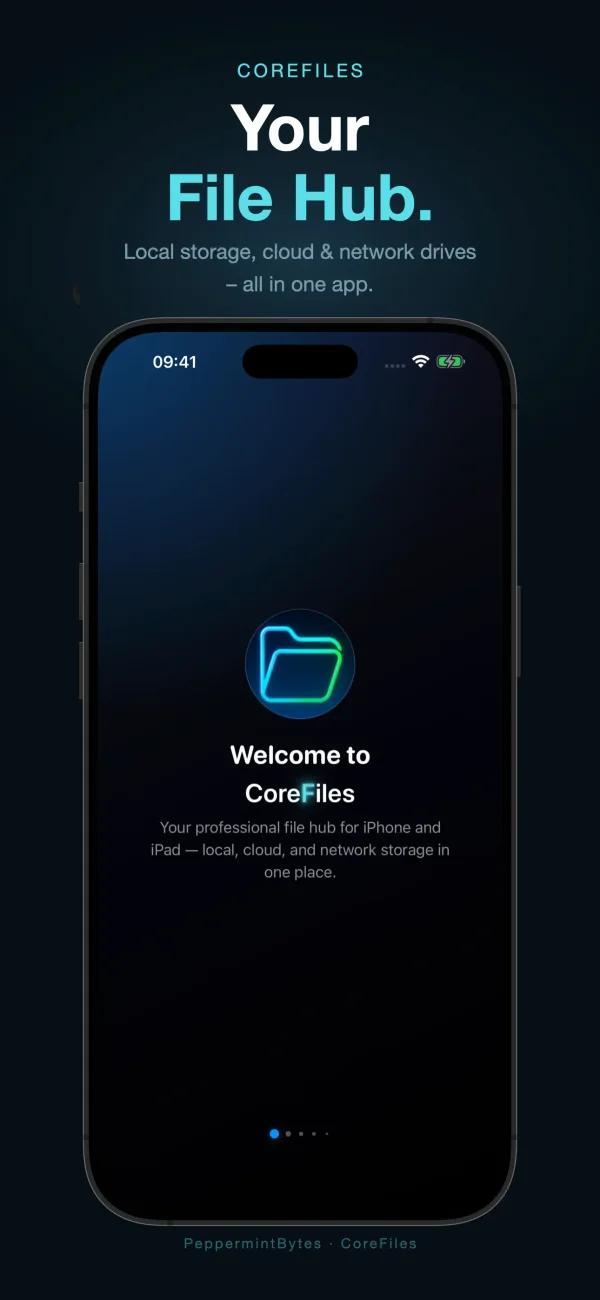
CoreFiles turns scanning and filing documents into seconds - not minutes.
TAP. SCAN. DONE.
Most apps leave you on your own after scanning: you have the document, but no destination folder selected yet. CoreFiles flips that workflow.
Choose your destination first - “Accounting”, “Projects”, or “Archive” - then scan. CoreFiles saves automatically to exactly that location. Local storage, iCloud, NAS, SFTP, WebDAV, SharePoint, and more.
The file manager with a thoughtful scan-to-destination workflow.
QUICK DESTINATIONS - FILE IN ONE TAP
Choose the destination folder before scanning - not after
Create your own custom quick destinations
Works across all connected storage locations
Expand and adjust at any time
INTELLIGENT FILE NAMES
Automatic filename suggestions while scanning
Apple Intelligence support (where available)
Less renaming, faster and more accurate filing
DOCUMENT SCANNER
Multi-page documents in a single pass
Automatic edge detection
Save directly as PDF to your selected destination folder
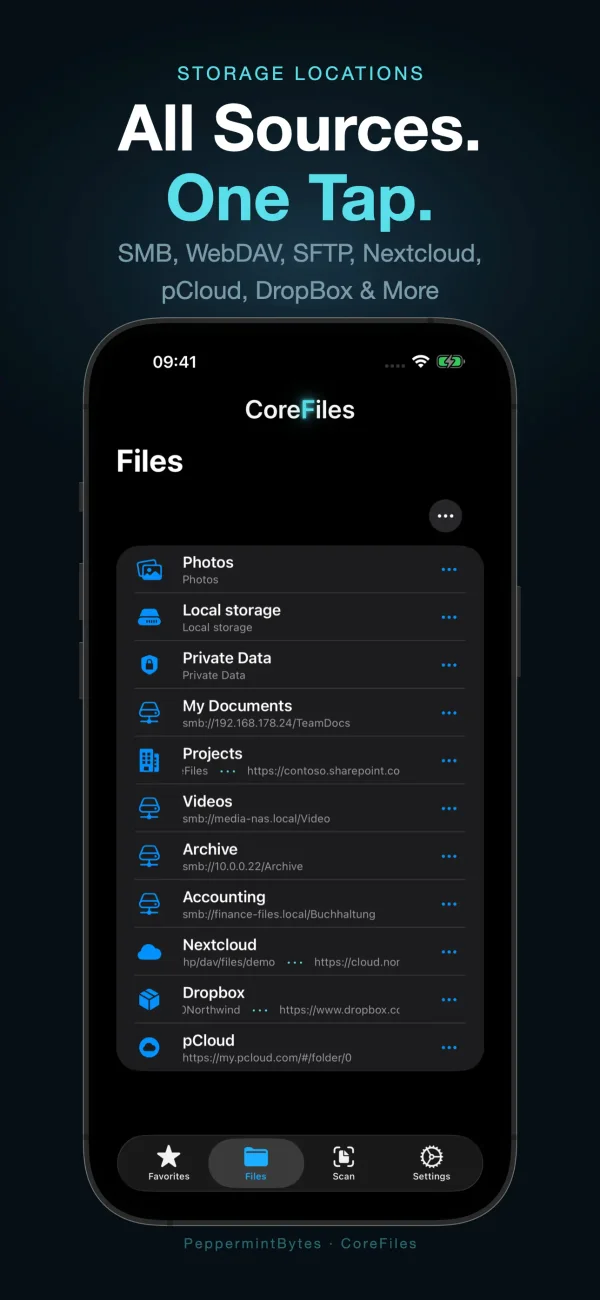
ALL YOUR STORAGE - ONE APP
Local storage & iCloud Drive
SMB network drives / NAS
WebDAV / Nextcloud
SFTP servers
Microsoft SharePoint
Dropbox & pCloud
Google Drive*
RECEIVE & SHARE FILES
Import files from other apps directly into CoreFiles via Share Extension or Action Extension, including quick destination selection.
PREVIEW & MANAGE
Open PDFs, images, audio, video, and documents directly in CoreFiles. Move, copy, rename, and delete - all in one place.
SECURITY & PRIVACY
No ad tracking
Optional anonymous usage analytics (self-hosted Matomo)
Enhanced connection security for cloud and server storage
CoreFiles - Tap. Scan. Done.
*Google Drive is integrated via the official Google Picker (not a native full file system integration).
For subscriptions, Apple’s Standard EULA applies:
https://www.apple.com/legal/internet-services/itunes/dev/stdeula/
Có gì mới
Phiên bản 1.2.1 · 26/05/2026
Scans that name themselves. Connections you can trust.
Smart File Names
Better automatic name suggestions when scanning – on devices with Apple Intelligence even context-aware. Less typing, faster filing.
Cloud Improvements
Google Drive, Dropbox, pCloud, Nextcloud, and SharePoint run more stable and reliable.
More Security
SFTP now validates the host key. WebDAV and Nextcloud support optional TLS pinning.
No Tracking. Ever.
CoreFiles contains no ad tracking – plus small improvements to accessibility and privacy compliance.
*Google Drive is connected via the official Google Picker (no native file system integration).
Quyền riêng tư của ứng dụng
Những gì DANIEL ROSIER khai báo trên App Store về cách ứng dụng này xử lý dữ liệu.
-
Dữ liệu không liên kết với bạn
Có thể được thu thập nhưng không liên kết với danh tính của bạn.
- Dữ liệu sử dụng
Phương thức đảm bảo quyền riêng tư có thể khác nhau, chẳng hạn như tuỳ theo các tính năng bạn sử dụng hoặc độ tuổi của bạn.
Thông tin
- Người bán
- DANIEL ROSIER
- Danh mục
- Hiệu Suất
- Phiên bản
- 1.2.1
- Cập nhật
- 26/05/2026
- Phát hành
- 23/04/2026
- Kích thước
- 79,6 MB
- Yêu cầu
- iOS 17.0 trở lên
- Độ tuổi
- 4+
- Giá
- Miễn phí
- Mua hàng trong ứng dụng
- Có
- Ngôn ngữ
- Tiếng Anh, Tiếng Đức
- Bản quyền
- © 2026 Daniel Rosier
Có thể bạn cũng thích
-
 MyScanPilot: Scan & OrganizeHiệu Suất
-
 Scanno – PDF-ScannerHiệu Suất
-
 Raven DocumentsHiệu Suất
-
 Vocapa - Capture & Share NotesHiệu Suất
-
 JustSummarize - AI SummarizerHiệu Suất
-
 Lineár CalendarHiệu Suất
-
 Zettel - Quick NotesHiệu Suất
-
 Bookmarks - Send To SelfHiệu Suất
-
 Outspoken: Voice DictationHiệu Suất
-
 Aeru: Offline & Private AIHiệu Suất