CoreFiles
Scanner with OCR, File Manager
Designed for iPhone, iPad
Free · In-app purchases
- Age rating4+
- CategoryProductivity
- DeveloperDANIEL ROSIER
- LanguagesEnglish+ 1 more
- Size79.6 MB
Links to the official App Store page
Download.org hosts no file of CoreFiles. The button opens its official App Store page, published by DANIEL ROSIER. Listing last checked on Nov 14, 2026.
Screenshots


About
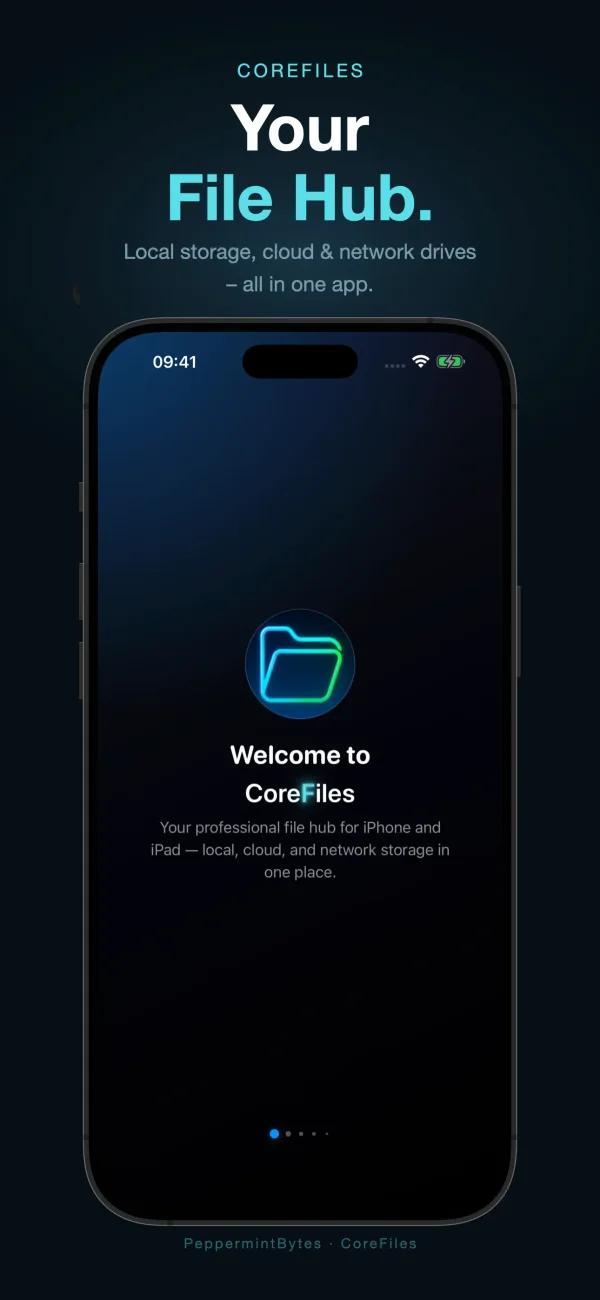
CoreFiles turns scanning and filing documents into seconds - not minutes.
TAP. SCAN. DONE.
Most apps leave you on your own after scanning: you have the document, but no destination folder selected yet. CoreFiles flips that workflow.
Choose your destination first - “Accounting”, “Projects”, or “Archive” - then scan. CoreFiles saves automatically to exactly that location. Local storage, iCloud, NAS, SFTP, WebDAV, SharePoint, and more.
The file manager with a thoughtful scan-to-destination workflow.
QUICK DESTINATIONS - FILE IN ONE TAP
Choose the destination folder before scanning - not after
Create your own custom quick destinations
Works across all connected storage locations
Expand and adjust at any time
INTELLIGENT FILE NAMES
Automatic filename suggestions while scanning
Apple Intelligence support (where available)
Less renaming, faster and more accurate filing
DOCUMENT SCANNER
Multi-page documents in a single pass
Automatic edge detection
Save directly as PDF to your selected destination folder
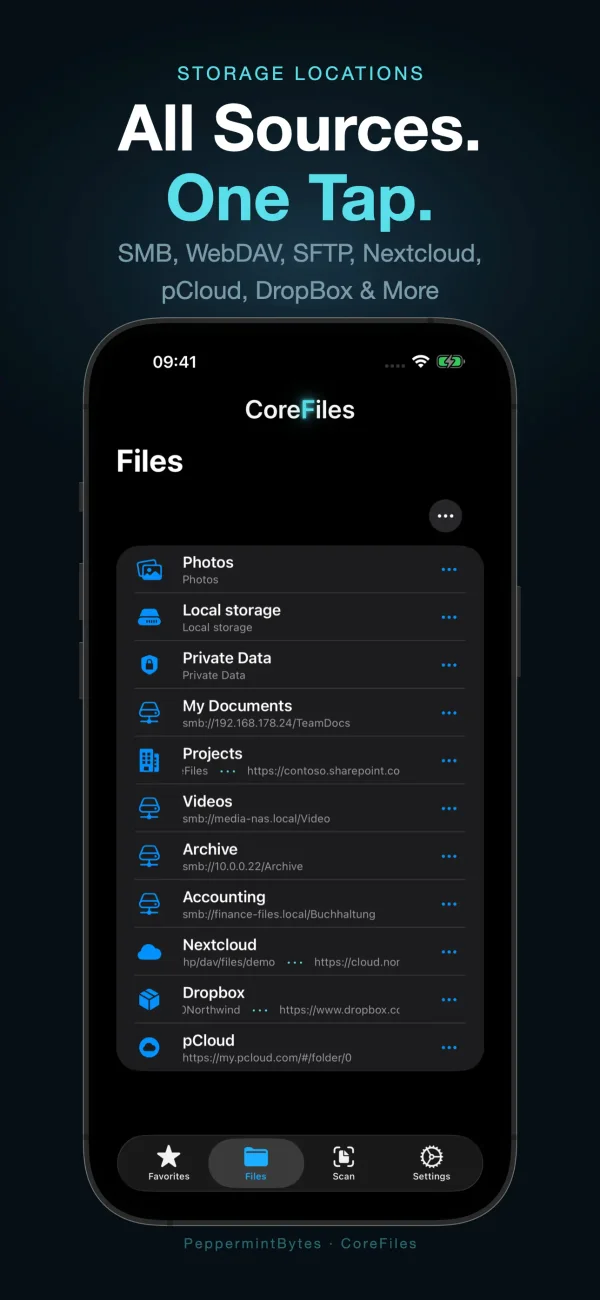
ALL YOUR STORAGE - ONE APP
Local storage & iCloud Drive
SMB network drives / NAS
WebDAV / Nextcloud
SFTP servers
Microsoft SharePoint
Dropbox & pCloud
Google Drive*
RECEIVE & SHARE FILES
Import files from other apps directly into CoreFiles via Share Extension or Action Extension, including quick destination selection.
PREVIEW & MANAGE
Open PDFs, images, audio, video, and documents directly in CoreFiles. Move, copy, rename, and delete - all in one place.
SECURITY & PRIVACY
No ad tracking
Optional anonymous usage analytics (self-hosted Matomo)
Enhanced connection security for cloud and server storage
CoreFiles - Tap. Scan. Done.
*Google Drive is integrated via the official Google Picker (not a native full file system integration).
For subscriptions, Apple’s Standard EULA applies:
https://www.apple.com/legal/internet-services/itunes/dev/stdeula/
What’s new
Version 1.2.1 · May 26, 2026
Scans that name themselves. Connections you can trust.
Smart File Names
Better automatic name suggestions when scanning – on devices with Apple Intelligence even context-aware. Less typing, faster filing.
Cloud Improvements
Google Drive, Dropbox, pCloud, Nextcloud, and SharePoint run more stable and reliable.
More Security
SFTP now validates the host key. WebDAV and Nextcloud support optional TLS pinning.
No Tracking. Ever.
CoreFiles contains no ad tracking – plus small improvements to accessibility and privacy compliance.
*Google Drive is connected via the official Google Picker (no native file system integration).
App privacy
What DANIEL ROSIER declares on the App Store about how this app handles data.
-
Data not linked to you
May be collected but is not linked to your identity.
- Usage data
Privacy practices may vary, for example with the features you use or your age.
Information
- Seller
- DANIEL ROSIER
- Category
- Productivity
- Version
- 1.2.1
- Updated
- May 26, 2026
- Released
- Apr 23, 2026
- Size
- 79.6 MB
- Requires
- iOS 17.0 or later
- Age rating
- 4+
- Price
- Free
- In-app purchases
- Yes
- Languages
- English, German
- Copyright
- © 2026 Daniel Rosier
You might also like
-
 MyScanPilot: Scan & OrganizeOCR & auto organize documents
-
 Scanno – PDF-ScannerProductivity
-
 Raven DocumentsProductivity
-
 Vocapa - Capture & Share NotesPush-to-Record Quick Memos
-
 JustSummarize - AI SummarizerTLDR: Article & PDF Summary
-
 Lineár CalendarSee the Bigger Picture
-
 Zettel - Quick NotesYour digital notepad
-
 Bookmarks - Send To SelfText Yourself Links & Notes
-
 Outspoken: Voice DictationSpeech to Text, Everywhere
-
 Aeru: Offline & Private AIPrivate Local Offline AI