Flip Clock Flow
Focus Timer & App Blocker
Diseñada para iPhone, iPad
Gratis · Compras en la aplicación
- Clasificación por edad4+
- CategoríaUtilidades
- DesarrolladorEric Savoie
- IdiomasInglés
- Tamaño7,0 MB
Enlaza a la página oficial de App Store
Download.org no aloja ningún archivo de Flip Clock Flow. El botón abre la página de la aplicación en App Store, donde la publica Eric Savoie. Ficha comprobada por última vez el 10/11/2026.
Capturas de pantalla

Acerca de
El desarrollador no ha proporcionado este texto en tu idioma.
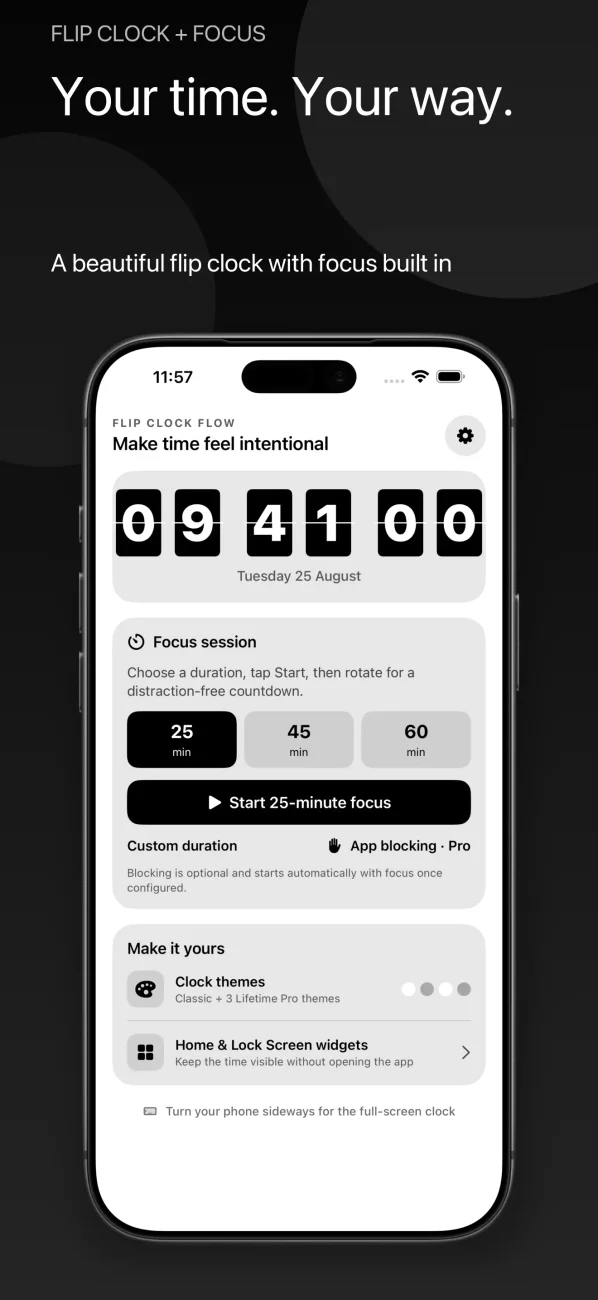
Make time feel intentional with Flip Clock Flow—a beautiful flip clock, focus timer and optional distraction blocker in one calm experience.
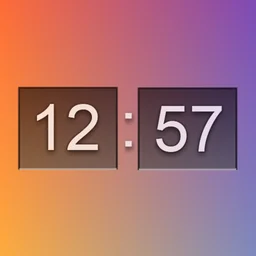
FLIP CLOCK
• See a clear animated clock in the portrait dashboard.
• Turn your iPhone or iPad sideways for a clean, full-screen clock.
• Choose the clock style that fits your space.
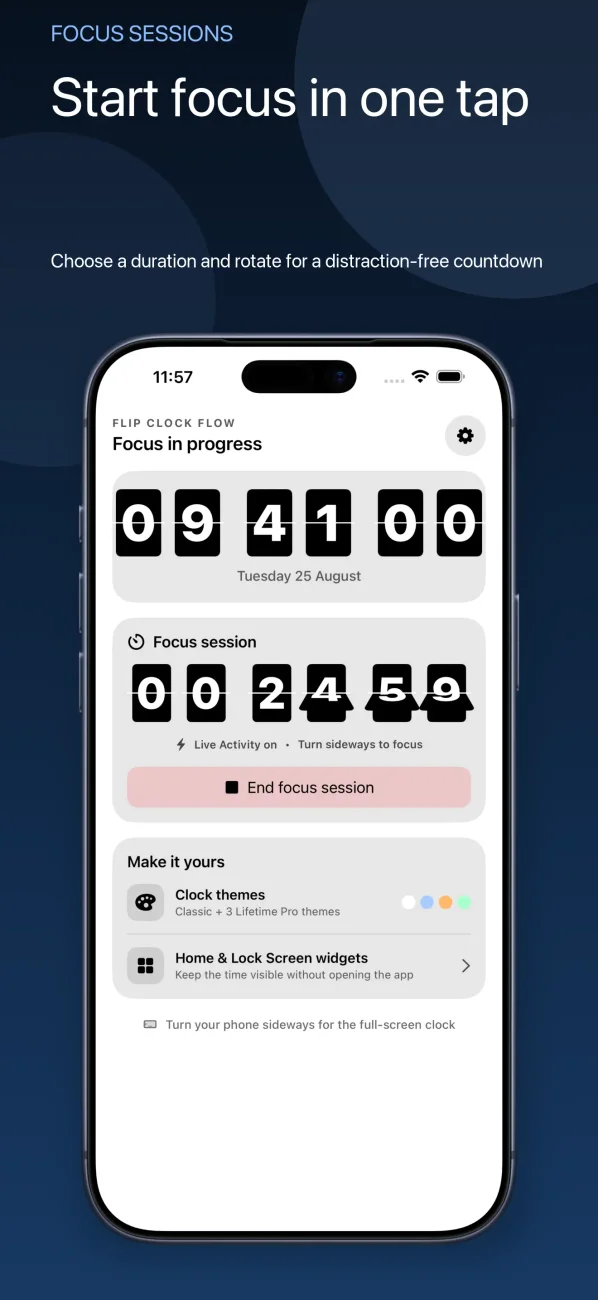
FOCUS SESSIONS
• Start a 25, 45 or 60-minute session in one tap.
• Set a custom duration when you need something different.
• Keep an active countdown visible with a Live Activity.
• Receive an optional notification when focus time ends.
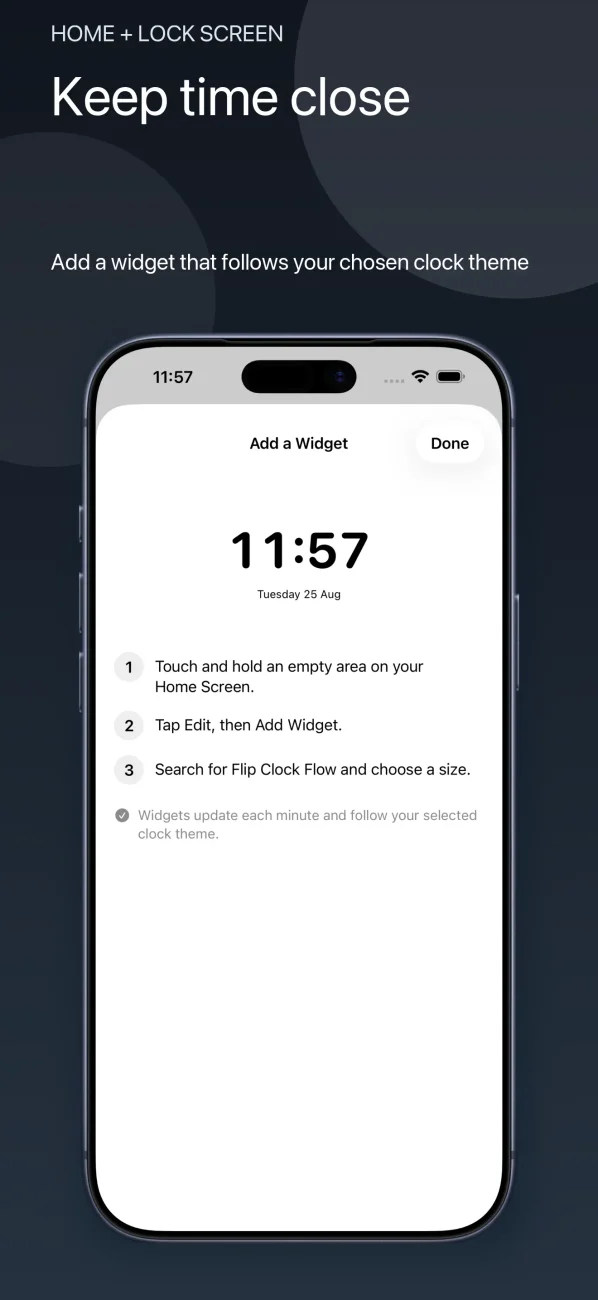
WIDGETS
• Keep the current time on your Home Screen or Lock Screen.
• Widgets update each minute and follow your selected clock theme.
LIFETIME PRO
Lifetime Pro is a one-time in-app purchase—no subscription. It unlocks:
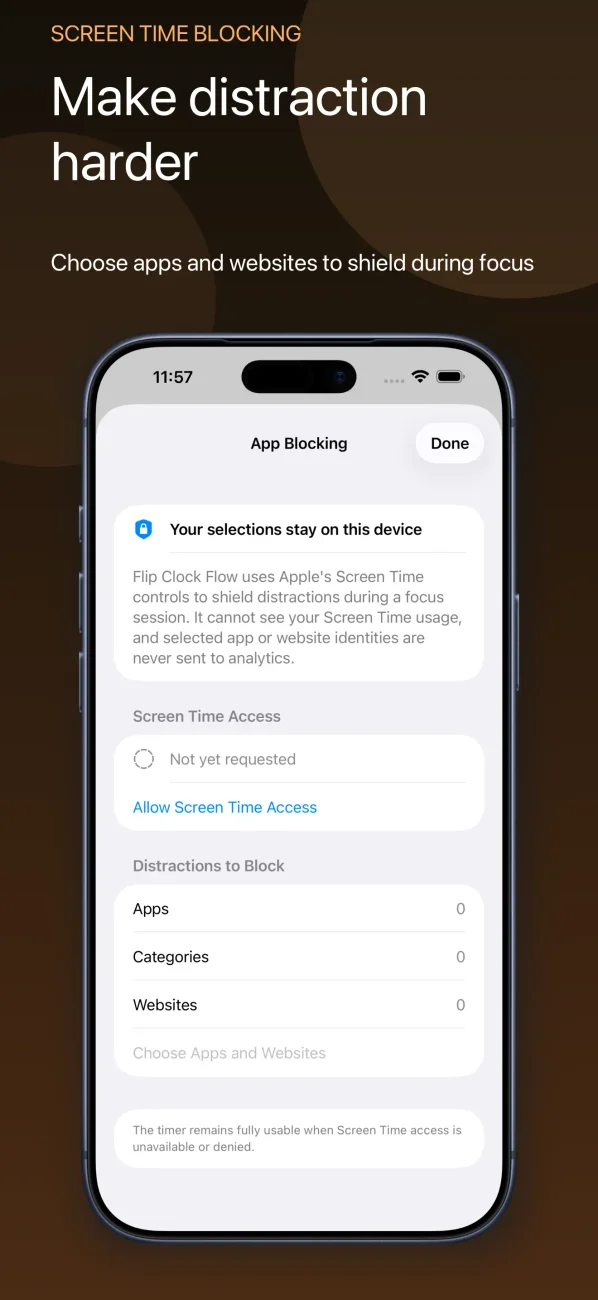
• App, category and website blocking during focus using Apple’s Screen Time controls.
• Midnight, Ember and Forest clock themes.
• Reusable focus presets.
• Private, on-device focus history and statistics.
PRIVACY BY DESIGN
Your Screen Time selections and focus history stay on your device. Flip Clock Flow cannot see your Screen Time usage, and selected app or website identities are never sent to analytics. Optional anonymous product analytics can be disabled at any time in Settings.
Terms of Use: https://www.apple.com/legal/internet-services/itunes/dev/stdeula/
Novedades
Versión 1.3 · 3/9/2026
Flip Clock Flow has been rebuilt around intentional focus:
• A new portrait dashboard makes the clock, focus controls, themes and widgets easy to find.
• Turn your device sideways for a clean full-screen clock and countdown.
• Start 25, 45, 60-minute or custom focus sessions.
• Follow active sessions with Live Activities and completion notifications.
• Add Home Screen and Lock Screen clock widgets.
• Lifetime Pro adds Screen Time app blocking, three extra themes, saved presets and private on-device history.
• Anonymous analytics are optional and never include Screen Time selections or identities.
Privacidad de la aplicación
Lo que Eric Savoie declara en App Store sobre cómo esta aplicación gestiona los datos.
-
Datos no vinculados a ti
Pueden recopilarse, pero no se vinculan a tu identidad.
- Datos de uso
Las prácticas de privacidad pueden variar, por ejemplo, según las funciones que uses o tu edad.
Información
- Vendedor
- Eric Savoie
- Categoría
- Utilidades
- Versión
- 1.3
- Actualizado
- 3/9/2026
- Publicado
- 15/9/2025
- Tamaño
- 7,0 MB
- Requiere
- iOS 18.2 o posterior
- Clasificación por edad
- 4+
- Precio
- Gratis
- Compras en la aplicación
- Sí
- Idiomas
- Inglés
- Copyright
- © 2026 Eric Savoie