Flip Clock Flow
Focus Timer & App Blocker
Conçue pour iPhone, iPad
Gratuit · Achats intégrés
- Classification d’âge4+
- CatégorieUtilitaires
- DéveloppeurEric Savoie
- LanguesAnglais
- Taille7,0 Mo
Renvoie vers la page App Store officielle
Download.org n’héberge aucun fichier de Flip Clock Flow. Le bouton ouvre la page de l’application sur App Store, où Eric Savoie la publie. Fiche vérifiée pour la dernière fois le 10/11/2026.
Captures d’écran

À propos
Le développeur n’a pas fourni ce texte dans votre langue.
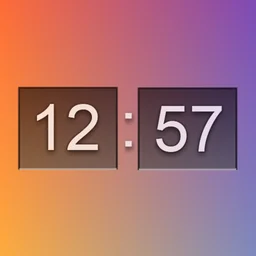
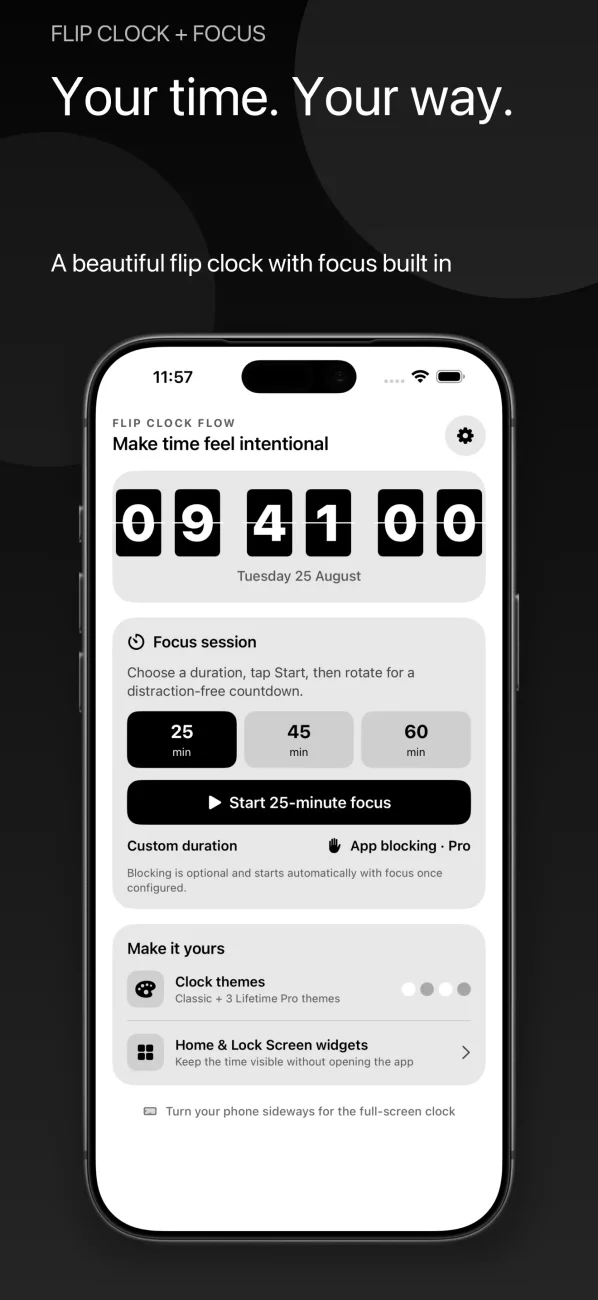
Make time feel intentional with Flip Clock Flow—a beautiful flip clock, focus timer and optional distraction blocker in one calm experience.
FLIP CLOCK
• See a clear animated clock in the portrait dashboard.
• Turn your iPhone or iPad sideways for a clean, full-screen clock.
• Choose the clock style that fits your space.
FOCUS SESSIONS
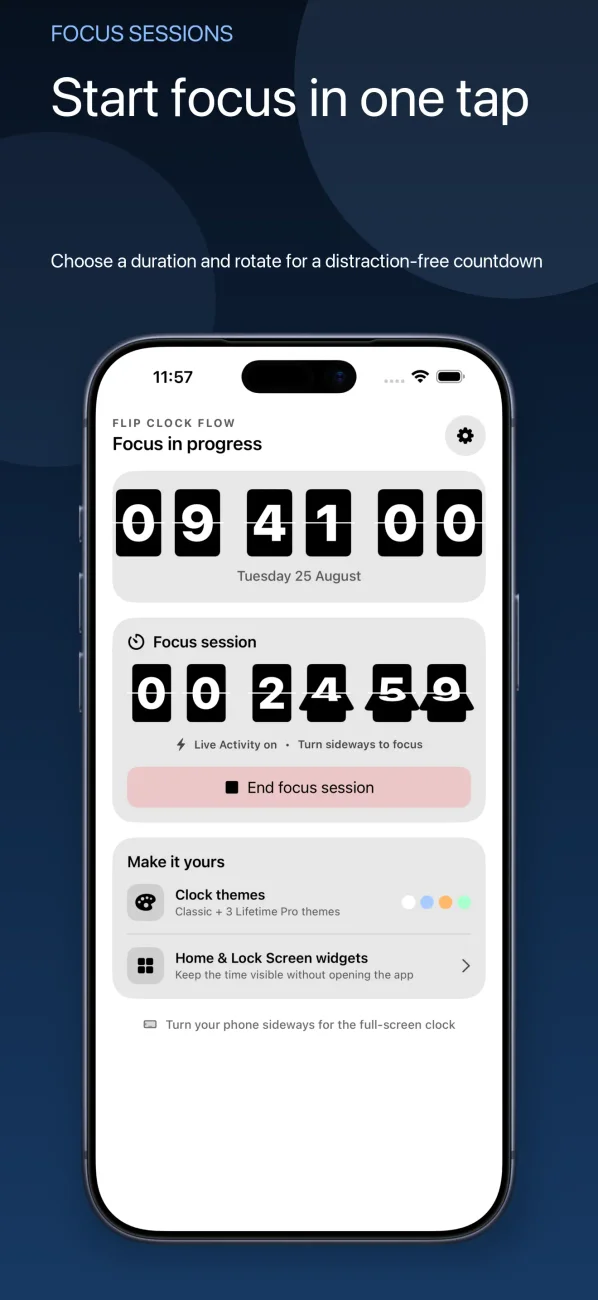
• Start a 25, 45 or 60-minute session in one tap.
• Set a custom duration when you need something different.
• Keep an active countdown visible with a Live Activity.
• Receive an optional notification when focus time ends.
WIDGETS
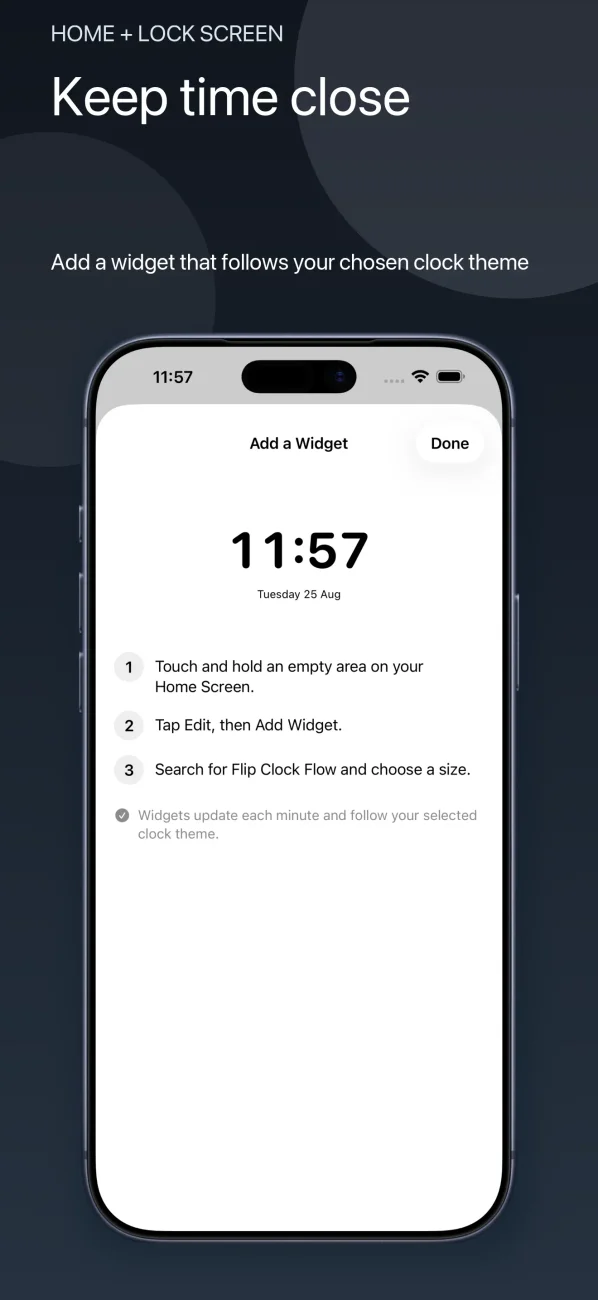
• Keep the current time on your Home Screen or Lock Screen.
• Widgets update each minute and follow your selected clock theme.
LIFETIME PRO
Lifetime Pro is a one-time in-app purchase—no subscription. It unlocks:
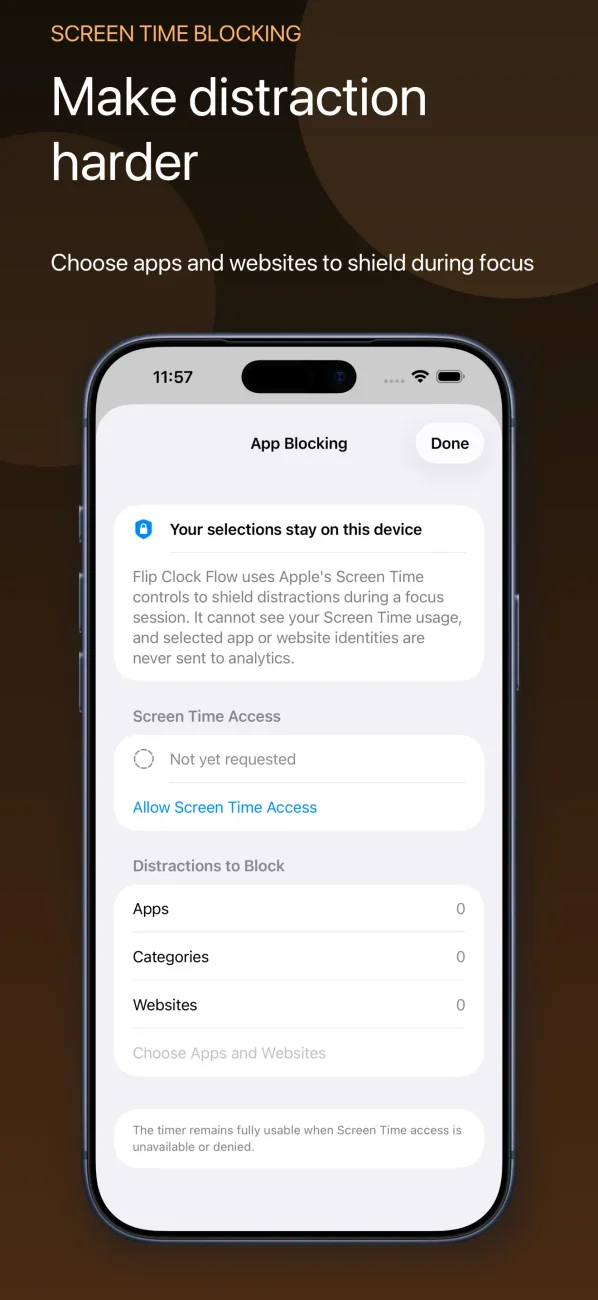
• App, category and website blocking during focus using Apple’s Screen Time controls.
• Midnight, Ember and Forest clock themes.
• Reusable focus presets.
• Private, on-device focus history and statistics.
PRIVACY BY DESIGN
Your Screen Time selections and focus history stay on your device. Flip Clock Flow cannot see your Screen Time usage, and selected app or website identities are never sent to analytics. Optional anonymous product analytics can be disabled at any time in Settings.
Terms of Use: https://www.apple.com/legal/internet-services/itunes/dev/stdeula/
Nouveautés
Version 1.3 · 03/09/2026
Flip Clock Flow has been rebuilt around intentional focus:
• A new portrait dashboard makes the clock, focus controls, themes and widgets easy to find.
• Turn your device sideways for a clean full-screen clock and countdown.
• Start 25, 45, 60-minute or custom focus sessions.
• Follow active sessions with Live Activities and completion notifications.
• Add Home Screen and Lock Screen clock widgets.
• Lifetime Pro adds Screen Time app blocking, three extra themes, saved presets and private on-device history.
• Anonymous analytics are optional and never include Screen Time selections or identities.
Confidentialité de l’application
Ce que Eric Savoie déclare sur l’App Store au sujet du traitement des données par cette application.
-
Données n’établissant aucun lien avec vous
Peuvent être collectées, mais ne sont pas liées à votre identité.
- Données d’utilisation
Les pratiques en matière de confidentialité peuvent varier, notamment en fonction des fonctionnalités que vous utilisez ou de votre âge.
Informations
- Vendeur
- Eric Savoie
- Catégorie
- Utilitaires
- Version
- 1.3
- Mis à jour
- 03/09/2026
- Publié
- 15/09/2025
- Taille
- 7,0 Mo
- Nécessite
- iOS 18.2 ou version ultérieure
- Classification d’âge
- 4+
- Prix
- Gratuit
- Achats intégrés
- Oui
- Langues
- Anglais
- Copyright
- © 2026 Eric Savoie