Flip Clock Flow
Focus Timer & App Blocker
iPhone, iPad için tasarlandı
Ücretsiz · Uygulama içi satın alma
- Yaş sınırı4+
- KategoriYardımcılar
- GeliştiriciEric Savoie
- Dillerİngilizce
- Boyut7,0 MB
Resmi App Store sayfasına bağlanır
Download.org, Flip Clock Flow için hiçbir dosya barındırmaz. Düğme, uygulamanın App Store üzerindeki sayfasını açar; uygulamayı orada Eric Savoie yayınlar. Sayfanın son kontrolü: 10.11.2026.
Ekran görüntüleri

Hakkında
Geliştirici bu metni dilinizde sunmamış.
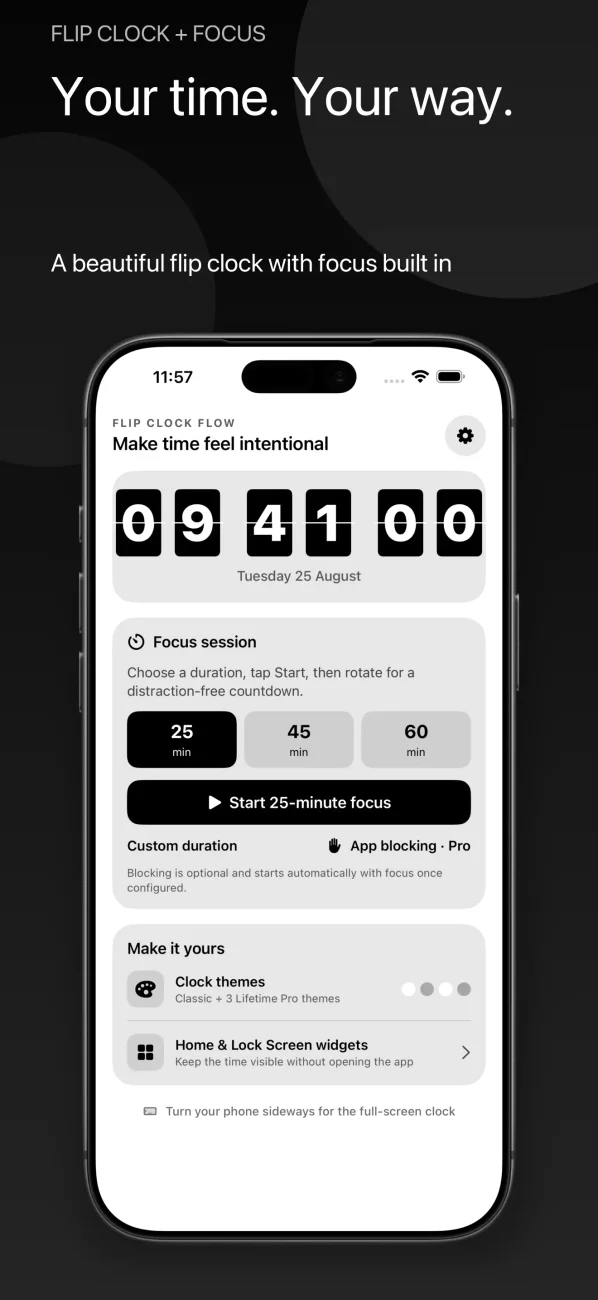
Make time feel intentional with Flip Clock Flow—a beautiful flip clock, focus timer and optional distraction blocker in one calm experience.
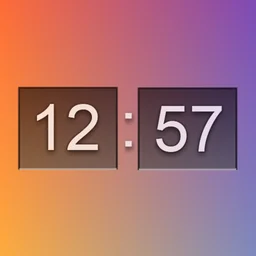
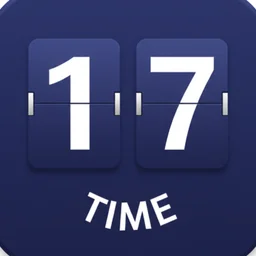
FLIP CLOCK
• See a clear animated clock in the portrait dashboard.
• Turn your iPhone or iPad sideways for a clean, full-screen clock.
• Choose the clock style that fits your space.
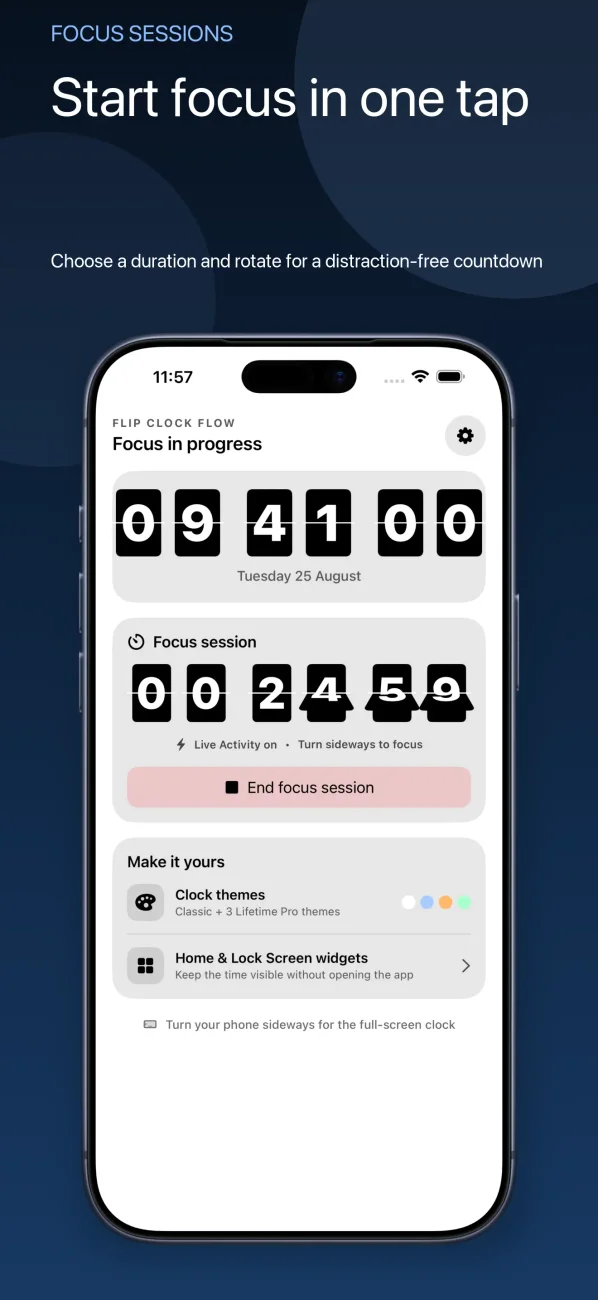
FOCUS SESSIONS
• Start a 25, 45 or 60-minute session in one tap.
• Set a custom duration when you need something different.
• Keep an active countdown visible with a Live Activity.
• Receive an optional notification when focus time ends.
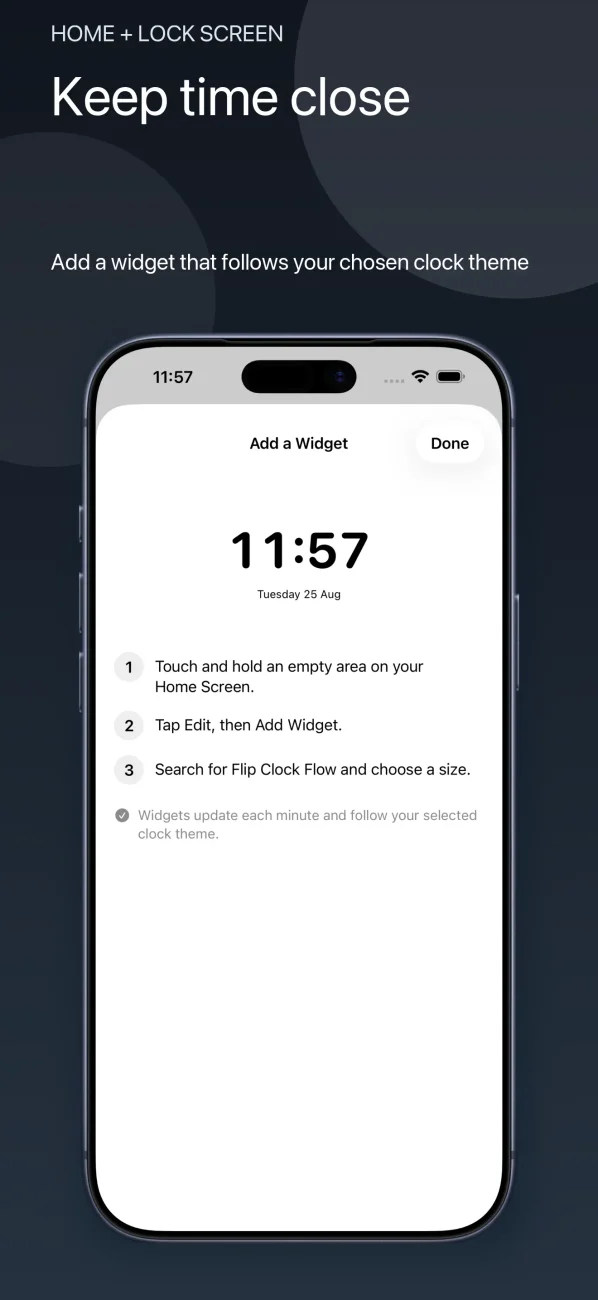
WIDGETS
• Keep the current time on your Home Screen or Lock Screen.
• Widgets update each minute and follow your selected clock theme.
LIFETIME PRO
Lifetime Pro is a one-time in-app purchase—no subscription. It unlocks:
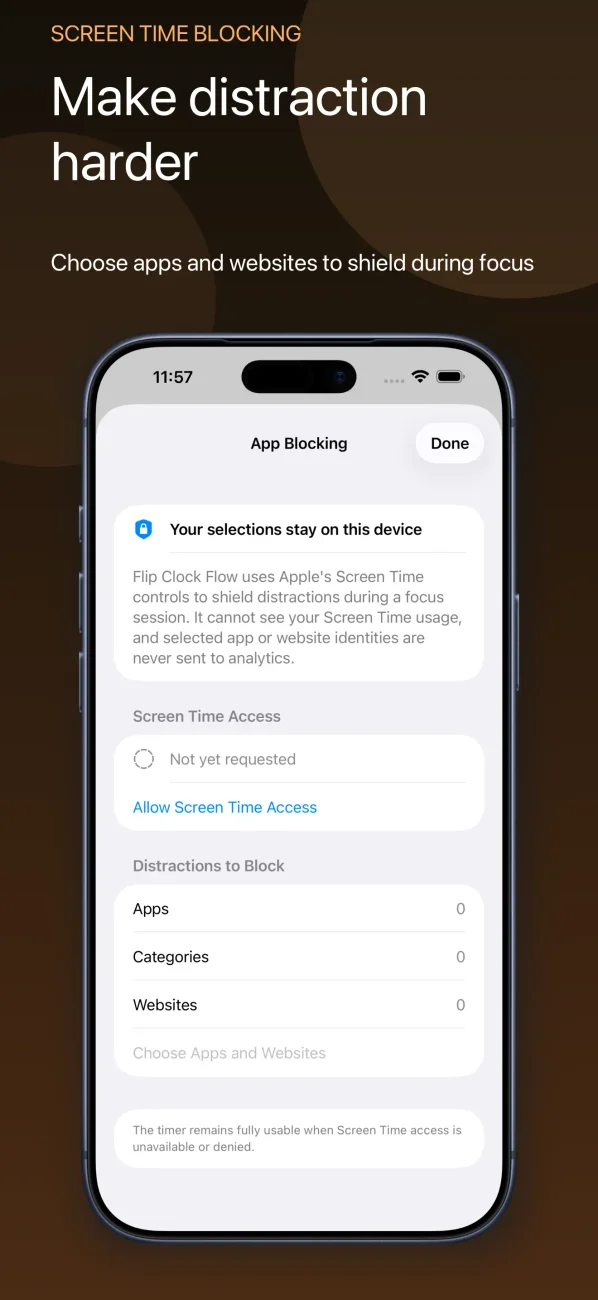
• App, category and website blocking during focus using Apple’s Screen Time controls.
• Midnight, Ember and Forest clock themes.
• Reusable focus presets.
• Private, on-device focus history and statistics.
PRIVACY BY DESIGN
Your Screen Time selections and focus history stay on your device. Flip Clock Flow cannot see your Screen Time usage, and selected app or website identities are never sent to analytics. Optional anonymous product analytics can be disabled at any time in Settings.
Terms of Use: https://www.apple.com/legal/internet-services/itunes/dev/stdeula/
Yenilikler
Sürüm 1.3 · 03.09.2026
Flip Clock Flow has been rebuilt around intentional focus:
• A new portrait dashboard makes the clock, focus controls, themes and widgets easy to find.
• Turn your device sideways for a clean full-screen clock and countdown.
• Start 25, 45, 60-minute or custom focus sessions.
• Follow active sessions with Live Activities and completion notifications.
• Add Home Screen and Lock Screen clock widgets.
• Lifetime Pro adds Screen Time app blocking, three extra themes, saved presets and private on-device history.
• Anonymous analytics are optional and never include Screen Time selections or identities.
Uygulama gizliliği
Bu uygulamanın verileri nasıl işlediği hakkında Eric Savoie tarafından App Store üzerinde yapılan beyan.
-
Sizinle ilişkilendirilmeyen veriler
Toplanabilir ancak kimliğinizle ilişkilendirilmez.
- Kullanım verileri
Gizlilik uygulamaları, örneğin kullandığınız özelliklere veya yaşınıza göre değişiklik gösterebilir.
Bilgiler
- Satıcı
- Eric Savoie
- Kategori
- Yardımcılar
- Sürüm
- 1.3
- Güncellendi
- 03.09.2026
- Yayın tarihi
- 15.09.2025
- Boyut
- 7,0 MB
- Gereksinim
- iOS 18.2 veya sonrası
- Yaş sınırı
- 4+
- Fiyat
- Ücretsiz
- Uygulama içi satın alma
- Evet
- Diller
- İngilizce
- Telif hakkı
- © 2026 Eric Savoie