
Fullnotes: PDF Notes & Canvas
PDF Reader, Annotate & Markup
Diseñada para iPhone, iPad
Gratis · Compras en la aplicación
- Clasificación por edad4+
- CategoríaProductividad
- DesarrolladorKomchan Maneechai
- IdiomasInglés
- Tamaño226,0 MB
Enlaza a la página oficial de App Store
Download.org no aloja ningún archivo de Fullnotes: PDF Notes & Canvas. El botón abre la página de la aplicación en App Store, donde la publica Komchan Maneechai. Ficha comprobada por última vez el 23/11/2026.
Capturas de pantalla


Acerca de
El desarrollador no ha proporcionado este texto en tu idioma.
Fullnotes: PDF Meet Infinite Canvas, Mindmap, Sticky notes
Key Features:
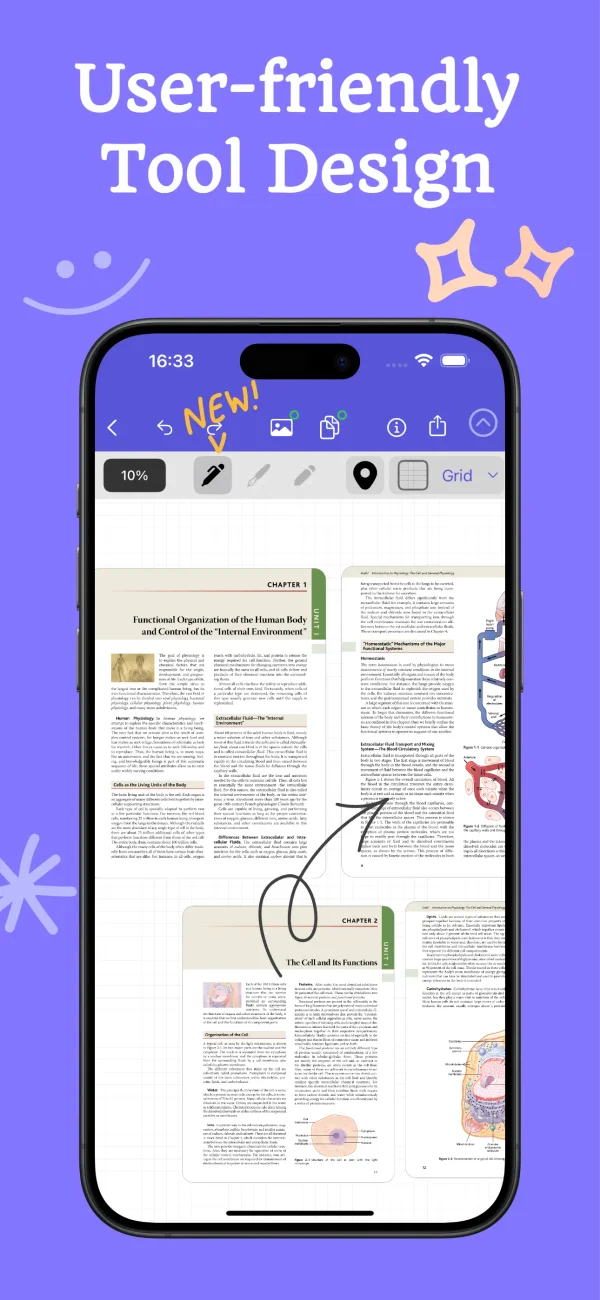
• Endless space to write, draw, and organize
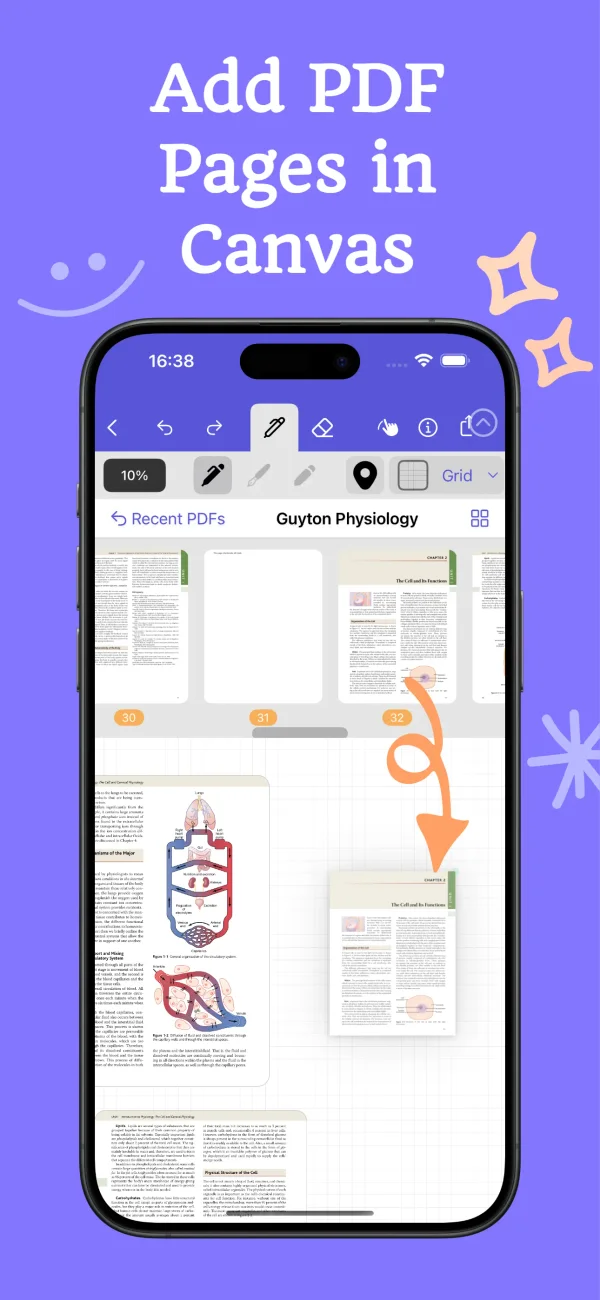
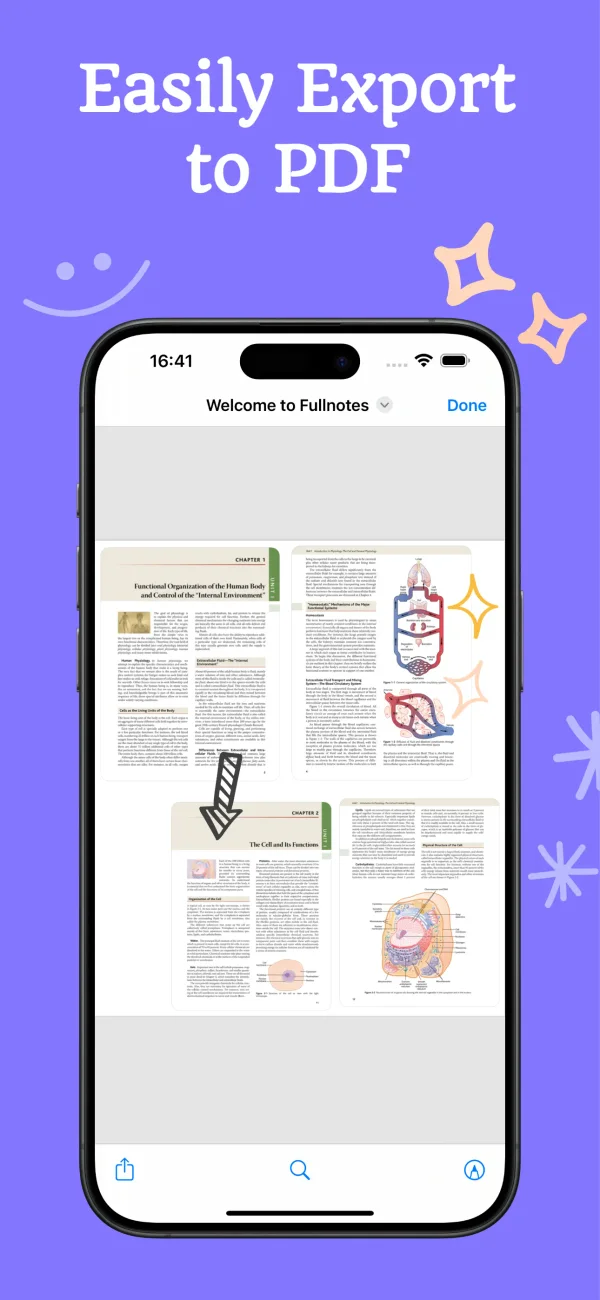
• Import, add and annotate PDFs on your canvas
• Organize PDF pages in visual way
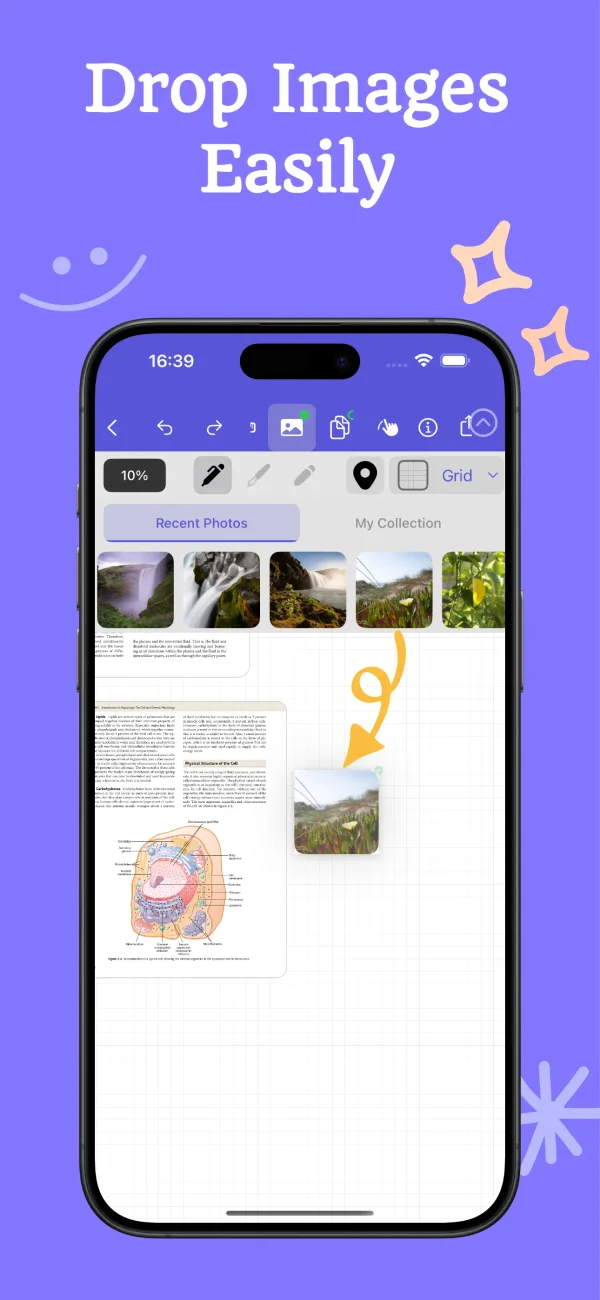
• Add images into canvas
• Intuitive drawing and highlighting tools
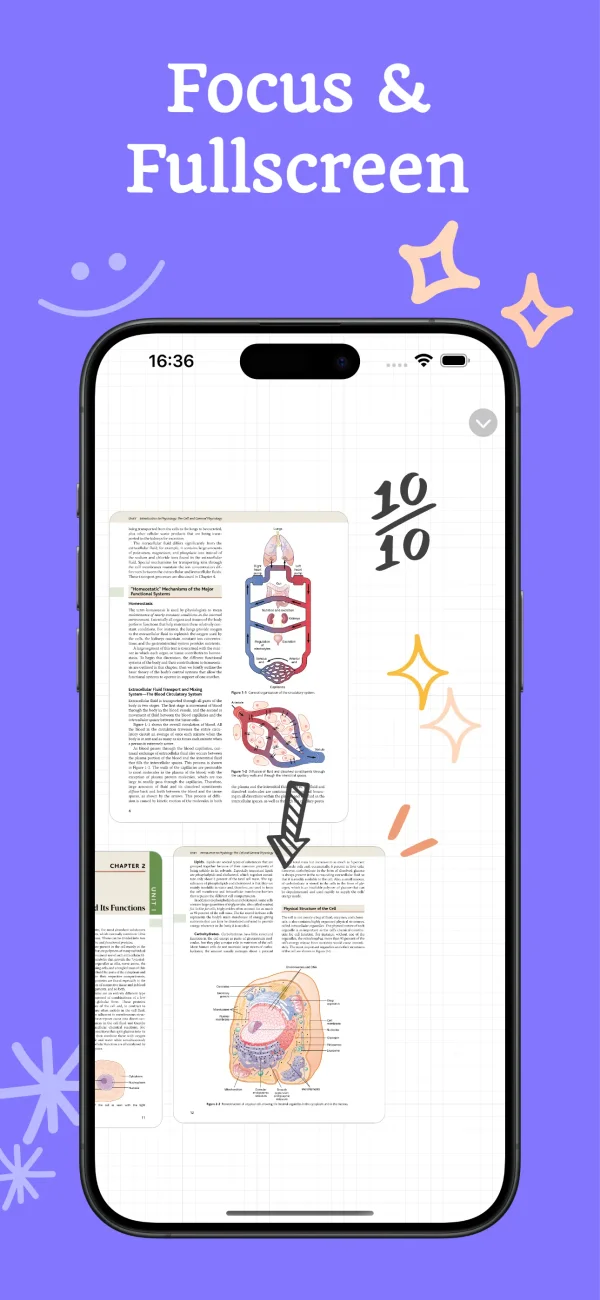
• Easy zoom in/out for detail or overview
• Choose many different backgrounds
• Export your work to share with others
• iCloud sync across all your devices
• Clutter-free, distraction-free workspace
Seamlessly integrate with your existing tools - import from camera, document scanners, and other productivity apps.Bring your PDF pages, images, and sketches together in one intuitive app on an infinite canvas. Edit PDFs directly, use it as sticky notes, and organize your thoughts visually in spatial freeform notes.
Perfect for studying, summarizing idea, brainstorming, research, and project planning and making the good notes.
" Perfect for students, professionals, artists, and visual thinkers! "
Terms of Use: https://www.apple.com/legal/internet-services/itunes/dev/stdeula/
Privacy Policy: https://drive.google.com/file/d/1XROsA7XKc4tfOqbGLvdXG-PR5gzXHpsi/view?usp=sharing
Fullnotes offers optional in-app purchases, including a one-time lifetime unlock and auto-renewable subscription options.
Novedades
Versión 3.7.3 · 21/11/2026
Thank you for your support and for using Fullnotes!
We promise to make the app better in every way possible.
Here's what we've updated:
• New Draw with Finger switch in the menu button, in notebook and canvas: write, highlight, erase, lasso, point with the laser and take screenshots with your finger on iPhone and iPad, without an Apple Pencil. While it's on, scroll with two fingers, and hold a finger still to paste or select PDF text
• Fixed long-pressing a blank part of a PDF page showing "No selectable text here" instead of Paste
• New Ink Prediction switch in the pen style menu in notebook mode: turn it on and ink reaches ahead to keep up with your Apple Pencil tip
Privacidad de la aplicación
Lo que Komchan Maneechai declara en App Store sobre cómo esta aplicación gestiona los datos.
-
Datos no vinculados a ti
Pueden recopilarse, pero no se vinculan a tu identidad.
- Compras
- Identificadores
Las prácticas de privacidad pueden variar, por ejemplo, según las funciones que uses o tu edad.
Información
- Vendedor
- Komchan Maneechai
- Categoría
- Productividad
- Versión
- 3.7.3
- Actualizado
- 21/11/2026
- Publicado
- 28/2/2024
- Tamaño
- 226,0 MB
- Requiere
- iOS 17.0 o posterior
- Clasificación por edad
- 4+
- Precio
- Gratis
- Compras en la aplicación
- Sí
- Idiomas
- Inglés
- Copyright
- © 2025 Komchan Maneechai
Quizá también te guste
-
 Trio: Mindful Todo ListGentle Task Manager for Goals
-
 Unbound Note: Infinite CanvasProductividad
-
 AI Podcast Maker - PODLMProductividad
-
 Focus Timer: Pomodoro EstudiarTemporizador y Meditación
-
 Ahmni: Infinite CanvasProductividad
-
 Todoable: Daily PlannerFamilia.Agenda.Organizer.
-
 Patagonia AI - Chat PrivadoIA que respeta tu privacidad
-
 Firmar Documento PDF:AutofirmaApp Firma Digital: Escanear
-
 UltraNotes - Note Taking & PDFProductividad
-
 AI Meeting Notes - TabloProductividad