
Fullnotes: PDF Notes & Canvas
PDF Reader, Annotate & Markup
Conçue pour iPhone, iPad
Gratuit · Achats intégrés
- Classification d’âge4+
- CatégorieProductivité
- DéveloppeurKomchan Maneechai
- LanguesAnglais
- Taille226,0 Mo
Renvoie vers la page App Store officielle
Download.org n’héberge aucun fichier de Fullnotes: PDF Notes & Canvas. Le bouton ouvre la page de l’application sur App Store, où Komchan Maneechai la publie. Fiche vérifiée pour la dernière fois le 23/11/2026.
Captures d’écran

À propos
Le développeur n’a pas fourni ce texte dans votre langue.
Fullnotes: PDF Meet Infinite Canvas, Mindmap, Sticky notes
Key Features:
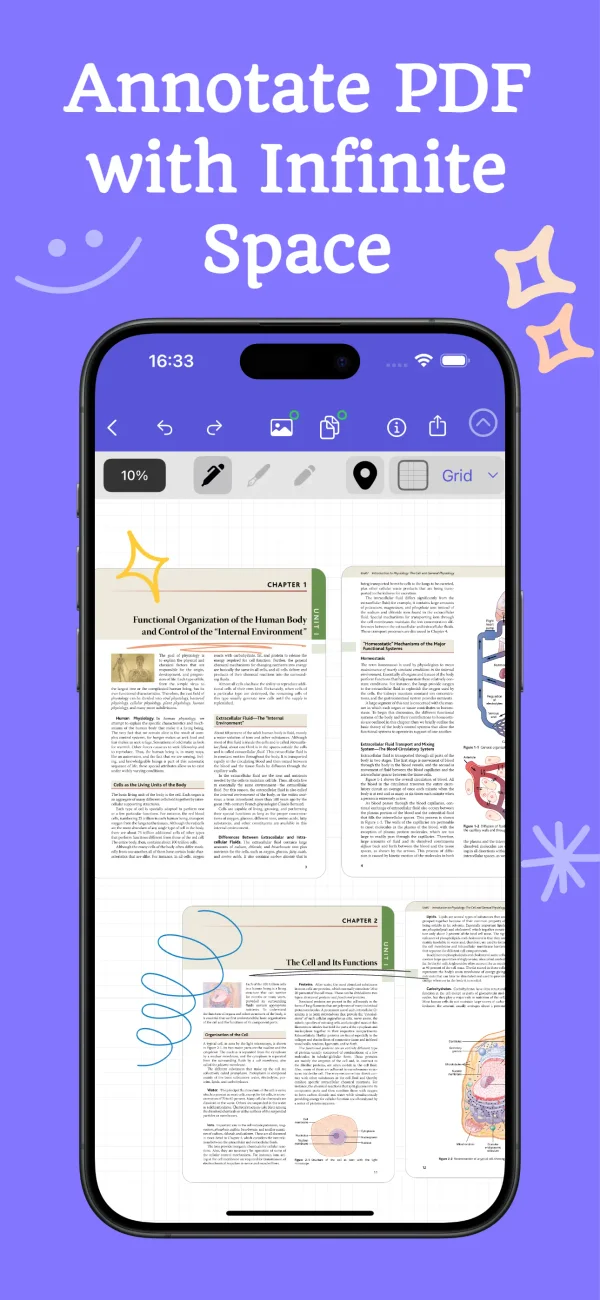
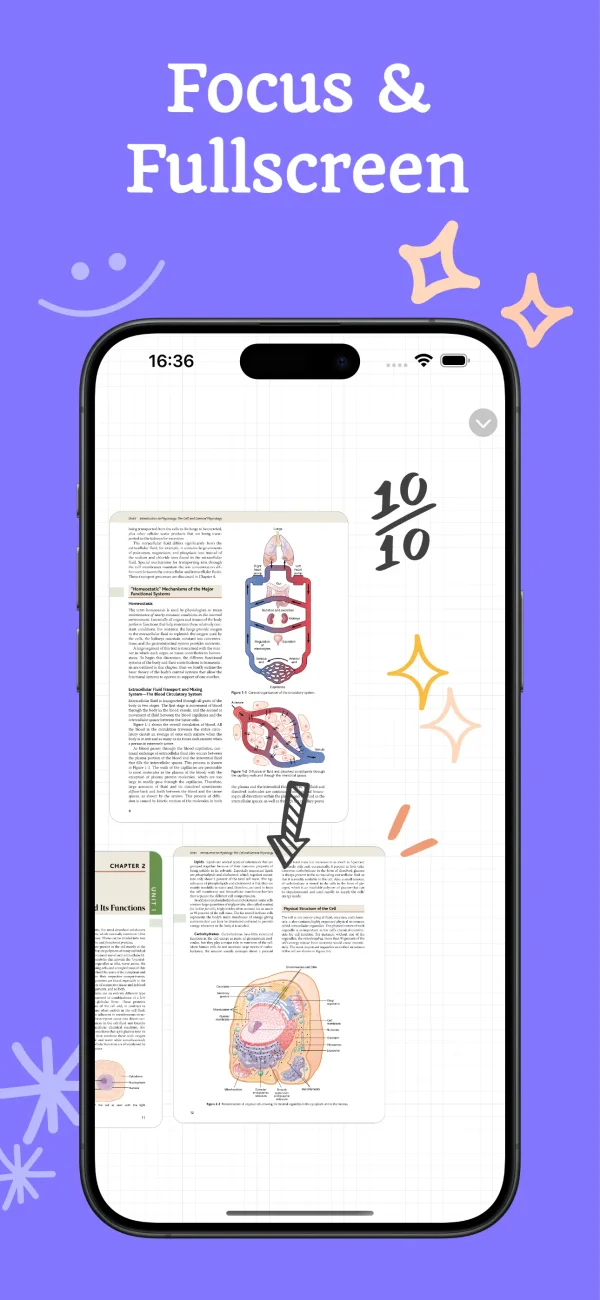
• Endless space to write, draw, and organize
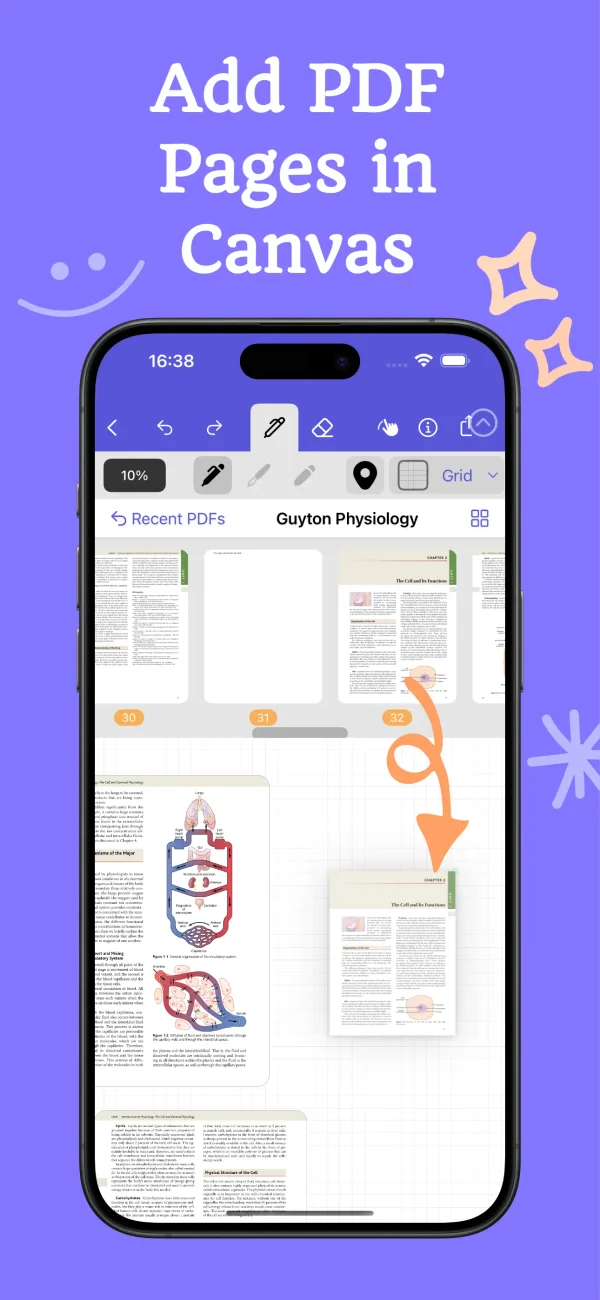
• Import, add and annotate PDFs on your canvas
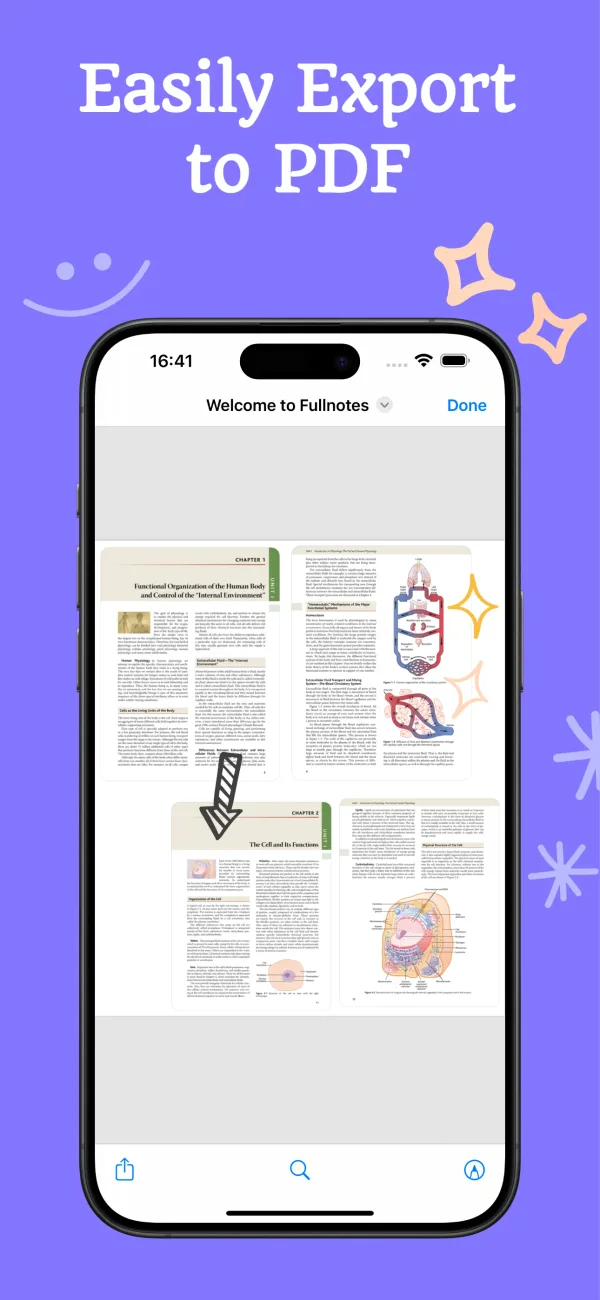
• Organize PDF pages in visual way
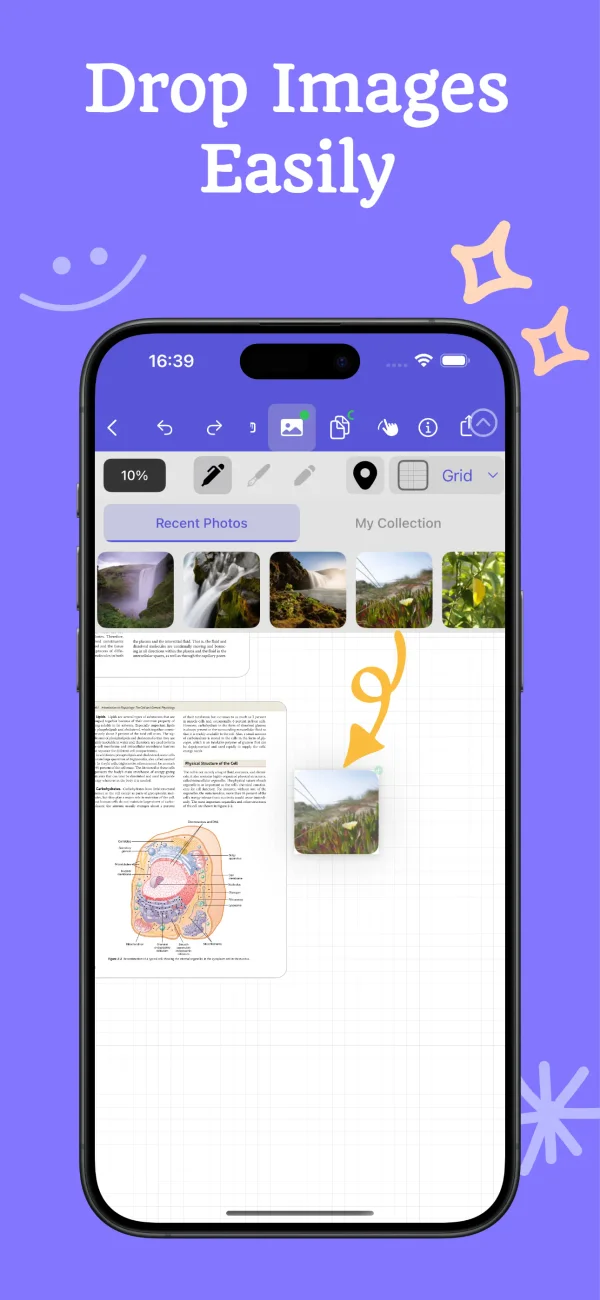
• Add images into canvas
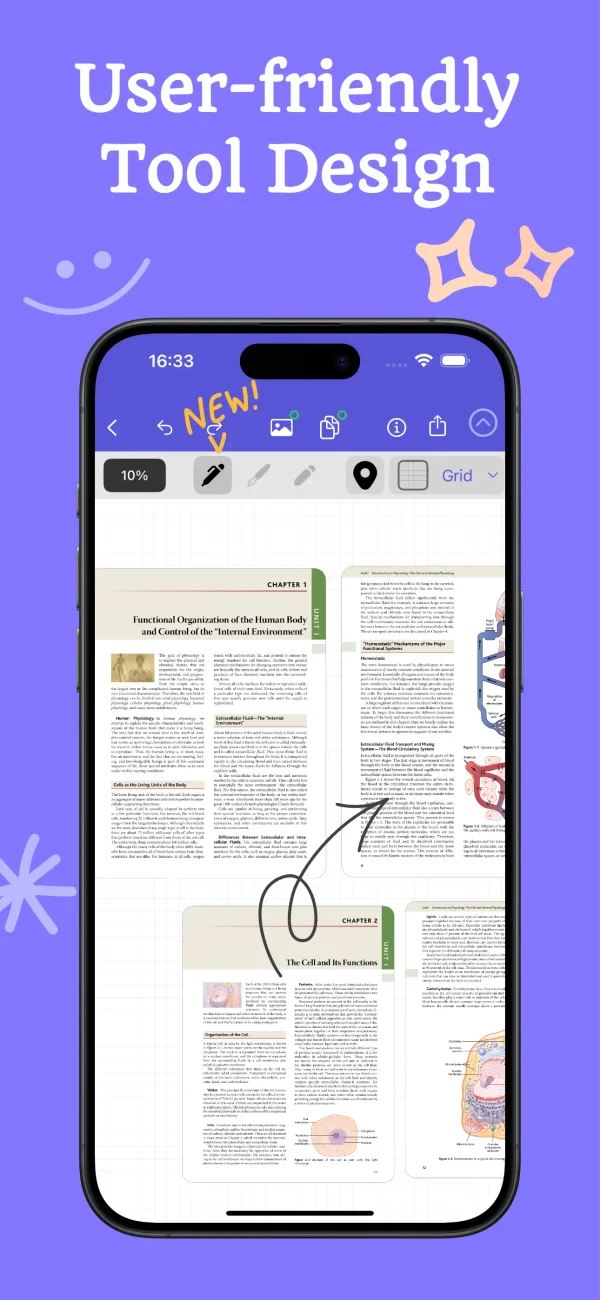
• Intuitive drawing and highlighting tools
• Easy zoom in/out for detail or overview
• Choose many different backgrounds
• Export your work to share with others
• iCloud sync across all your devices
• Clutter-free, distraction-free workspace
Seamlessly integrate with your existing tools - import from camera, document scanners, and other productivity apps.Bring your PDF pages, images, and sketches together in one intuitive app on an infinite canvas. Edit PDFs directly, use it as sticky notes, and organize your thoughts visually in spatial freeform notes.
Perfect for studying, summarizing idea, brainstorming, research, and project planning and making the good notes.
" Perfect for students, professionals, artists, and visual thinkers! "
Terms of Use: https://www.apple.com/legal/internet-services/itunes/dev/stdeula/
Privacy Policy: https://drive.google.com/file/d/1XROsA7XKc4tfOqbGLvdXG-PR5gzXHpsi/view?usp=sharing
Fullnotes offers optional in-app purchases, including a one-time lifetime unlock and auto-renewable subscription options.
Nouveautés
Version 3.7.3 · 21/11/2026
Thank you for your support and for using Fullnotes!
We promise to make the app better in every way possible.
Here's what we've updated:
• New Draw with Finger switch in the menu button, in notebook and canvas: write, highlight, erase, lasso, point with the laser and take screenshots with your finger on iPhone and iPad, without an Apple Pencil. While it's on, scroll with two fingers, and hold a finger still to paste or select PDF text
• Fixed long-pressing a blank part of a PDF page showing "No selectable text here" instead of Paste
• New Ink Prediction switch in the pen style menu in notebook mode: turn it on and ink reaches ahead to keep up with your Apple Pencil tip
Confidentialité de l’application
Ce que Komchan Maneechai déclare sur l’App Store au sujet du traitement des données par cette application.
-
Données n’établissant aucun lien avec vous
Peuvent être collectées, mais ne sont pas liées à votre identité.
- Achats
- Identifiants
Les pratiques en matière de confidentialité peuvent varier, notamment en fonction des fonctionnalités que vous utilisez ou de votre âge.
Informations
- Vendeur
- Komchan Maneechai
- Catégorie
- Productivité
- Version
- 3.7.3
- Mis à jour
- 21/11/2026
- Publié
- 28/02/2024
- Taille
- 226,0 Mo
- Nécessite
- iOS 17.0 ou version ultérieure
- Classification d’âge
- 4+
- Prix
- Gratuit
- Achats intégrés
- Oui
- Langues
- Anglais
- Copyright
- © 2025 Komchan Maneechai
Vous aimerez peut-être aussi
-
 Trio: Mindful Todo ListGentle Task Manager for Goals
-
 Unbound Note: Infinite CanvasProductivité
-
 Créateur de podcast IA · PODLMLLM Notes - Text To Speech
-
 Focus Timer: Minuteur PomodoroConcentration & Productivité
-
 Ahmni: Infinite CanvasProductivité
-
 Todoable: Daily PlannerFamille.Tâches.Organisateur
-
 Patagonia AI - Chat PrivéRespecte votre vie privée
-
 Editeur PDF-Scanner & SignerModifier PDF, Remplir & eSign
-
 UltraNotes - Note Taking & PDFProductivité
-
 AI Meeting Notes - TabloProductivité