
Fullnotes: PDF Notes & Canvas
PDF Reader, Annotate & Markup
Dirancang untuk iPhone, iPad
Gratis · Pembelian dalam aplikasi
- Batasan usia4+
- KategoriProduktivitas
- PengembangKomchan Maneechai
- BahasaInggris
- Ukuran226,0 MB
Tertaut ke halaman resmi App Store
Download.org tidak menyimpan file Fullnotes: PDF Notes & Canvas apa pun. Tombol ini membuka halaman aplikasi di App Store, tempat Komchan Maneechai menerbitkannya. Halaman terakhir diperiksa pada 23/11/2026.
Tangkapan layar

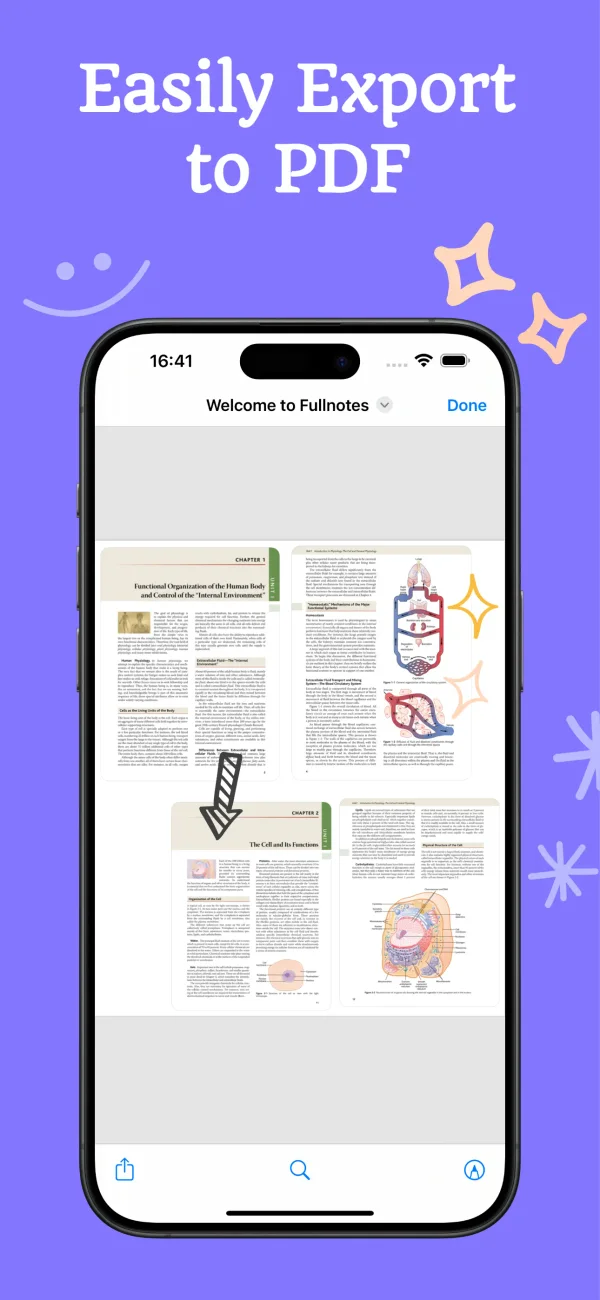

Tentang
Pengembang belum menyediakan teks ini dalam bahasa Anda.
Fullnotes: PDF Meet Infinite Canvas, Mindmap, Sticky notes
Key Features:
• Endless space to write, draw, and organize
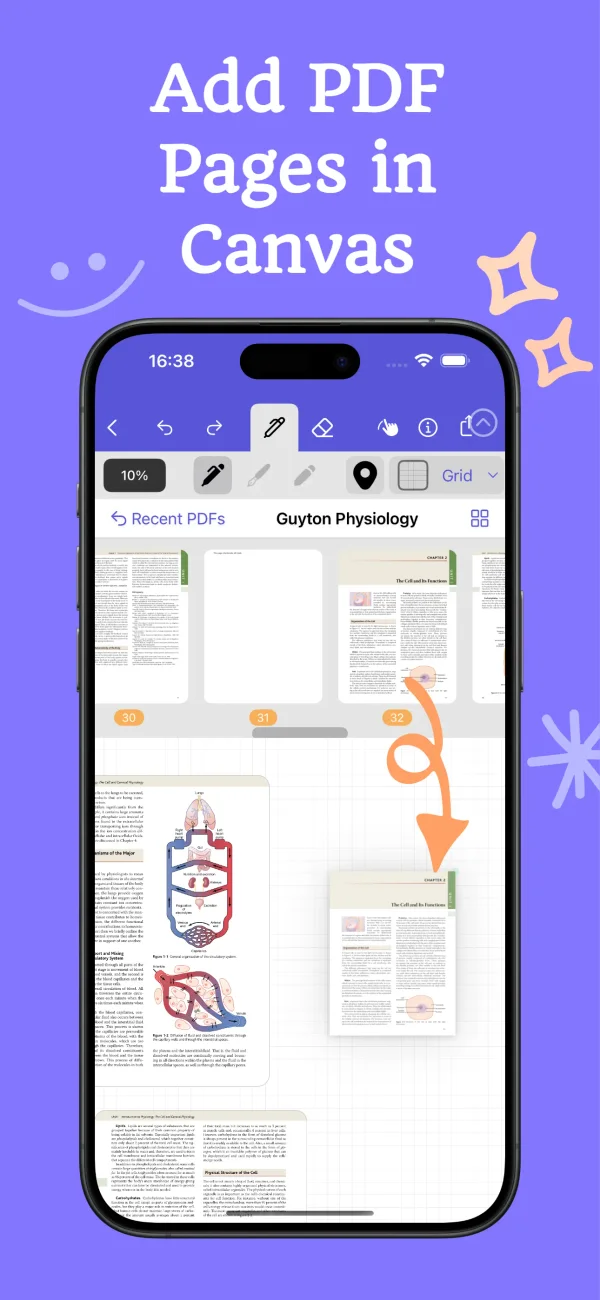
• Import, add and annotate PDFs on your canvas
• Organize PDF pages in visual way
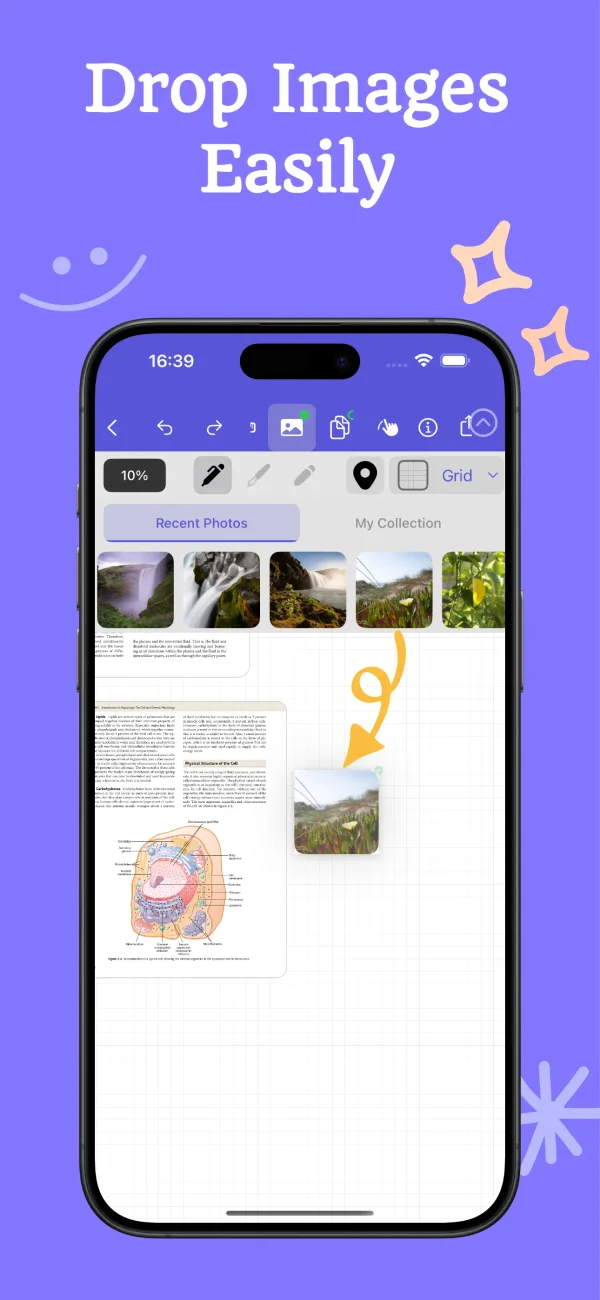
• Add images into canvas
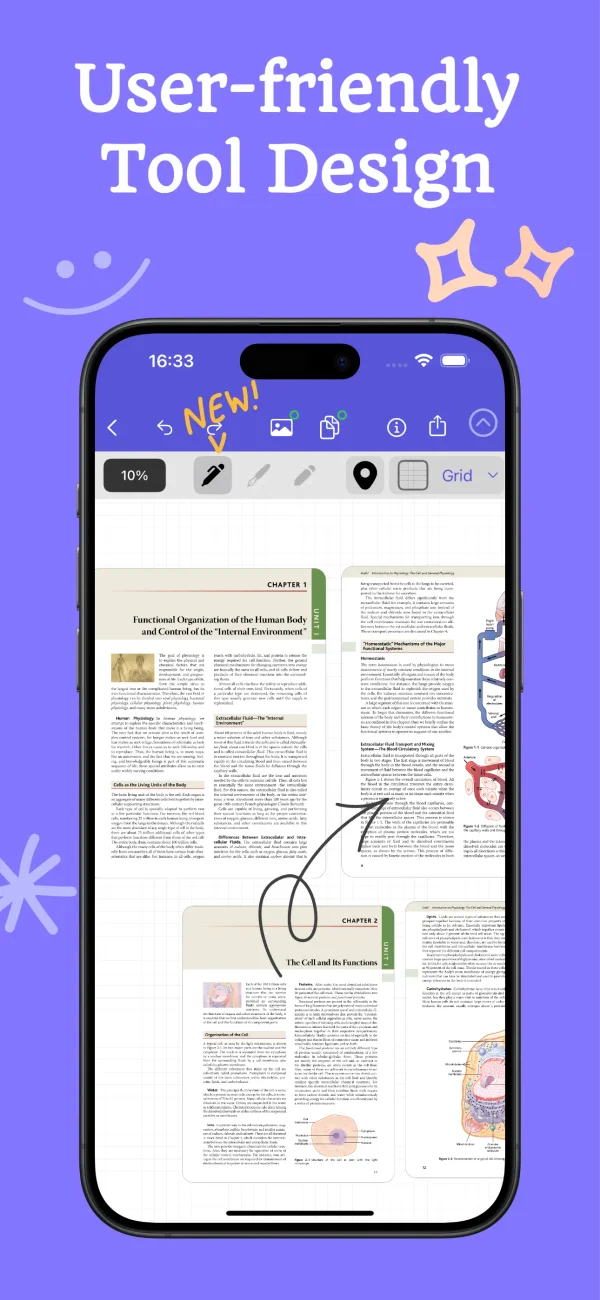
• Intuitive drawing and highlighting tools
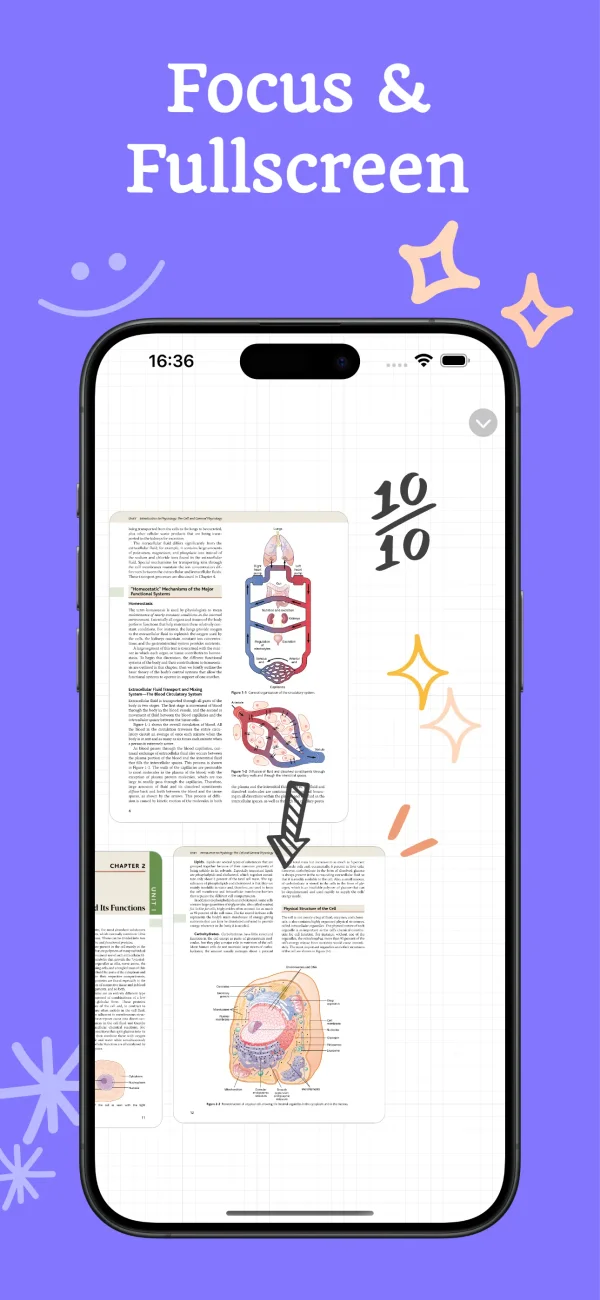
• Easy zoom in/out for detail or overview
• Choose many different backgrounds
• Export your work to share with others
• iCloud sync across all your devices
• Clutter-free, distraction-free workspace
Seamlessly integrate with your existing tools - import from camera, document scanners, and other productivity apps.Bring your PDF pages, images, and sketches together in one intuitive app on an infinite canvas. Edit PDFs directly, use it as sticky notes, and organize your thoughts visually in spatial freeform notes.
Perfect for studying, summarizing idea, brainstorming, research, and project planning and making the good notes.
" Perfect for students, professionals, artists, and visual thinkers! "
Terms of Use: https://www.apple.com/legal/internet-services/itunes/dev/stdeula/
Privacy Policy: https://drive.google.com/file/d/1XROsA7XKc4tfOqbGLvdXG-PR5gzXHpsi/view?usp=sharing
Fullnotes offers optional in-app purchases, including a one-time lifetime unlock and auto-renewable subscription options.
Yang baru
Versi 3.7.3 · 21/11/2026
Thank you for your support and for using Fullnotes!
We promise to make the app better in every way possible.
Here's what we've updated:
• New Draw with Finger switch in the menu button, in notebook and canvas: write, highlight, erase, lasso, point with the laser and take screenshots with your finger on iPhone and iPad, without an Apple Pencil. While it's on, scroll with two fingers, and hold a finger still to paste or select PDF text
• Fixed long-pressing a blank part of a PDF page showing "No selectable text here" instead of Paste
• New Ink Prediction switch in the pen style menu in notebook mode: turn it on and ink reaches ahead to keep up with your Apple Pencil tip
Privasi aplikasi
Yang dinyatakan Komchan Maneechai di App Store tentang cara aplikasi ini menangani data.
-
Data yang tidak ditautkan dengan Anda
Dapat dikumpulkan, tetapi tidak ditautkan dengan identitas Anda.
- Pembelian
- Pengenal
Praktik privasi dapat bervariasi, misalnya berdasarkan fitur yang Anda gunakan atau usia Anda.
Informasi
- Penjual
- Komchan Maneechai
- Kategori
- Produktivitas
- Versi
- 3.7.3
- Diperbarui
- 21/11/2026
- Dirilis
- 28/2/2024
- Ukuran
- 226,0 MB
- Memerlukan
- iOS 17.0 atau yang lebih baru
- Batasan usia
- 4+
- Harga
- Gratis
- Pembelian dalam aplikasi
- Ya
- Bahasa
- Inggris
- Hak cipta
- © 2025 Komchan Maneechai
Mungkin Anda juga suka
-
 Trio: Mindful Todo ListProduktivitas
-
 Unbound Note: Infinite CanvasProduktivitas
-
 AI Podcast Maker - PODLMProduktivitas
-
 Focus Timer: Pomodoro StudyProduktivitas
-
 Ahmni: Infinite CanvasProduktivitas
-
 Todoable: Family CalendarProduktivitas
-
 Patagonia AI - Obrolan PribadiPrivasi Anda dijaga oleh AI
-
 Aplikasi Tanda Tangan DigitalTtd Dokumen - Pemindai PDF
-
 UltraNotes - Note Taking & PDFProduktivitas
-
 AI Meeting Notes - TabloProduktivitas