- Clasificación por edad4+
- CategoríaProductividad
- Desarrolladordooho jin
- IdiomasInglés+ 2 más
- Tamaño39,0 MB
Enlaza a la página oficial de App Store
Download.org no aloja ningún archivo de GlanceMemo. El botón abre la página de la aplicación en App Store, donde la publica dooho jin. Ficha comprobada por última vez el 19/11/2026.
Capturas de pantalla


Acerca de
El desarrollador no ha proporcionado este texto en tu idioma.
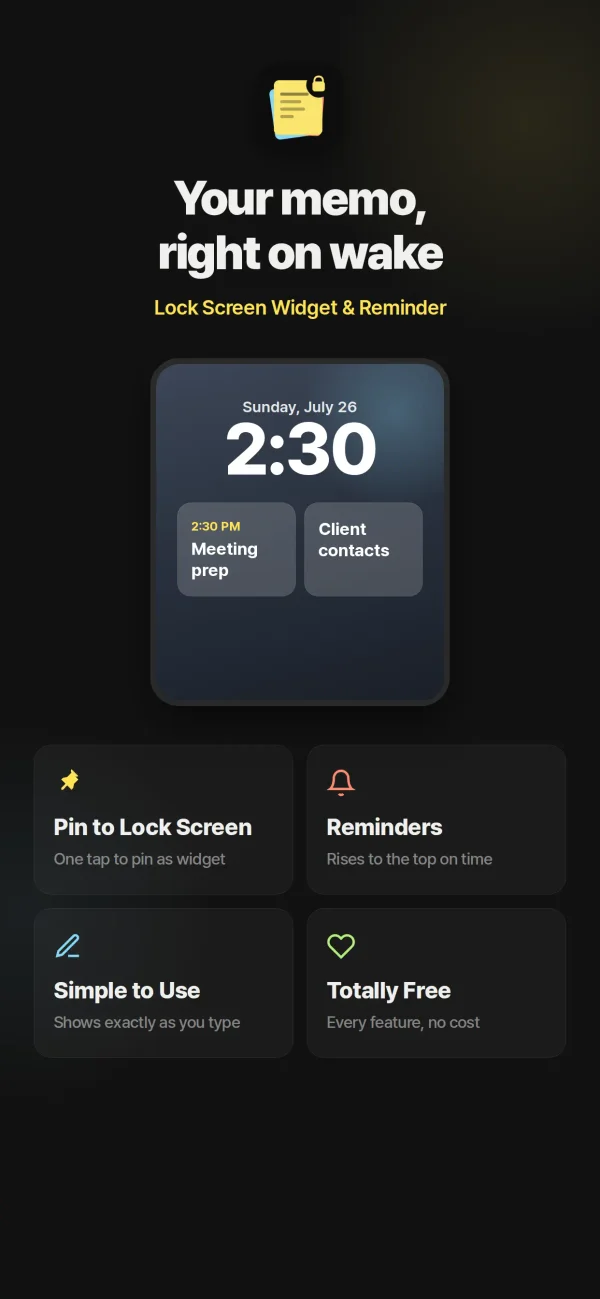
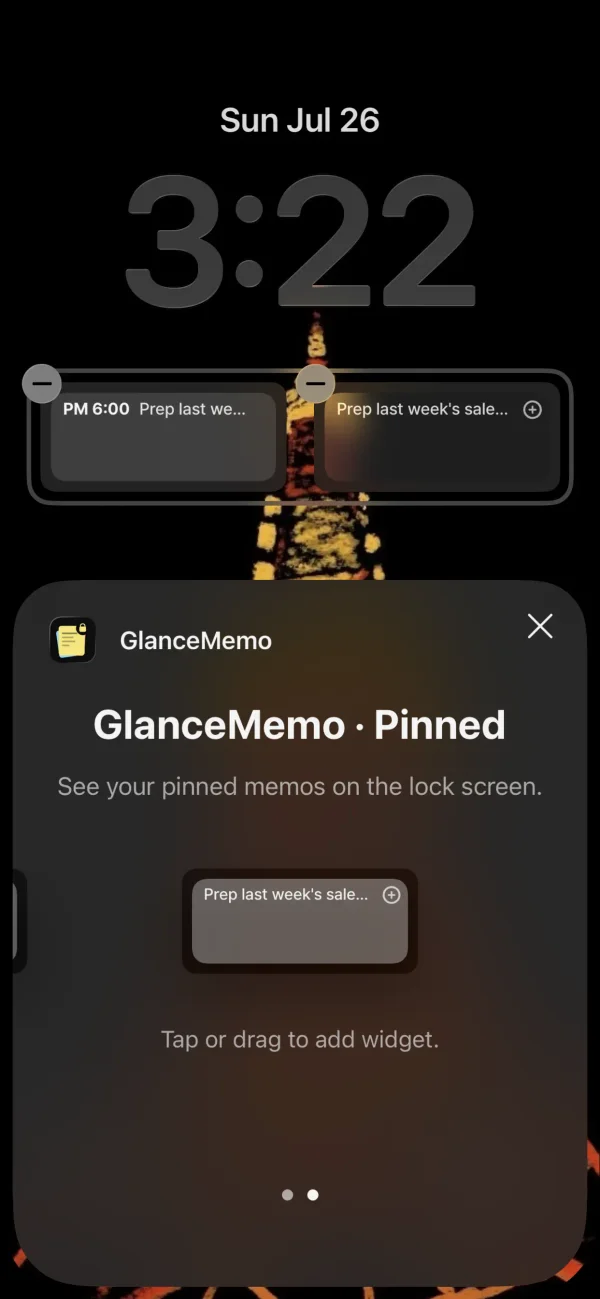
GlanceMemo is the simplest way to keep quick notes visible — right on your lock screen.
Most note apps require you to open them. GlanceMemo doesn't.
Every time you wake your phone, your important reminders and pinned notes are already there.
■ Key Features
• Pin up to 3 memos on your lock screen widget
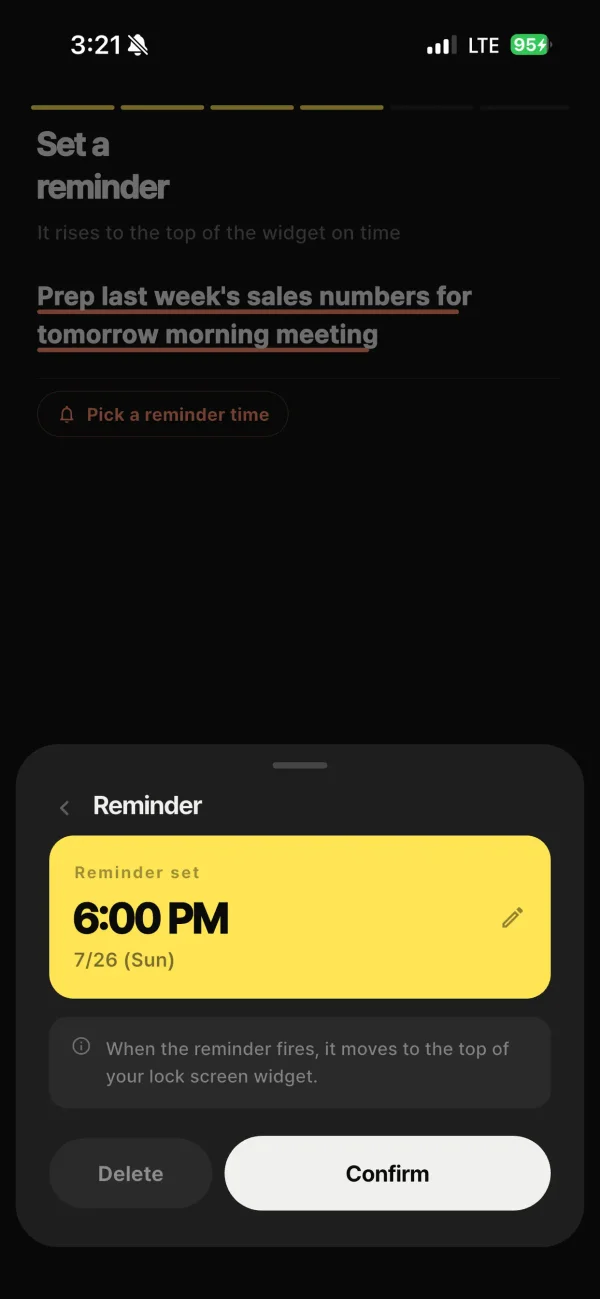
• Reminders widget — scheduled notes automatically float to the top when due
• The first line becomes the widget title (write naturally, no formatting fuss)
• Gentle reminders that surface exactly when you need them
• Beautiful in both light and dark mode
• Available in English, Korean, and Japanese
■ Perfect For
• "Meeting notes for tomorrow" — instantly visible on your morning phone check
• "Grocery list" — no need to open an app at the store
• "Take medication, drink water" — daily nudges that just work
• Quick thoughts, meeting agendas, things you don't want to forget
■ Why GlanceMemo? Other note apps disappear once you close them. GlanceMemo stays visible where you look most — your lock screen. Every phone check becomes a chance to remember what matters. Focused on the essentials: 3 pinned slots, 3 reminder slots — enough for what's important, no more.
■ How to Use
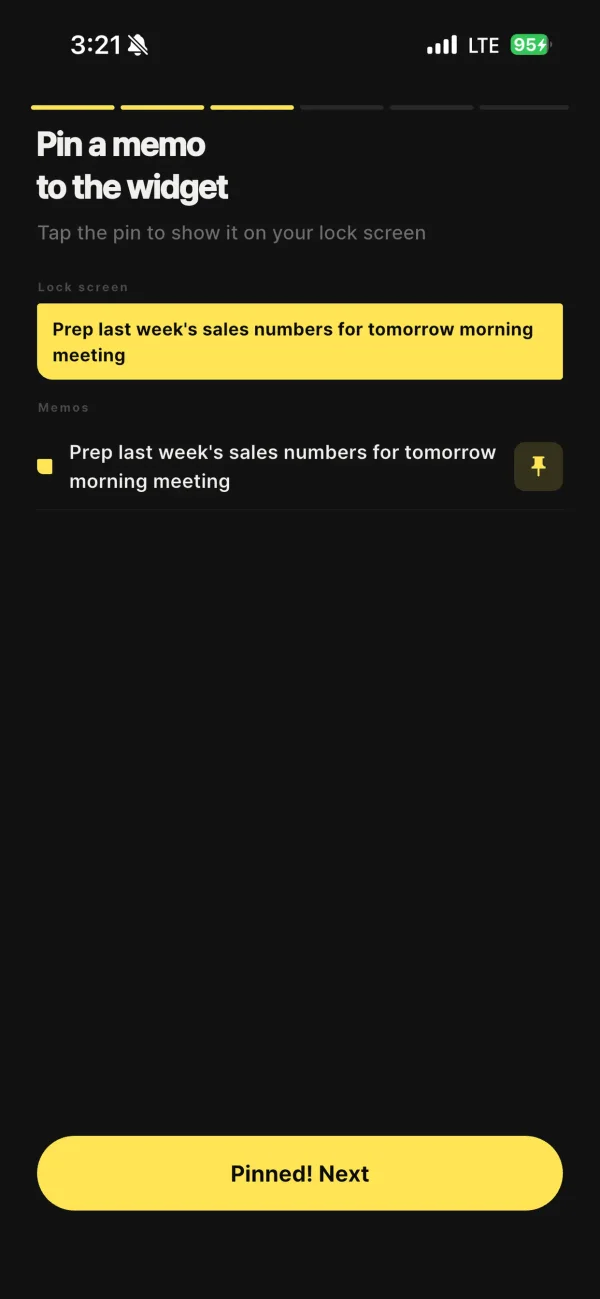
1. Open the app and write your first memo
2. Tap the pin icon in the memo list to pin it to the widget
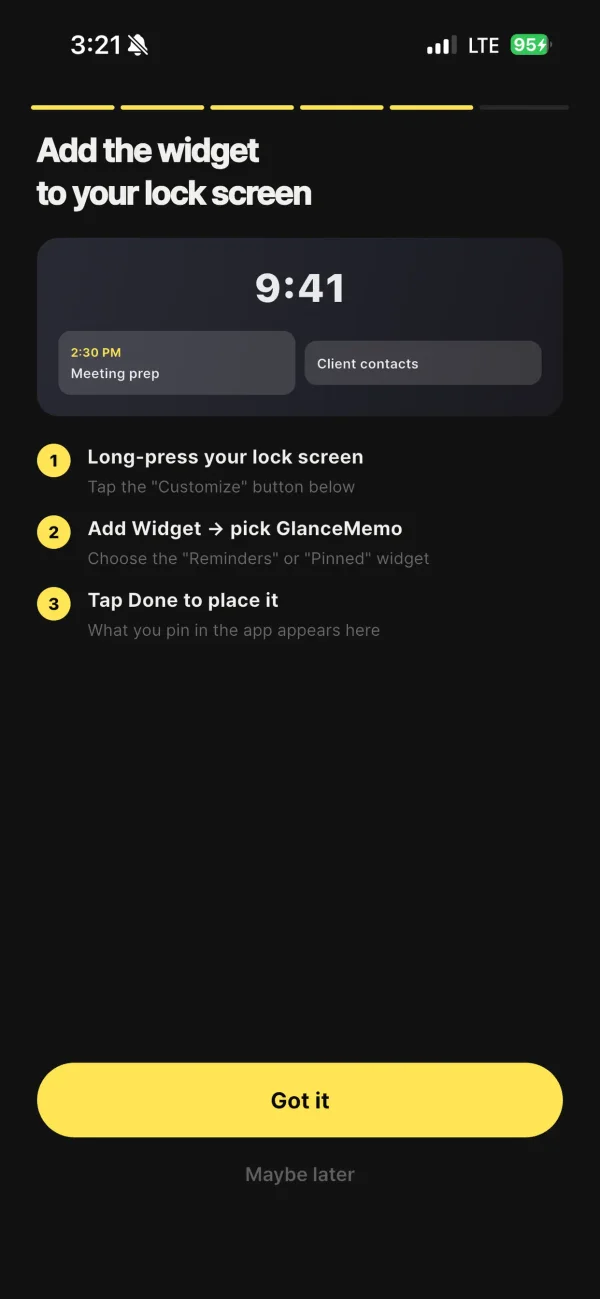
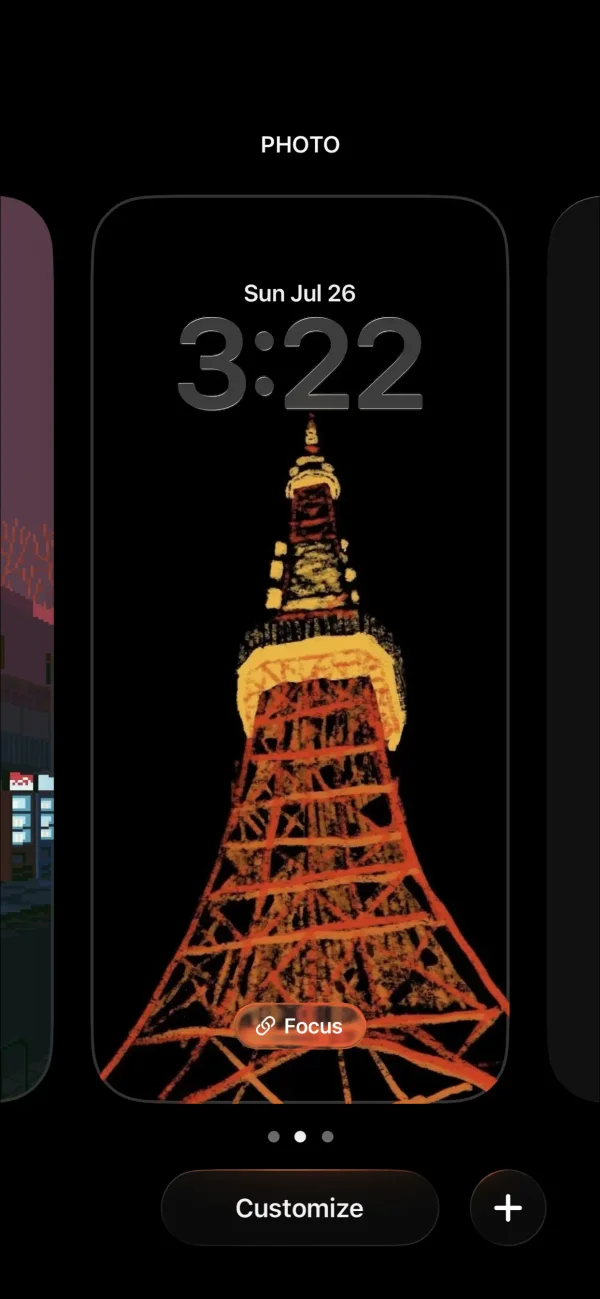
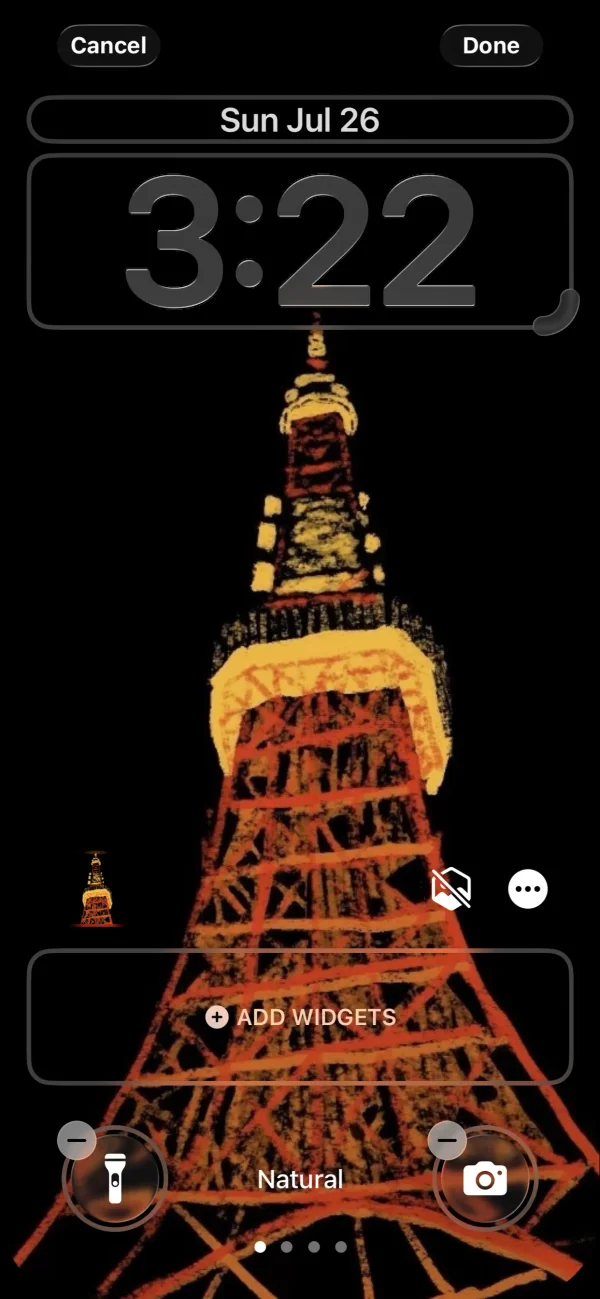
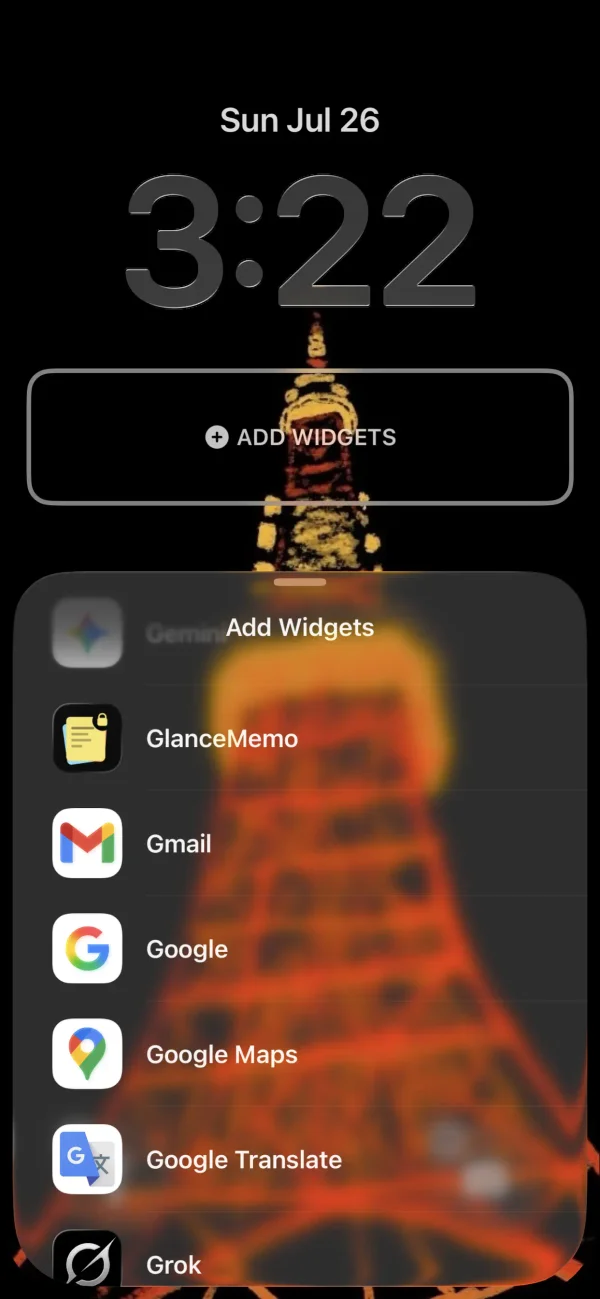
3. Long-press your lock screen → Customize → Add Widget → GlanceMemo
4. Now see it every time you wake your phone
■ Requirements • iOS 16.0 or later (Lock screen widgets are an iOS 16+ feature) Write simply. Always visible. Never open the app again.
Privacidad de la aplicación
Lo que dooho jin declara en App Store sobre cómo esta aplicación gestiona los datos.
-
Datos usados para rastrearte
Pueden usarse para rastrearte en aplicaciones y sitios web propiedad de otras empresas.
- Identificadores
- Datos de uso
-
Datos no vinculados a ti
Pueden recopilarse, pero no se vinculan a tu identidad.
- Identificadores
- Datos de uso
Las prácticas de privacidad pueden variar, por ejemplo, según las funciones que uses o tu edad.
Información
- Vendedor
- dooho jin
- Categoría
- Productividad
- Versión
- 1.0
- Actualizado
- 6/8/2026
- Publicado
- 5/8/2026
- Tamaño
- 39,0 MB
- Requiere
- iOS 16.4 o posterior
- Clasificación por edad
- 4+
- Precio
- Gratis
- Idiomas
- Inglés, Japonés, Coreano
- Copyright
- © Watanid Studio
Quizá también te guste
-
 Simple Notes by BlaxmithProductividad
-
 Today Events WidgetProductividad
-
 Vanishing NotesNotas rápidas que se destruyen
-
 Pinote — Lock Screen NoteProductividad
-
 hydo - 잠금화면 일정 공유 캘린더Productividad
-
 Study Smart - School timetableProductividad
-
 Lista de tareas: RecordatoriosOrganizador, compra, checklist
-
 Mote: Lock Screen NotesProductividad
-
 CompactCalendar - CalendarioCalendario y recordatorios
-
 Noti - Lock Screen NotesProductividad