- Batasan usia4+
- KategoriProduktivitas
- Pengembangdooho jin
- BahasaInggris+ 2 lainnya
- Ukuran39,0 MB
Tertaut ke halaman resmi App Store
Download.org tidak menyimpan file GlanceMemo apa pun. Tombol ini membuka halaman aplikasi di App Store, tempat dooho jin menerbitkannya. Halaman terakhir diperiksa pada 19/11/2026.
Tangkapan layar


Tentang
Pengembang belum menyediakan teks ini dalam bahasa Anda.
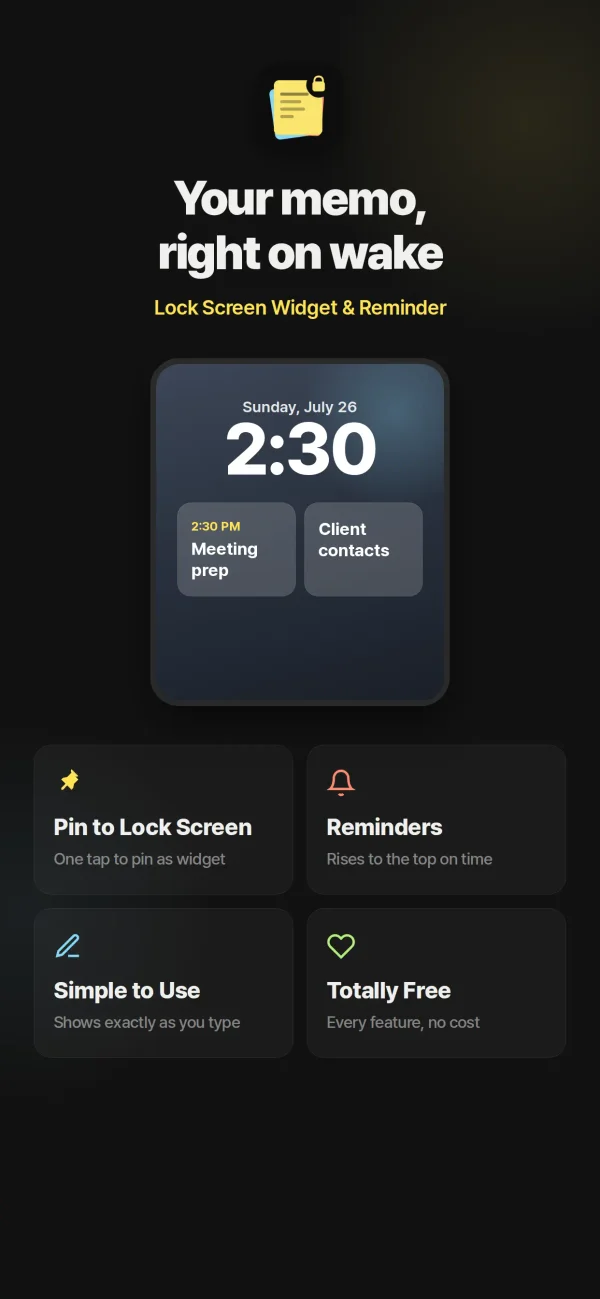
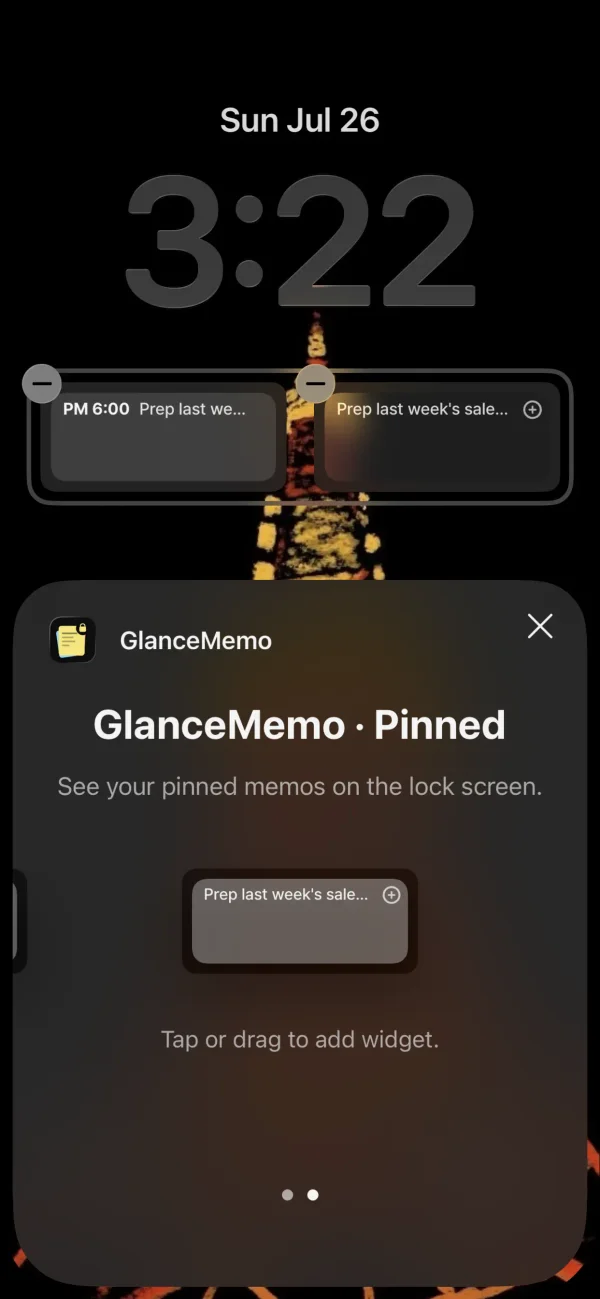
GlanceMemo is the simplest way to keep quick notes visible — right on your lock screen.
Most note apps require you to open them. GlanceMemo doesn't.
Every time you wake your phone, your important reminders and pinned notes are already there.
■ Key Features
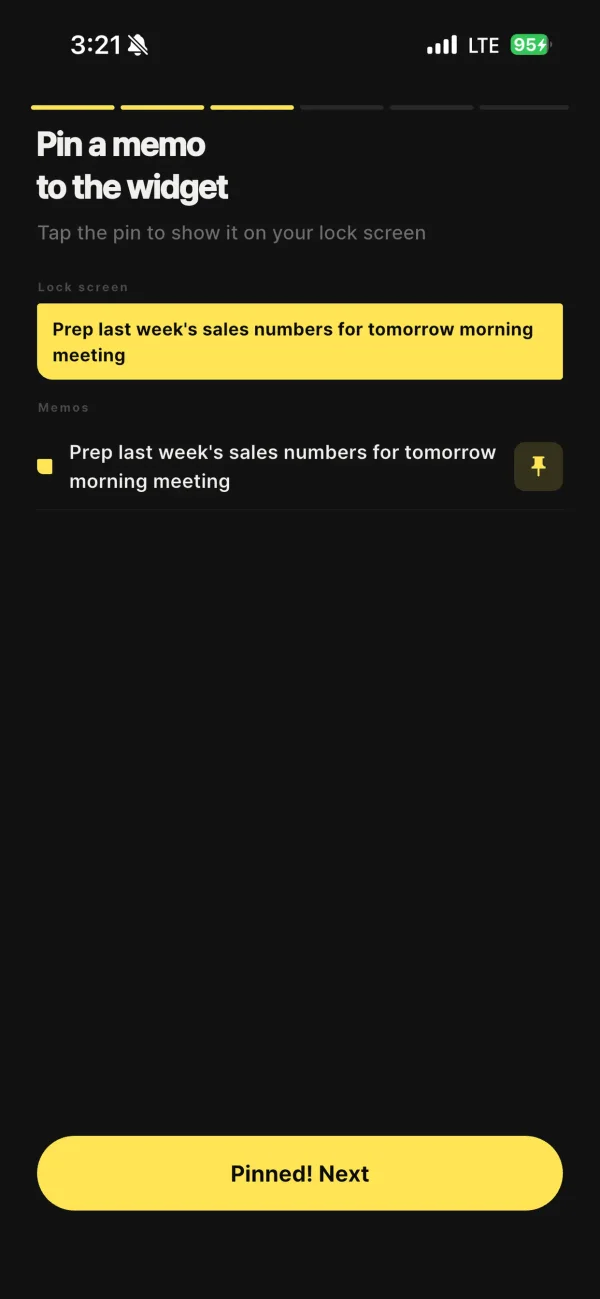
• Pin up to 3 memos on your lock screen widget
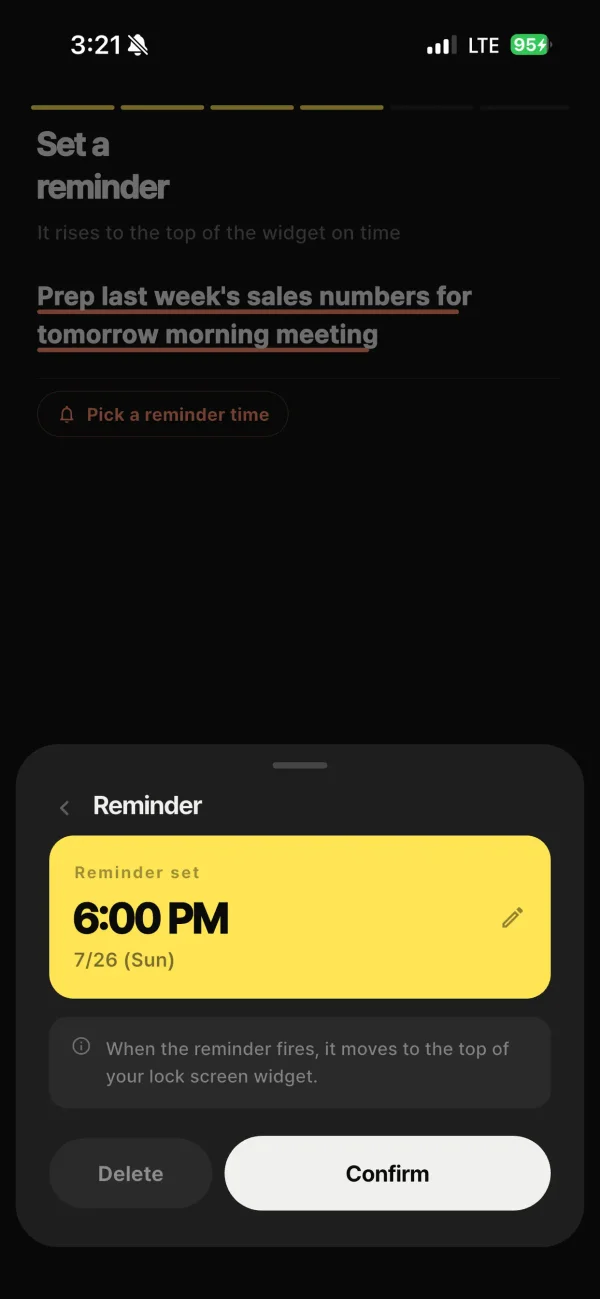
• Reminders widget — scheduled notes automatically float to the top when due
• The first line becomes the widget title (write naturally, no formatting fuss)
• Gentle reminders that surface exactly when you need them
• Beautiful in both light and dark mode
• Available in English, Korean, and Japanese
■ Perfect For
• "Meeting notes for tomorrow" — instantly visible on your morning phone check
• "Grocery list" — no need to open an app at the store
• "Take medication, drink water" — daily nudges that just work
• Quick thoughts, meeting agendas, things you don't want to forget
■ Why GlanceMemo? Other note apps disappear once you close them. GlanceMemo stays visible where you look most — your lock screen. Every phone check becomes a chance to remember what matters. Focused on the essentials: 3 pinned slots, 3 reminder slots — enough for what's important, no more.
■ How to Use
1. Open the app and write your first memo
2. Tap the pin icon in the memo list to pin it to the widget
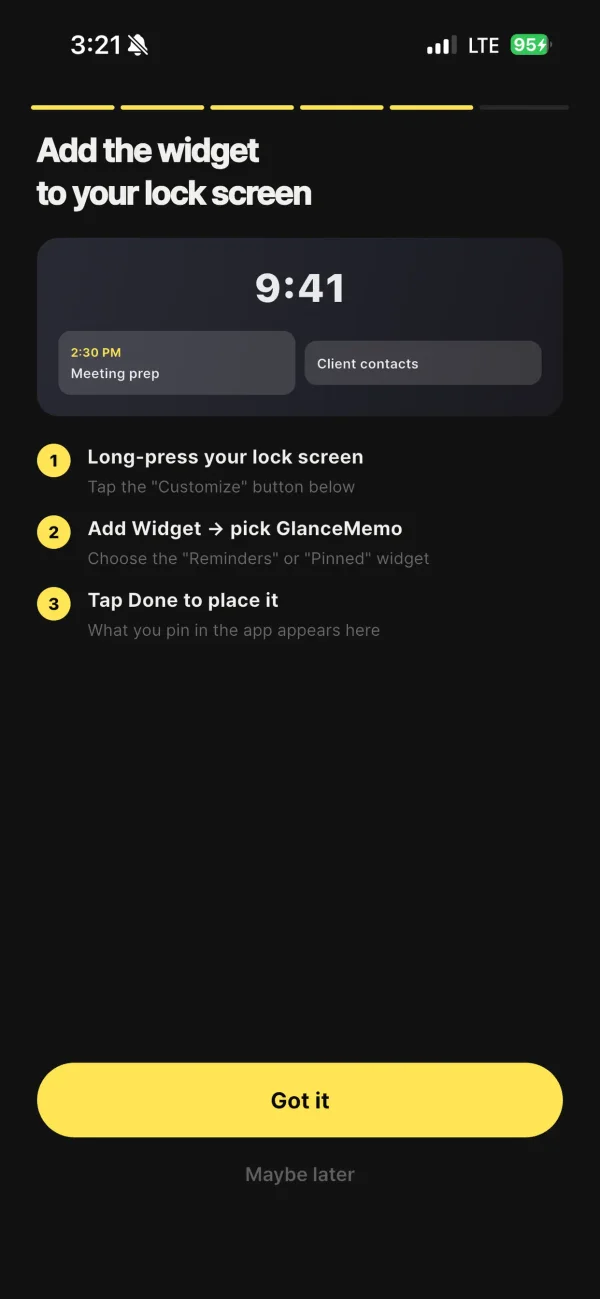
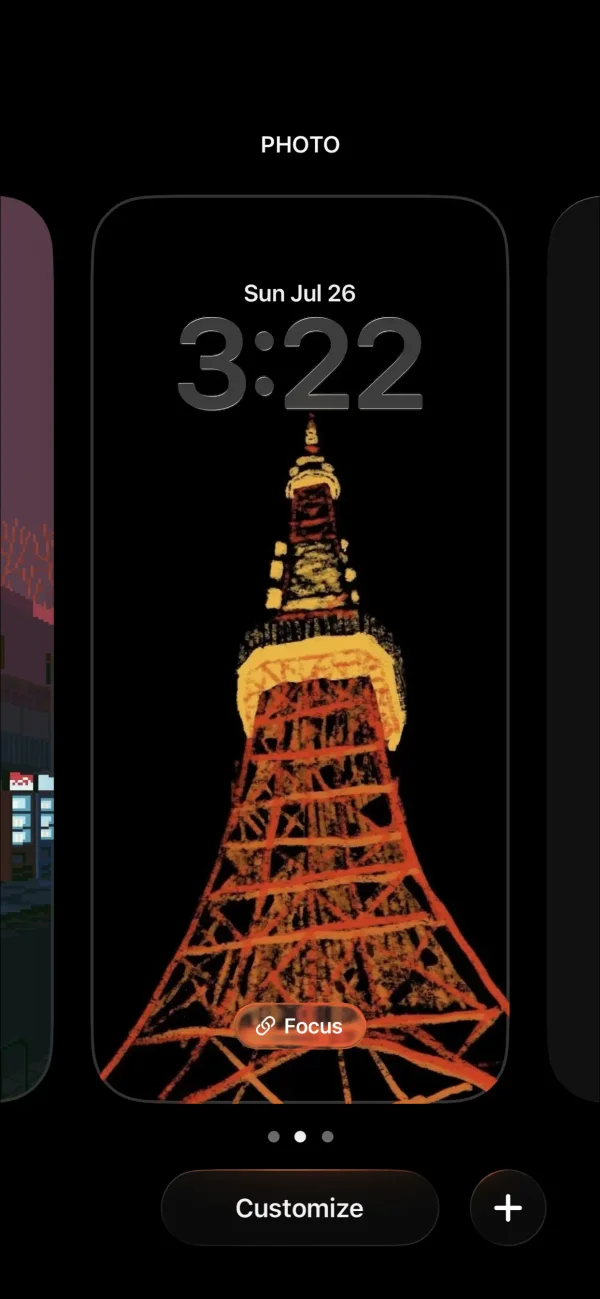
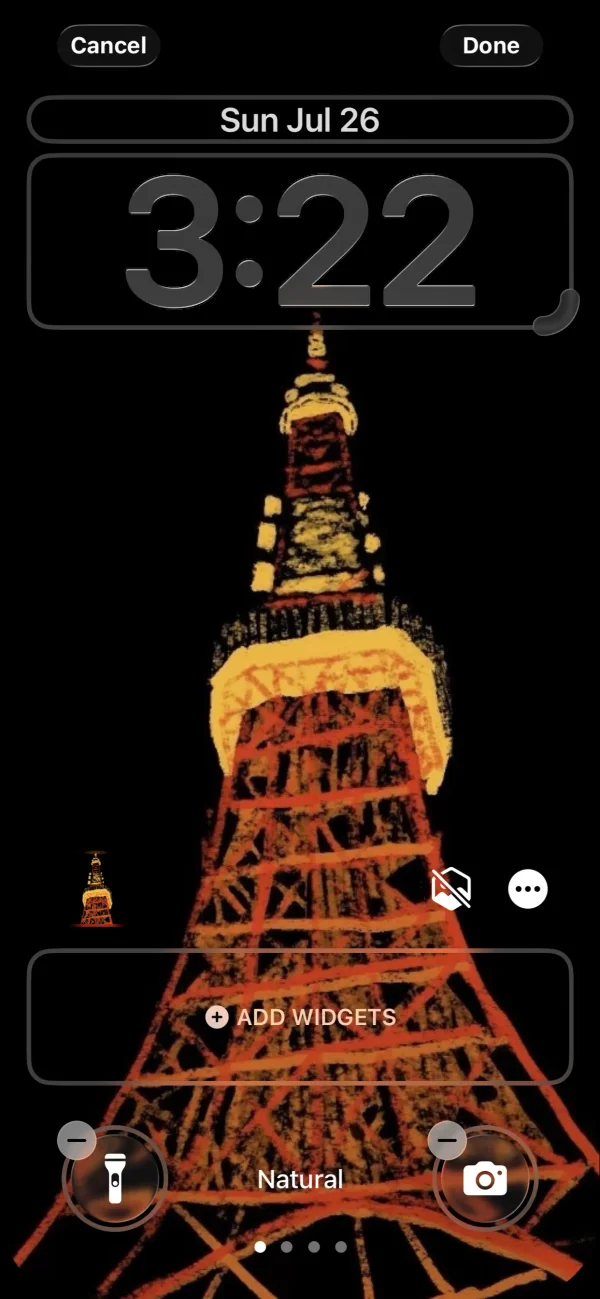
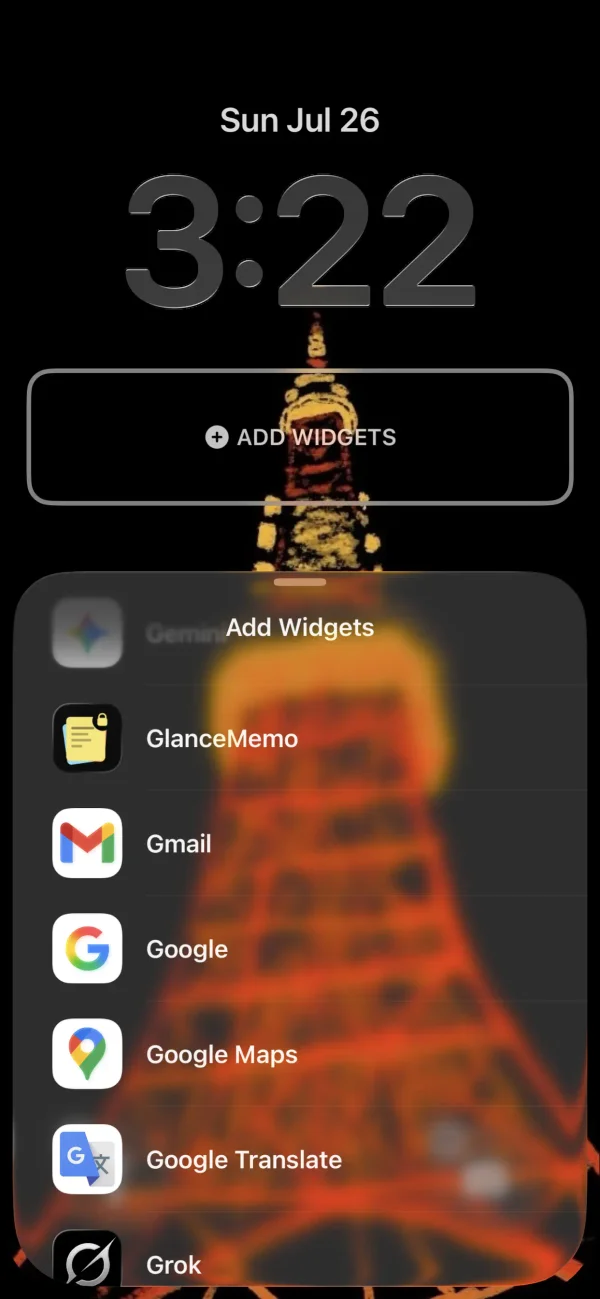
3. Long-press your lock screen → Customize → Add Widget → GlanceMemo
4. Now see it every time you wake your phone
■ Requirements • iOS 16.0 or later (Lock screen widgets are an iOS 16+ feature) Write simply. Always visible. Never open the app again.
Privasi aplikasi
Yang dinyatakan dooho jin di App Store tentang cara aplikasi ini menangani data.
-
Data yang digunakan untuk melacak Anda
Dapat digunakan untuk melacak Anda di aplikasi dan situs web milik perusahaan lain.
- Pengenal
- Data penggunaan
-
Data yang tidak ditautkan dengan Anda
Dapat dikumpulkan, tetapi tidak ditautkan dengan identitas Anda.
- Pengenal
- Data penggunaan
Praktik privasi dapat bervariasi, misalnya berdasarkan fitur yang Anda gunakan atau usia Anda.
Informasi
- Penjual
- dooho jin
- Kategori
- Produktivitas
- Versi
- 1.0
- Diperbarui
- 6/8/2026
- Dirilis
- 5/8/2026
- Ukuran
- 39,0 MB
- Memerlukan
- iOS 16.4 atau yang lebih baru
- Batasan usia
- 4+
- Harga
- Gratis
- Bahasa
- Inggris, Jepang, Korea
- Hak cipta
- © Watanid Studio
Mungkin Anda juga suka
-
 Simple Notes by BlaxmithProduktivitas
-
 Today Events WidgetProduktivitas
-
 Vanishing NotesProduktivitas
-
 Pinote — Lock Screen NoteProduktivitas
-
 hydo - 잠금화면 일정 공유 캘린더Produktivitas
-
 Study Smart - School timetableProduktivitas
-
 Daftar Tugas: To Do ListPengingat, belanja & checklist
-
 Mote: Lock Screen NotesProduktivitas
-
 CompactCalendar - KalenderKalender dan pengingat
-
 Noti - Lock Screen NotesProduktivitas