
Griddal: Carousel & Grid Maker
Swipe Layouts & Photo Splits
Diseñada para iPhone
Gratis · Compras en la aplicación
- Clasificación por edad4+
- CategoríaFoto y vídeo
- DesarrolladorFoobar Creative
- IdiomasInglés+ 37 más
- Tamaño43,9 MB
Enlaza a la página oficial de App Store
Download.org no aloja ningún archivo de Griddal: Carousel & Grid Maker. El botón abre la página de la aplicación en App Store, donde la publica Foobar Creative. Ficha comprobada por última vez el 12/11/2026.
Capturas de pantalla

Acerca de
El desarrollador no ha proporcionado este texto en tu idioma.
Griddal turns one photo into content that looks right the moment you post it.
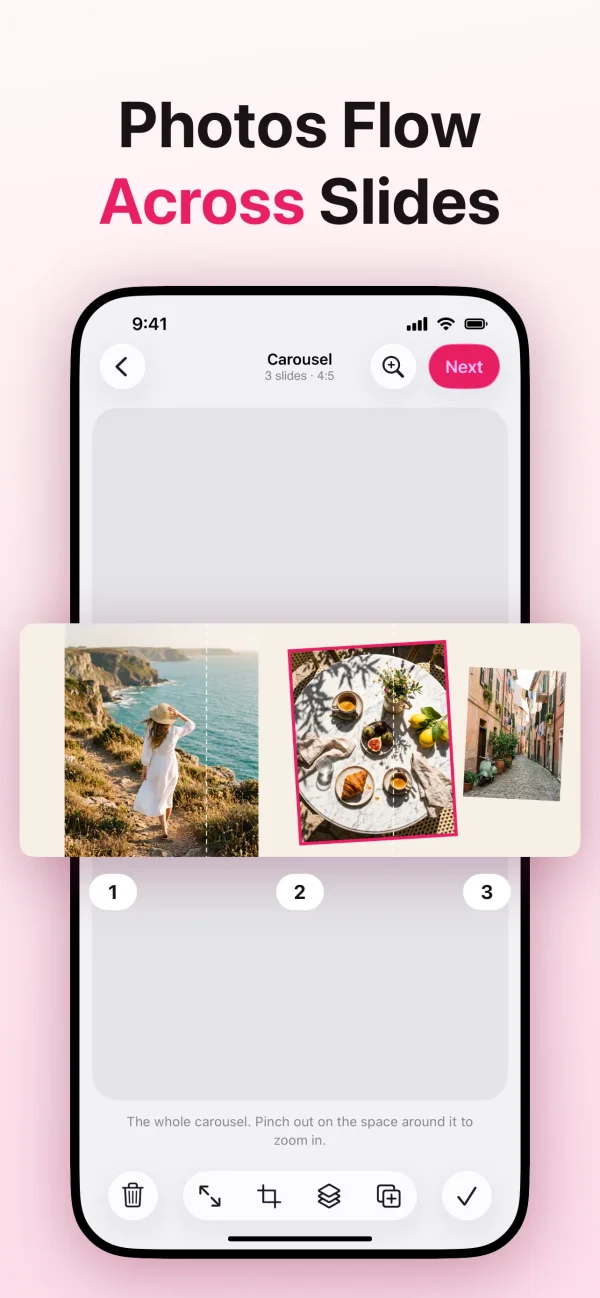
Make seamless carousels. Start with one wide canvas, add your photos, then drag, pinch and rotate them across the slide seams so the swipe flows as one continuous image. Choose 2 to 10 slides in 4:5, 3:4 or 1:1. Edge snapping keeps everything aligned, and a built-in crop tool fine-tunes each frame.
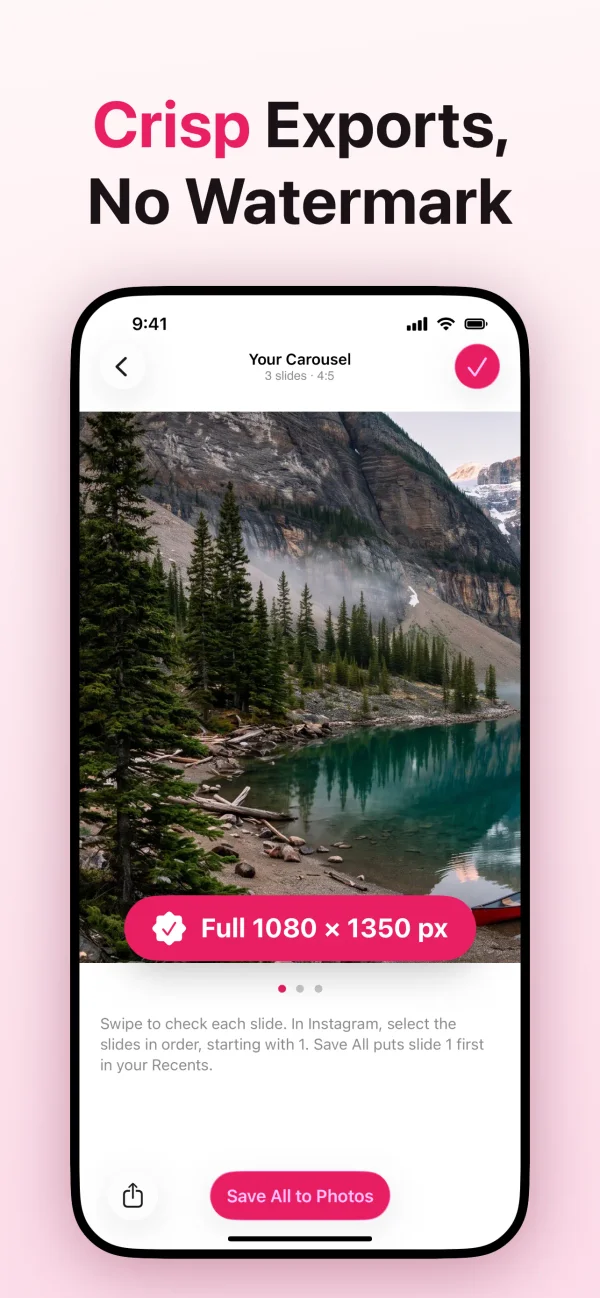
Export that lines up. Every slide saves at 1080 px wide, drawn from your full-resolution photos so the seams match on the feed. Preview the swipe before you export, then Save All to Photos with slide 1 first in your Recents, or share straight away.
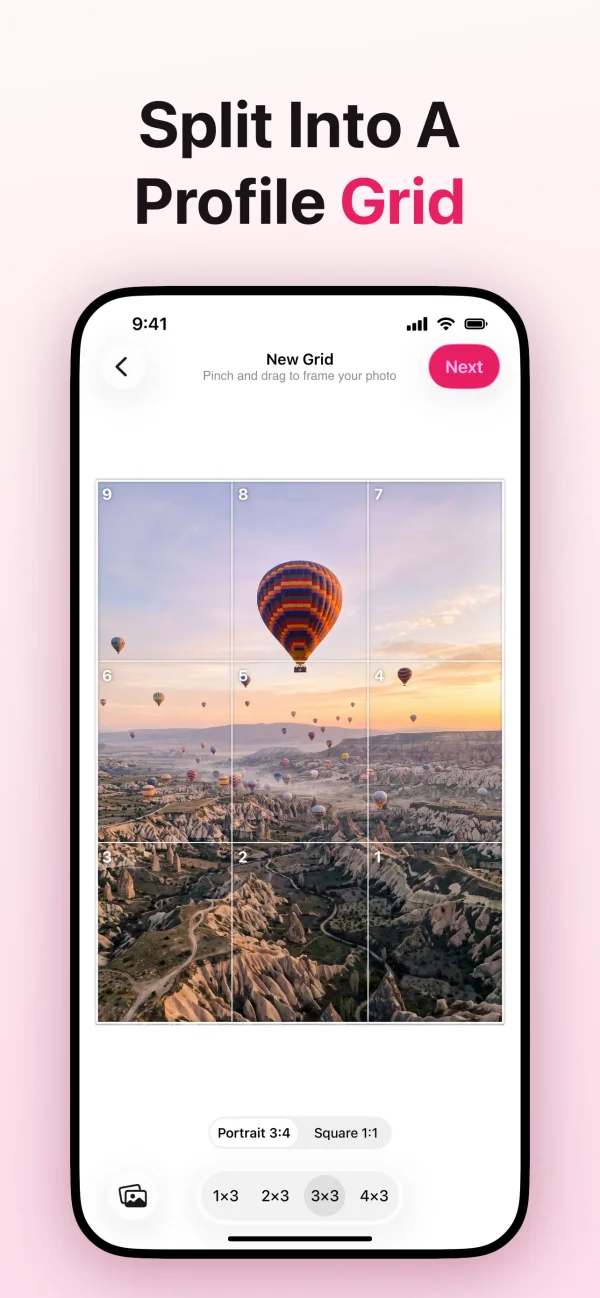
Split a photo into a profile grid. Turn one image into a clean grid, from 3x1 up to 3x5 tiles, in 3:4 (the current profile grid shape) or 1:1. Older square splitters leave you cropped on a modern profile. Griddal does not.
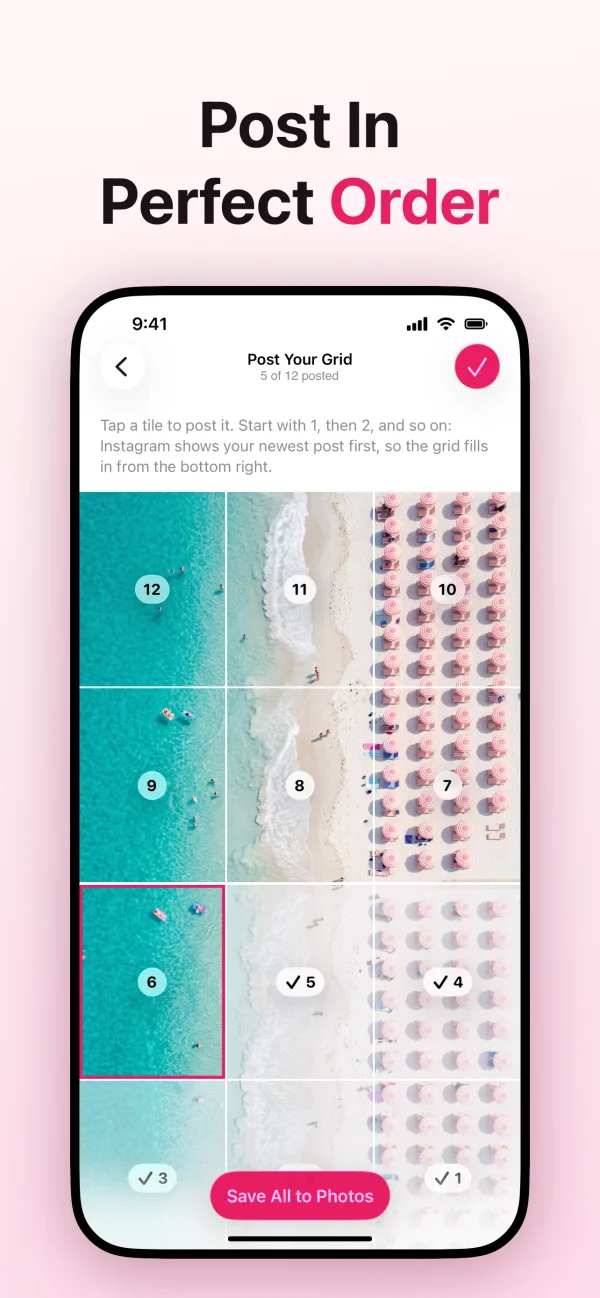
Post in the right order. Tiles are numbered in posting order, starting bottom right. Tap a tile to share it, mark it posted as you go, and resume later without losing your place.
Private by design. Griddal works offline with no account and no sign-up. Your projects stay on your device. No ads, no tracking, no watermark on your exports.
Built to be fast and crisp, not another slow template gallery.
Instagram and IG are trademarks of Instagram
Novedades
Versión 2.0 · 19/10/2026
New in 2.0:
- Seamless carousels: spread one wide photo across 2 to 10 slides so the swipe lines up, in 4:5, 3:4 or 1:1.
- Layer, drag, pinch and rotate multiple photos across the slide seams, with edge snapping and a crop tool.
- Profile grid splits in 3:4 (the current profile shape) or 1:1, with tiles numbered in posting order.
Privacidad de la aplicación
Lo que Foobar Creative declara en App Store sobre cómo esta aplicación gestiona los datos.
-
Datos no vinculados a ti
Pueden recopilarse, pero no se vinculan a tu identidad.
- Compras
- Diagnóstico
Las prácticas de privacidad pueden variar, por ejemplo, según las funciones que uses o tu edad.
Información
- Vendedor
- Foobar Creative
- Categoría
- Foto y vídeo
- Versión
- 2.0
- Actualizado
- 19/10/2026
- Publicado
- 3/8/2017
- Tamaño
- 43,9 MB
- Requiere
- iOS 18.0 o posterior
- Clasificación por edad
- 4+
- Precio
- Gratis
- Compras en la aplicación
- Sí
- Idiomas
- Inglés, Árabe, Azerí, Búlgaro, Catalán, Croata, Checo, Danés, Neerlandés, Finés, Francés, Alemán + 26 más
- Copyright
- © 2017 Foobar Creative
Quizá también te guste
-
 Split the Pic: New Grid layoutGrid Photo Maker
-
 Tall Grid Maker: 9 Photo SplitFoto y vídeo
-
 Collage de fotos ⋆Collage de fotos para Insta
-
 Grids - Diseño para InstagramOrganizar Fotos de Perfil Feed
-
 Grid Maker & No Crop PhotoFoto y vídeo
-
 Grid Maker - GridzillaFoto y vídeo
-
 PhotoSplit for InstagramFoto y vídeo
-
 Creador de Rejilla FotográficaFeed Preview and Layout
-
 Grid・Photo Split for InstagramFoto y vídeo
-
 Grids - CuadrículasCrea el diseño de tu perfil