
- 対象年齢4+
- カテゴリ写真/ビデオ
- 開発元Foobar Creative
- 言語英語ほか37言語
- サイズ43.9 MB
App Storeの公式ページにリンクしています
Download.orgはGriddal: Carousel & Grid Makerのファイルを一切ホストしていません。ボタンを押すと、Foobar Creativeが公開しているApp Storeのアプリページが開きます。ページの最終確認:2026/11/12。
スクリーンショット

概要
開発元はこのテキストをお使いの言語で提供していません。
Griddal turns one photo into content that looks right the moment you post it.
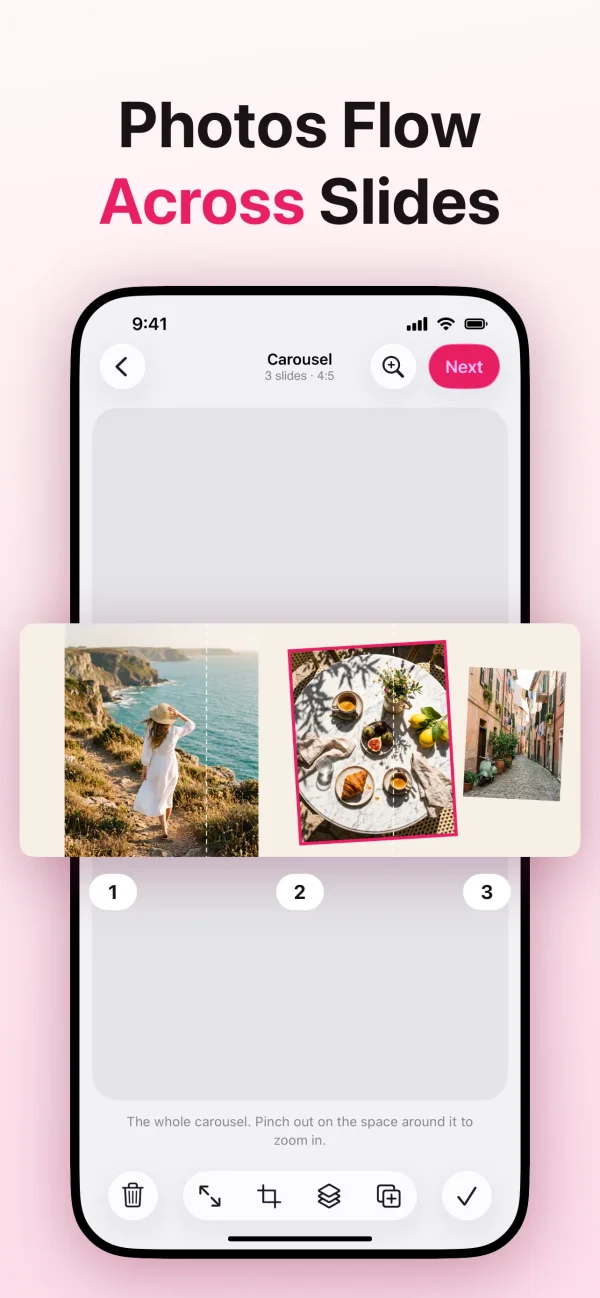
Make seamless carousels. Start with one wide canvas, add your photos, then drag, pinch and rotate them across the slide seams so the swipe flows as one continuous image. Choose 2 to 10 slides in 4:5, 3:4 or 1:1. Edge snapping keeps everything aligned, and a built-in crop tool fine-tunes each frame.
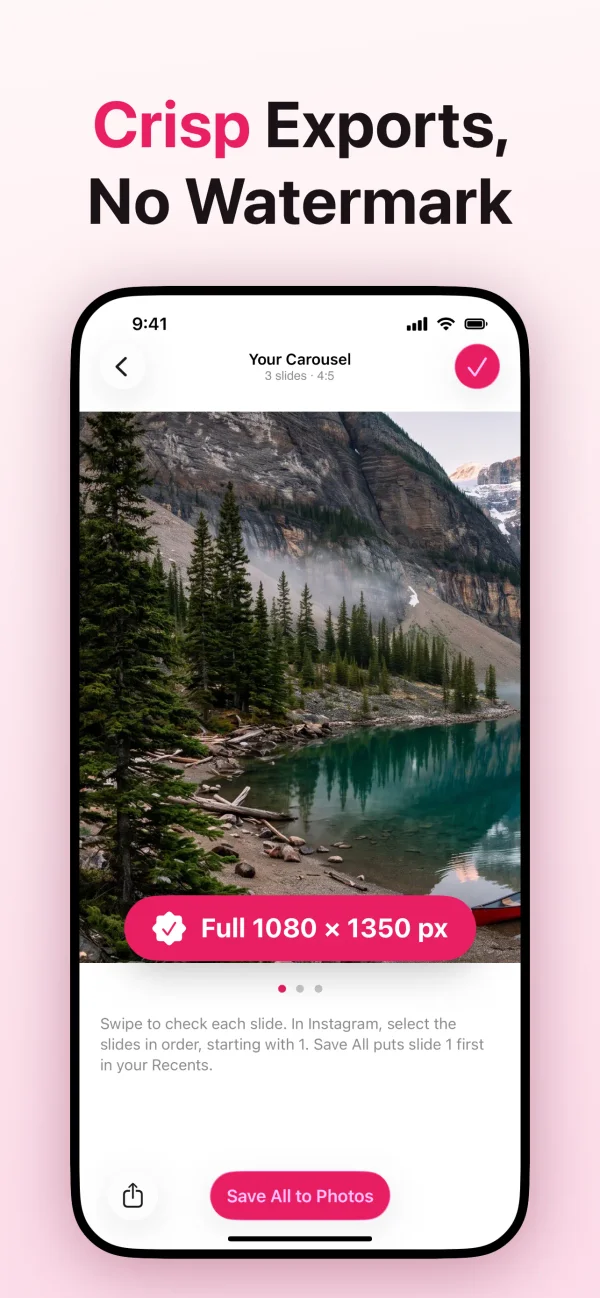
Export that lines up. Every slide saves at 1080 px wide, drawn from your full-resolution photos so the seams match on the feed. Preview the swipe before you export, then Save All to Photos with slide 1 first in your Recents, or share straight away.
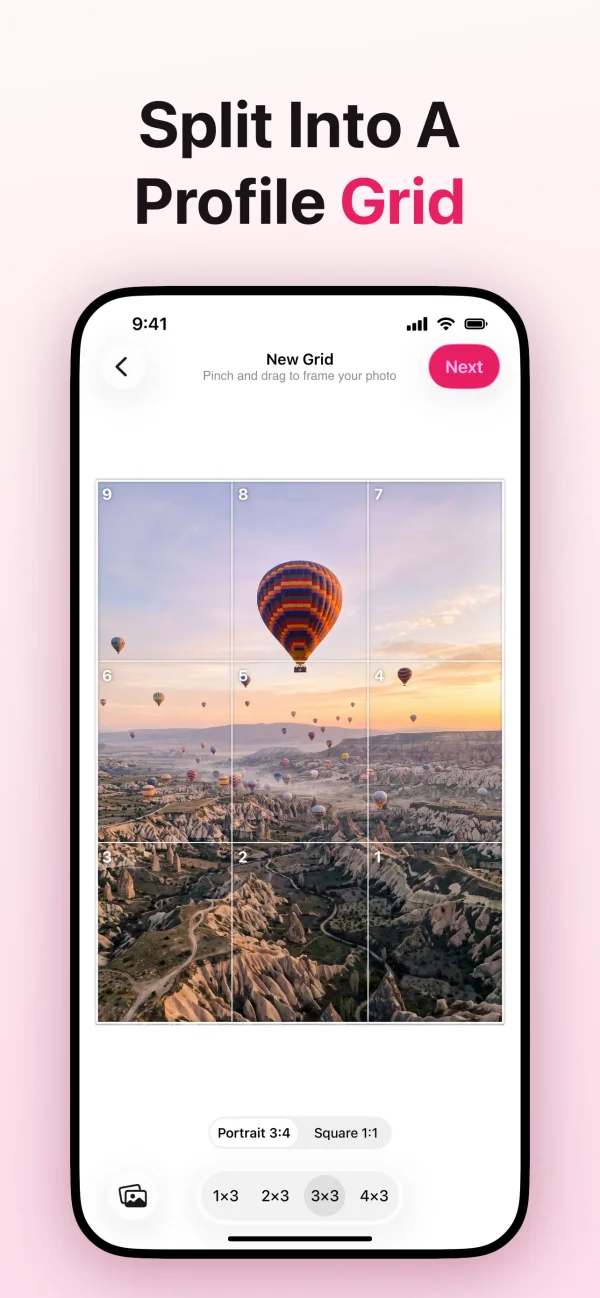
Split a photo into a profile grid. Turn one image into a clean grid, from 3x1 up to 3x5 tiles, in 3:4 (the current profile grid shape) or 1:1. Older square splitters leave you cropped on a modern profile. Griddal does not.
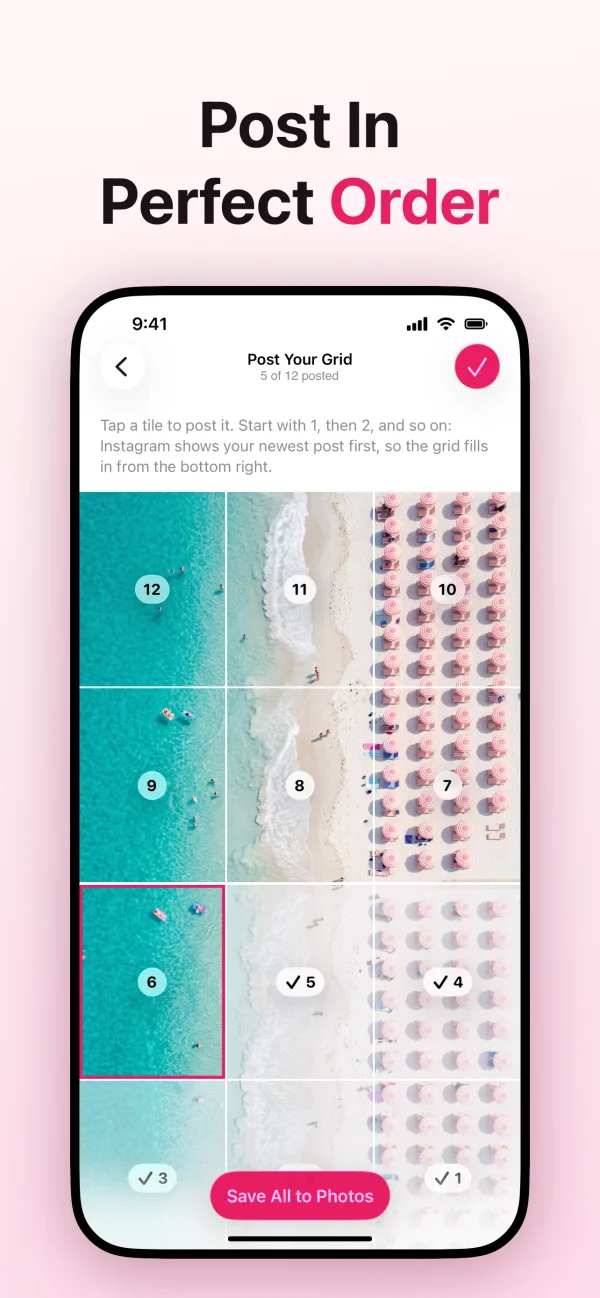
Post in the right order. Tiles are numbered in posting order, starting bottom right. Tap a tile to share it, mark it posted as you go, and resume later without losing your place.
Private by design. Griddal works offline with no account and no sign-up. Your projects stay on your device. No ads, no tracking, no watermark on your exports.
Built to be fast and crisp, not another slow template gallery.
Instagram and IG are trademarks of Instagram
新機能
バージョン 2.0 · 2026/10/19
New in 2.0:
- Seamless carousels: spread one wide photo across 2 to 10 slides so the swipe lines up, in 4:5, 3:4 or 1:1.
- Layer, drag, pinch and rotate multiple photos across the slide seams, with edge snapping and a crop tool.
- Profile grid splits in 3:4 (the current profile shape) or 1:1, with tiles numbered in posting order.
アプリのプライバシー
このアプリのデータの取り扱いについて、Foobar CreativeがApp Storeで申告している内容です。
-
ユーザーに関連付けられないデータ
収集される場合がありますが、ユーザーの識別情報には関連付けられません。
- 購入
- 診断
プライバシーの取り扱いは、ご利用の機能やお客様の年齢などに応じて異なる場合があります。
情報
- 販売元
- Foobar Creative
- カテゴリ
- 写真/ビデオ
- バージョン
- 2.0
- 更新日
- 2026/10/19
- リリース
- 2017/8/3
- サイズ
- 43.9 MB
- 必要条件
- iOS 18.0以降
- 対象年齢
- 4+
- 価格
- 無料
- アプリ内課金
- あり
- 言語
- 英語, アラビア語, アゼルバイジャン語, ブルガリア語, カタロニア語, クロアチア語, チェコ語, デンマーク語, オランダ語, フィンランド語, フランス語, ドイツ語 ほか26言語
- 著作権
- © 2017 Foobar Creative
こちらもおすすめ
-
 Split the Pic: New Grid layoutGrid Photo Maker
-
 縦長グリッド投稿・写真分割 Tall Grid Makerプロフィール編集用の画像加工とレイアウト作成
-
 写真コラージュ ⋆写真グリッド
-
 Grids Maker - Grid Photo Split写真/ビデオ
-
 グリッド : 写真 分割、レイアウト 写真のコラージュインスタグラム の投稿、ストーリー、スクエアフォトメーカー
-
 Grid Maker - Gridzilla写真/ビデオ
-
 PhotoSplit for Instagram写真/ビデオ
-
 グリッドメーカー写真レイアウトFeed Preview and Layout
-
 Grid・Photo Split for Instagram写真/ビデオ
-
 Grids: インスタ投稿用のグリッド、写真分割フォト編集アプリ、パノラマメーカー