
Memon for Mobile
Three-pane rich text note app
Diseñada para iPhone, iPad
Gratis · Compras en la aplicación
- Clasificación por edad4+
- CategoríaProductividad
- DesarrolladorYusuke Fukasawa
- IdiomasInglés
- Tamaño61,1 MB
Enlaza a la página oficial de App Store
Download.org no aloja ningún archivo de Memon for Mobile. El botón abre la página de la aplicación en App Store, donde la publica Yusuke Fukasawa. Ficha comprobada por última vez el 24/11/2026.
Capturas de pantalla

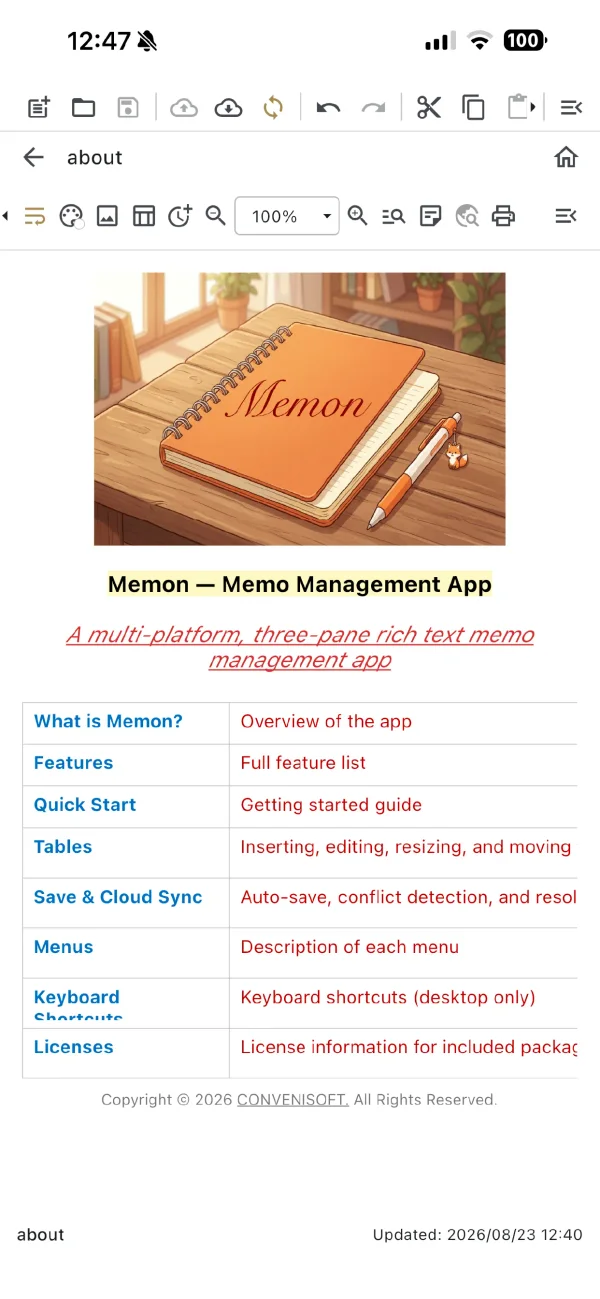
Acerca de
El desarrollador no ha proporcionado este texto en tu idioma.
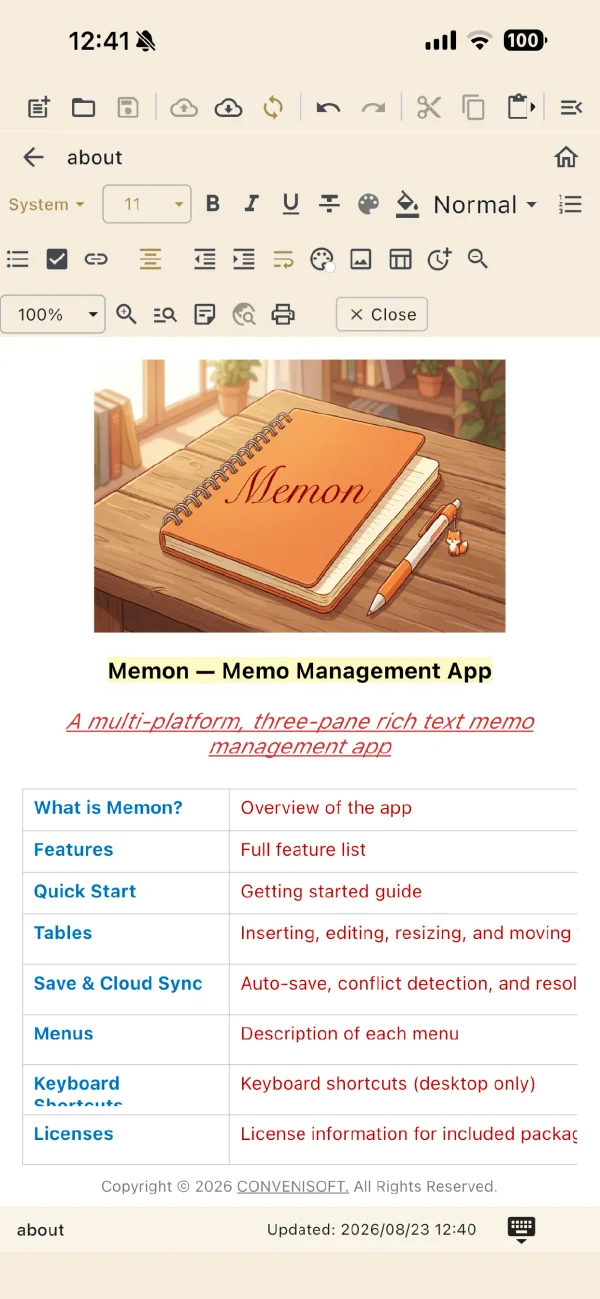
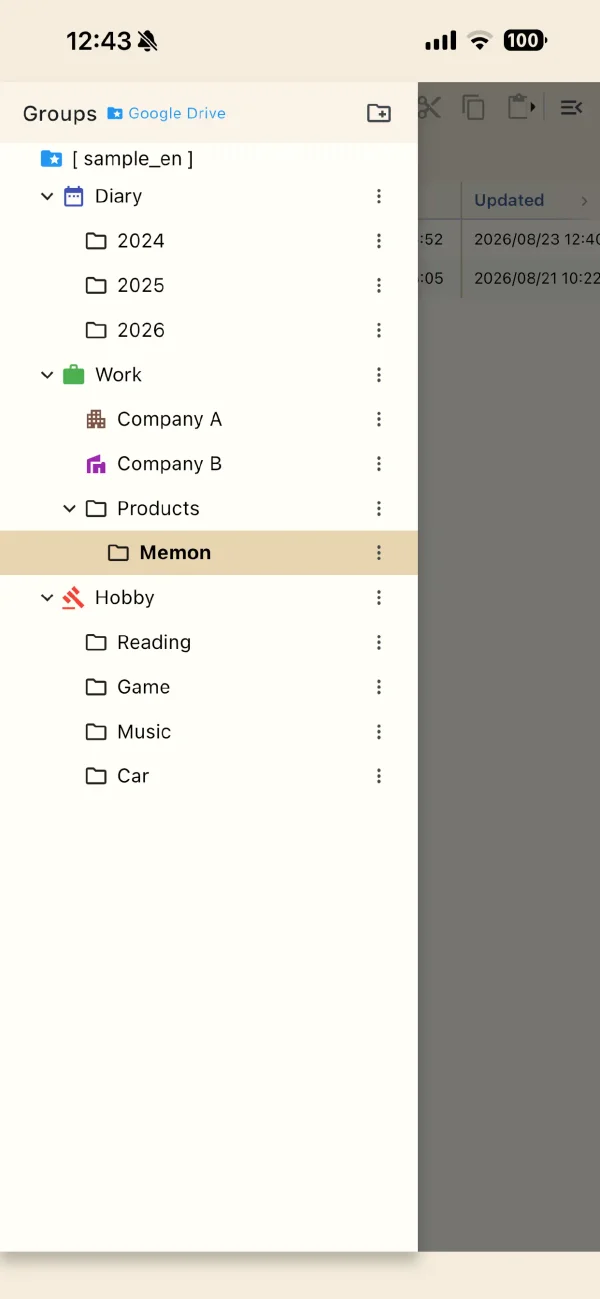
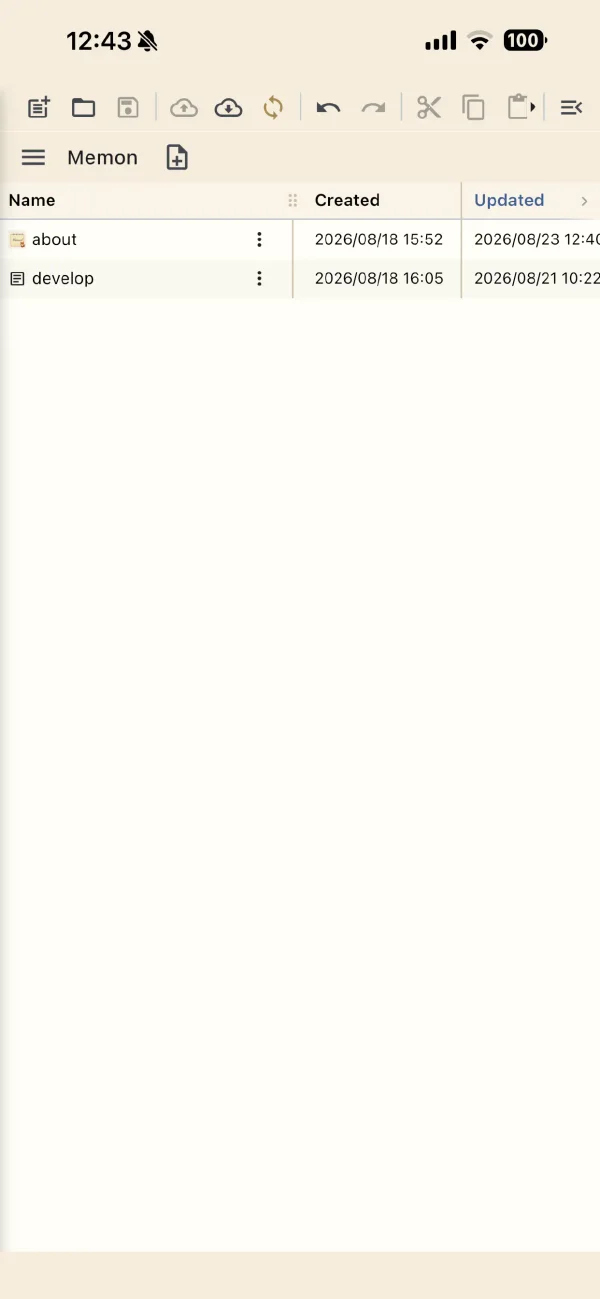
Memon is a three-pane, email-style note management app with rich text editing.
A macOS version is also available — using both together is highly recommended.
Key Features
[Note Management]
· Hierarchical tree organization with groups and notes
· Color-coded display by importance level (star rating)
· Tag assignment and list view
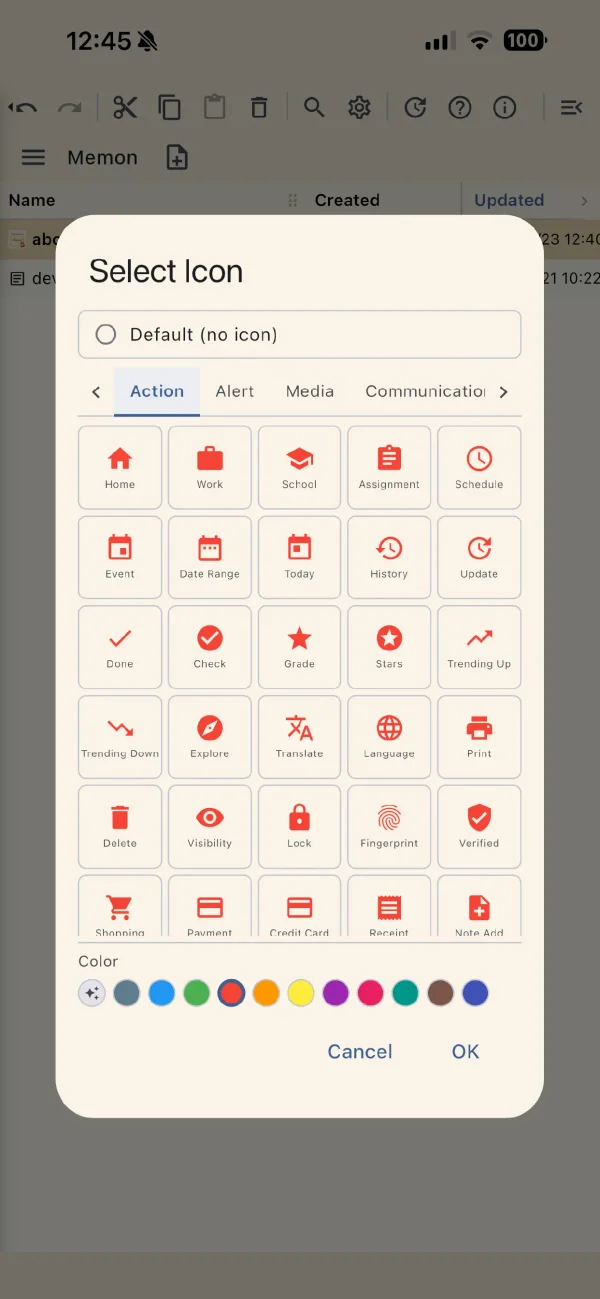
· Icon customization for groups and notes (18 standard categories, 12 colors, custom images)
· Note sorting (by updated date, created date, title, importance, or tag)
· Move notes to another group (desktop: drag & drop; mobile: long-press to enter selection mode, then use checkboxes to select multiple notes)
· Resizable list column widths (drag column headers to adjust)
[Rich Text Editing]
· Bold, italic, underline, strikethrough
· Text color and background color
· Headings (H1–H3)
· Bullet lists, numbered lists, and checklists
· Per-note background color
· Image support (insert, resize, copy, move, delete)
· Zoom in/out (desktop: Ctrl + mouse wheel)
[Tables]
· Add, delete, resize, and move rows and columns
· Resize and align the entire table
· Cell formatting (bold, italic, underline, text color, background color, horizontal/vertical alignment)
· Cell copy & paste (TSV-compatible with Excel and Numbers)
[Search]
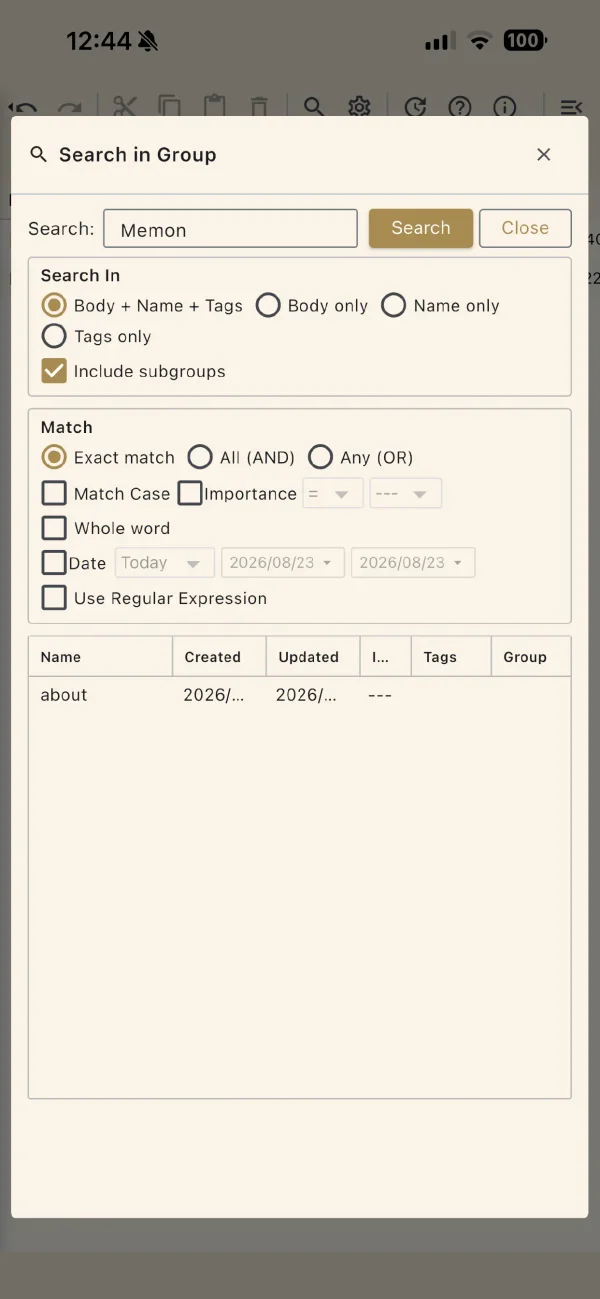
· Full-text search across all notes
· In-editor text search
· Search selected text on Google
[Cloud Integration]
· Save and load via iCloud Drive (macOS / iOS)
· Save and load via Google Drive (all platforms)
· Save and load via OneDrive (all platforms)
· Your local note file is the single source of truth, automatically synced to the cloud on every save
[Import / Export]
· Import XML note files from the original Windows version of Memon
· Bulk import text files from a selected folder
· Export selected notes as text, PDF, or rich text (RTF) files
· Export groups as text, PDF, or RTF files in a folder hierarchy
[Other]
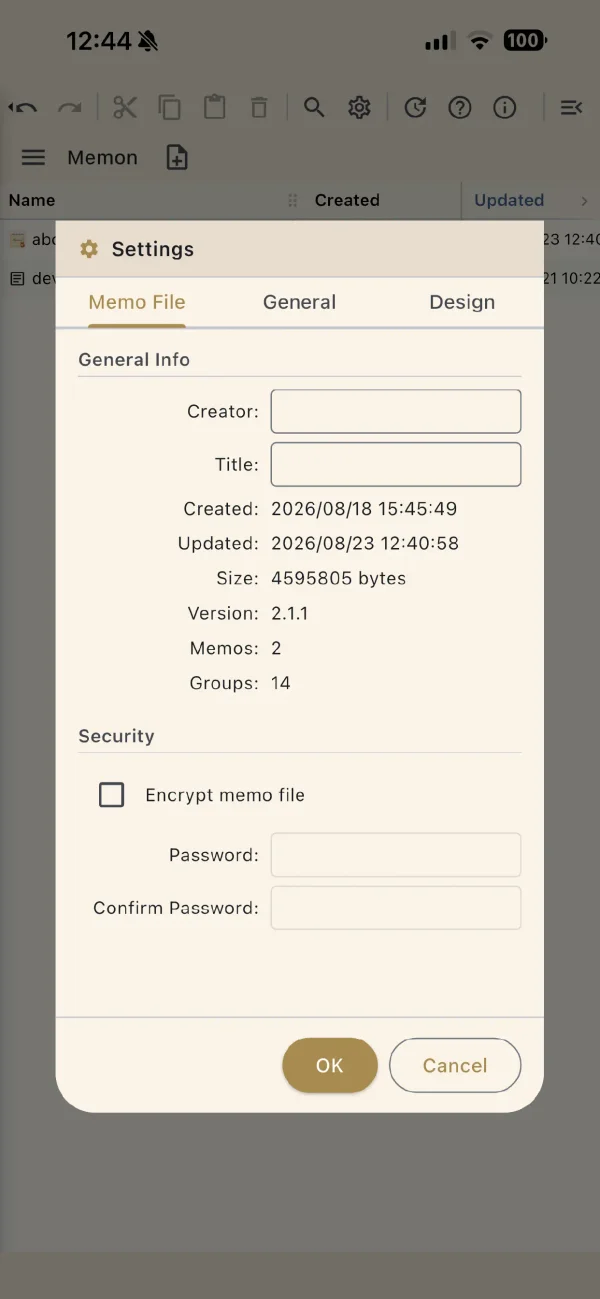
· Password protection with AES encryption
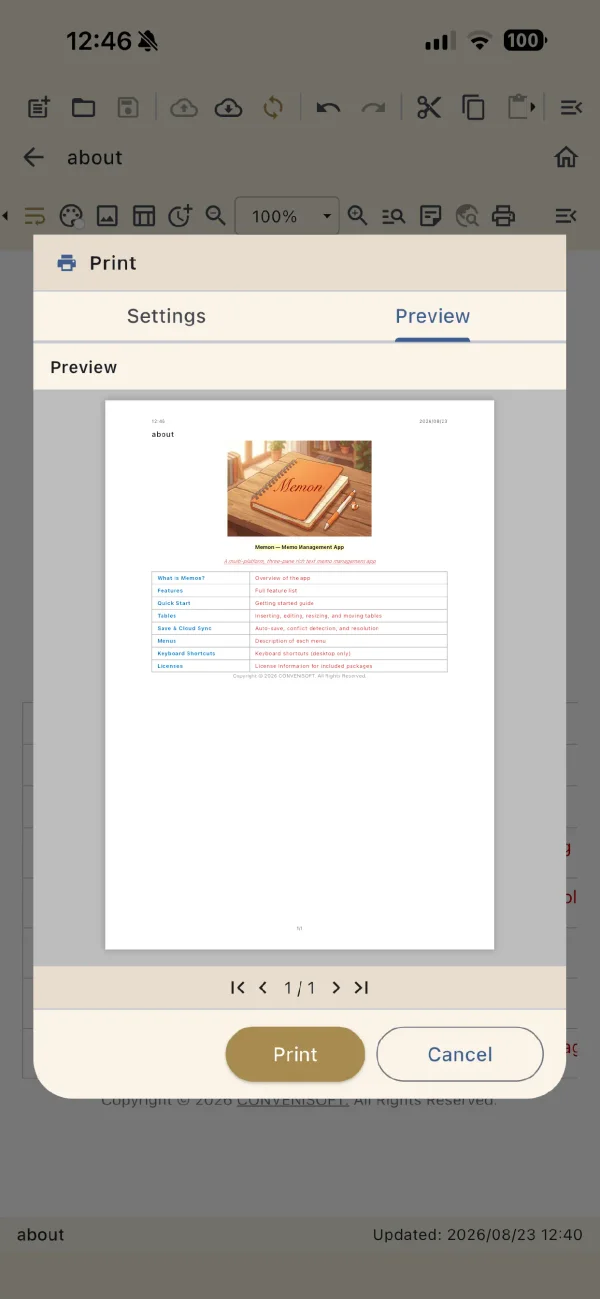
· Print (launched from the editor toolbar — printer selection, margins, header/footer, and preview)
· Sticky note display (open a note as a floating window on the desktop)
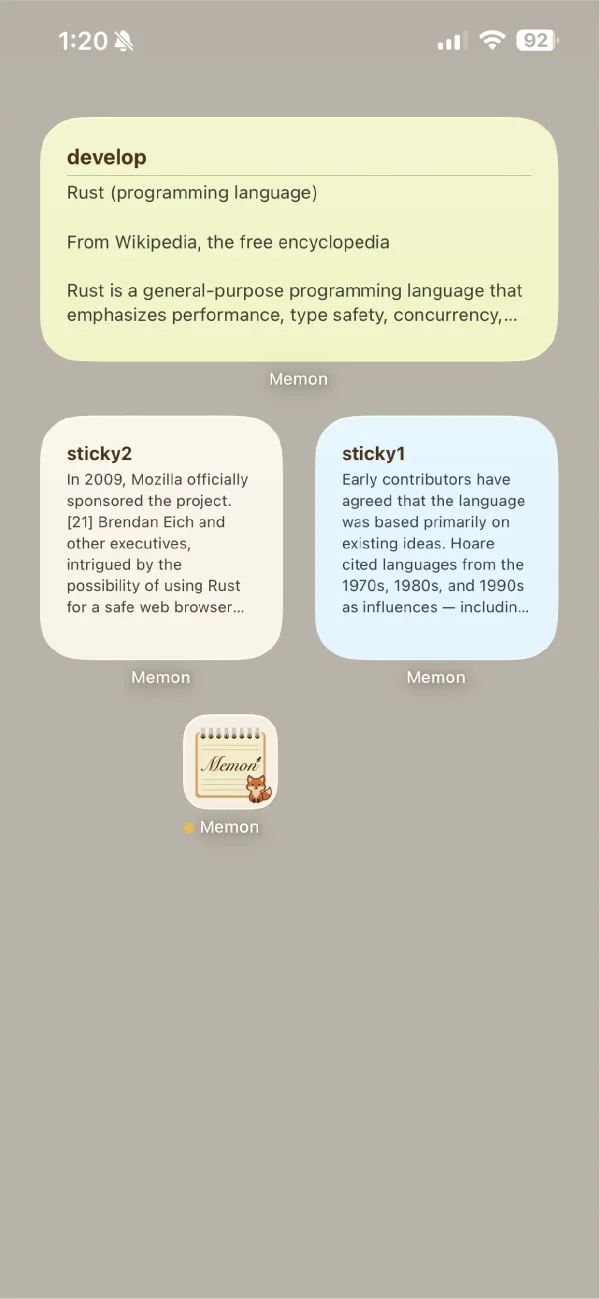
· Home screen widgets
· Font and background color customization
· In-app update checker
Novedades
Versión 2.7.0 · 24/11/2026
v2.6.3 — Fixed line numbers not appearing instantly after toggling the button (all OS)
v2.7.0 — Added outline panel (H1–H5 heading list with click-to-jump); added H4 and H5 heading levels to the dropdown (all OS)
Privacidad de la aplicación
Lo que Yusuke Fukasawa declara en App Store sobre cómo esta aplicación gestiona los datos.
-
No se recopilan datos
El desarrollador no recopila ningún dato de esta aplicación.
Las prácticas de privacidad pueden variar, por ejemplo, según las funciones que uses o tu edad.
Información
- Vendedor
- Yusuke Fukasawa
- Categoría
- Productividad
- Versión
- 2.7.0
- Actualizado
- 24/11/2026
- Publicado
- 11/8/2026
- Tamaño
- 61,1 MB
- Requiere
- iOS 16.0 o posterior
- Clasificación por edad
- 4+
- Precio
- Gratis
- Compras en la aplicación
- Sí
- Idiomas
- Inglés
- Copyright
- © Yusuke Fukasawa
Quizá también te guste
-
 TAMALIBA - Notes & TasksProductividad
-
 PageVault: Lector OfflineLeer más tarde y guardar webs
-
 Meno - Calendar, To-Do & NotesProductividad
-
 KnowTreeProductividad
-
 Flyout: Notas, MarkdownRecordatorios, listas, tags
-
 Monolist: Lista de tareasRecordatorios, notas y widget
-
 Kosshi OutlinerMarkdown, imágenes, sync
-
 Calendario Notas: AgendaDiario, planner y listas
-
 Timely: Shared Calendar WidgetProductividad
-
 KakejikuProductividad