
Memon for Mobile
Three-pane rich text note app
iPhone, iPad için tasarlandı
Ücretsiz · Uygulama içi satın alma
- Yaş sınırı4+
- KategoriÜretkenlik
- GeliştiriciYusuke Fukasawa
- Dillerİngilizce
- Boyut61,1 MB
Resmi App Store sayfasına bağlanır
Download.org, Memon for Mobile için hiçbir dosya barındırmaz. Düğme, uygulamanın App Store üzerindeki sayfasını açar; uygulamayı orada Yusuke Fukasawa yayınlar. Sayfanın son kontrolü: 24.11.2026.
Ekran görüntüleri

Hakkında
Geliştirici bu metni dilinizde sunmamış.
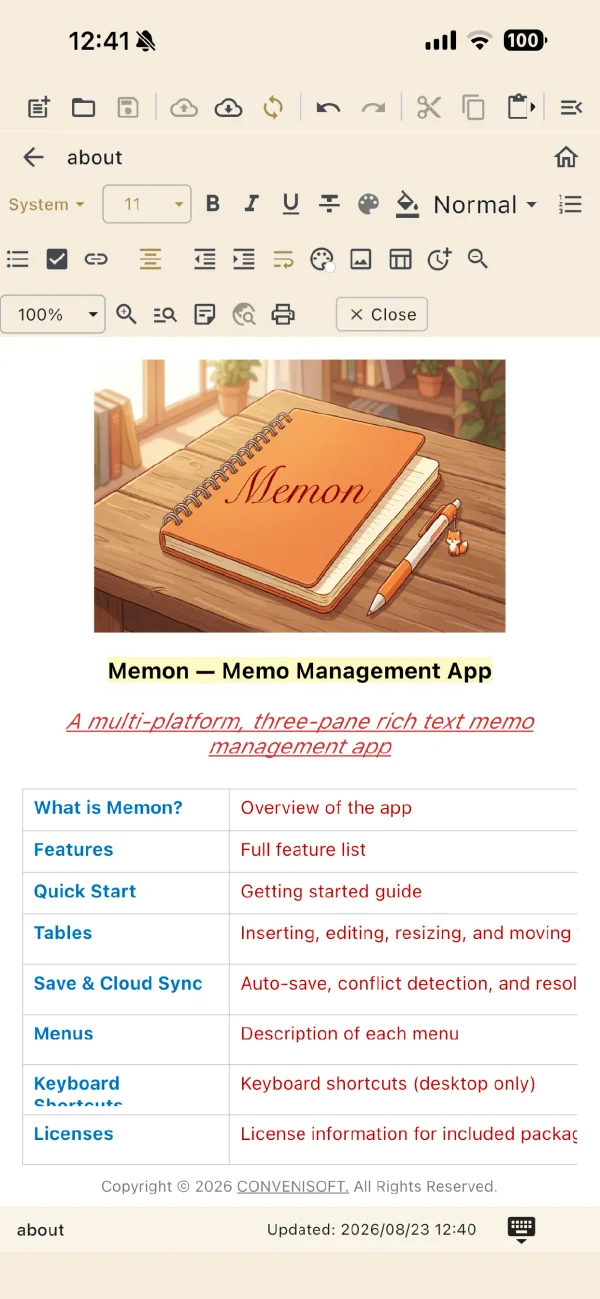
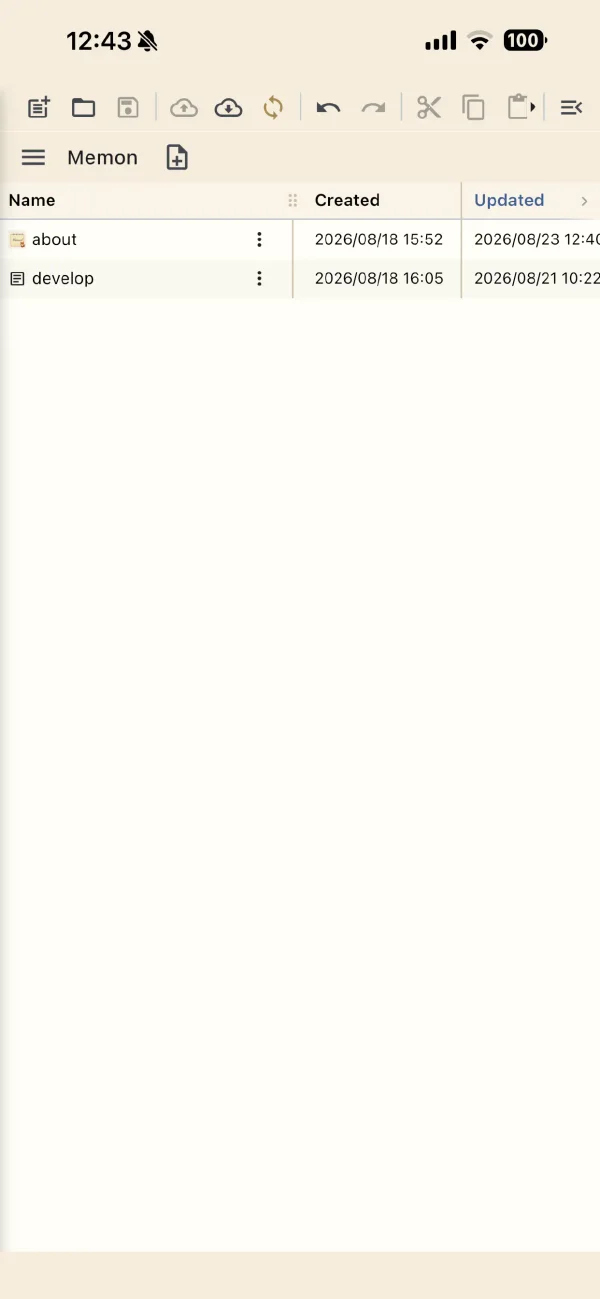
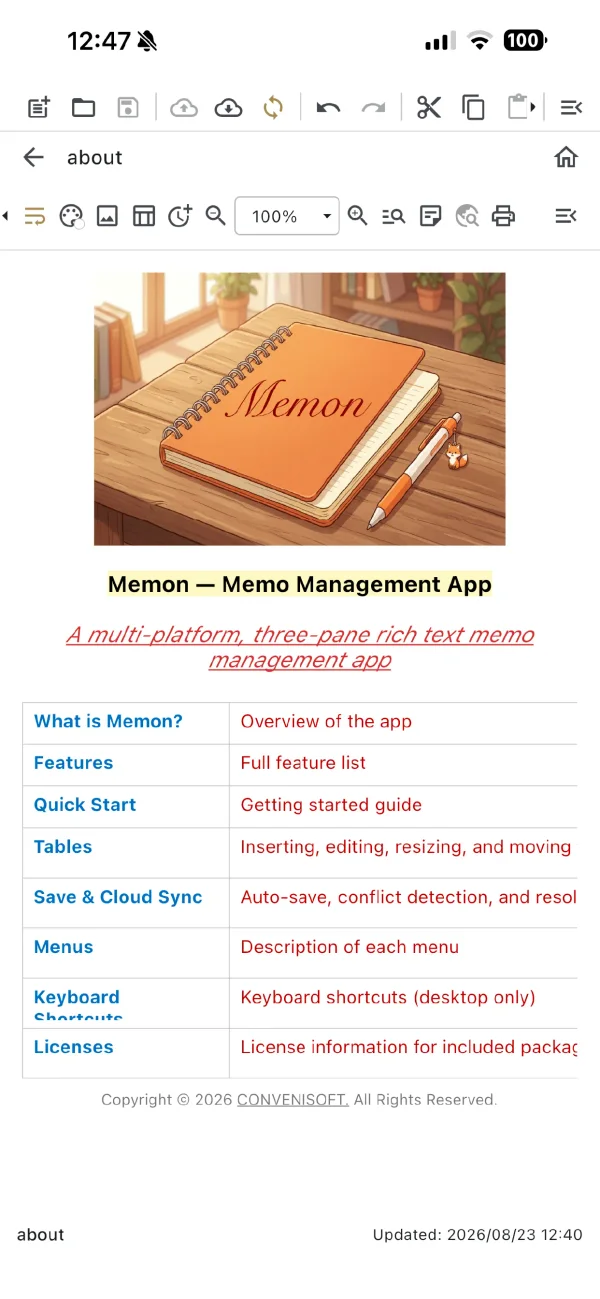
Memon is a three-pane, email-style note management app with rich text editing.
A macOS version is also available — using both together is highly recommended.
Key Features
[Note Management]
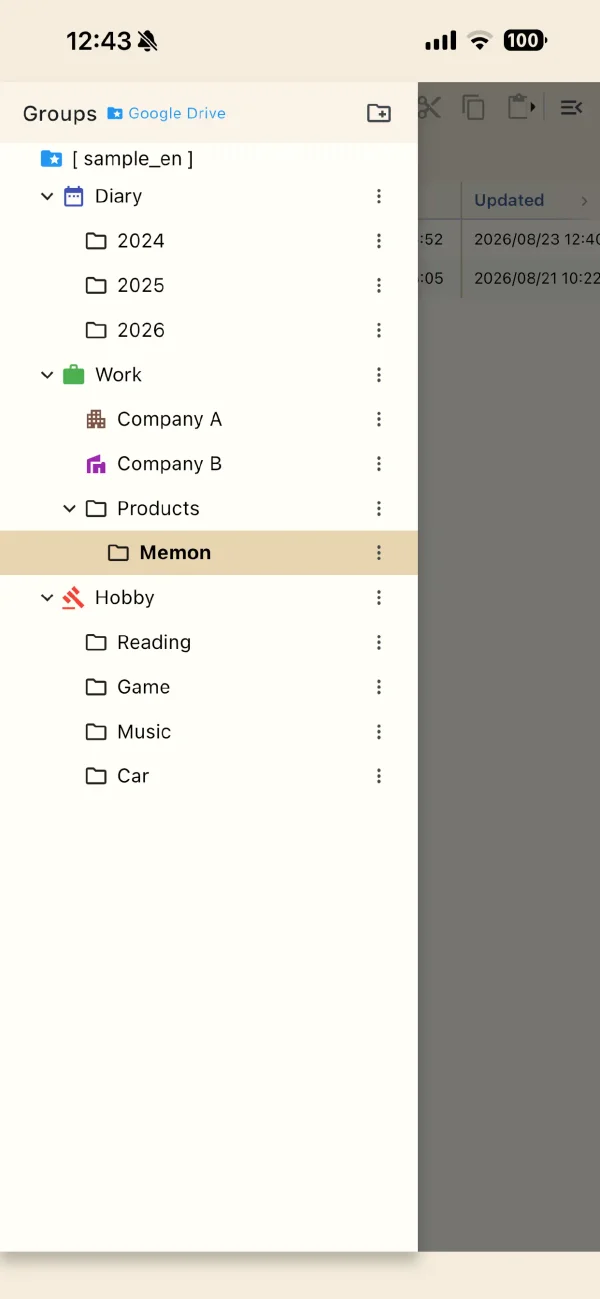
· Hierarchical tree organization with groups and notes
· Color-coded display by importance level (star rating)
· Tag assignment and list view
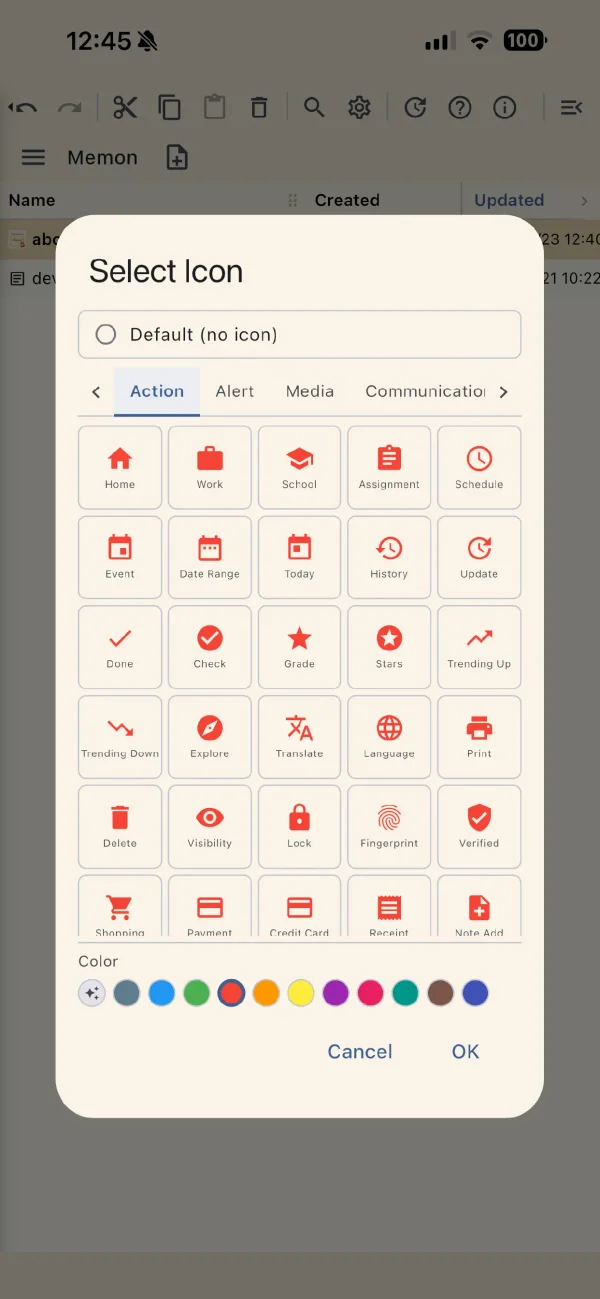
· Icon customization for groups and notes (18 standard categories, 12 colors, custom images)
· Note sorting (by updated date, created date, title, importance, or tag)
· Move notes to another group (desktop: drag & drop; mobile: long-press to enter selection mode, then use checkboxes to select multiple notes)
· Resizable list column widths (drag column headers to adjust)
[Rich Text Editing]
· Bold, italic, underline, strikethrough
· Text color and background color
· Headings (H1–H3)
· Bullet lists, numbered lists, and checklists
· Per-note background color
· Image support (insert, resize, copy, move, delete)
· Zoom in/out (desktop: Ctrl + mouse wheel)
[Tables]
· Add, delete, resize, and move rows and columns
· Resize and align the entire table
· Cell formatting (bold, italic, underline, text color, background color, horizontal/vertical alignment)
· Cell copy & paste (TSV-compatible with Excel and Numbers)
[Search]
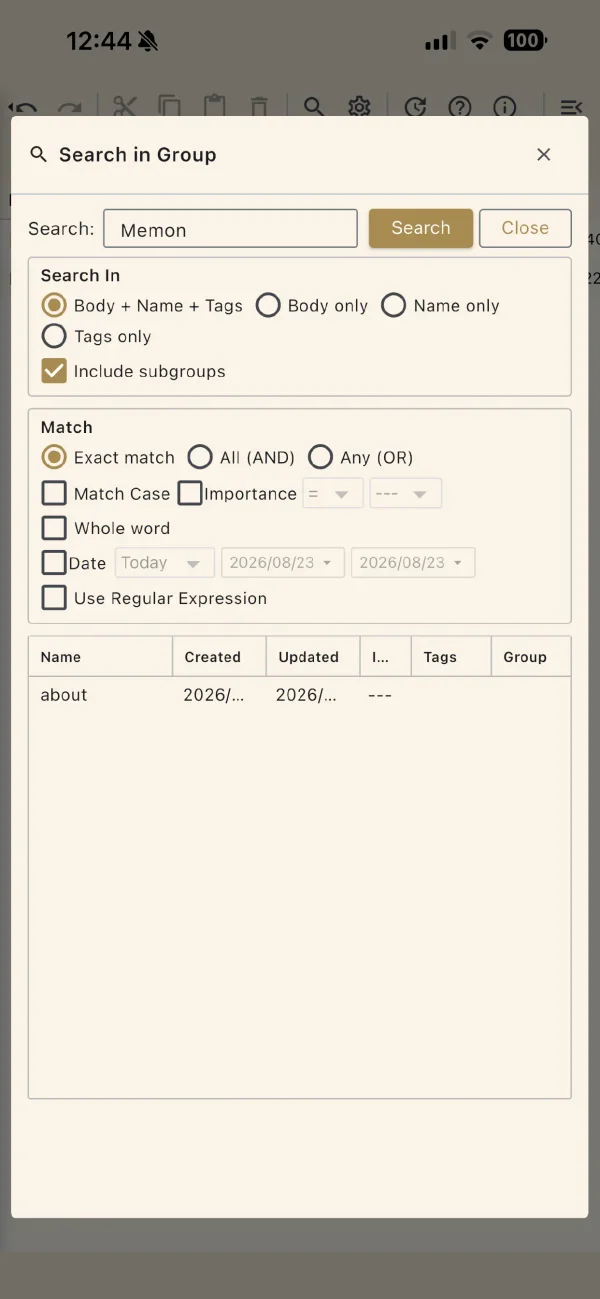
· Full-text search across all notes
· In-editor text search
· Search selected text on Google
[Cloud Integration]
· Save and load via iCloud Drive (macOS / iOS)
· Save and load via Google Drive (all platforms)
· Save and load via OneDrive (all platforms)
· Your local note file is the single source of truth, automatically synced to the cloud on every save
[Import / Export]
· Import XML note files from the original Windows version of Memon
· Bulk import text files from a selected folder
· Export selected notes as text, PDF, or rich text (RTF) files
· Export groups as text, PDF, or RTF files in a folder hierarchy
[Other]
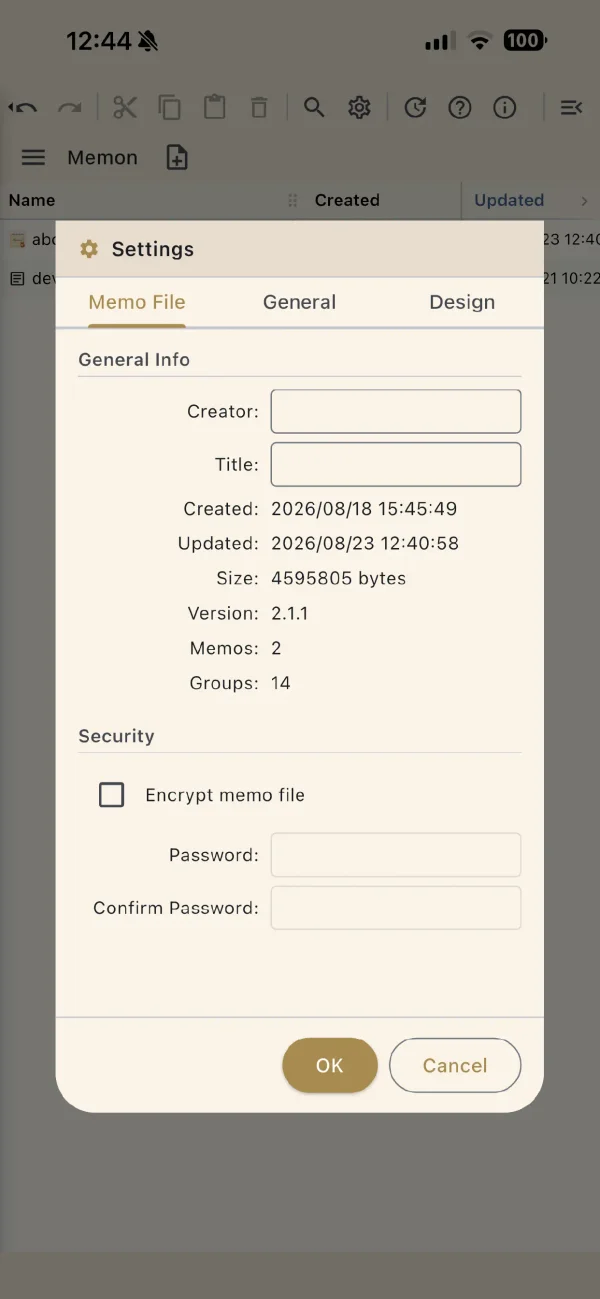
· Password protection with AES encryption
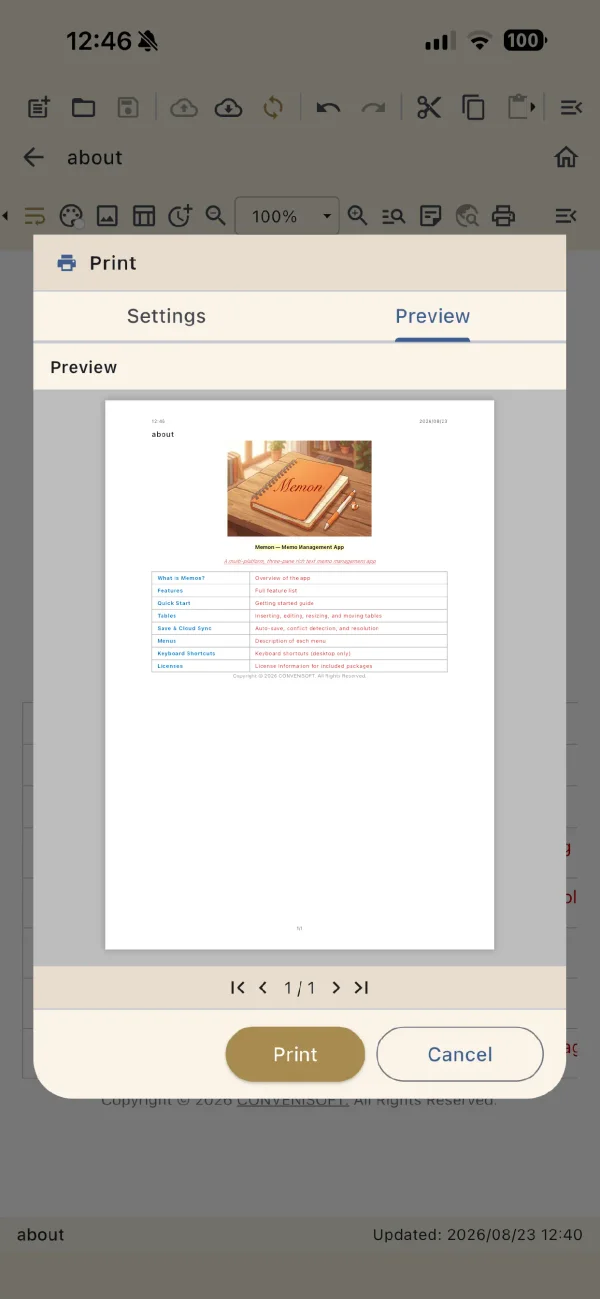
· Print (launched from the editor toolbar — printer selection, margins, header/footer, and preview)
· Sticky note display (open a note as a floating window on the desktop)
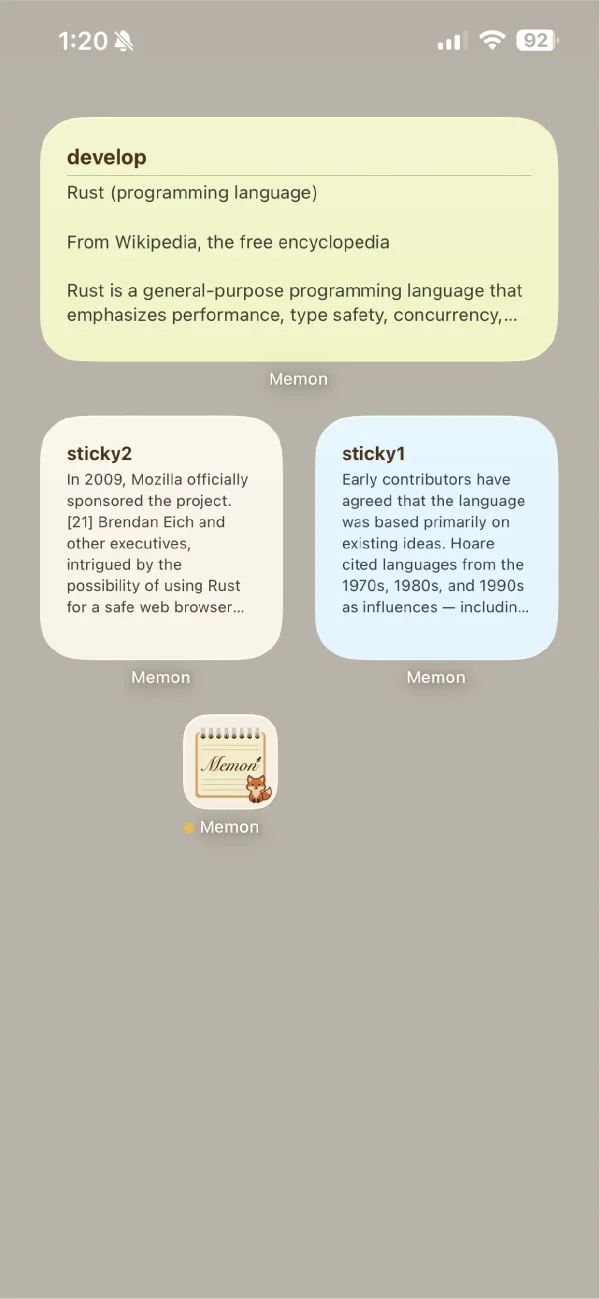
· Home screen widgets
· Font and background color customization
· In-app update checker
Yenilikler
Sürüm 2.7.0 · 24.11.2026
v2.6.3 — Fixed line numbers not appearing instantly after toggling the button (all OS)
v2.7.0 — Added outline panel (H1–H5 heading list with click-to-jump); added H4 and H5 heading levels to the dropdown (all OS)
Uygulama gizliliği
Bu uygulamanın verileri nasıl işlediği hakkında Yusuke Fukasawa tarafından App Store üzerinde yapılan beyan.
-
Veri toplanmıyor
Geliştirici bu uygulamadan hiçbir veri toplamıyor.
Gizlilik uygulamaları, örneğin kullandığınız özelliklere veya yaşınıza göre değişiklik gösterebilir.
Bilgiler
- Satıcı
- Yusuke Fukasawa
- Kategori
- Üretkenlik
- Sürüm
- 2.7.0
- Güncellendi
- 24.11.2026
- Yayın tarihi
- 11.08.2026
- Boyut
- 61,1 MB
- Gereksinim
- iOS 16.0 veya sonrası
- Yaş sınırı
- 4+
- Fiyat
- Ücretsiz
- Uygulama içi satın alma
- Evet
- Diller
- İngilizce
- Telif hakkı
- © Yusuke Fukasawa
Bunları da beğenebilirsiniz
-
 TAMALIBA - Notes & TasksÜretkenlik
-
 PageVault: Offline ReaderÜretkenlik
-
 Meno - Calendar, To-Do & NotesÜretkenlik
-
 KnowTreeÜretkenlik
-
 Flyout: Notlar, Markdown, KodNot defteri ve hatırlatıcılar
-
 Monolist: To Do List & TasksÜretkenlik
-
 Kosshi OutlinerÜretkenlik
-
 Takvim Notları: AjandaGünlük, planlayıcı, listeler
-
 Timely: Shared Calendar WidgetÜretkenlik
-
 KakejikuÜretkenlik