
Memon for Mobile
Three-pane rich text note app
Conçue pour iPhone, iPad
Gratuit · Achats intégrés
- Classification d’âge4+
- CatégorieProductivité
- DéveloppeurYusuke Fukasawa
- LanguesAnglais
- Taille61,1 Mo
Renvoie vers la page App Store officielle
Download.org n’héberge aucun fichier de Memon for Mobile. Le bouton ouvre la page de l’application sur App Store, où Yusuke Fukasawa la publie. Fiche vérifiée pour la dernière fois le 24/11/2026.
Captures d’écran


À propos
Le développeur n’a pas fourni ce texte dans votre langue.
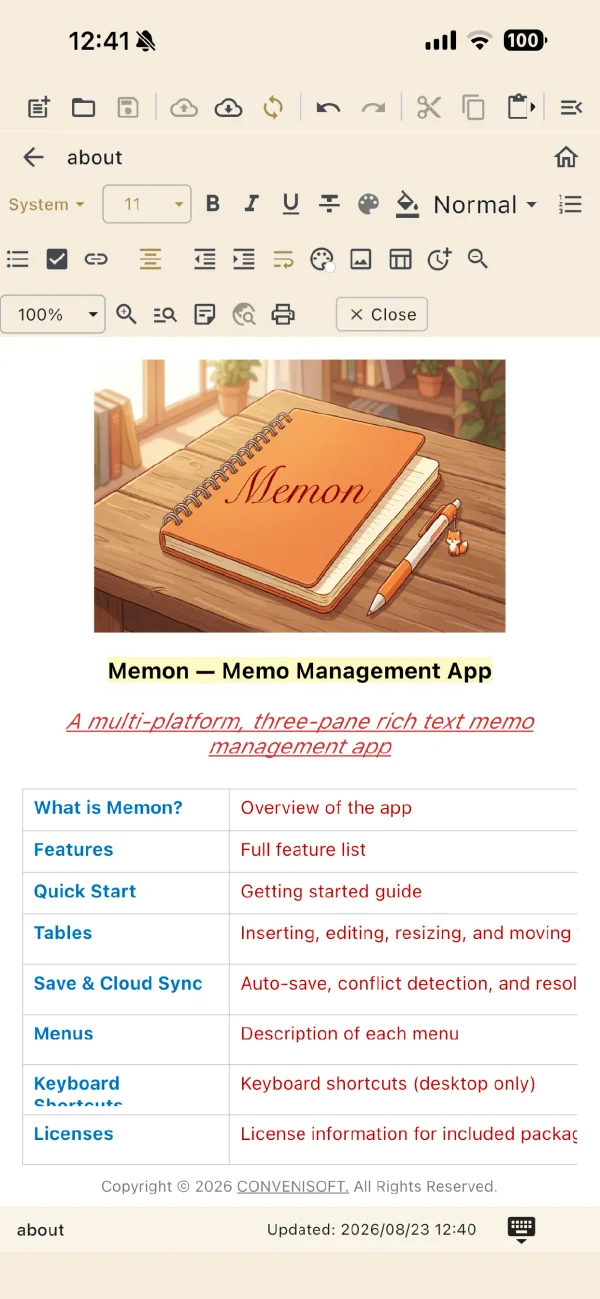
Memon is a three-pane, email-style note management app with rich text editing.
A macOS version is also available — using both together is highly recommended.
Key Features
[Note Management]
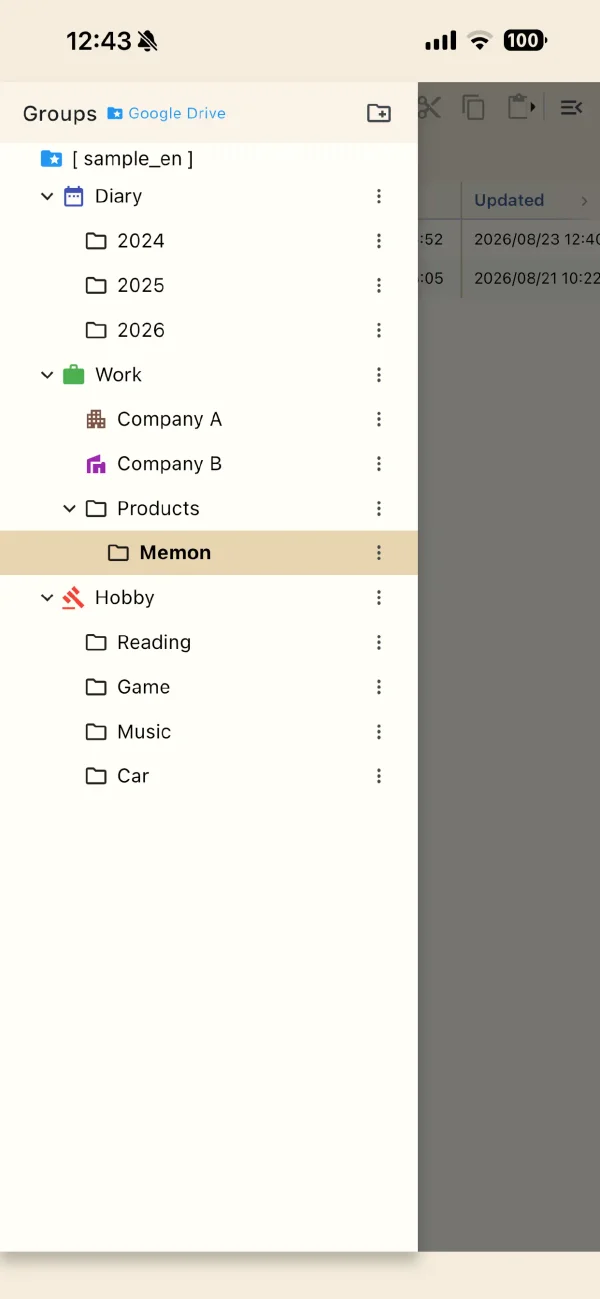
· Hierarchical tree organization with groups and notes
· Color-coded display by importance level (star rating)
· Tag assignment and list view
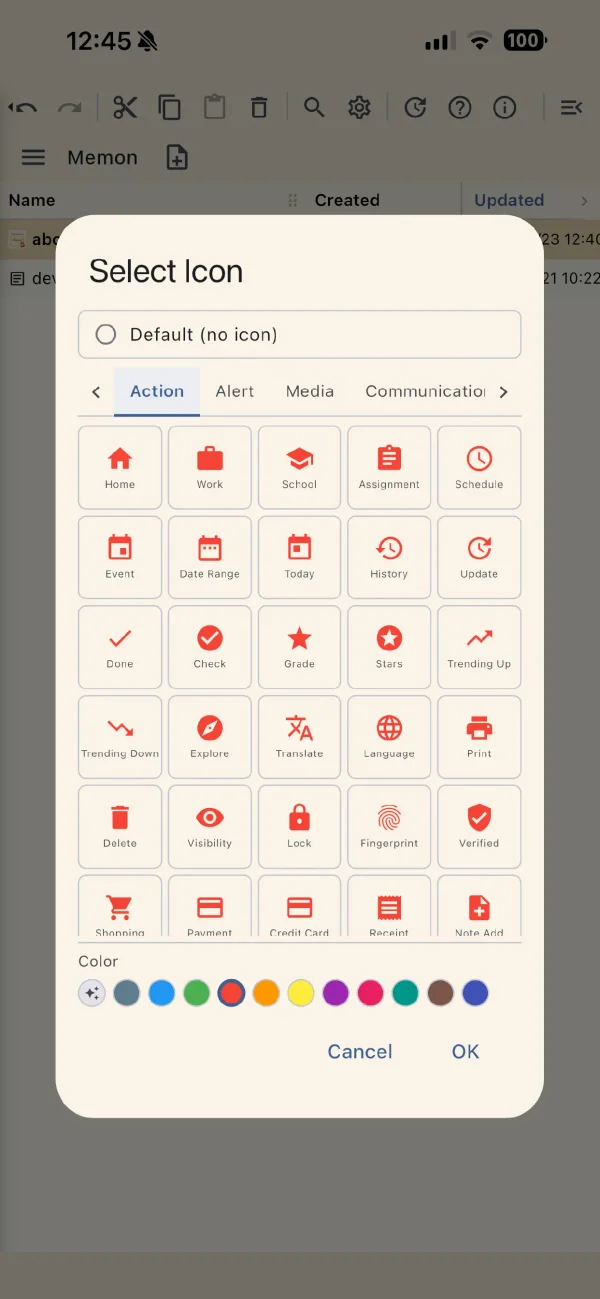
· Icon customization for groups and notes (18 standard categories, 12 colors, custom images)
· Note sorting (by updated date, created date, title, importance, or tag)
· Move notes to another group (desktop: drag & drop; mobile: long-press to enter selection mode, then use checkboxes to select multiple notes)
· Resizable list column widths (drag column headers to adjust)
[Rich Text Editing]
· Bold, italic, underline, strikethrough
· Text color and background color
· Headings (H1–H3)
· Bullet lists, numbered lists, and checklists
· Per-note background color
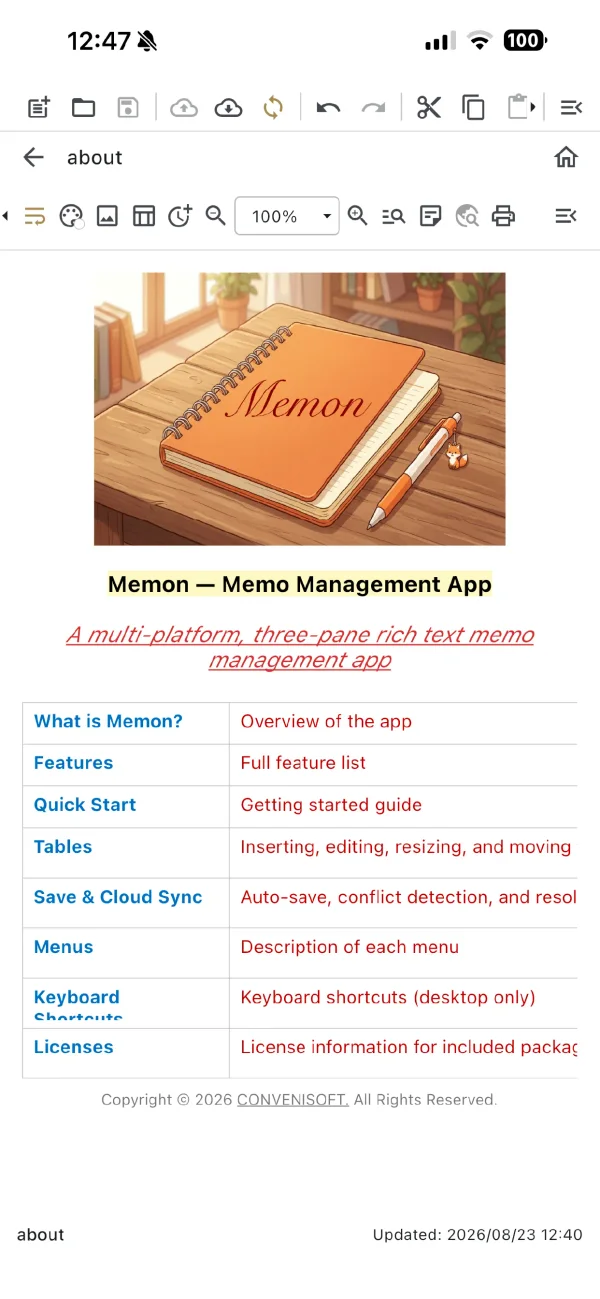
· Image support (insert, resize, copy, move, delete)
· Zoom in/out (desktop: Ctrl + mouse wheel)
[Tables]
· Add, delete, resize, and move rows and columns
· Resize and align the entire table
· Cell formatting (bold, italic, underline, text color, background color, horizontal/vertical alignment)
· Cell copy & paste (TSV-compatible with Excel and Numbers)
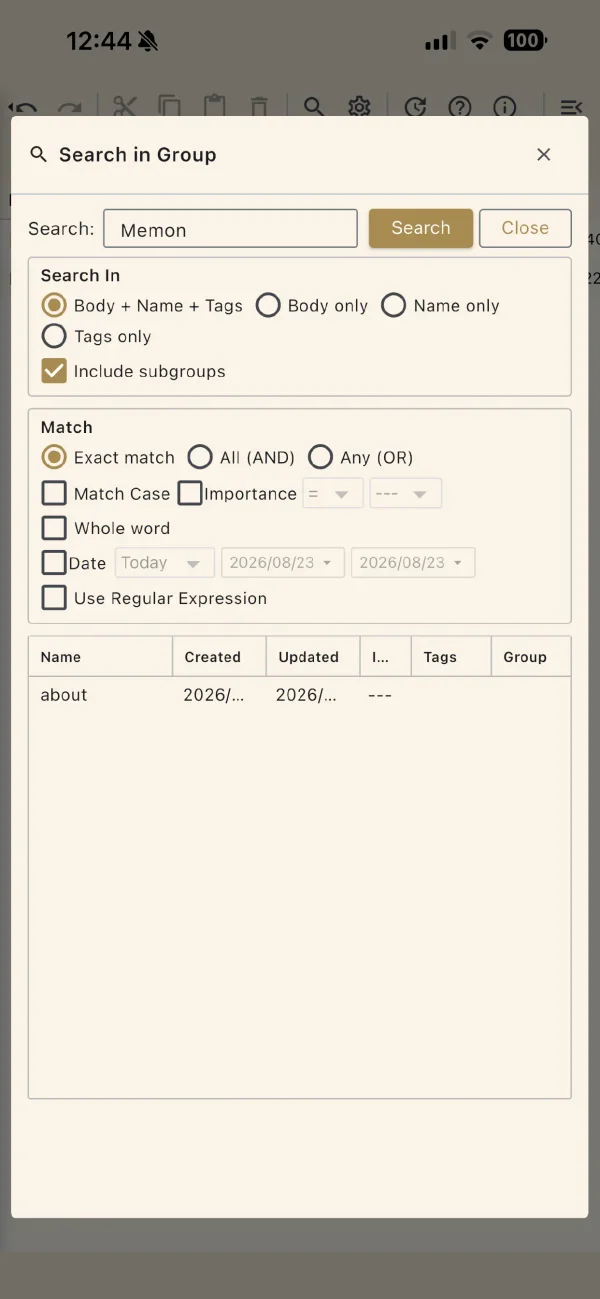
[Search]
· Full-text search across all notes
· In-editor text search
· Search selected text on Google
[Cloud Integration]
· Save and load via iCloud Drive (macOS / iOS)
· Save and load via Google Drive (all platforms)
· Save and load via OneDrive (all platforms)
· Your local note file is the single source of truth, automatically synced to the cloud on every save
[Import / Export]
· Import XML note files from the original Windows version of Memon
· Bulk import text files from a selected folder
· Export selected notes as text, PDF, or rich text (RTF) files
· Export groups as text, PDF, or RTF files in a folder hierarchy
[Other]
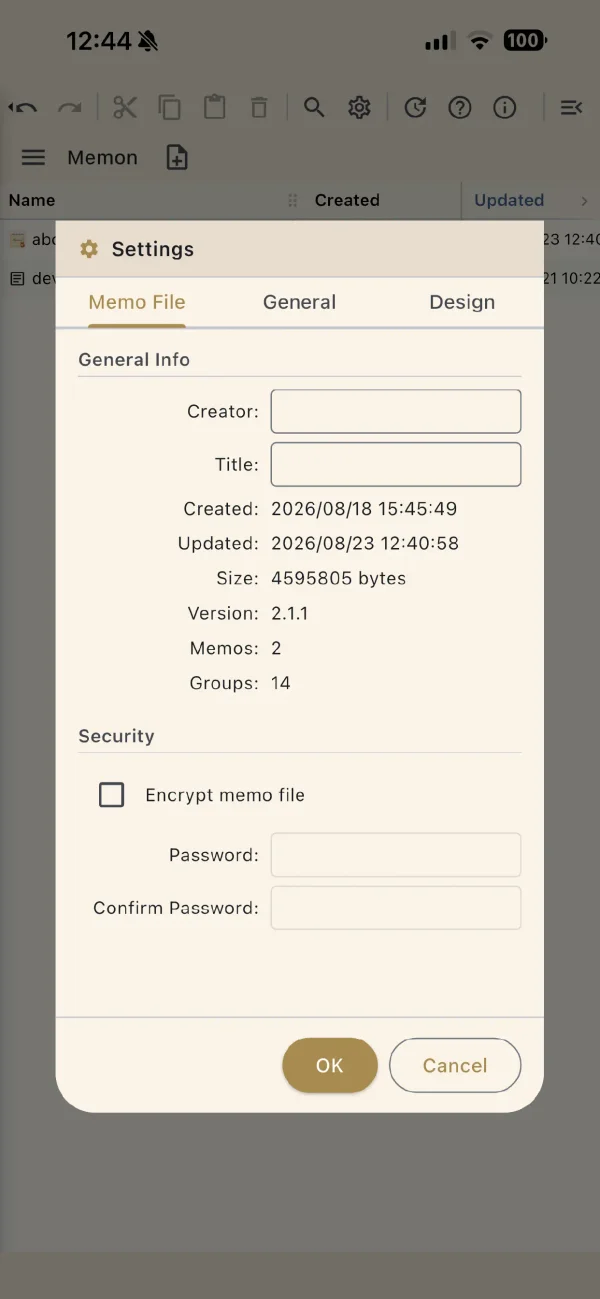
· Password protection with AES encryption
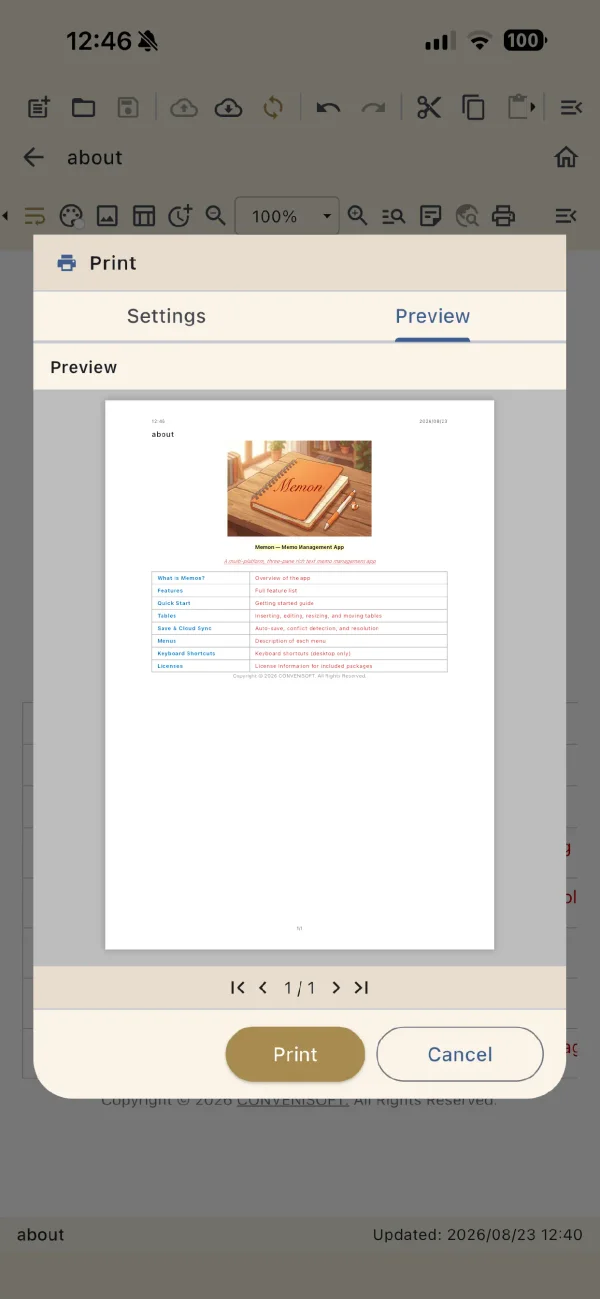
· Print (launched from the editor toolbar — printer selection, margins, header/footer, and preview)
· Sticky note display (open a note as a floating window on the desktop)
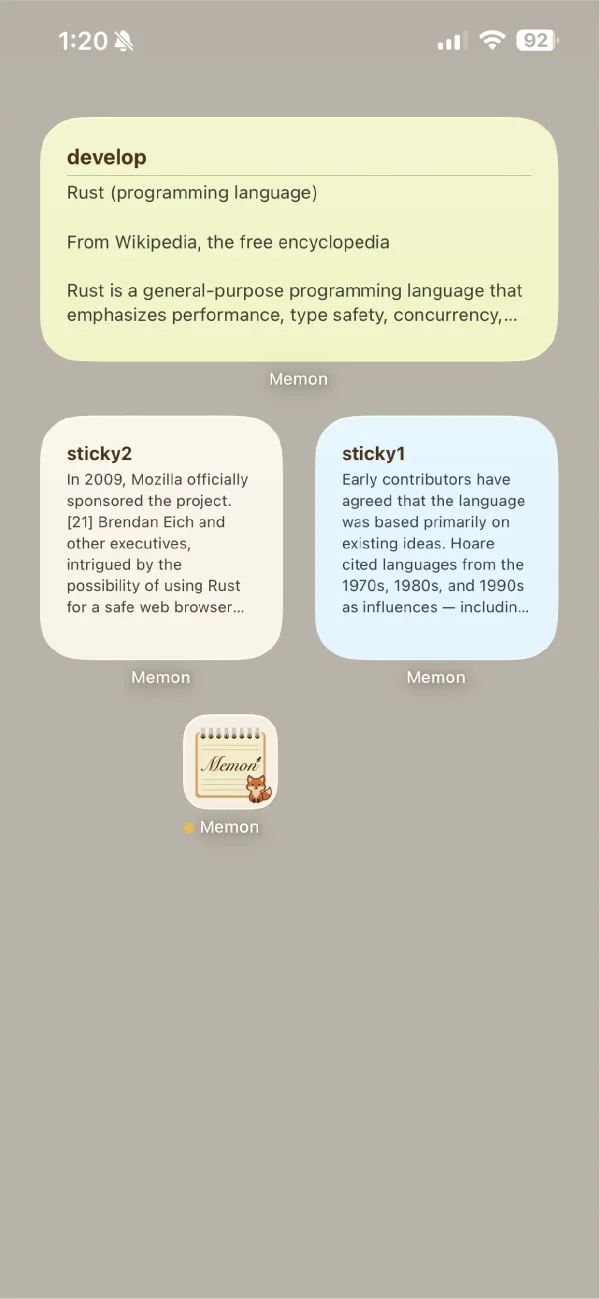
· Home screen widgets
· Font and background color customization
· In-app update checker
Nouveautés
Version 2.7.0 · 24/11/2026
v2.6.3 — Fixed line numbers not appearing instantly after toggling the button (all OS)
v2.7.0 — Added outline panel (H1–H5 heading list with click-to-jump); added H4 and H5 heading levels to the dropdown (all OS)
Confidentialité de l’application
Ce que Yusuke Fukasawa déclare sur l’App Store au sujet du traitement des données par cette application.
-
Données non collectées
Le développeur ne collecte aucune donnée à partir de cette application.
Les pratiques en matière de confidentialité peuvent varier, notamment en fonction des fonctionnalités que vous utilisez ou de votre âge.
Informations
- Vendeur
- Yusuke Fukasawa
- Catégorie
- Productivité
- Version
- 2.7.0
- Mis à jour
- 24/11/2026
- Publié
- 11/08/2026
- Taille
- 61,1 Mo
- Nécessite
- iOS 16.0 ou version ultérieure
- Classification d’âge
- 4+
- Prix
- Gratuit
- Achats intégrés
- Oui
- Langues
- Anglais
- Copyright
- © Yusuke Fukasawa
Vous aimerez peut-être aussi
-
 TAMALIBA - Notes & TasksProductivité
-
 PageVault: Lecteur OfflinePages web à lire plus tard
-
 Meno - Calendar, To-Do & NotesProductivité
-
 KnowTreeProductivité
-
 Flyout: Notes, Markdown, CodeRappels, listes, étiquettes
-
 Monolist : Liste de tâchesRappels, notes et widget
-
 Kosshi OutlinerMarkdown, images, sync
-
 Calendar Notes: Diary & ListsProductivité
-
 Timely: Shared Calendar WidgetProductivité
-
 KakejikuProductivité