
Memon for Mobile
Three-pane rich text note app
Được thiết kế cho iPhone, iPad
Miễn phí · Mua hàng trong ứng dụng
- Độ tuổi4+
- Danh mụcHiệu Suất
- Nhà phát triểnYusuke Fukasawa
- Ngôn ngữTiếng Anh
- Kích thước61,1 MB
Liên kết đến trang App Store chính thức
Download.org không lưu trữ tệp nào của Memon for Mobile. Nút này mở trang ứng dụng trên App Store, nơi Yusuke Fukasawa phát hành ứng dụng. Trang được kiểm tra lần cuối: 24/11/2026.
Ảnh chụp màn hình

Giới thiệu
Nhà phát triển chưa cung cấp nội dung này bằng ngôn ngữ của bạn.
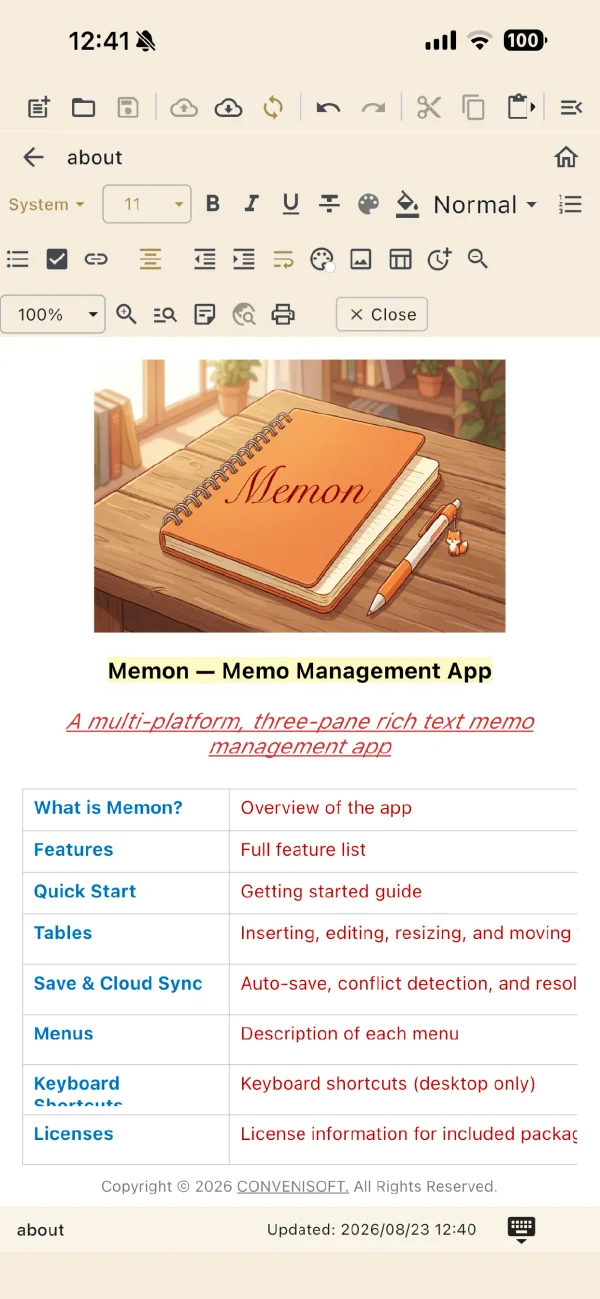
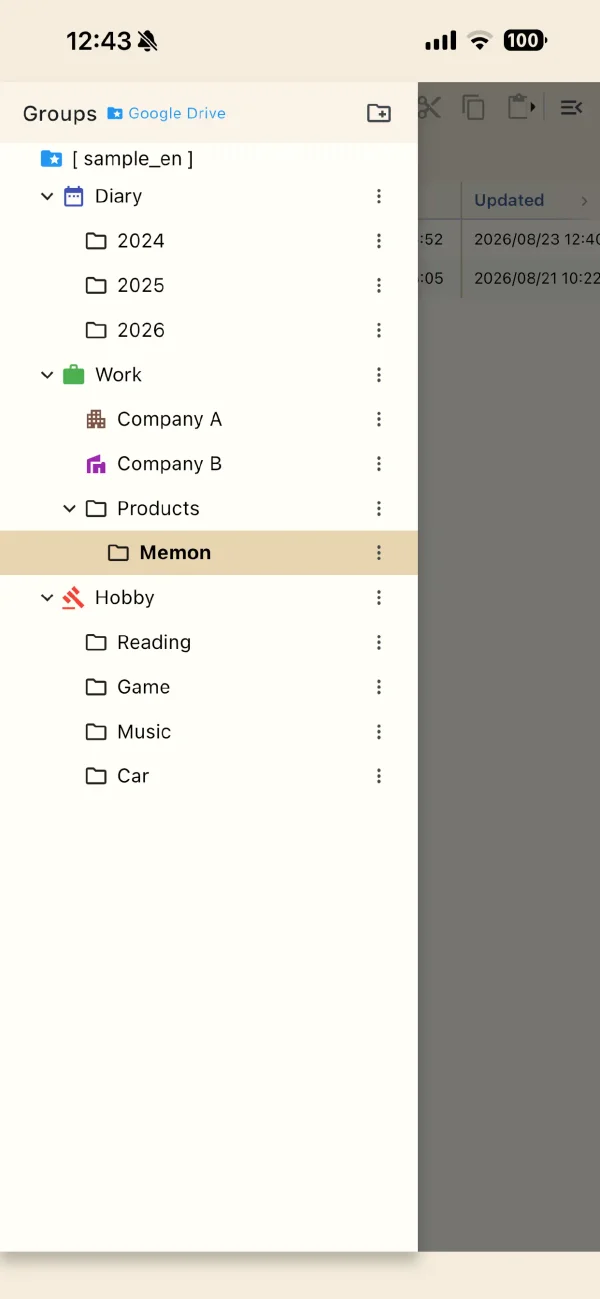
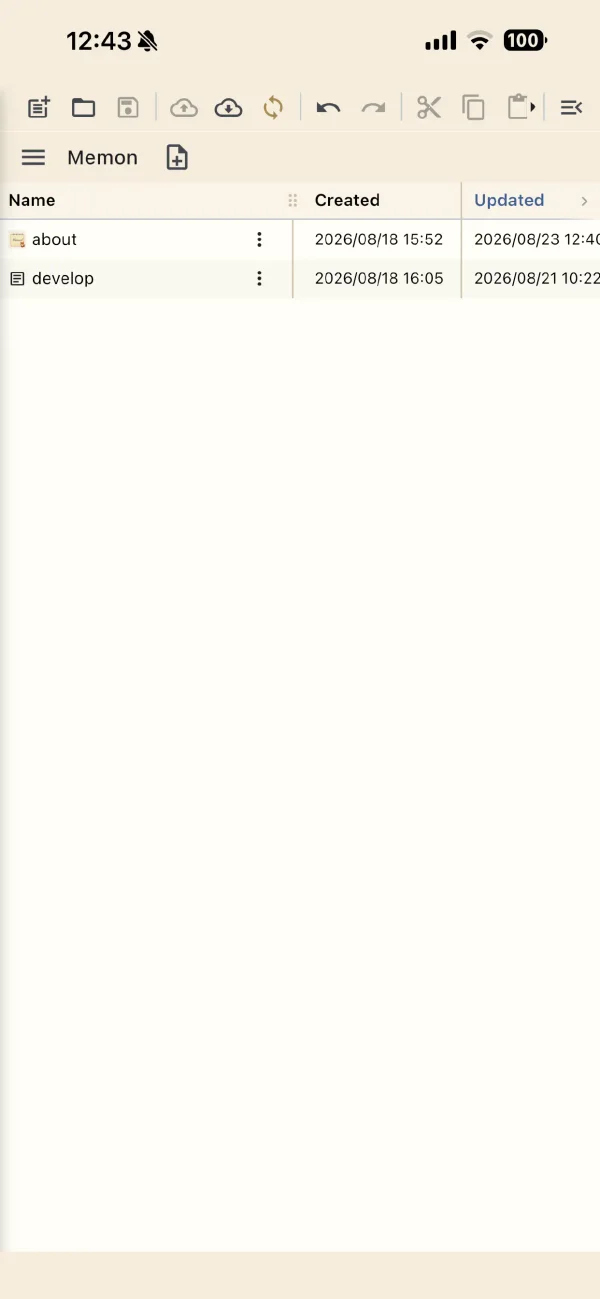
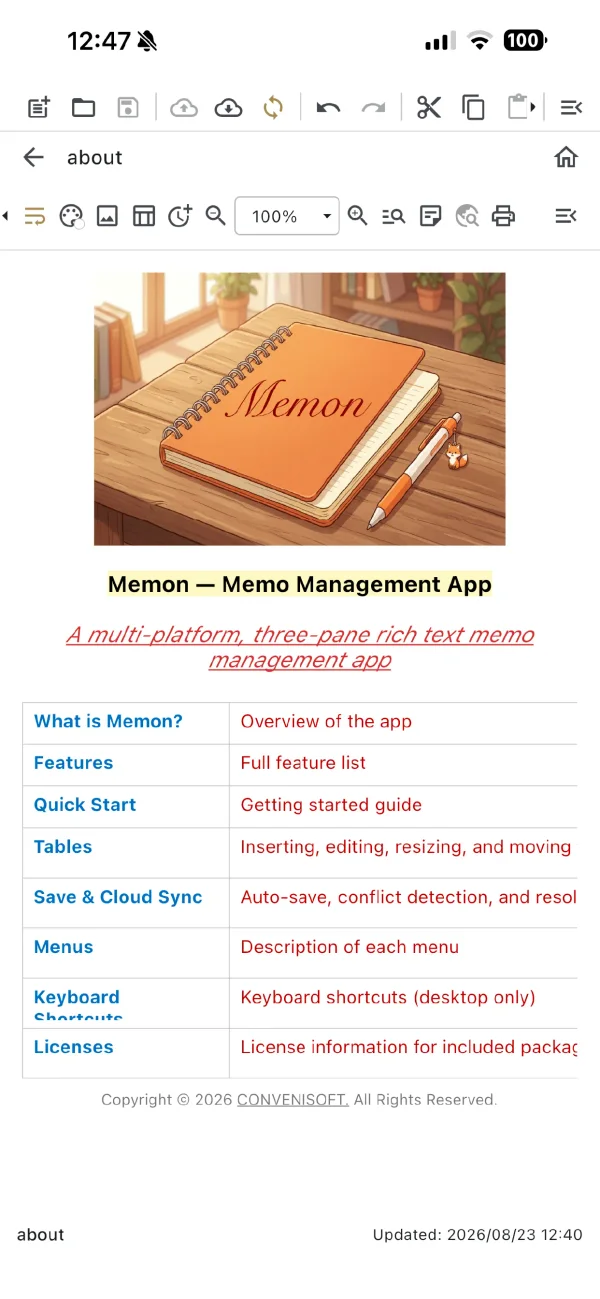
Memon is a three-pane, email-style note management app with rich text editing.
A macOS version is also available — using both together is highly recommended.
Key Features
[Note Management]
· Hierarchical tree organization with groups and notes
· Color-coded display by importance level (star rating)
· Tag assignment and list view
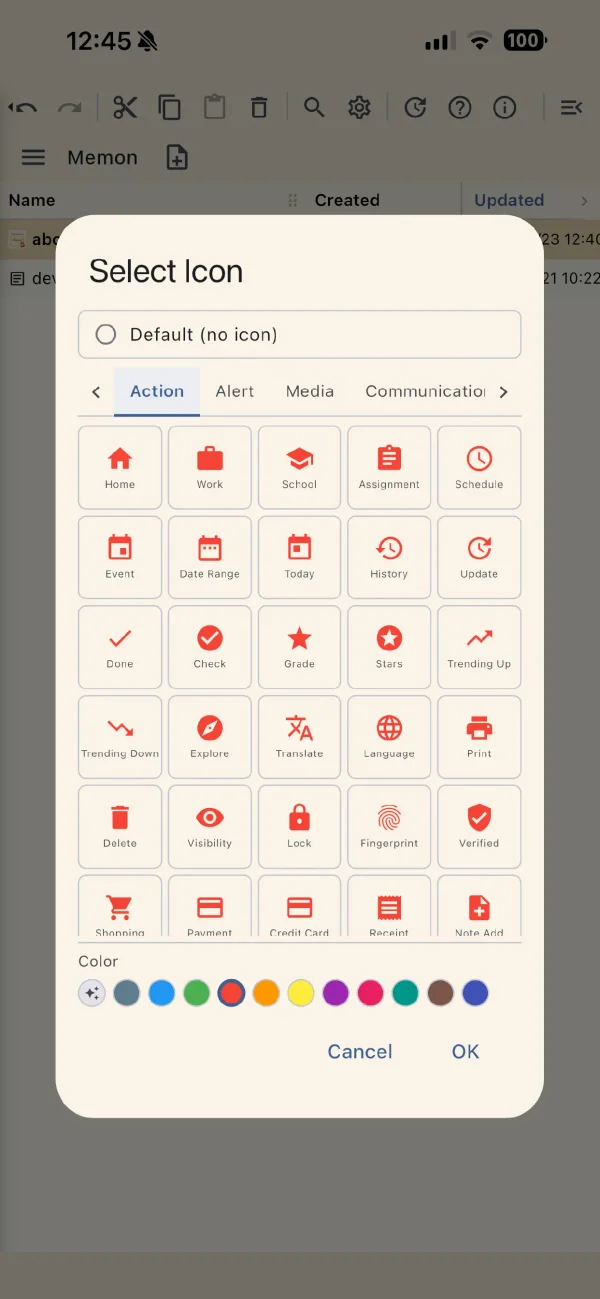
· Icon customization for groups and notes (18 standard categories, 12 colors, custom images)
· Note sorting (by updated date, created date, title, importance, or tag)
· Move notes to another group (desktop: drag & drop; mobile: long-press to enter selection mode, then use checkboxes to select multiple notes)
· Resizable list column widths (drag column headers to adjust)
[Rich Text Editing]
· Bold, italic, underline, strikethrough
· Text color and background color
· Headings (H1–H3)
· Bullet lists, numbered lists, and checklists
· Per-note background color
· Image support (insert, resize, copy, move, delete)
· Zoom in/out (desktop: Ctrl + mouse wheel)
[Tables]
· Add, delete, resize, and move rows and columns
· Resize and align the entire table
· Cell formatting (bold, italic, underline, text color, background color, horizontal/vertical alignment)
· Cell copy & paste (TSV-compatible with Excel and Numbers)
[Search]
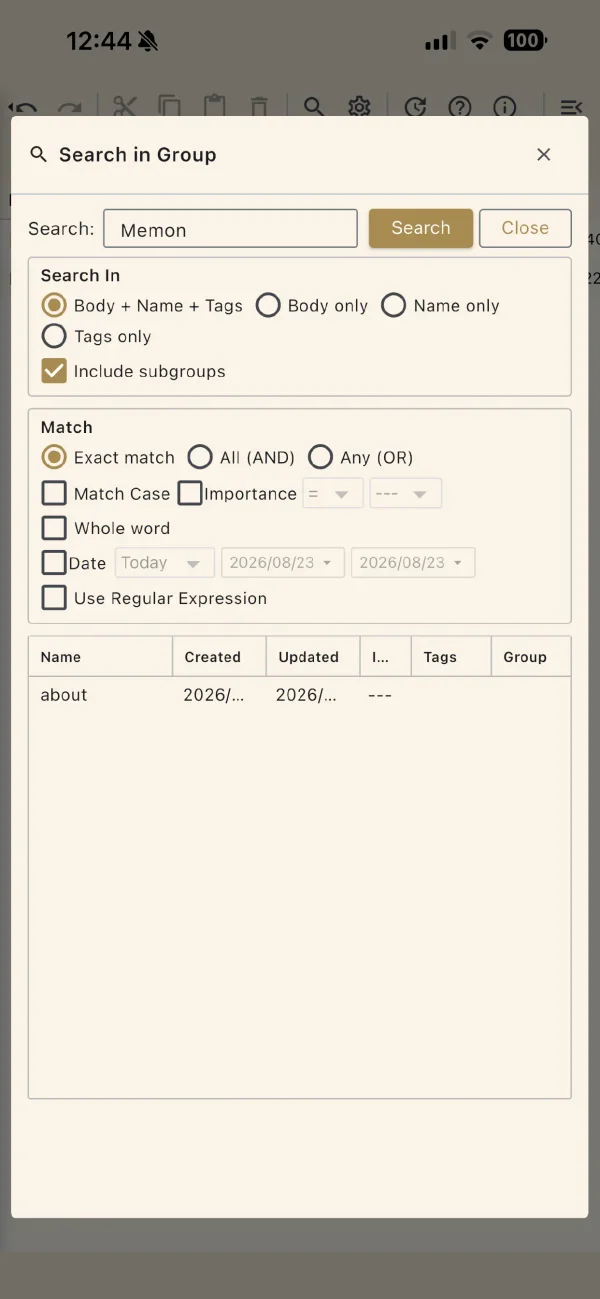
· Full-text search across all notes
· In-editor text search
· Search selected text on Google
[Cloud Integration]
· Save and load via iCloud Drive (macOS / iOS)
· Save and load via Google Drive (all platforms)
· Save and load via OneDrive (all platforms)
· Your local note file is the single source of truth, automatically synced to the cloud on every save
[Import / Export]
· Import XML note files from the original Windows version of Memon
· Bulk import text files from a selected folder
· Export selected notes as text, PDF, or rich text (RTF) files
· Export groups as text, PDF, or RTF files in a folder hierarchy
[Other]
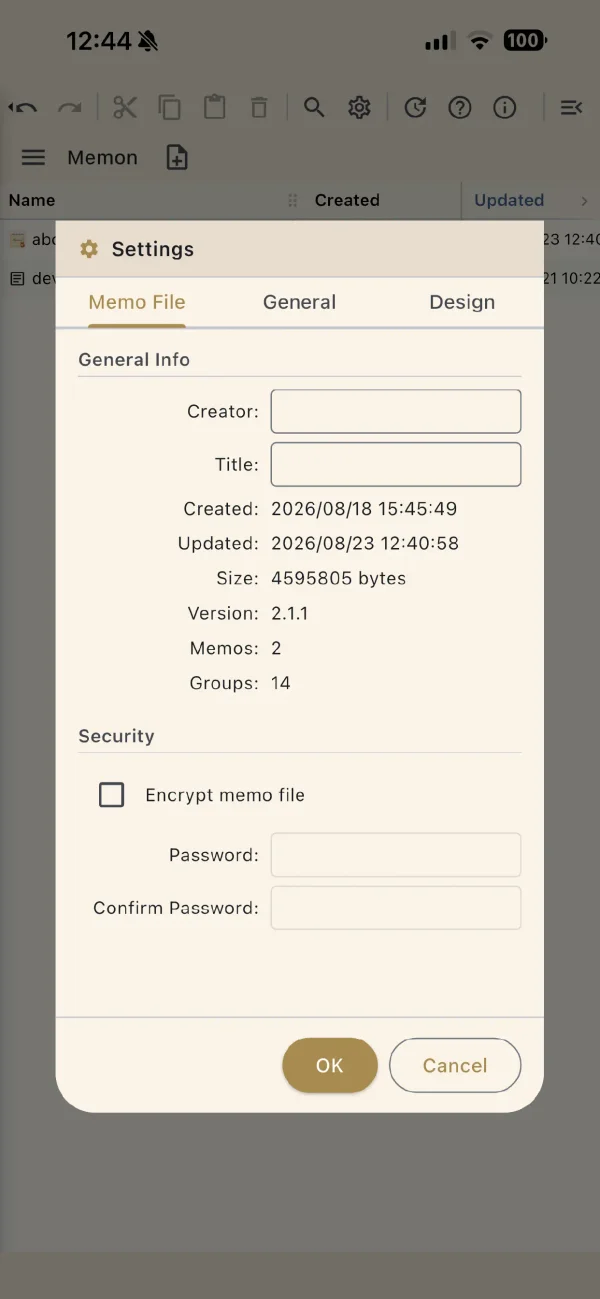
· Password protection with AES encryption
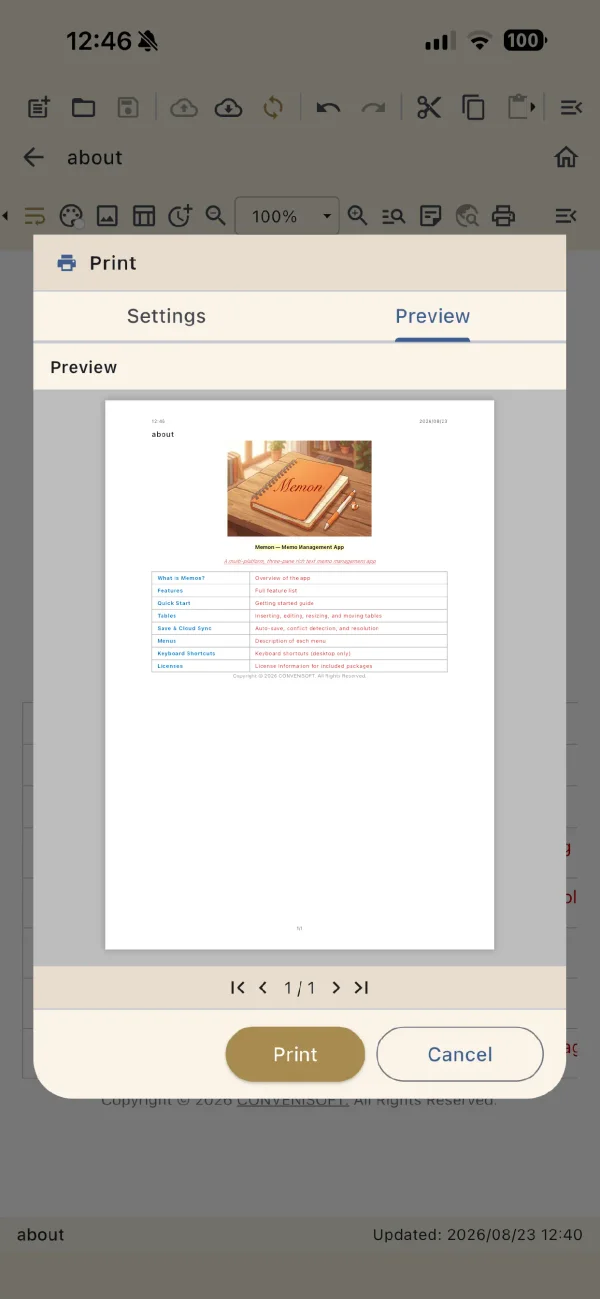
· Print (launched from the editor toolbar — printer selection, margins, header/footer, and preview)
· Sticky note display (open a note as a floating window on the desktop)
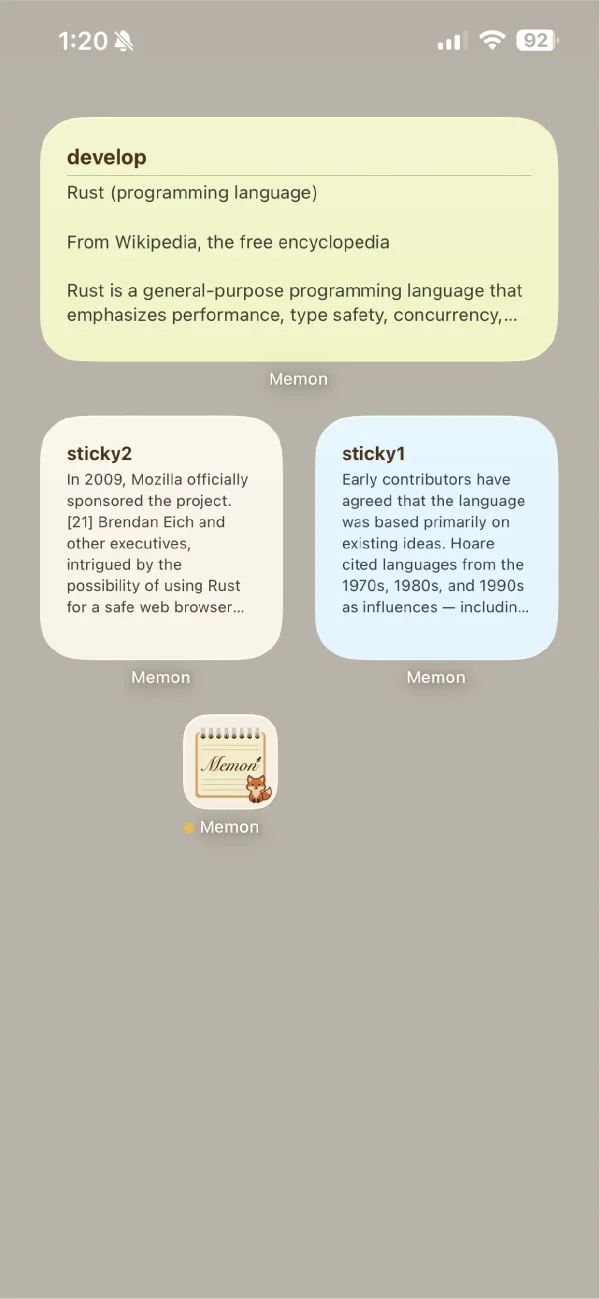
· Home screen widgets
· Font and background color customization
· In-app update checker
Có gì mới
Phiên bản 2.7.0 · 24/11/2026
v2.6.3 — Fixed line numbers not appearing instantly after toggling the button (all OS)
v2.7.0 — Added outline panel (H1–H5 heading list with click-to-jump); added H4 and H5 heading levels to the dropdown (all OS)
Quyền riêng tư của ứng dụng
Những gì Yusuke Fukasawa khai báo trên App Store về cách ứng dụng này xử lý dữ liệu.
-
Dữ liệu không được thu thập
Nhà phát triển không thu thập bất kỳ dữ liệu nào từ ứng dụng này.
Phương thức đảm bảo quyền riêng tư có thể khác nhau, chẳng hạn như tuỳ theo các tính năng bạn sử dụng hoặc độ tuổi của bạn.
Thông tin
- Người bán
- Yusuke Fukasawa
- Danh mục
- Hiệu Suất
- Phiên bản
- 2.7.0
- Cập nhật
- 24/11/2026
- Phát hành
- 11/08/2026
- Kích thước
- 61,1 MB
- Yêu cầu
- iOS 16.0 trở lên
- Độ tuổi
- 4+
- Giá
- Miễn phí
- Mua hàng trong ứng dụng
- Có
- Ngôn ngữ
- Tiếng Anh
- Bản quyền
- © Yusuke Fukasawa
Có thể bạn cũng thích
-
 TAMALIBA - Notes & TasksHiệu Suất
-
 PageVault: Offline ReaderHiệu Suất
-
 Meno - Calendar, To-Do & NotesHiệu Suất
-
 KnowTreeHiệu Suất
-
 Flyout: Notes, Markdown, CodeHiệu Suất
-
 Monolist: To Do List & TasksHiệu Suất
-
 Kosshi OutlinerHiệu Suất
-
 Lịch Ghi Chú: Nhật KýKế hoạch, sổ tay & danh sách
-
 Timely: Shared Calendar WidgetHiệu Suất
-
 KakejikuHiệu Suất