
Model View 3D
OBJ and glTF model viewer
Diseñada para iPhone, iPad
Gratis · Compras en la aplicación
- Clasificación por edad4+
- CategoríaEntretenimiento
- DesarrolladorGraphics Software Labs
- IdiomasInglés
- Tamaño32,4 MB
Enlaza a la página oficial de App Store
Download.org no aloja ningún archivo de Model View 3D. El botón abre la página de la aplicación en App Store, donde la publica Graphics Software Labs. Ficha comprobada por última vez el 12/11/2026.
Capturas de pantalla



Acerca de
El desarrollador no ha proporcionado este texto en tu idioma.
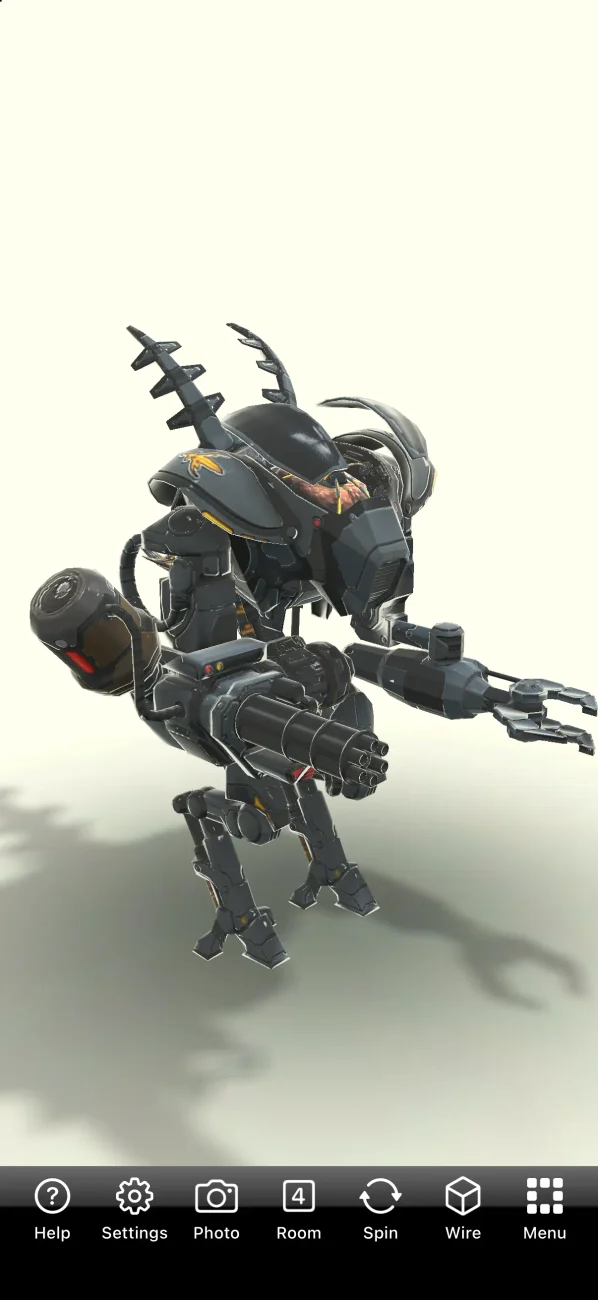
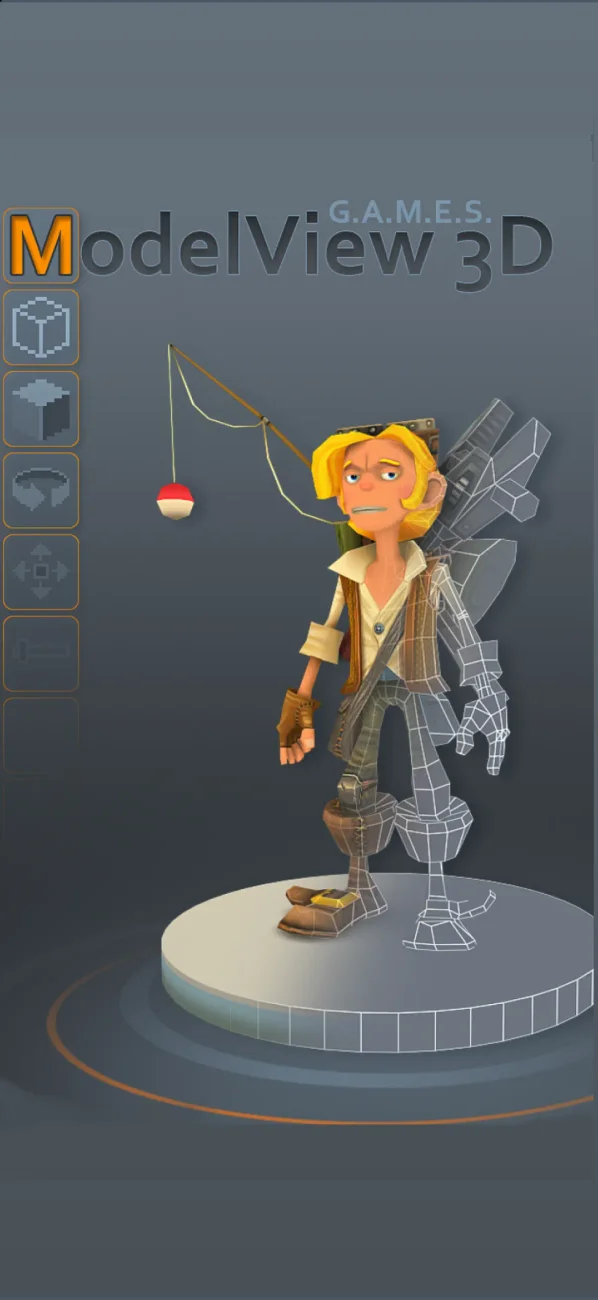
Model View 3D is a fast, simple viewer for textured 3D models on iPhone and iPad. Turn, tilt and zoom around a model, let it spin, move the light, switch rooms, and see exactly how its color, normal and specular maps shape the final look.
TEN BUILT-IN MODELS
Start right away with a photogrammetry head scan, a modern arm chair, a potted plant, a pocket watch with a glass crystal and a polished case, a vintage camera, a normal-mapped cyborg, and more.
BRING YOUR OWN MODELS
• Import OBJ models (with their MTL and textures) and glTF or GLB models from Files, iCloud Drive, AirDrop, Mail or any app that can share a file.
• Zip a model together with its textures and import everything in one step.
• Sixteen slots: six free for your models, and any built-in can be replaced or restored.
• Supply your own button icon, or let the app render one for you.
REAL MATERIALS
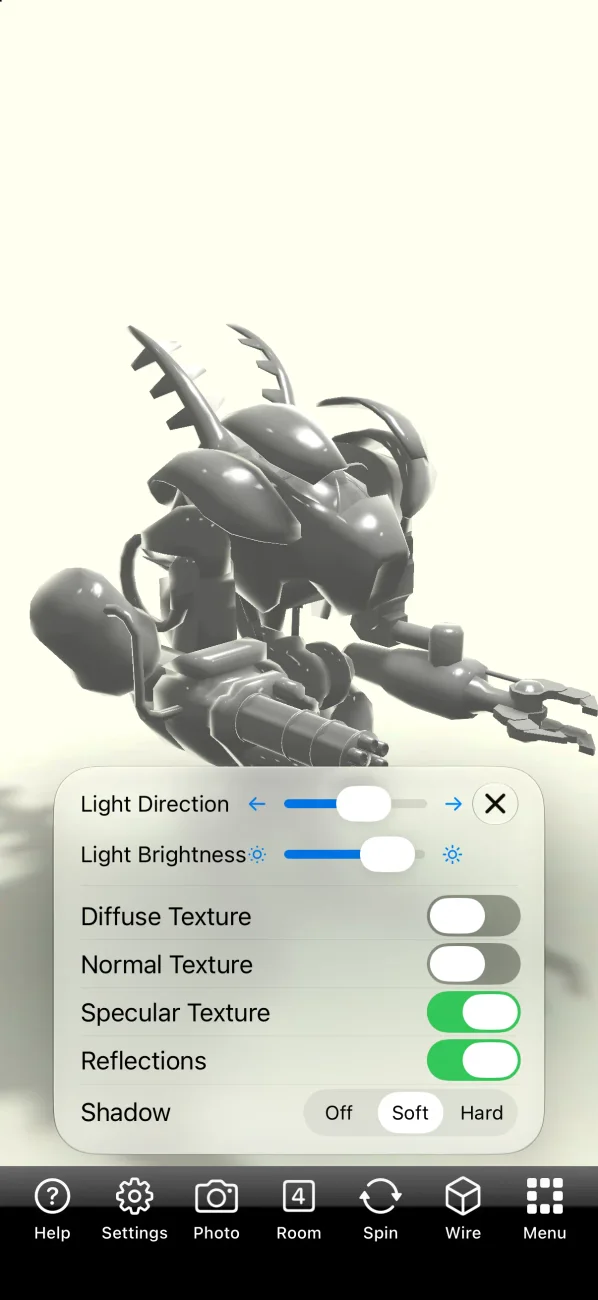
• Metal renderer with per-pixel lighting, normal maps and specular maps.
• Room reflections on glass and metal, driven by glTF metallic and roughness maps.
• Transparent glass, double-sided foliage and alpha-masked leaves.
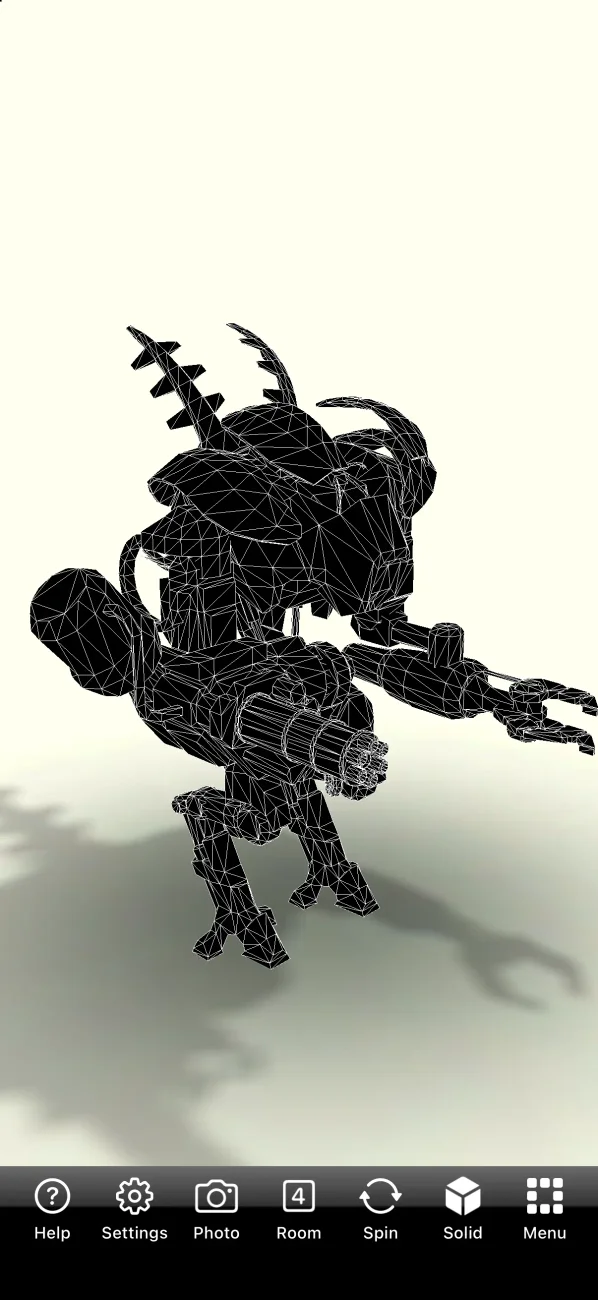
• Smooth or flat shading per model, and a wireframe view with a live triangle count.
SIMPLE CONTROLS
• One finger to orbit, pinch to zoom, two fingers to raise or lower the view, triple tap to reset.
• Spin the model, step through four rooms, and open the Settings card to move the light, change its brightness, and switch texture maps and reflections on or off.
Built-in help explains every control and how to prepare models on your Mac or PC. No account needed. Model View 3D is free and supported by a small banner ad that appears only while the model menu is showing; a one-time Remove Ads purchase takes it away for good.
Novedades
Versión 3.2 · 25/10/2026
• Shadows: the model now casts a shadow onto the room and onto itself, following the light as you move it. Choose Soft, Hard or Off in Settings.
• Photo button: save the scene exactly as rendered, with no menu or toolbar, to your photo library.
Privacidad de la aplicación
Lo que Graphics Software Labs declara en App Store sobre cómo esta aplicación gestiona los datos.
-
No se recopilan datos
El desarrollador no recopila ningún dato de esta aplicación.
Las prácticas de privacidad pueden variar, por ejemplo, según las funciones que uses o tu edad.
Información
- Vendedor
- Graphics Software Labs
- Categoría
- Entretenimiento
- Versión
- 3.2
- Actualizado
- 25/10/2026
- Publicado
- 12/8/2011
- Tamaño
- 32,4 MB
- Requiere
- iOS 16.0 o posterior
- Clasificación por edad
- 4+
- Precio
- Gratis
- Compras en la aplicación
- Sí
- Idiomas
- Inglés
- Copyright
- © Graphics Software Labs
Quizá también te guste
-
 AnimeTok3D cgi animation makerEntretenimiento
-
 Pose Tool 3DEntretenimiento
-
 Khada - Model Viewer for LoLEntretenimiento
-
 FACEMOTION3Dfacial motion capture
-
 iFacialMocapTrFacialMocap & Send to PC
-
 Bot3D Editor - 3D Anime EditorEntretenimiento
-
 Stick Nodes Pro - AnimadorCrear películas de personajes!
-
 iVRyEntretenimiento
-
 PoseitEntretenimiento
-
 Animation Desk® Draw & AnimateCreate animations and cartoons