Model View 3D
OBJ and glTF model viewer
Dirancang untuk iPhone, iPad
Gratis · Pembelian dalam aplikasi
- Batasan usia4+
- KategoriHiburan
- PengembangGraphics Software Labs
- BahasaInggris
- Ukuran32,4 MB
Tertaut ke halaman resmi App Store
Download.org tidak menyimpan file Model View 3D apa pun. Tombol ini membuka halaman aplikasi di App Store, tempat Graphics Software Labs menerbitkannya. Halaman terakhir diperiksa pada 12/11/2026.
Tangkapan layar


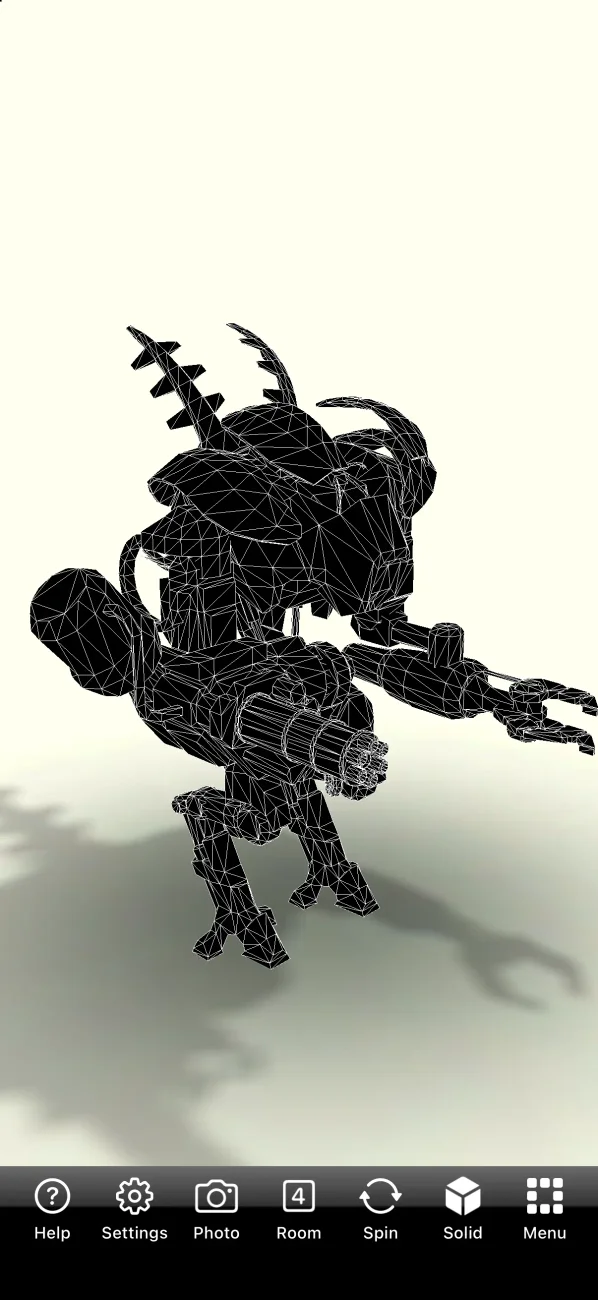

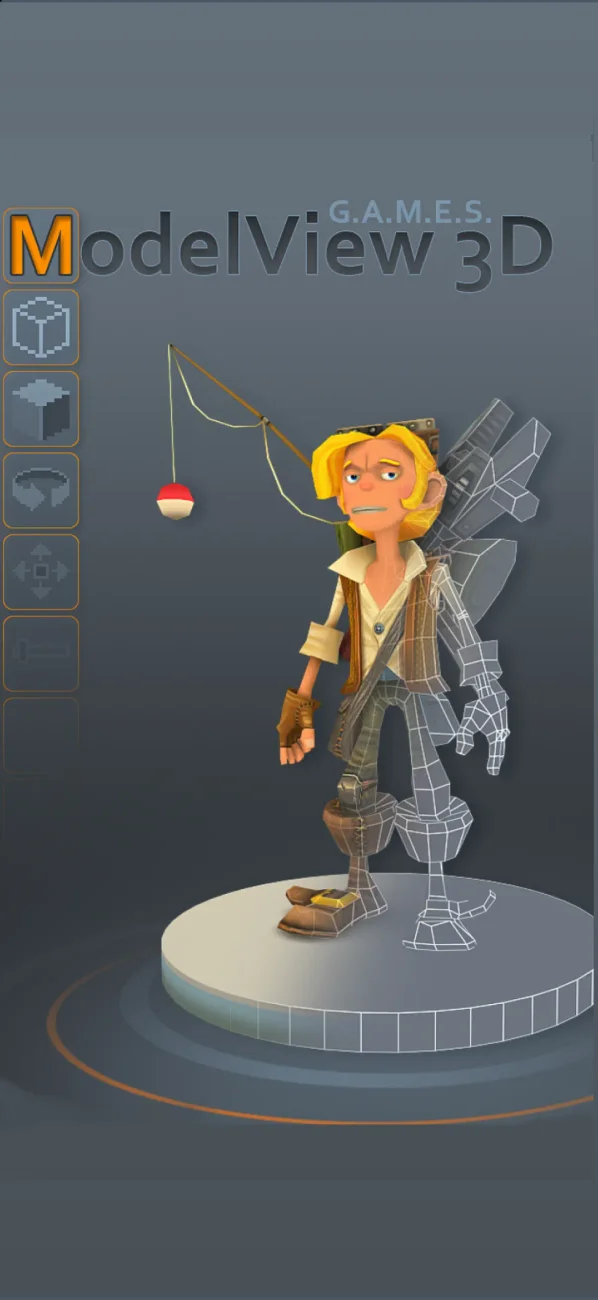
Tentang
Pengembang belum menyediakan teks ini dalam bahasa Anda.
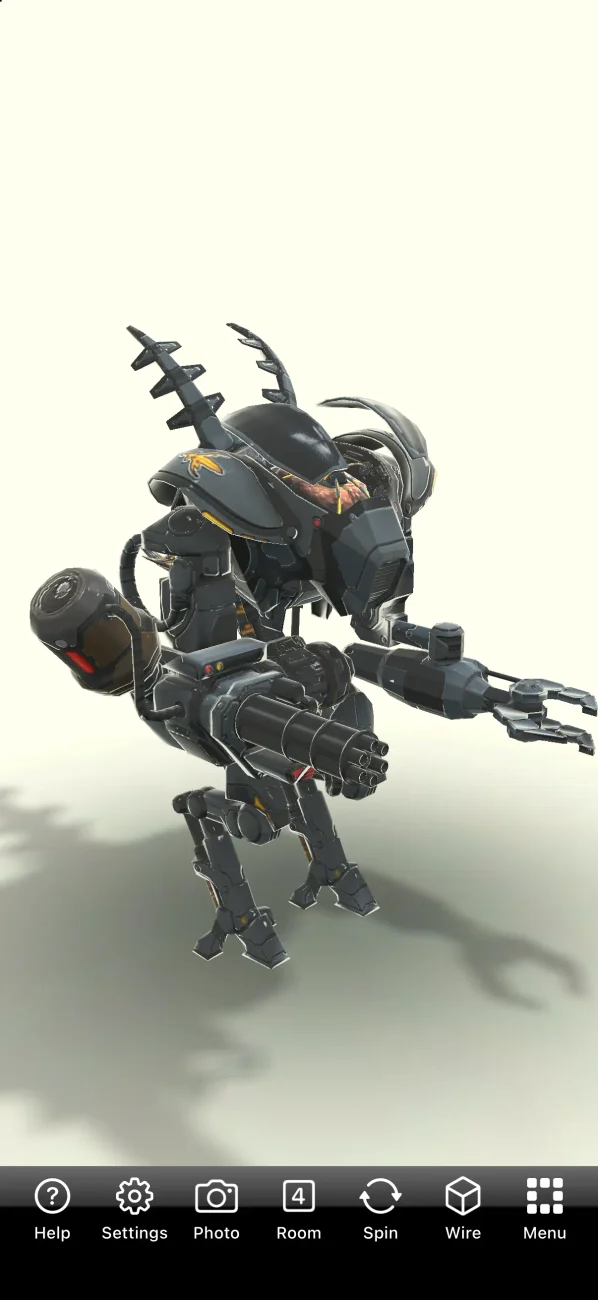
Model View 3D is a fast, simple viewer for textured 3D models on iPhone and iPad. Turn, tilt and zoom around a model, let it spin, move the light, switch rooms, and see exactly how its color, normal and specular maps shape the final look.
TEN BUILT-IN MODELS
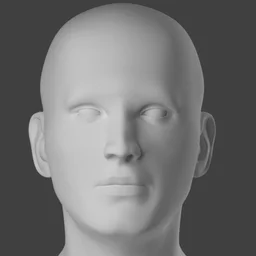
Start right away with a photogrammetry head scan, a modern arm chair, a potted plant, a pocket watch with a glass crystal and a polished case, a vintage camera, a normal-mapped cyborg, and more.
BRING YOUR OWN MODELS
• Import OBJ models (with their MTL and textures) and glTF or GLB models from Files, iCloud Drive, AirDrop, Mail or any app that can share a file.
• Zip a model together with its textures and import everything in one step.
• Sixteen slots: six free for your models, and any built-in can be replaced or restored.
• Supply your own button icon, or let the app render one for you.
REAL MATERIALS
• Metal renderer with per-pixel lighting, normal maps and specular maps.
• Room reflections on glass and metal, driven by glTF metallic and roughness maps.
• Transparent glass, double-sided foliage and alpha-masked leaves.
• Smooth or flat shading per model, and a wireframe view with a live triangle count.
SIMPLE CONTROLS
• One finger to orbit, pinch to zoom, two fingers to raise or lower the view, triple tap to reset.
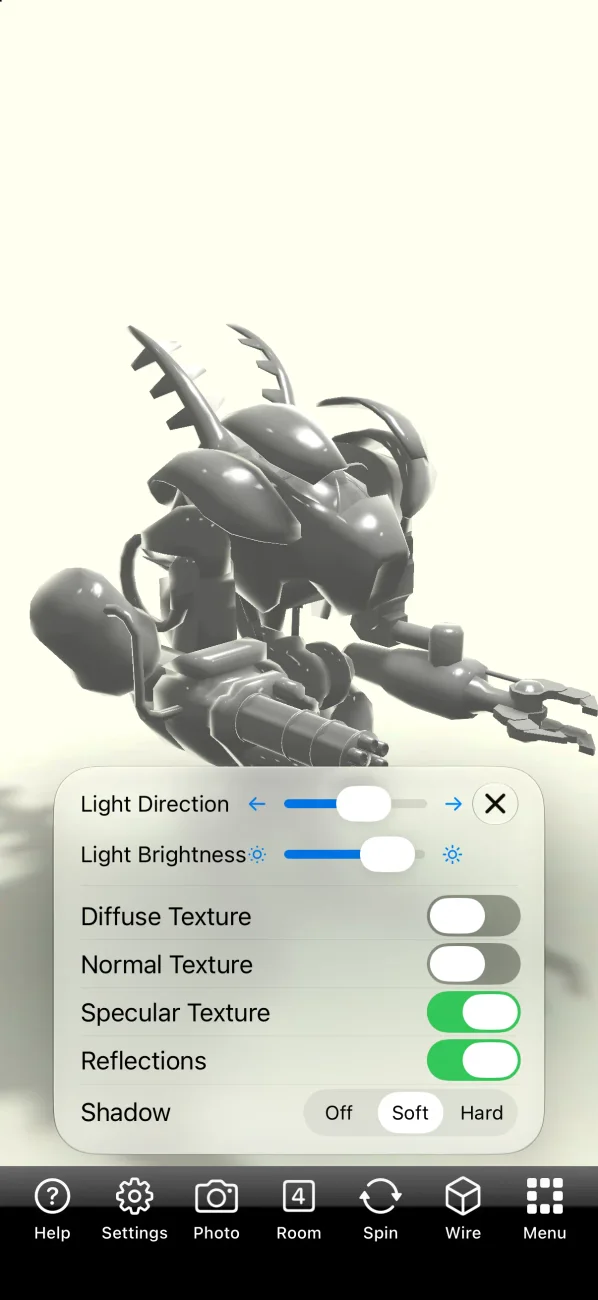
• Spin the model, step through four rooms, and open the Settings card to move the light, change its brightness, and switch texture maps and reflections on or off.
Built-in help explains every control and how to prepare models on your Mac or PC. No account needed. Model View 3D is free and supported by a small banner ad that appears only while the model menu is showing; a one-time Remove Ads purchase takes it away for good.
Yang baru
Versi 3.2 · 25/10/2026
• Shadows: the model now casts a shadow onto the room and onto itself, following the light as you move it. Choose Soft, Hard or Off in Settings.
• Photo button: save the scene exactly as rendered, with no menu or toolbar, to your photo library.
Privasi aplikasi
Yang dinyatakan Graphics Software Labs di App Store tentang cara aplikasi ini menangani data.
-
Data tidak dikumpulkan
Pengembang tidak mengumpulkan data apa pun dari aplikasi ini.
Praktik privasi dapat bervariasi, misalnya berdasarkan fitur yang Anda gunakan atau usia Anda.
Informasi
- Penjual
- Graphics Software Labs
- Kategori
- Hiburan
- Versi
- 3.2
- Diperbarui
- 25/10/2026
- Dirilis
- 12/8/2011
- Ukuran
- 32,4 MB
- Memerlukan
- iOS 16.0 atau yang lebih baru
- Batasan usia
- 4+
- Harga
- Gratis
- Pembelian dalam aplikasi
- Ya
- Bahasa
- Inggris
- Hak cipta
- © Graphics Software Labs