- 対象年齢4+
- カテゴリエンターテインメント
- 開発元Graphics Software Labs
- 言語英語
- サイズ32.4 MB
App Storeの公式ページにリンクしています
Download.orgはModel View 3Dのファイルを一切ホストしていません。ボタンを押すと、Graphics Software Labsが公開しているApp Storeのアプリページが開きます。ページの最終確認:2026/11/12。
スクリーンショット



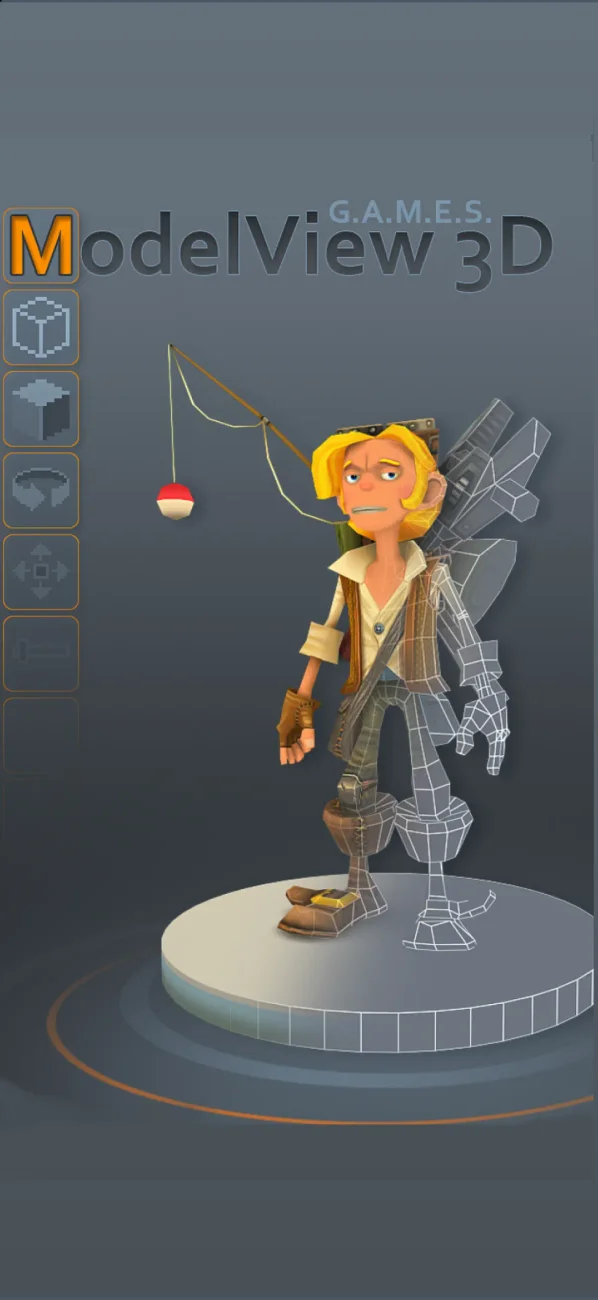
概要
開発元はこのテキストをお使いの言語で提供していません。
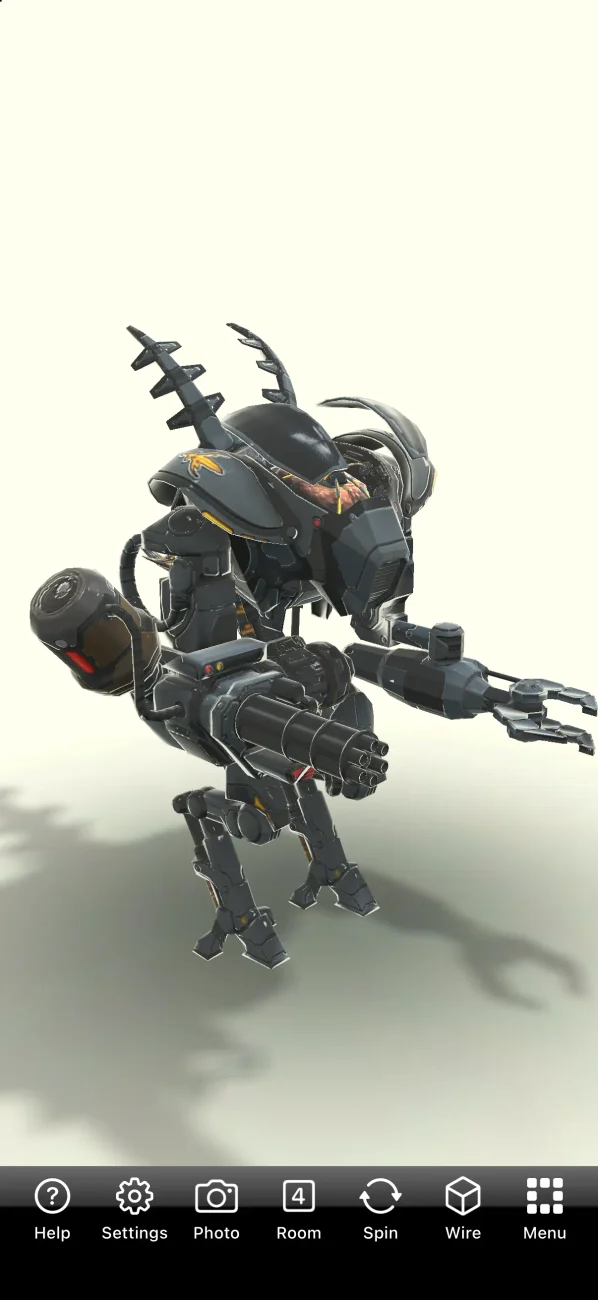
Model View 3D is a fast, simple viewer for textured 3D models on iPhone and iPad. Turn, tilt and zoom around a model, let it spin, move the light, switch rooms, and see exactly how its color, normal and specular maps shape the final look.
TEN BUILT-IN MODELS
Start right away with a photogrammetry head scan, a modern arm chair, a potted plant, a pocket watch with a glass crystal and a polished case, a vintage camera, a normal-mapped cyborg, and more.
BRING YOUR OWN MODELS
• Import OBJ models (with their MTL and textures) and glTF or GLB models from Files, iCloud Drive, AirDrop, Mail or any app that can share a file.
• Zip a model together with its textures and import everything in one step.
• Sixteen slots: six free for your models, and any built-in can be replaced or restored.
• Supply your own button icon, or let the app render one for you.
REAL MATERIALS
• Metal renderer with per-pixel lighting, normal maps and specular maps.
• Room reflections on glass and metal, driven by glTF metallic and roughness maps.
• Transparent glass, double-sided foliage and alpha-masked leaves.
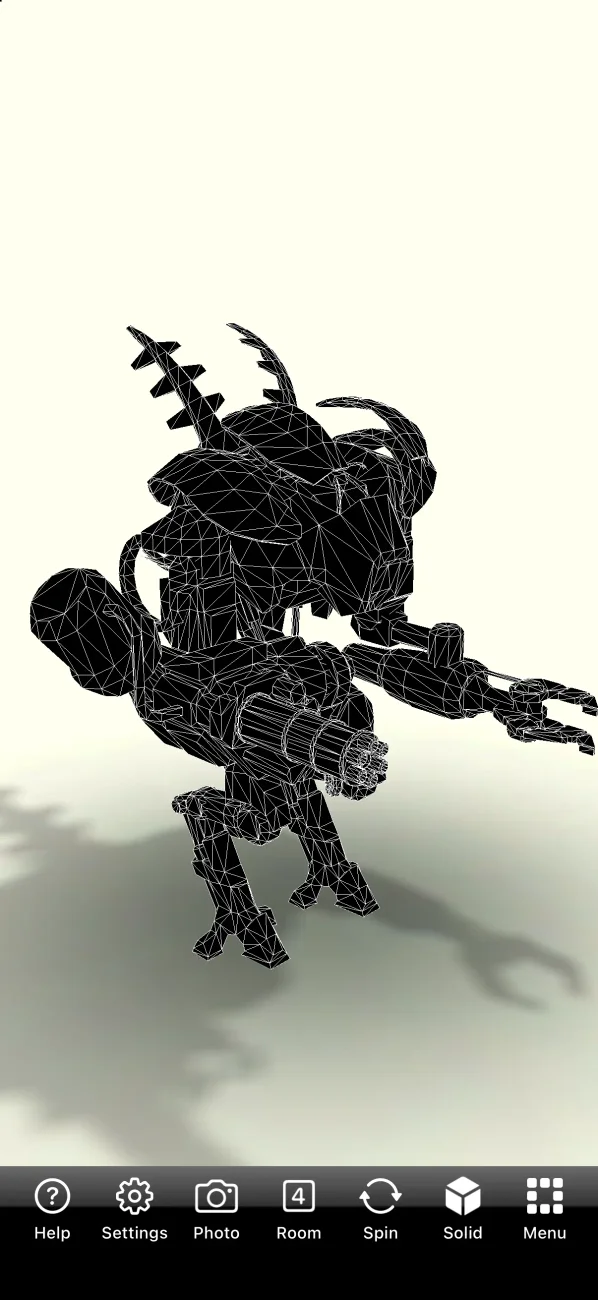
• Smooth or flat shading per model, and a wireframe view with a live triangle count.
SIMPLE CONTROLS
• One finger to orbit, pinch to zoom, two fingers to raise or lower the view, triple tap to reset.
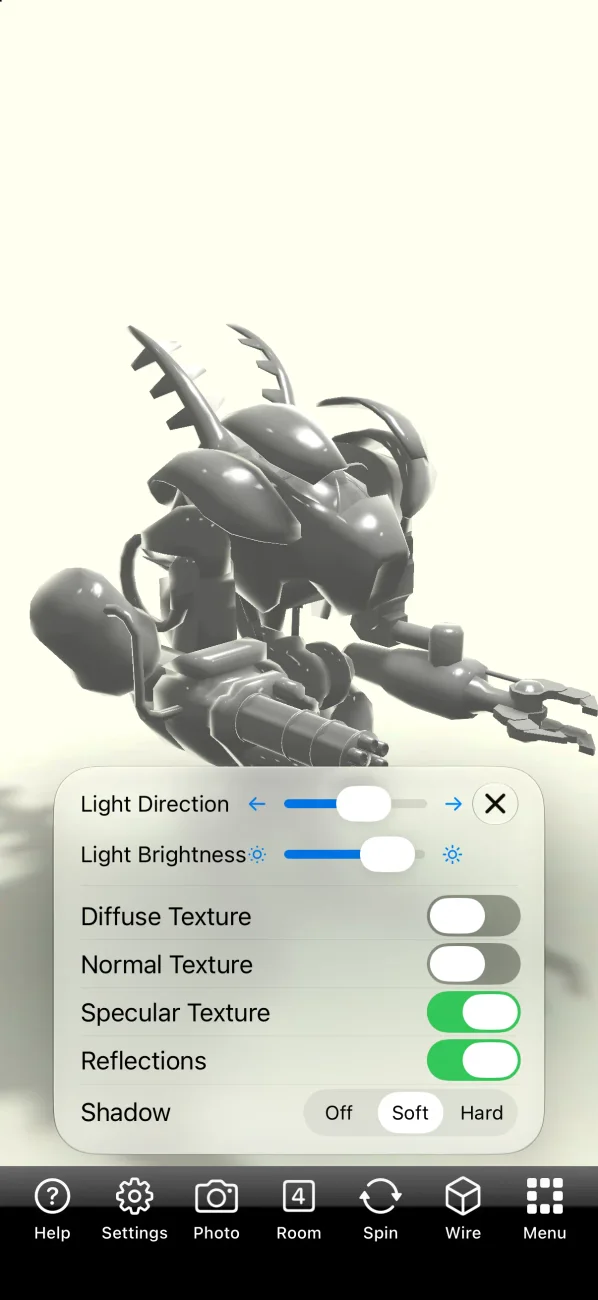
• Spin the model, step through four rooms, and open the Settings card to move the light, change its brightness, and switch texture maps and reflections on or off.
Built-in help explains every control and how to prepare models on your Mac or PC. No account needed. Model View 3D is free and supported by a small banner ad that appears only while the model menu is showing; a one-time Remove Ads purchase takes it away for good.
新機能
バージョン 3.2 · 2026/10/25
• Shadows: the model now casts a shadow onto the room and onto itself, following the light as you move it. Choose Soft, Hard or Off in Settings.
• Photo button: save the scene exactly as rendered, with no menu or toolbar, to your photo library.
アプリのプライバシー
このアプリのデータの取り扱いについて、Graphics Software LabsがApp Storeで申告している内容です。
-
データの収集なし
開発元はこのアプリからデータを収集しません。
プライバシーの取り扱いは、ご利用の機能やお客様の年齢などに応じて異なる場合があります。
情報
- 販売元
- Graphics Software Labs
- カテゴリ
- エンターテインメント
- バージョン
- 3.2
- 更新日
- 2026/10/25
- リリース
- 2011/8/12
- サイズ
- 32.4 MB
- 必要条件
- iOS 16.0以降
- 対象年齢
- 4+
- 価格
- 無料
- アプリ内課金
- あり
- 言語
- 英語
- 著作権
- © Graphics Software Labs
こちらもおすすめ
-
 AnimeTok3D cgi animation makeranimations creator to animator
-
 Pose Tool 3Dエンターテインメント
-
 カダ - LoL用3Dモデルビューアリーグ・オブ・レジェンドの3Dモデル
-
 FACEMOTION3Dエンターテインメント
-
 iFacialMocapTrial顔のモーションキャプチャ & PCへ送信
-
 Bot3D Editor - 3Dアニメーションエディタエンターテインメント
-
 Stick Nodes プロ - 棒人間アニメーターアニメを作ろう!
-
 iVRyエンターテインメント
-
 Poseitエンターテインメント
-
 Animation Desk® 描画してアニメーション化あなたの創造を形に