
Model View 3D
OBJ and glTF model viewer
Projetado para iPhone, iPad
Grátis · Compras no app
- Classificação etária4+
- CategoriaEntretenimento
- DesenvolvedorGraphics Software Labs
- IdiomasInglês
- Tamanho32,4 MB
Leva à página oficial na App Store
O Download.org não hospeda nenhum arquivo de Model View 3D. O botão abre a página do app na App Store, onde Graphics Software Labs o publica. Página verificada pela última vez em 12/11/2026.
Capturas de tela
Sobre
O desenvolvedor não forneceu este texto no seu idioma.
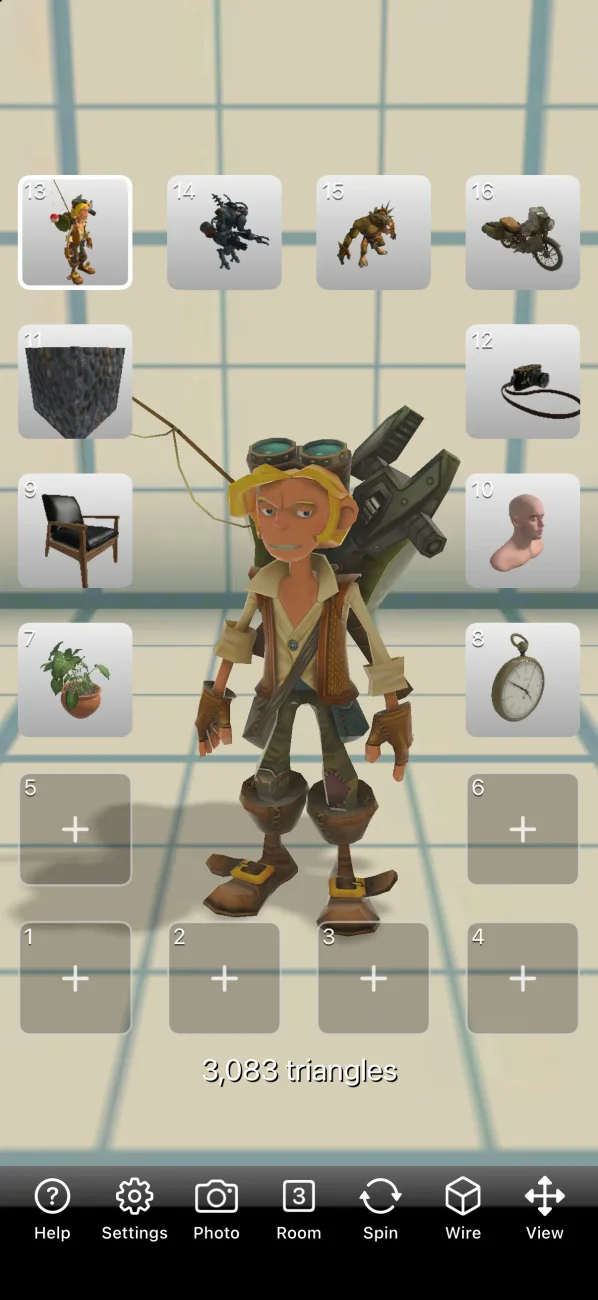
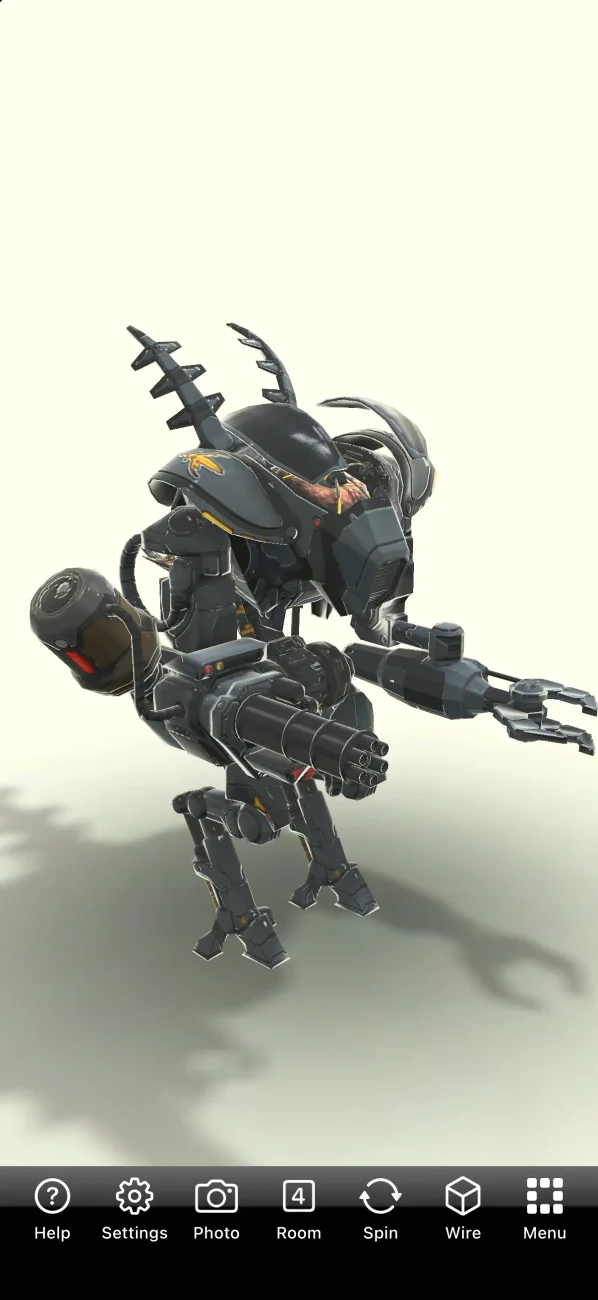
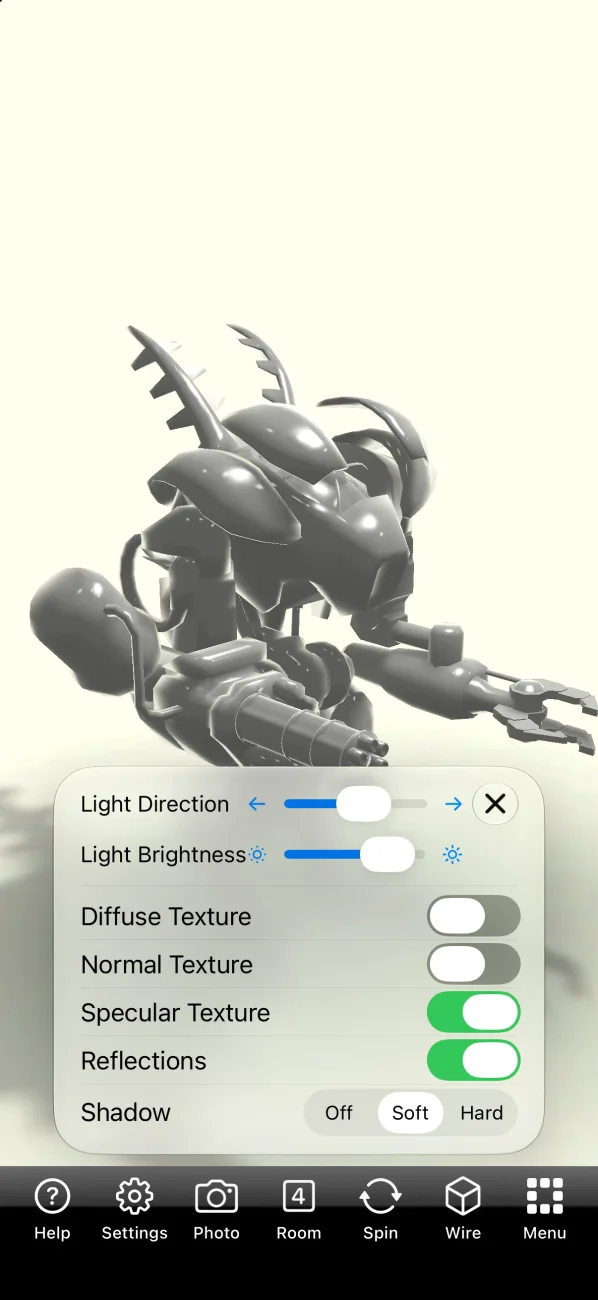
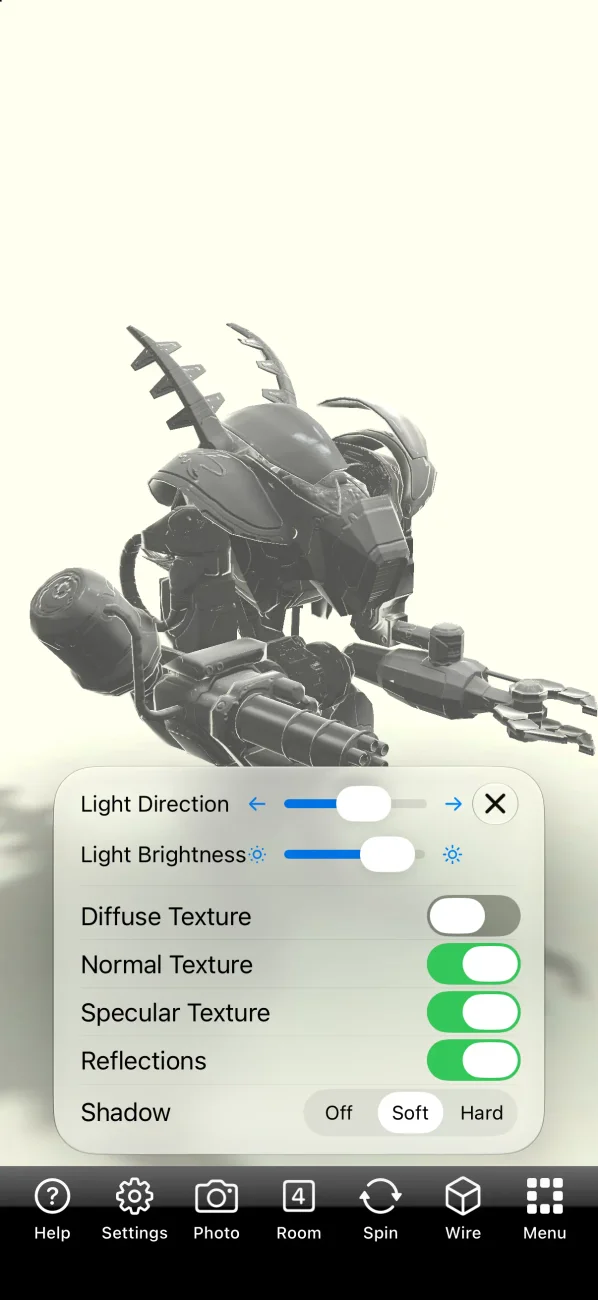
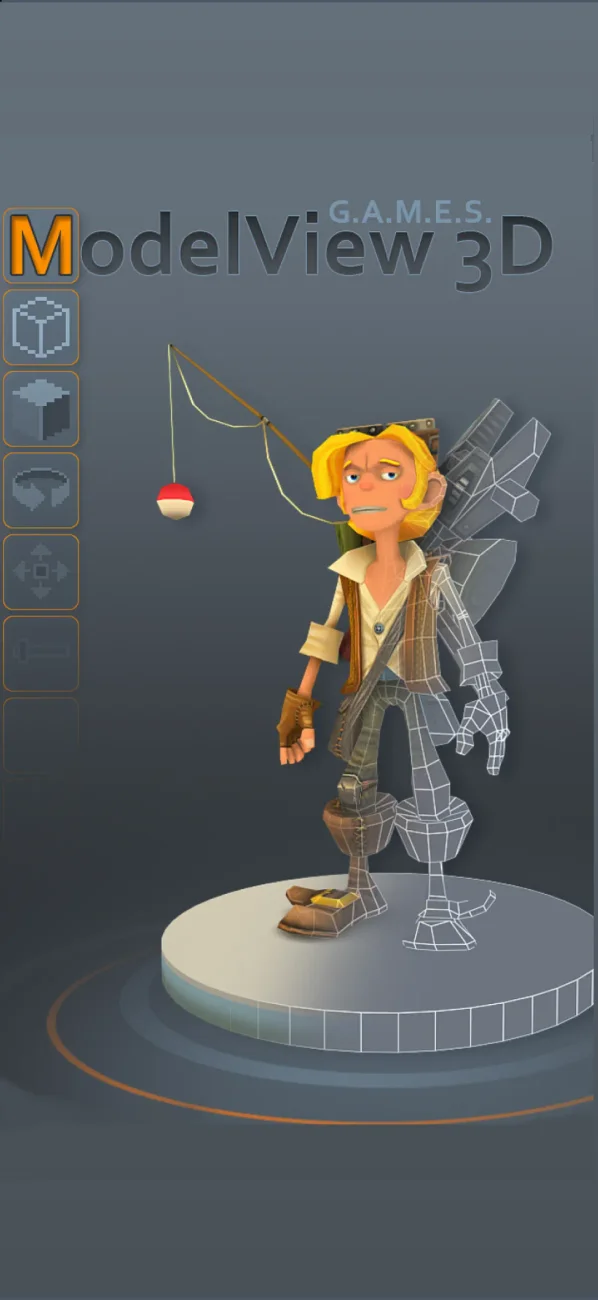
Model View 3D is a fast, simple viewer for textured 3D models on iPhone and iPad. Turn, tilt and zoom around a model, let it spin, move the light, switch rooms, and see exactly how its color, normal and specular maps shape the final look.
TEN BUILT-IN MODELS
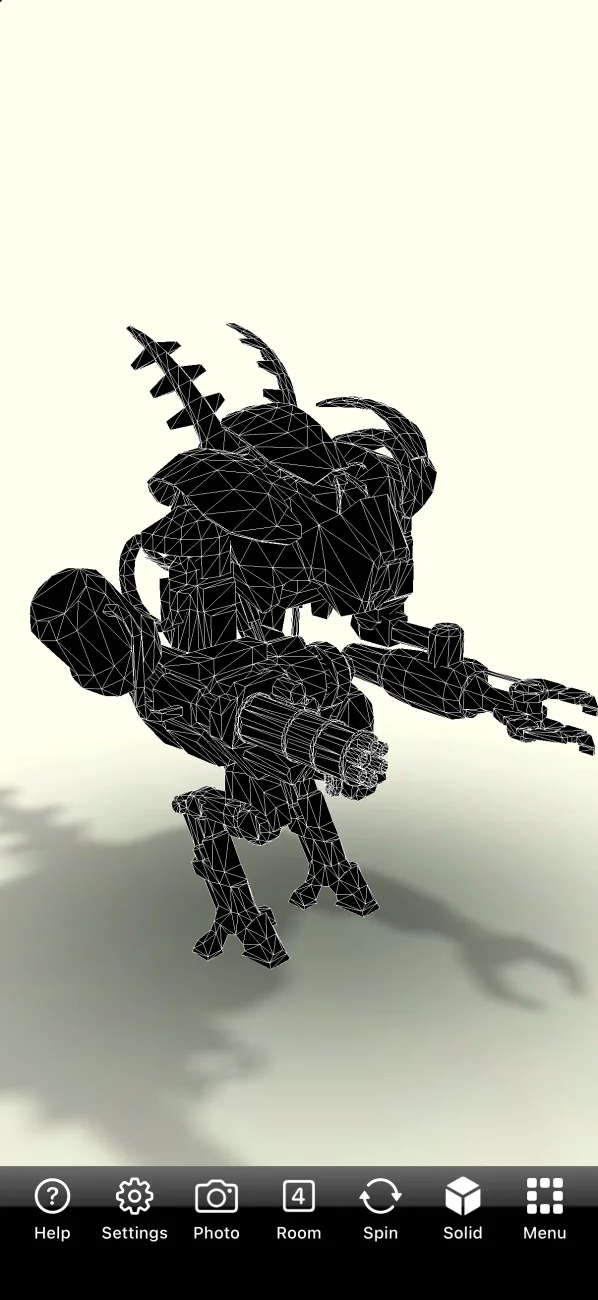
Start right away with a photogrammetry head scan, a modern arm chair, a potted plant, a pocket watch with a glass crystal and a polished case, a vintage camera, a normal-mapped cyborg, and more.
BRING YOUR OWN MODELS
• Import OBJ models (with their MTL and textures) and glTF or GLB models from Files, iCloud Drive, AirDrop, Mail or any app that can share a file.
• Zip a model together with its textures and import everything in one step.
• Sixteen slots: six free for your models, and any built-in can be replaced or restored.
• Supply your own button icon, or let the app render one for you.
REAL MATERIALS
• Metal renderer with per-pixel lighting, normal maps and specular maps.
• Room reflections on glass and metal, driven by glTF metallic and roughness maps.
• Transparent glass, double-sided foliage and alpha-masked leaves.
• Smooth or flat shading per model, and a wireframe view with a live triangle count.
SIMPLE CONTROLS
• One finger to orbit, pinch to zoom, two fingers to raise or lower the view, triple tap to reset.
• Spin the model, step through four rooms, and open the Settings card to move the light, change its brightness, and switch texture maps and reflections on or off.
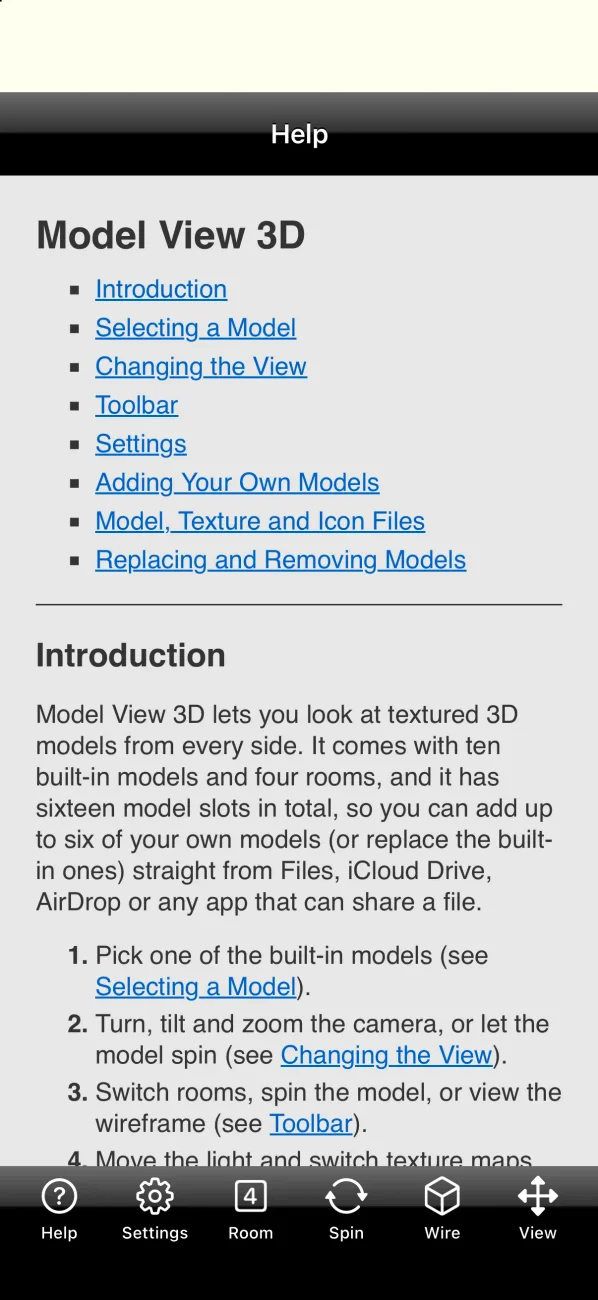
Built-in help explains every control and how to prepare models on your Mac or PC. No account needed. Model View 3D is free and supported by a small banner ad that appears only while the model menu is showing; a one-time Remove Ads purchase takes it away for good.
Novidades
Versão 3.2 · 25/10/2026
• Shadows: the model now casts a shadow onto the room and onto itself, following the light as you move it. Choose Soft, Hard or Off in Settings.
• Photo button: save the scene exactly as rendered, with no menu or toolbar, to your photo library.
Privacidade do app
O que Graphics Software Labs declara na App Store sobre como este app lida com os dados.
-
Dados não coletados
O desenvolvedor não coleta nenhum dado deste app.
As práticas de privacidade podem variar, por exemplo, com base nos recursos que você usa ou na sua idade.
Informações
- Vendedor
- Graphics Software Labs
- Categoria
- Entretenimento
- Versão
- 3.2
- Atualizado
- 25/10/2026
- Lançamento
- 12/08/2011
- Tamanho
- 32,4 MB
- Requer
- iOS 16.0 ou posterior
- Classificação etária
- 4+
- Preço
- Grátis
- Compras no app
- Sim
- Idiomas
- Inglês
- Copyright
- © Graphics Software Labs
Você também pode gostar
-
 AnimeTok3D cgi animation makerEntretenimento
-
 Pose Tool 3DEntretenimento
-
 Khada - Modelos 3D do LoLCampeões e skins do LoL em 3D!
-
 FACEMOTION3Dfacial motion capture
-
 iFacialMocapTrFacialMocap & Send to PC
-
 Bot3D Editor - 3D Anime EditorEntretenimento
-
 Stick Nodes Pro - AnimadorCriar filmes de personagem!
-
 iVRyEntretenimento
-
 PoseitEntretenimento
-
 Animation Desk® Draw & AnimateEntretenimento