
Morph: File Converter
Convert & compress any file
Diseñada para iPhone, iPad, Mac
- Clasificación por edad4+
- CategoríaUtilidades
- DesarrolladorGeetansh Goyal
- IdiomasInglés
- Tamaño4,7 MB
Es posible que Morph: File Converter no esté disponible en App Store en este momento
No se pudo acceder a la ficha de la tienda en nuestra última comprobación. El enlace sigue llevando a la página oficial de App Store.
Capturas de pantalla

Acerca de
El desarrollador no ha proporcionado este texto en tu idioma.
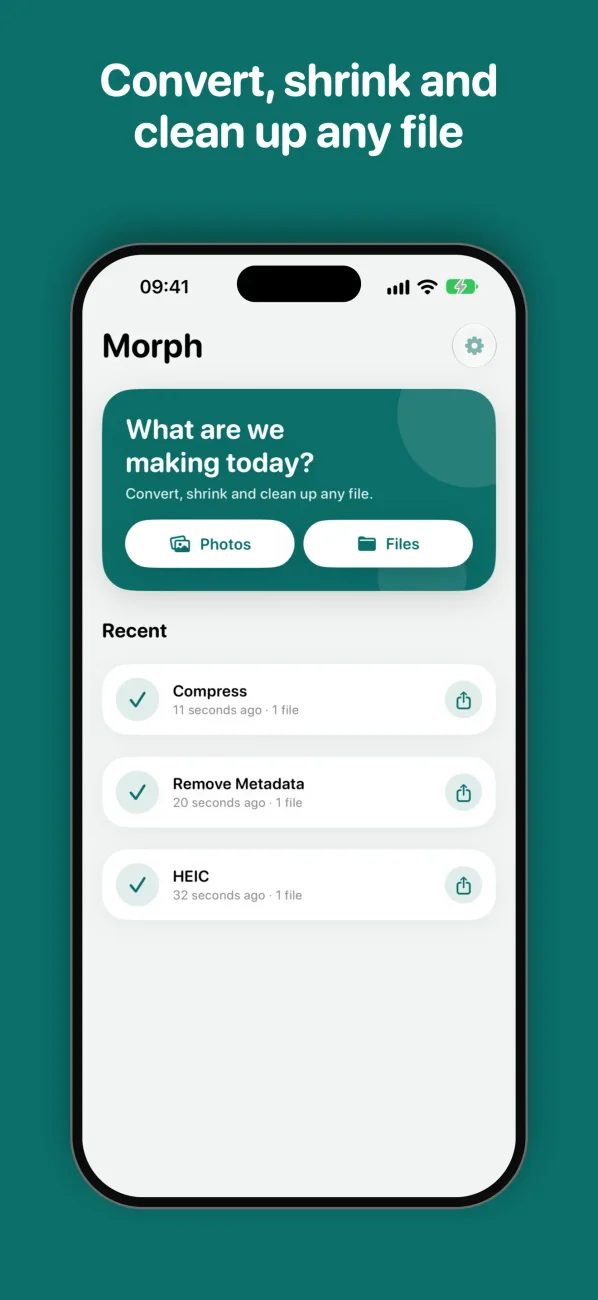
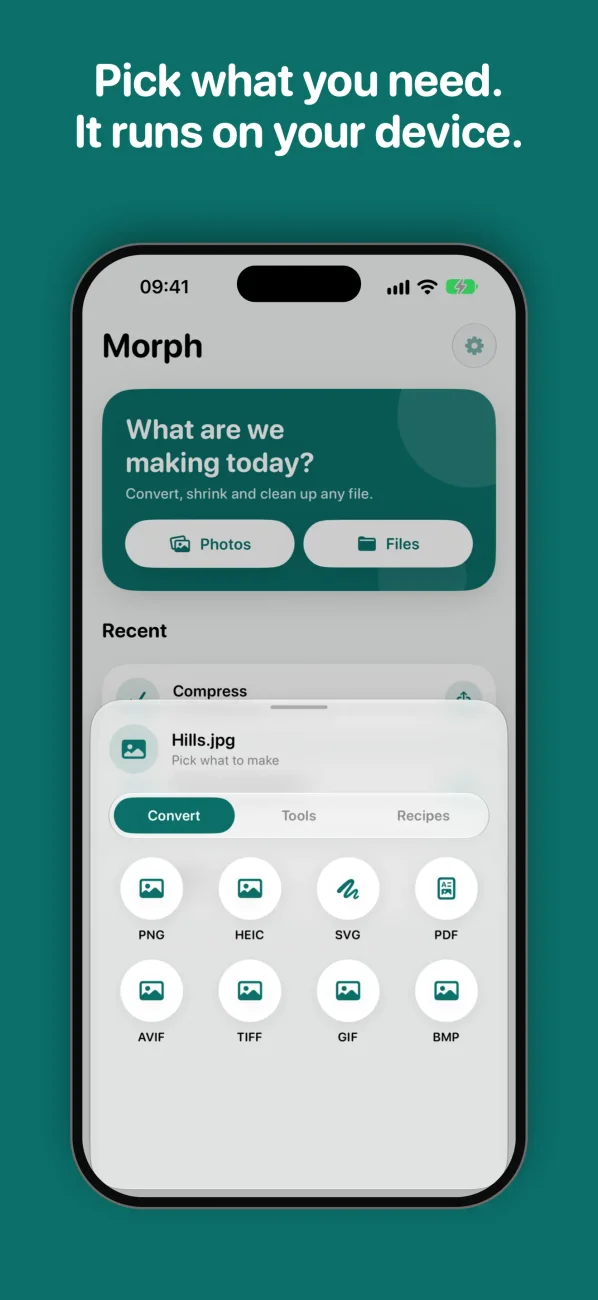
Morph turns any file into the one you need, right on your iPhone or iPad. Pick photos or files, or send them to Morph from any share sheet, and only the actions that fit show up.
Fit any upload limit
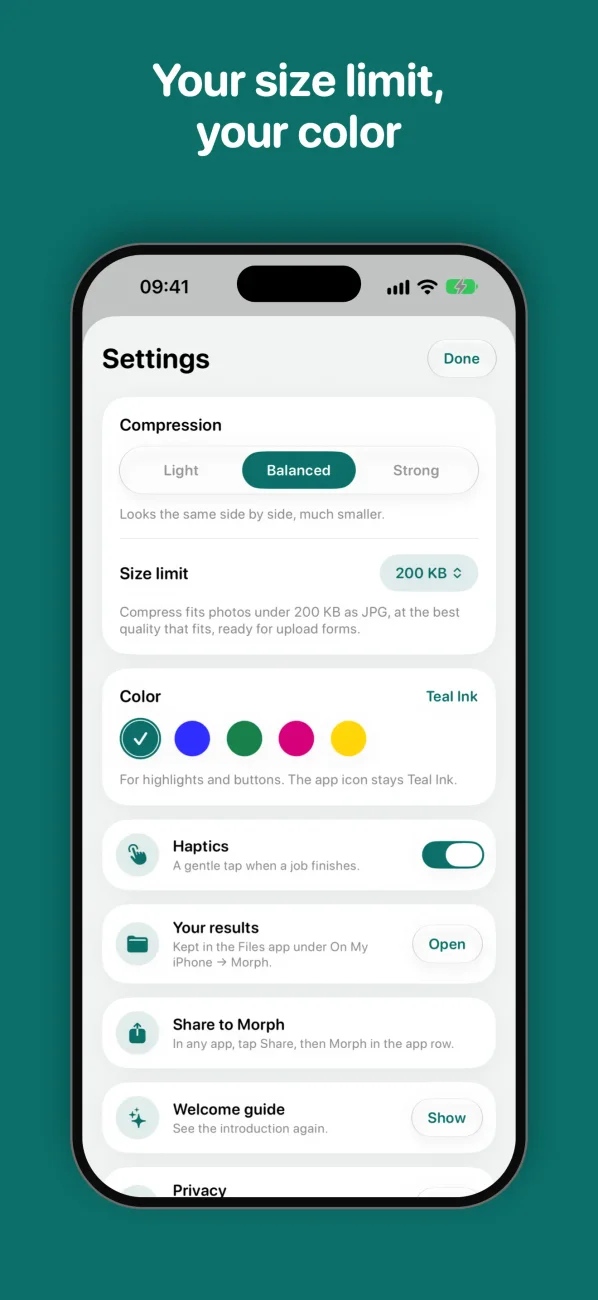
Exam forms, job portals and government sites often want a photo under 200 KB, 100 KB or even 20 KB. Set a size limit once and Compress makes a JPG that fits, at the best quality that fits.
Convert
- Photos to JPG, PNG, HEIC, WEBP, AVIF, TIFF, GIF or BMP, or several into one PDF
- Video to MP4 or MOV, or pull out the soundtrack
- Documents, subtitles and data files between common formats
Compress and clean up
- Shrink photos, videos and PDFs without a visible change. Morph checks every result against the original and tells you when a file is already as small as it can get
- Remove location and camera details before you share
- Blur faces and hide emails, phone and card numbers in screenshots
- Read the text in an image, or what a QR code or barcode says
- Merge PDFs
Works with Shortcuts
Convert Images, Compress Files (with an optional size limit), Remove Metadata, Extract Text, Read QR Codes and Barcodes, Merge PDFs, or run any Morph action or recipe. Results flow into the next step. Ask Siri, find actions in Spotlight, or put one on the Action button. Press and hold the app icon to convert photos straight away.
Yours to tune
Choose how strongly to compress, set a size limit, and pick an accent color: Teal Ink, Ultramarine, Green, Magenta or Yellow.
Private by design
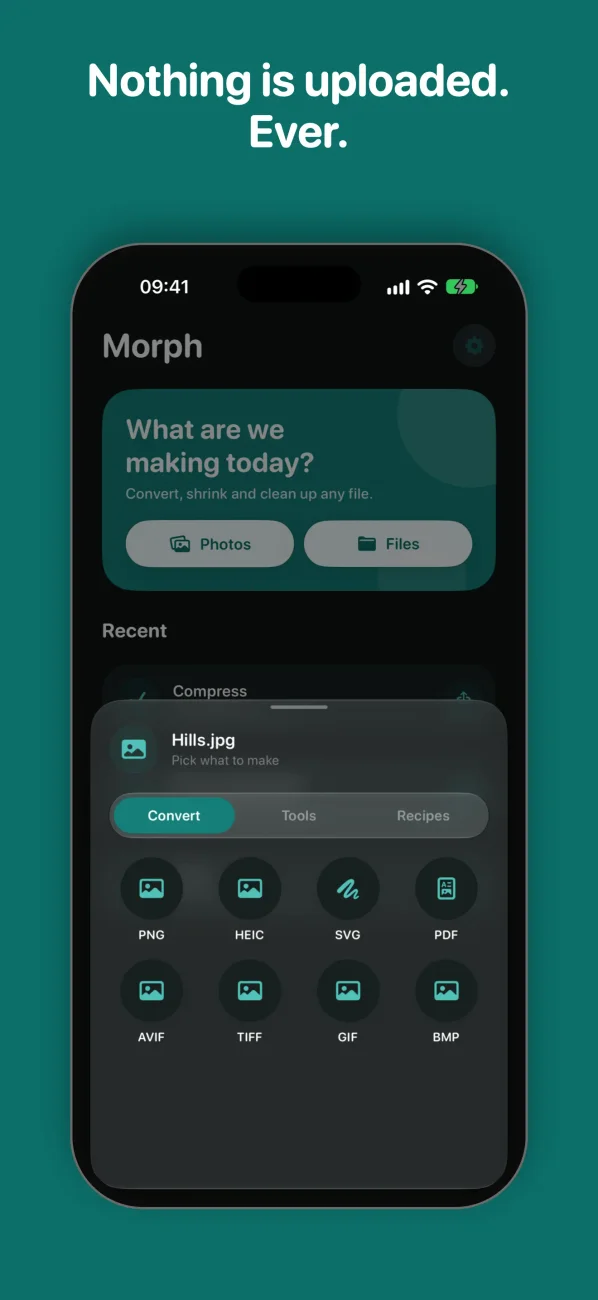
Everything happens on your device. Nothing is uploaded, there’s no account, and your originals are never changed. Results are kept in the Files app under On My iPhone → Morph.
Novedades
Versión 1.0.5 · 22/11/2026
New: PowerPoint and Excel files
• Share a presentation (PPTX, ODP) to Morph and get a PDF, Word doc or text
• Turn spreadsheets (XLSX, ODS) into CSV, JSON or PDF
• Pictures: save every image inside a presentation, spreadsheet or Word file at once
Also
• Safer handling of files shared from other apps
• Bug fixes and speed improvements
Privacidad de la aplicación
Lo que Geetansh Goyal declara en App Store sobre cómo esta aplicación gestiona los datos.
-
No se recopilan datos
El desarrollador no recopila ningún dato de esta aplicación.
Las prácticas de privacidad pueden variar, por ejemplo, según las funciones que uses o tu edad.
Información
- Vendedor
- Geetansh Goyal
- Categoría
- Utilidades
- Versión
- 1.0.5
- Actualizado
- 22/11/2026
- Publicado
- 5/11/2026
- Tamaño
- 4,7 MB
- Requiere
- iOS 17.0 o posterior
- Clasificación por edad
- 4+
- Idiomas
- Inglés
- Copyright
- © 2026 Geetansh Goyal
Quizá también te guste
-
 FileKitPro: ConvertidorEditor PDF y conversor
-
 Convertly: File ConverterUtilidades
-
 FileFlip: File ConverterUtilidades
-
 PrismScroll DjinnUtilidades
-
 Convertidor de archivos y PDFComprimir vídeo y pasar a MP3
-
 Smart Printer: HP Print & ScanUtilidades
-
 Word to PDF Converter: DocxUtilidades
-
 Unitree Go - Embodied AIUtilidades
-
 File Converter¡Convierta y comparta!
-
 The Ebook ConverterConvertir EPUB, MOBI, PDF, etc