
Morph: File Converter
Convert & compress any file
Dirancang untuk iPhone, iPad, Mac
Gratis
- Batasan usia4+
- KategoriKegunaan
- PengembangGeetansh Goyal
- BahasaInggris
- Ukuran4,7 MB
Tertaut ke halaman resmi App Store
Download.org tidak menyimpan file Morph: File Converter apa pun. Tombol ini membuka halaman aplikasi di App Store, tempat Geetansh Goyal menerbitkannya. Halaman terakhir diperiksa pada 23/11/2026.
Tangkapan layar

Tentang
Pengembang belum menyediakan teks ini dalam bahasa Anda.
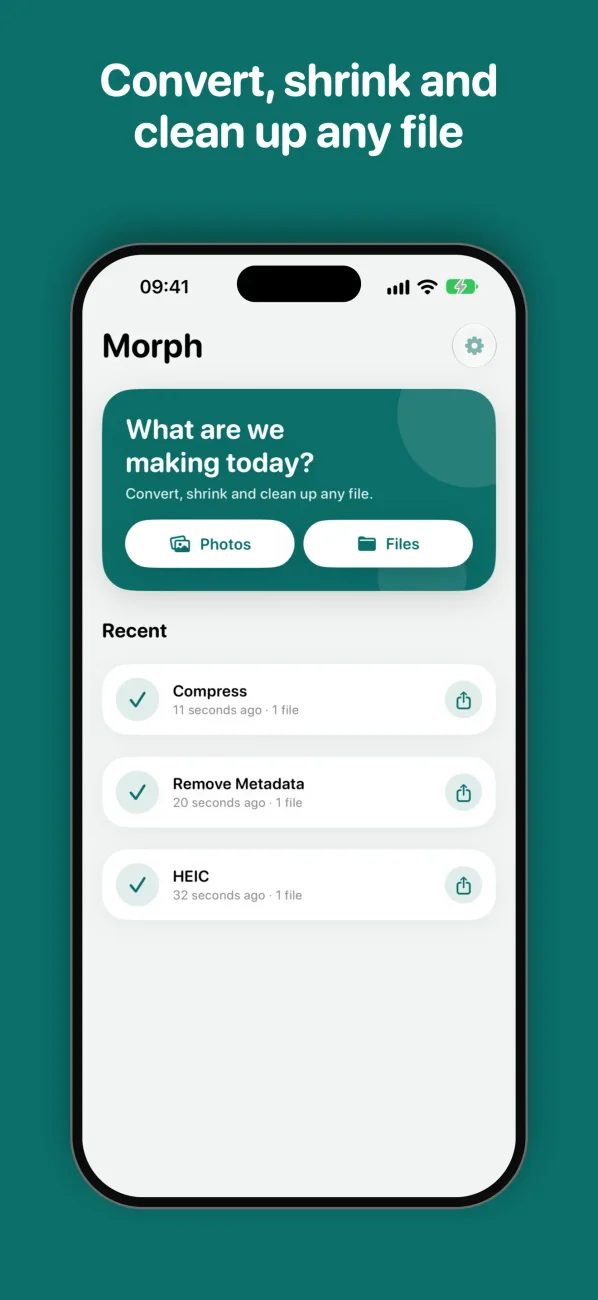
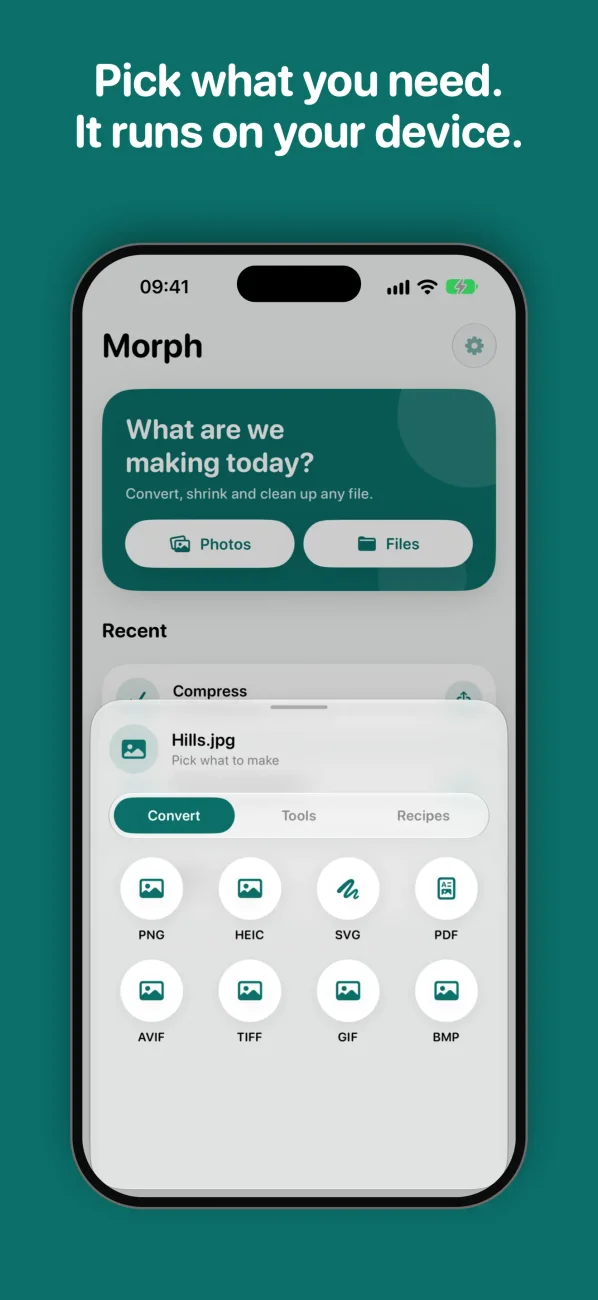
Morph turns any file into the one you need, right on your iPhone or iPad. Pick photos or files, or send them to Morph from any share sheet, and only the actions that fit show up.
Fit any upload limit
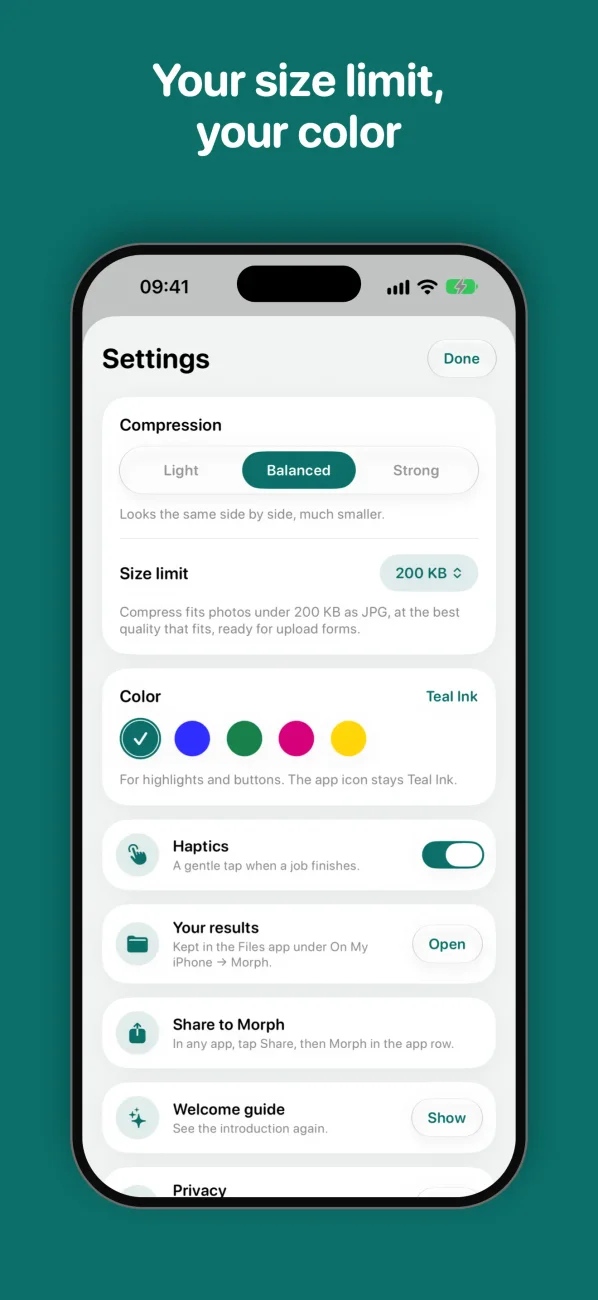
Exam forms, job portals and government sites often want a photo under 200 KB, 100 KB or even 20 KB. Set a size limit once and Compress makes a JPG that fits, at the best quality that fits.
Convert
- Photos to JPG, PNG, HEIC, WEBP, AVIF, TIFF, GIF or BMP, or several into one PDF
- Video to MP4 or MOV, or pull out the soundtrack
- Documents, subtitles and data files between common formats
Compress and clean up
- Shrink photos, videos and PDFs without a visible change. Morph checks every result against the original and tells you when a file is already as small as it can get
- Remove location and camera details before you share
- Blur faces and hide emails, phone and card numbers in screenshots
- Read the text in an image, or what a QR code or barcode says
- Merge PDFs
Works with Shortcuts
Convert Images, Compress Files (with an optional size limit), Remove Metadata, Extract Text, Read QR Codes and Barcodes, Merge PDFs, or run any Morph action or recipe. Results flow into the next step. Ask Siri, find actions in Spotlight, or put one on the Action button. Press and hold the app icon to convert photos straight away.
Yours to tune
Choose how strongly to compress, set a size limit, and pick an accent color: Teal Ink, Ultramarine, Green, Magenta or Yellow.
Private by design
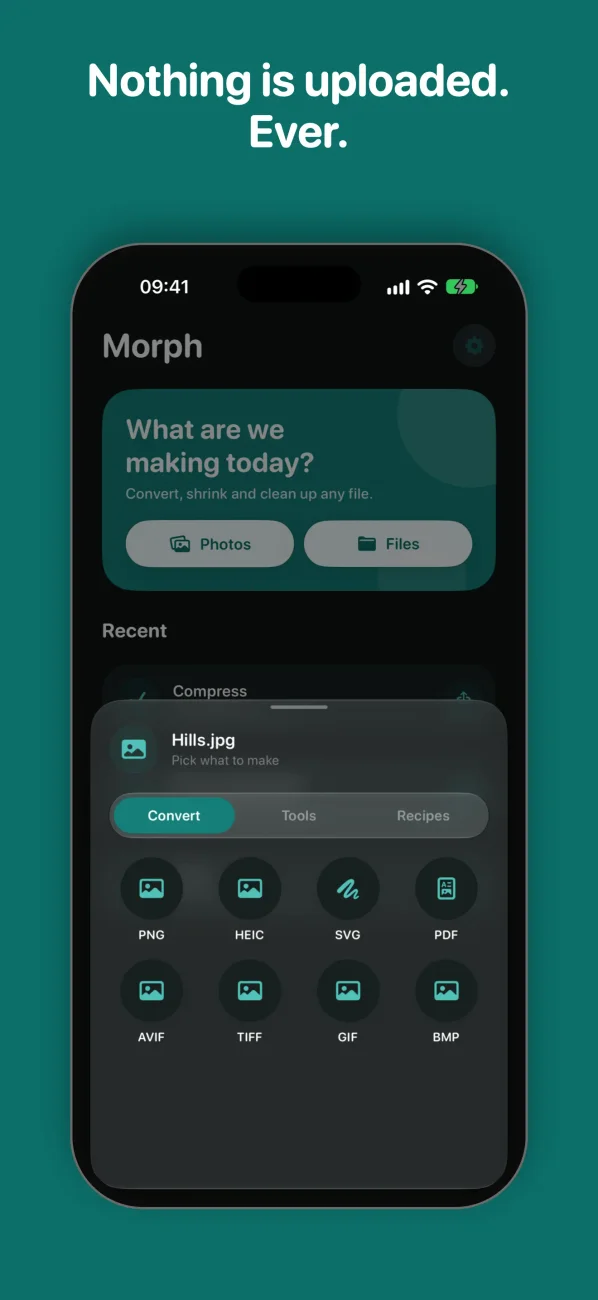
Everything happens on your device. Nothing is uploaded, there’s no account, and your originals are never changed. Results are kept in the Files app under On My iPhone → Morph.
Yang baru
Versi 1.0.5 · 22/11/2026
New: PowerPoint and Excel files
• Share a presentation (PPTX, ODP) to Morph and get a PDF, Word doc or text
• Turn spreadsheets (XLSX, ODS) into CSV, JSON or PDF
• Pictures: save every image inside a presentation, spreadsheet or Word file at once
Also
• Safer handling of files shared from other apps
• Bug fixes and speed improvements
Privasi aplikasi
Yang dinyatakan Geetansh Goyal di App Store tentang cara aplikasi ini menangani data.
-
Data tidak dikumpulkan
Pengembang tidak mengumpulkan data apa pun dari aplikasi ini.
Praktik privasi dapat bervariasi, misalnya berdasarkan fitur yang Anda gunakan atau usia Anda.
Informasi
- Penjual
- Geetansh Goyal
- Kategori
- Kegunaan
- Versi
- 1.0.5
- Diperbarui
- 22/11/2026
- Dirilis
- 5/11/2026
- Ukuran
- 4,7 MB
- Memerlukan
- iOS 17.0 atau yang lebih baru
- Batasan usia
- 4+
- Harga
- Gratis
- Bahasa
- Inggris
- Hak cipta
- © 2026 Geetansh Goyal
Mungkin Anda juga suka
-
 FileKitPro: File ConverterKegunaan
-
 Convertly: File ConverterKegunaan
-
 FileFlip: File ConverterKegunaan
-
 PrismScroll DjinnKegunaan
-
 Konverter File: PDF Video MP3Kompres Video & Ekstrak ZIP
-
 Smart Printer: HP Print & ScanKegunaan
-
 Word to PDF Converter: DocxKegunaan
-
 Unitree Go - Embodied AIKegunaan
-
 File ConverterKonversi, duduk dan bagikan!
-
 Ebook ConverterMengkonversi EPUB, MOBI, PDF