
Morph: File Converter
Convert & compress any file
Được thiết kế cho iPhone, iPad, Mac
Miễn phí
- Độ tuổi4+
- Danh mụcTiện Ích
- Nhà phát triểnGeetansh Goyal
- Ngôn ngữTiếng Anh
- Kích thước4,7 MB
Liên kết đến trang App Store chính thức
Download.org không lưu trữ tệp nào của Morph: File Converter. Nút này mở trang ứng dụng trên App Store, nơi Geetansh Goyal phát hành ứng dụng. Trang được kiểm tra lần cuối: 23/11/2026.
Ảnh chụp màn hình

Giới thiệu
Nhà phát triển chưa cung cấp nội dung này bằng ngôn ngữ của bạn.
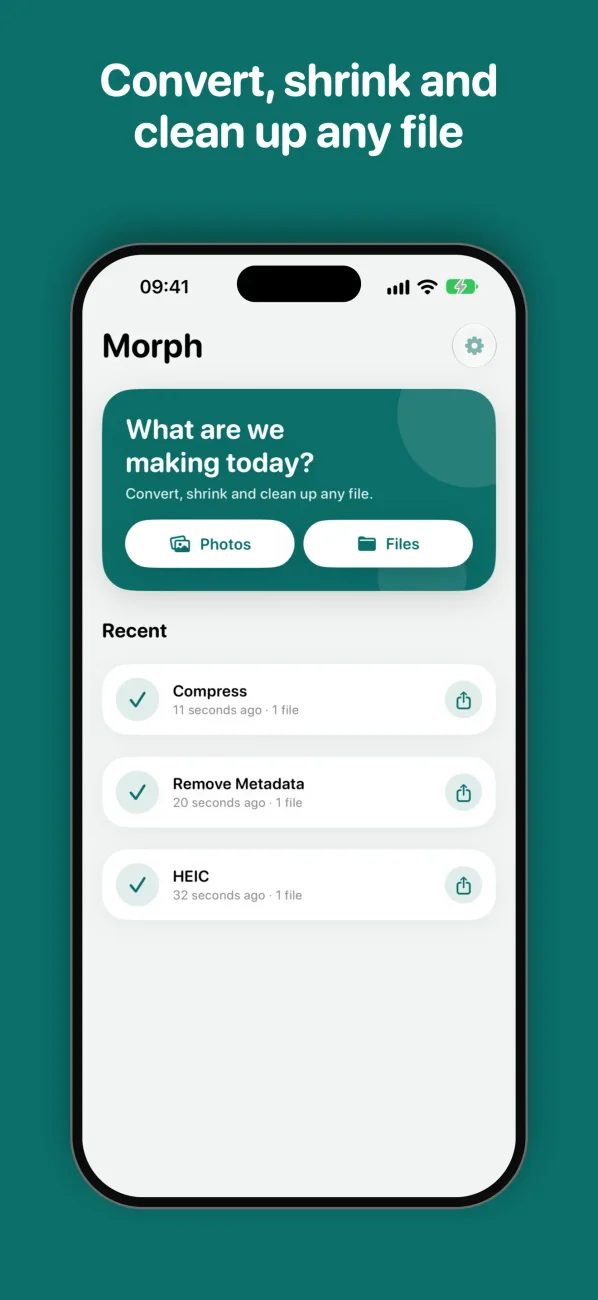
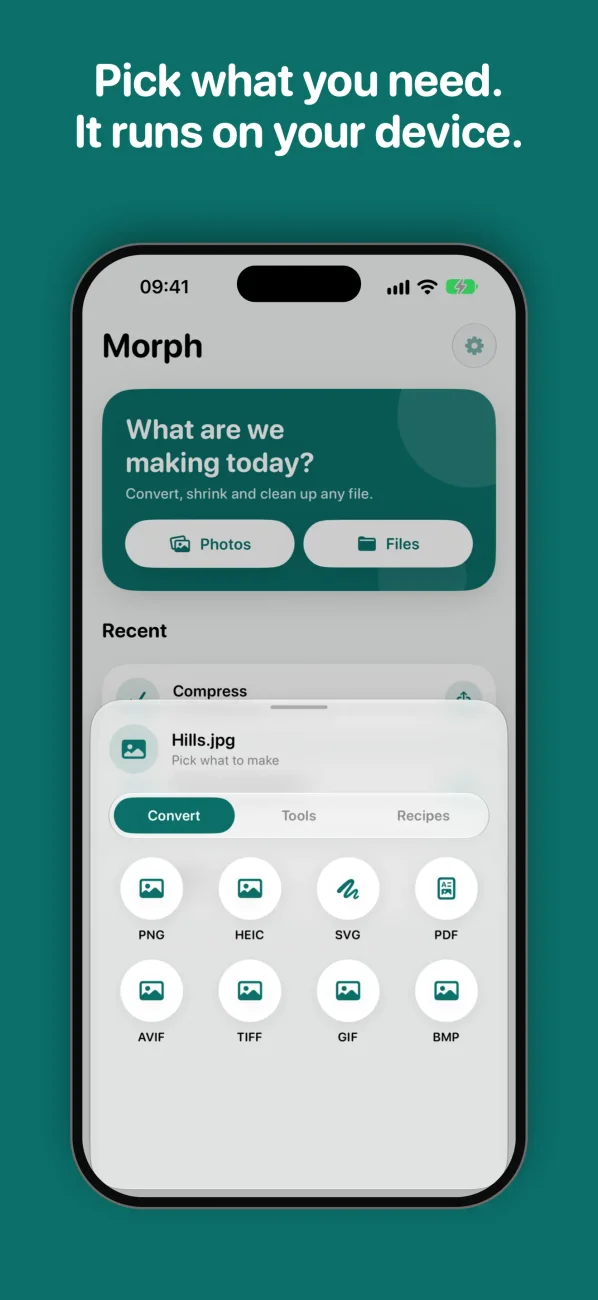
Morph turns any file into the one you need, right on your iPhone or iPad. Pick photos or files, or send them to Morph from any share sheet, and only the actions that fit show up.
Fit any upload limit
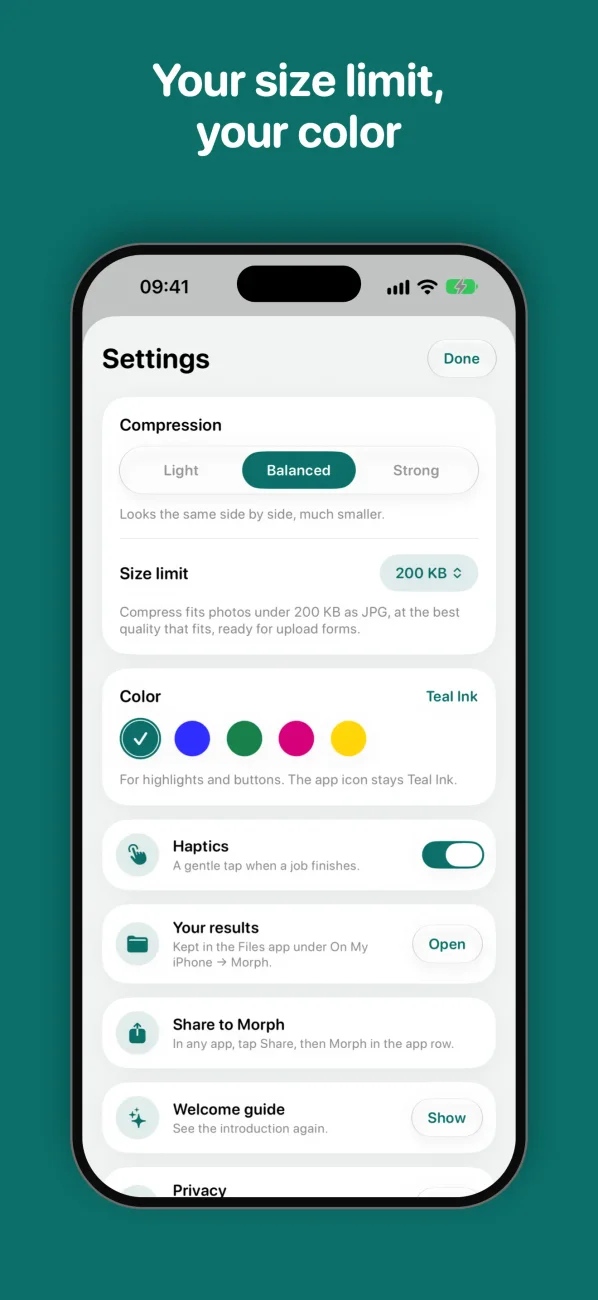
Exam forms, job portals and government sites often want a photo under 200 KB, 100 KB or even 20 KB. Set a size limit once and Compress makes a JPG that fits, at the best quality that fits.
Convert
- Photos to JPG, PNG, HEIC, WEBP, AVIF, TIFF, GIF or BMP, or several into one PDF
- Video to MP4 or MOV, or pull out the soundtrack
- Documents, subtitles and data files between common formats
Compress and clean up
- Shrink photos, videos and PDFs without a visible change. Morph checks every result against the original and tells you when a file is already as small as it can get
- Remove location and camera details before you share
- Blur faces and hide emails, phone and card numbers in screenshots
- Read the text in an image, or what a QR code or barcode says
- Merge PDFs
Works with Shortcuts
Convert Images, Compress Files (with an optional size limit), Remove Metadata, Extract Text, Read QR Codes and Barcodes, Merge PDFs, or run any Morph action or recipe. Results flow into the next step. Ask Siri, find actions in Spotlight, or put one on the Action button. Press and hold the app icon to convert photos straight away.
Yours to tune
Choose how strongly to compress, set a size limit, and pick an accent color: Teal Ink, Ultramarine, Green, Magenta or Yellow.
Private by design
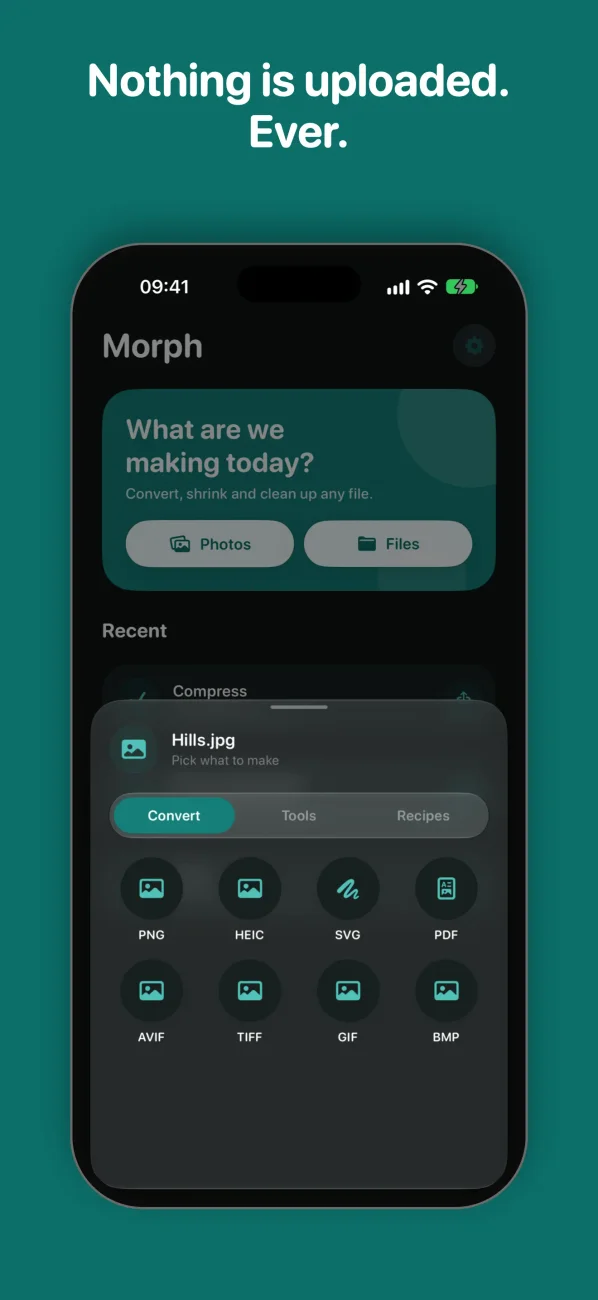
Everything happens on your device. Nothing is uploaded, there’s no account, and your originals are never changed. Results are kept in the Files app under On My iPhone → Morph.
Có gì mới
Phiên bản 1.0.5 · 22/11/2026
New: PowerPoint and Excel files
• Share a presentation (PPTX, ODP) to Morph and get a PDF, Word doc or text
• Turn spreadsheets (XLSX, ODS) into CSV, JSON or PDF
• Pictures: save every image inside a presentation, spreadsheet or Word file at once
Also
• Safer handling of files shared from other apps
• Bug fixes and speed improvements
Quyền riêng tư của ứng dụng
Những gì Geetansh Goyal khai báo trên App Store về cách ứng dụng này xử lý dữ liệu.
-
Dữ liệu không được thu thập
Nhà phát triển không thu thập bất kỳ dữ liệu nào từ ứng dụng này.
Phương thức đảm bảo quyền riêng tư có thể khác nhau, chẳng hạn như tuỳ theo các tính năng bạn sử dụng hoặc độ tuổi của bạn.
Thông tin
- Người bán
- Geetansh Goyal
- Danh mục
- Tiện Ích
- Phiên bản
- 1.0.5
- Cập nhật
- 22/11/2026
- Phát hành
- 05/11/2026
- Kích thước
- 4,7 MB
- Yêu cầu
- iOS 17.0 trở lên
- Độ tuổi
- 4+
- Giá
- Miễn phí
- Ngôn ngữ
- Tiếng Anh
- Bản quyền
- © 2026 Geetansh Goyal
Có thể bạn cũng thích
-
 FileKitPro: File ConverterTiện Ích
-
 Convertly: File ConverterTiện Ích
-
 FileFlip: File ConverterTiện Ích
-
 PrismScroll DjinnTiện Ích
-
 Chuyển Đổi File: PDF Video MP3Nén & Giải Nén ZIP, Tách Nhạc
-
 Smart Printer: HP Print & ScanTiện Ích
-
 Word to PDF Converter: DocxTiện Ích
-
 Unitree Go - Embodied AITiện Ích
-
 File ConverterTiện Ích
-
 Các Ebook Chuyển đổiChuyển đổi EPUB, MOBI, PDF