
Morph: File Converter
Convert & compress any file
Conçue pour iPhone, iPad, Mac
- Classification d’âge4+
- CatégorieUtilitaires
- DéveloppeurGeetansh Goyal
- LanguesAnglais
- Taille4,7 Mo
Morph: File Converter n’est peut-être pas disponible sur App Store pour le moment
La fiche de la boutique était inaccessible lors de notre dernière vérification. Le lien mène toujours à la page App Store officielle.
Captures d’écran

À propos
Le développeur n’a pas fourni ce texte dans votre langue.
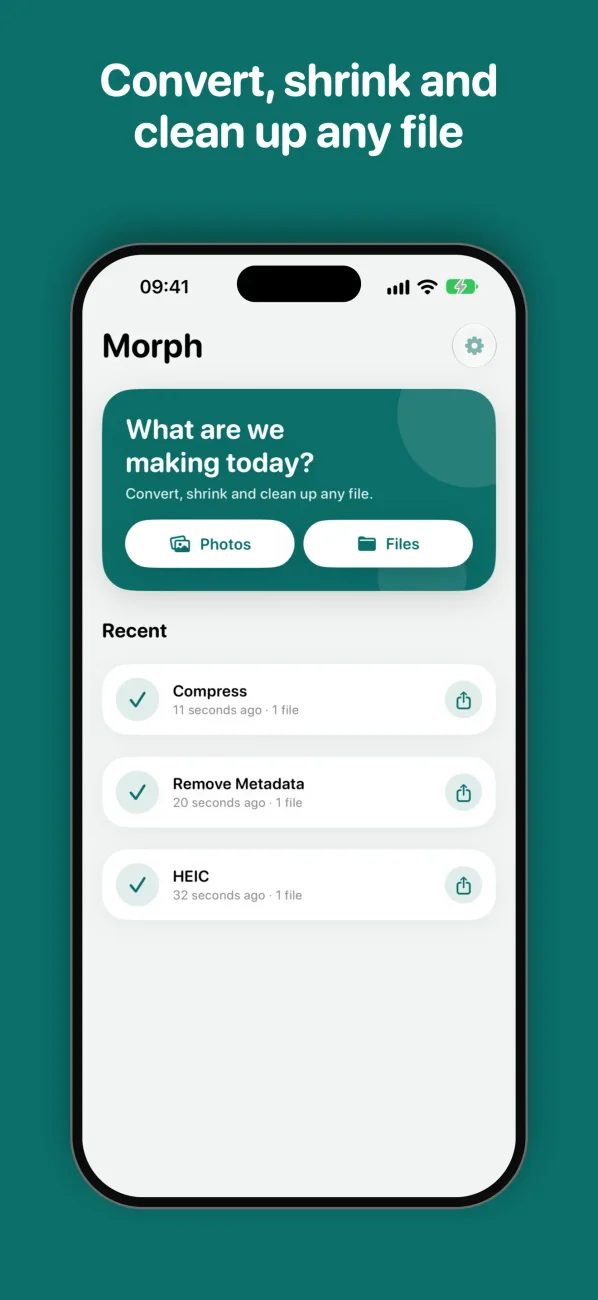
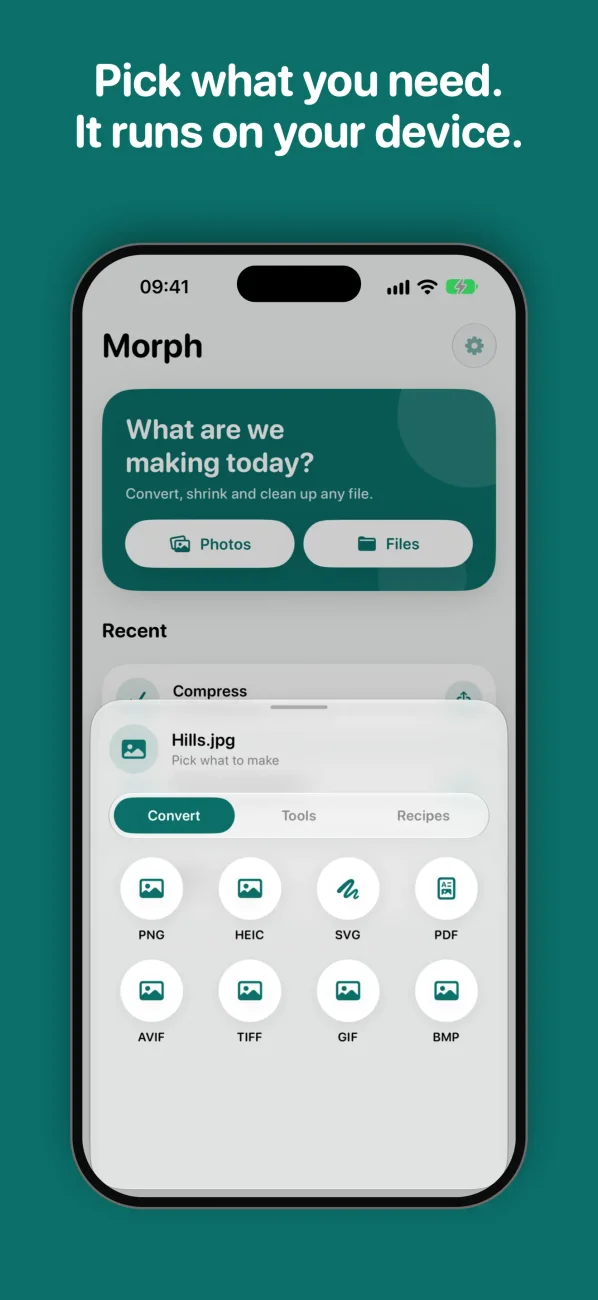
Morph turns any file into the one you need, right on your iPhone or iPad. Pick photos or files, or send them to Morph from any share sheet, and only the actions that fit show up.
Fit any upload limit
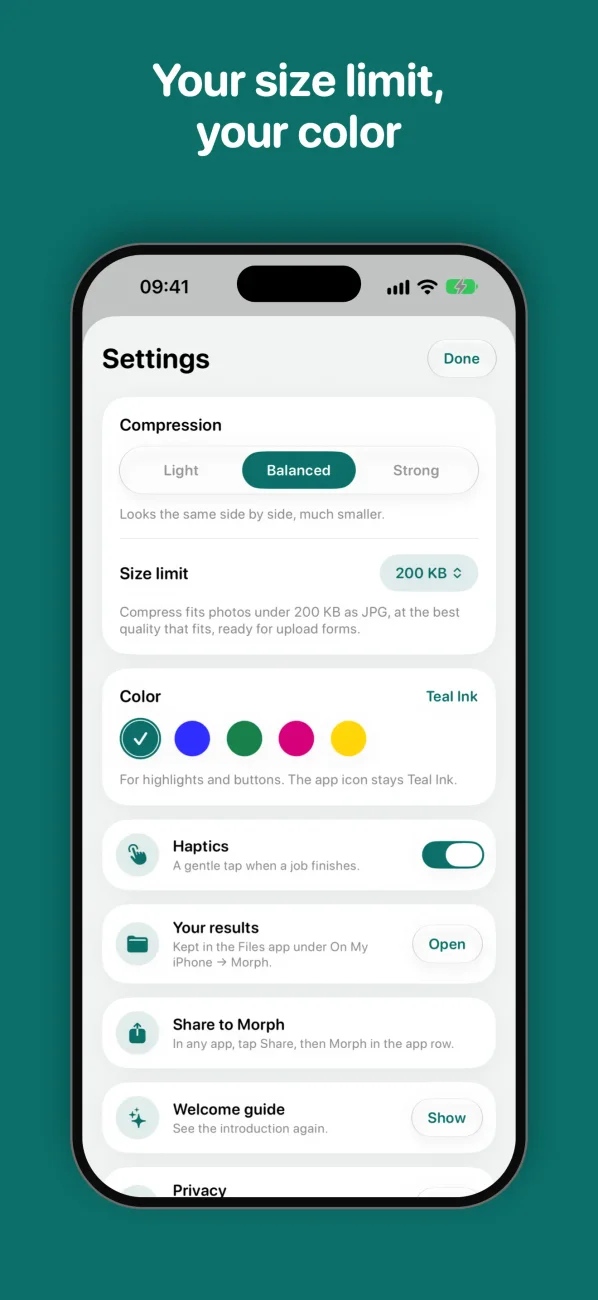
Exam forms, job portals and government sites often want a photo under 200 KB, 100 KB or even 20 KB. Set a size limit once and Compress makes a JPG that fits, at the best quality that fits.
Convert
- Photos to JPG, PNG, HEIC, WEBP, AVIF, TIFF, GIF or BMP, or several into one PDF
- Video to MP4 or MOV, or pull out the soundtrack
- Documents, subtitles and data files between common formats
Compress and clean up
- Shrink photos, videos and PDFs without a visible change. Morph checks every result against the original and tells you when a file is already as small as it can get
- Remove location and camera details before you share
- Blur faces and hide emails, phone and card numbers in screenshots
- Read the text in an image, or what a QR code or barcode says
- Merge PDFs
Works with Shortcuts
Convert Images, Compress Files (with an optional size limit), Remove Metadata, Extract Text, Read QR Codes and Barcodes, Merge PDFs, or run any Morph action or recipe. Results flow into the next step. Ask Siri, find actions in Spotlight, or put one on the Action button. Press and hold the app icon to convert photos straight away.
Yours to tune
Choose how strongly to compress, set a size limit, and pick an accent color: Teal Ink, Ultramarine, Green, Magenta or Yellow.
Private by design
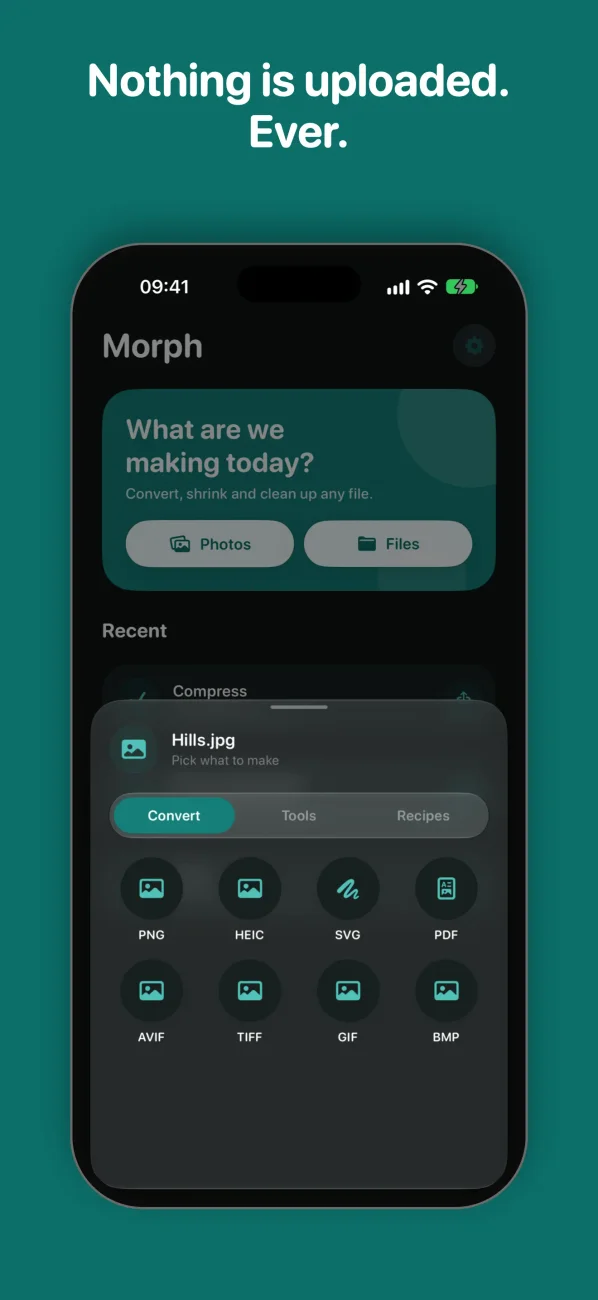
Everything happens on your device. Nothing is uploaded, there’s no account, and your originals are never changed. Results are kept in the Files app under On My iPhone → Morph.
Nouveautés
Version 1.0.5 · 22/11/2026
New: PowerPoint and Excel files
• Share a presentation (PPTX, ODP) to Morph and get a PDF, Word doc or text
• Turn spreadsheets (XLSX, ODS) into CSV, JSON or PDF
• Pictures: save every image inside a presentation, spreadsheet or Word file at once
Also
• Safer handling of files shared from other apps
• Bug fixes and speed improvements
Confidentialité de l’application
Ce que Geetansh Goyal déclare sur l’App Store au sujet du traitement des données par cette application.
-
Données non collectées
Le développeur ne collecte aucune donnée à partir de cette application.
Les pratiques en matière de confidentialité peuvent varier, notamment en fonction des fonctionnalités que vous utilisez ou de votre âge.
Informations
- Vendeur
- Geetansh Goyal
- Catégorie
- Utilitaires
- Version
- 1.0.5
- Mis à jour
- 22/11/2026
- Publié
- 05/11/2026
- Taille
- 4,7 Mo
- Nécessite
- iOS 17.0 ou version ultérieure
- Classification d’âge
- 4+
- Langues
- Anglais
- Copyright
- © 2026 Geetansh Goyal
Vous aimerez peut-être aussi
-
 FileKitPro : ConvertisseurÉditeur PDF & convertisseur
-
 Convertly: File ConverterUtilitaires
-
 FileFlip: File ConverterUtilitaires
-
 PrismScroll DjinnUtilitaires
-
 Convertisseur Fichier: PDF MP3Photo en JPG, compresser vidéo
-
 Smart Printer: HP Print & ScanUtilitaires
-
 Word to PDF Converter: DocxUtilitaires
-
 Unitree Go - Embodied AIUtilitaires
-
 File ConverterConvertissez et partagez!
-
 Convertisseur EbookConvertir EPUB, MOBI, PDF, etc