- Clasificación por edad4+
- CategoríaMúsica
- DesarrolladorJeny Goentoro
- IdiomasInglés
- Tamaño39,7 MB
Enlaza a la página oficial de App Store
Download.org no aloja ningún archivo de MP3 Trimmer. El botón abre la página de la aplicación en App Store, donde la publica Jeny Goentoro. Ficha comprobada por última vez el 14/11/2026.
Capturas de pantalla
Acerca de
El desarrollador no ha proporcionado este texto en tu idioma.
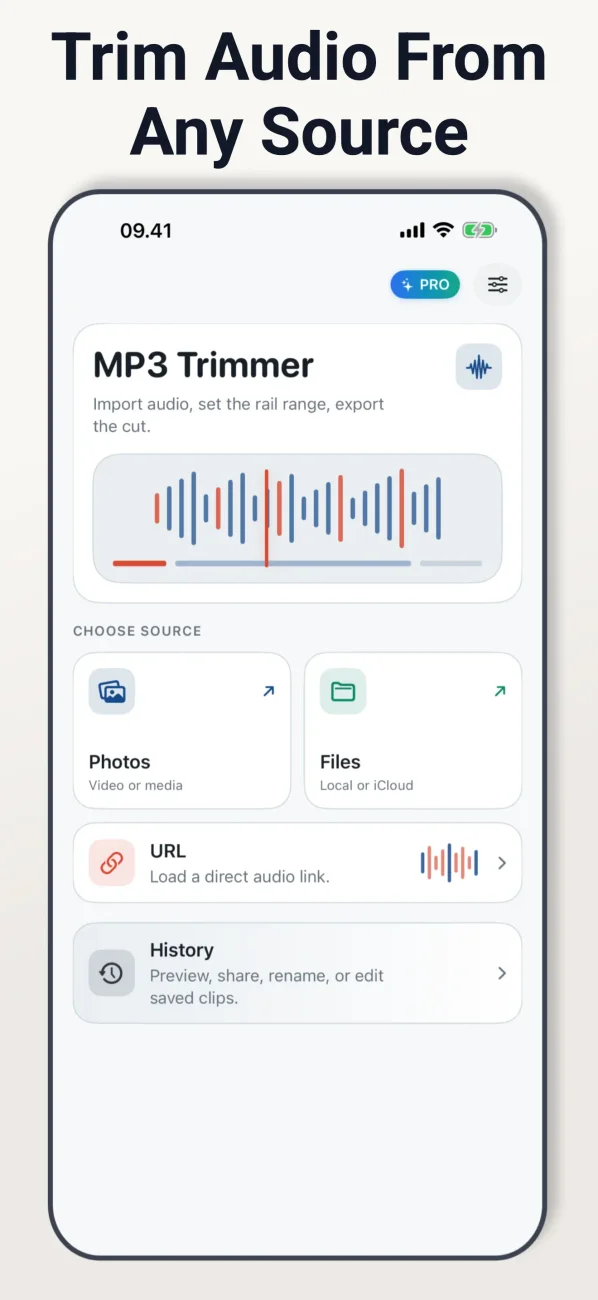
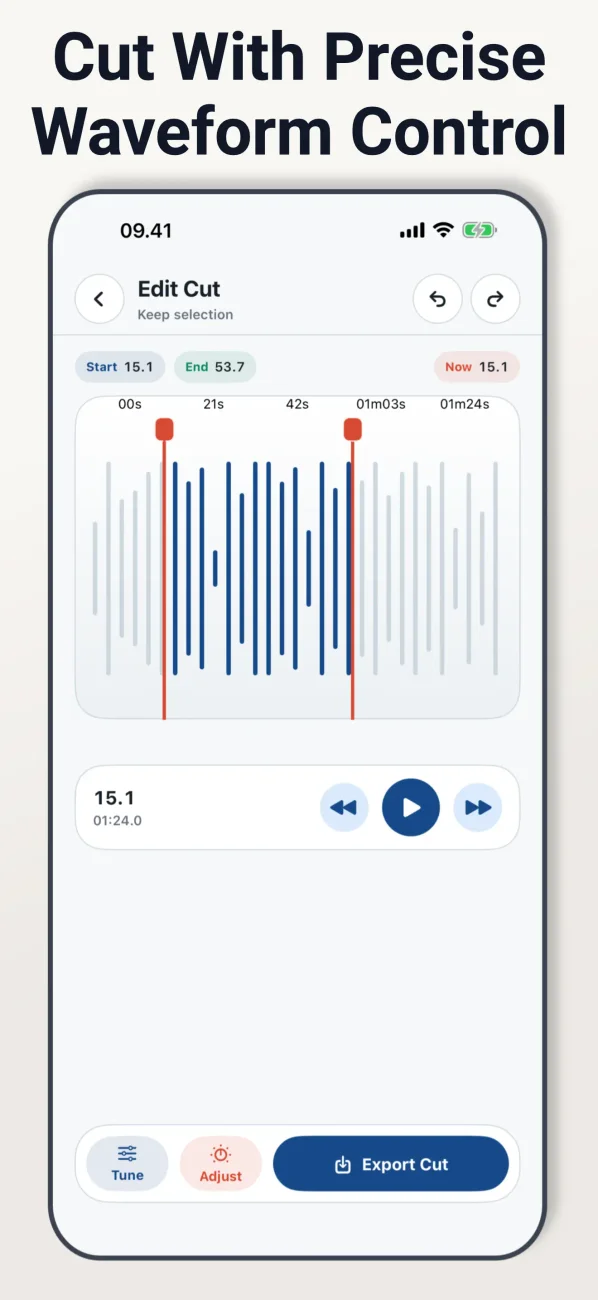
MP3 Trimmer helps you cut audio into the exact section you want to keep. Import a clip from Photos, Files, or a direct URL, then use the waveform editor to choose the start and end points before saving the result.
The app is built for practical audio edits: shortening a recording, cutting a song section, preparing a sound bite, cleaning up a voice note, or keeping only the useful part of a longer file. You can preview the selected range, switch between regular cut and middle cut, and make small adjustments with zoom, playback controls, and undo or redo.
Edit Audio With Control
- Import audio from Photos, Files, or URL
- Trim with draggable waveform handles
- Use regular cut or middle cut mode
- Zoom into the waveform for finer timing
- Preview playback before exporting
- Undo or redo trim changes while editing
Adjust the Output
- Change volume before saving
- Adjust tempo when needed
- Add fade in and fade out
- Choose output quality options
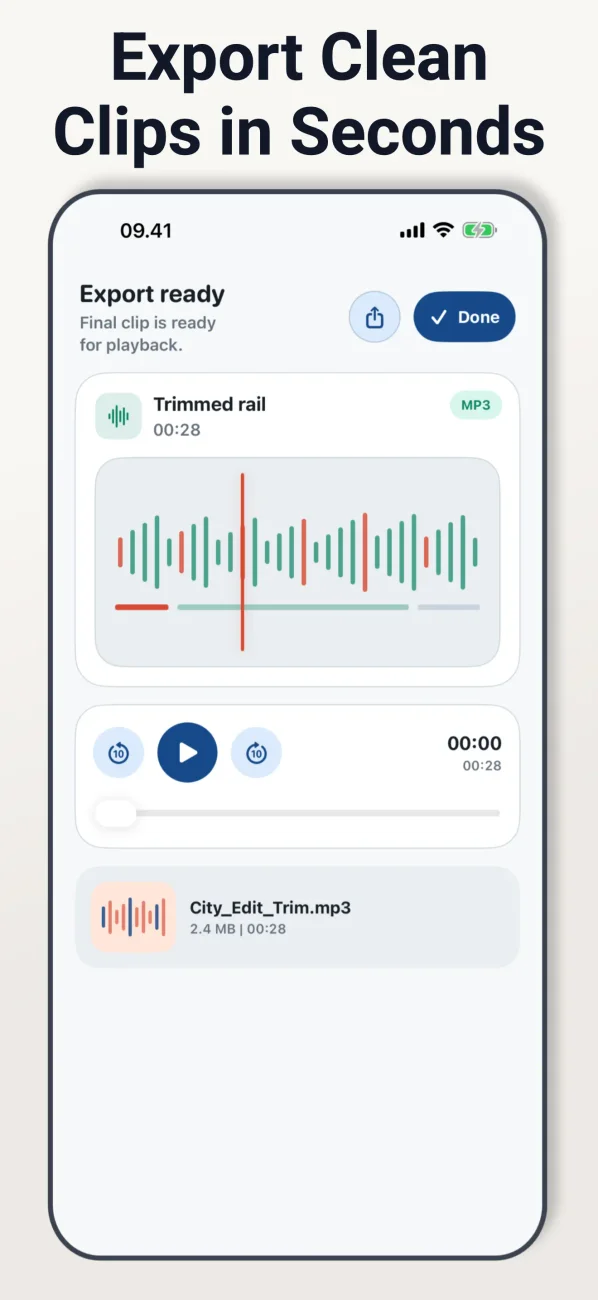
- Save the finished audio file
- Share the result from the export screen
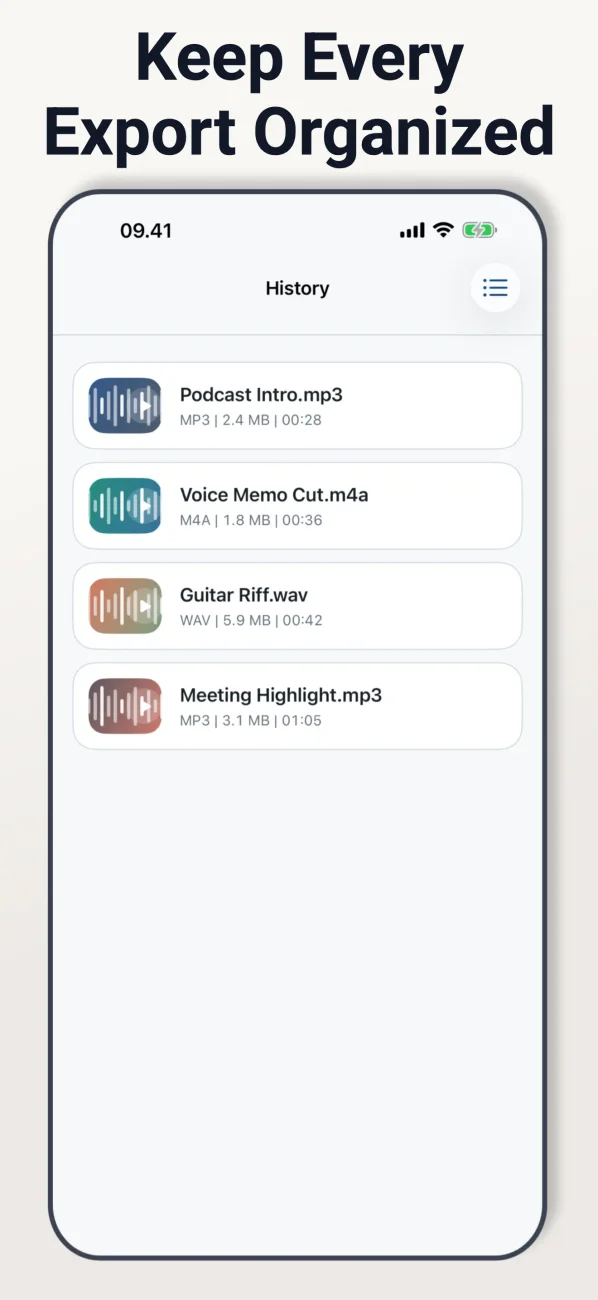
Keep Your Clips Organized
- View saved audio in History
- Preview previous exports
- Rename saved clips
- Share or delete saved files
- Reopen a saved clip for another edit
MP3 Trimmer works well for audio notes, music snippets, ringtone-style clips, podcast cuts, study recordings, voice memos, and quick social media sound edits. Most editing happens on your device after you choose the source file. URL import requires network access to download the audio.
MP3 Trimmer is free to use. Optional Pro access removes ads, unlocks unlimited trims, and enables all output options.
Terms of Use: https://alderpathstudio.github.io/MP3-Trimmer/term-of-use.html
Privacy Policy: https://alderpathstudio.github.io/MP3-Trimmer/privacy-policy.html
Privacidad de la aplicación
Lo que Jeny Goentoro declara en App Store sobre cómo esta aplicación gestiona los datos.
-
Datos usados para rastrearte
Pueden usarse para rastrearte en aplicaciones y sitios web propiedad de otras empresas.
- Compras
- Identificadores
- Datos de uso
- Diagnóstico
-
Datos no vinculados a ti
Pueden recopilarse, pero no se vinculan a tu identidad.
- Compras
- Identificadores
- Datos de uso
- Diagnóstico
Las prácticas de privacidad pueden variar, por ejemplo, según las funciones que uses o tu edad.
Información
- Vendedor
- Jeny Goentoro
- Categoría
- Música
- Versión
- 1.0
- Actualizado
- 24/6/2026
- Publicado
- 25/6/2026
- Tamaño
- 39,7 MB
- Requiere
- iOS 16.0 o posterior
- Clasificación por edad
- 4+
- Precio
- Gratis
- Compras en la aplicación
- Sí
- Idiomas
- Inglés
- Copyright
- © 2026 Alderpath Studio