
- Độ tuổi4+
- Danh mụcNhạc
- Nhà phát triểnJeny Goentoro
- Ngôn ngữTiếng Anh
- Kích thước39,7 MB
Liên kết đến trang App Store chính thức
Download.org không lưu trữ tệp nào của MP3 Trimmer. Nút này mở trang ứng dụng trên App Store, nơi Jeny Goentoro phát hành ứng dụng. Trang được kiểm tra lần cuối: 14/11/2026.
Ảnh chụp màn hình
Giới thiệu
Nhà phát triển chưa cung cấp nội dung này bằng ngôn ngữ của bạn.
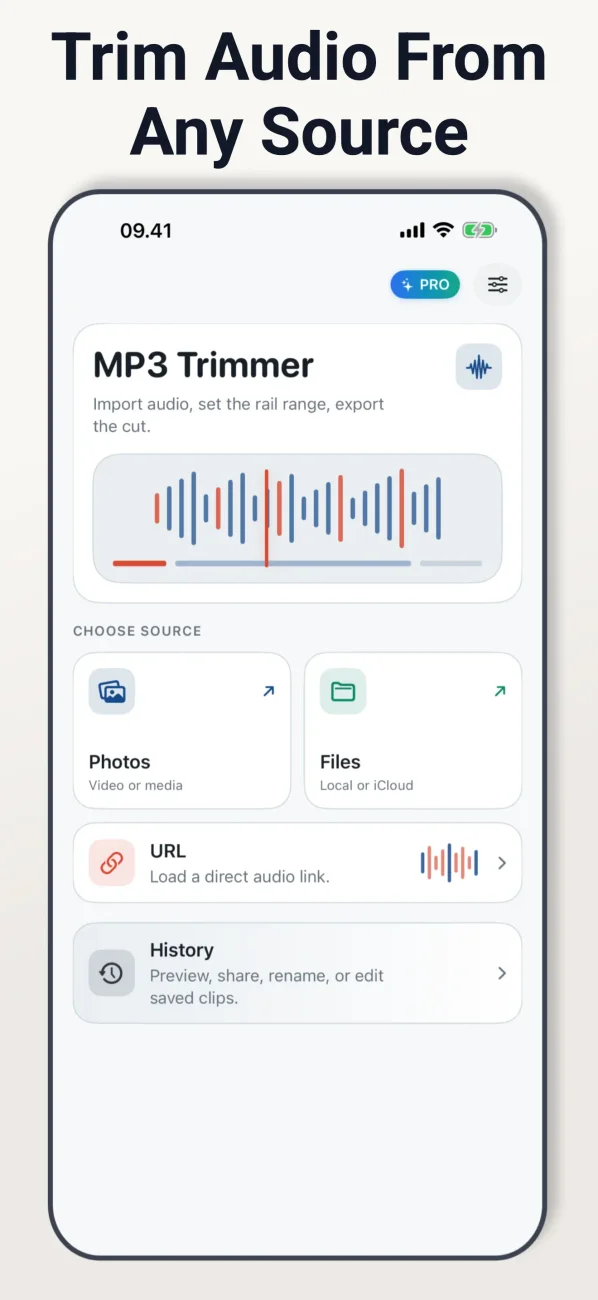
MP3 Trimmer helps you cut audio into the exact section you want to keep. Import a clip from Photos, Files, or a direct URL, then use the waveform editor to choose the start and end points before saving the result.
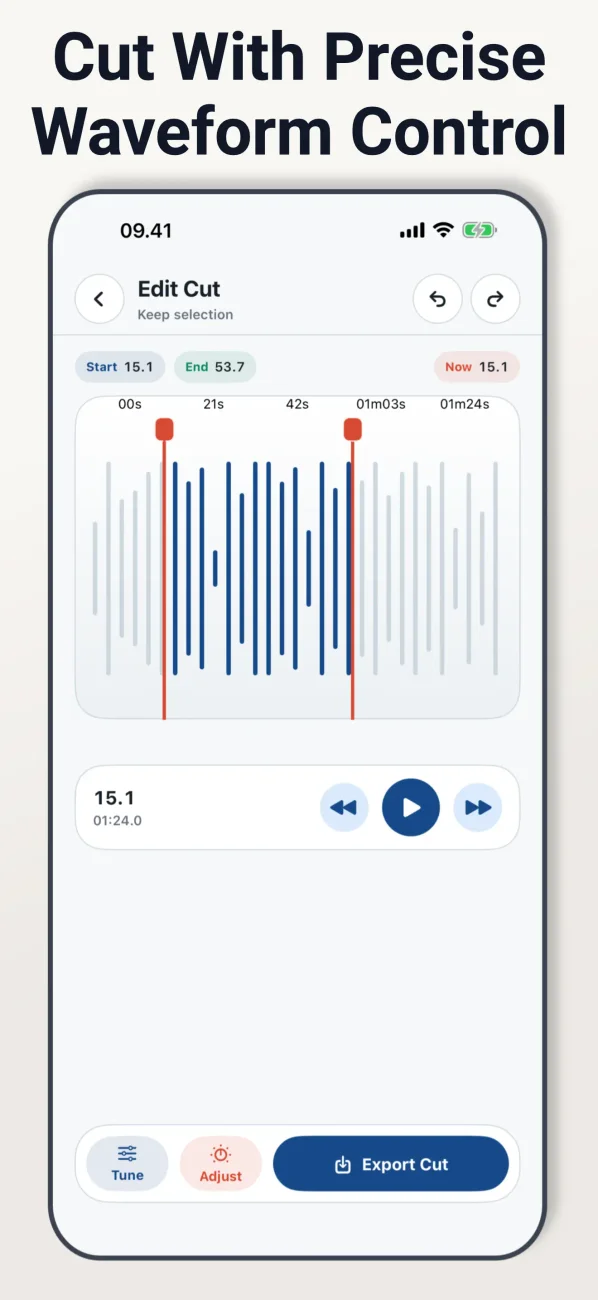
The app is built for practical audio edits: shortening a recording, cutting a song section, preparing a sound bite, cleaning up a voice note, or keeping only the useful part of a longer file. You can preview the selected range, switch between regular cut and middle cut, and make small adjustments with zoom, playback controls, and undo or redo.
Edit Audio With Control
- Import audio from Photos, Files, or URL
- Trim with draggable waveform handles
- Use regular cut or middle cut mode
- Zoom into the waveform for finer timing
- Preview playback before exporting
- Undo or redo trim changes while editing
Adjust the Output
- Change volume before saving
- Adjust tempo when needed
- Add fade in and fade out
- Choose output quality options
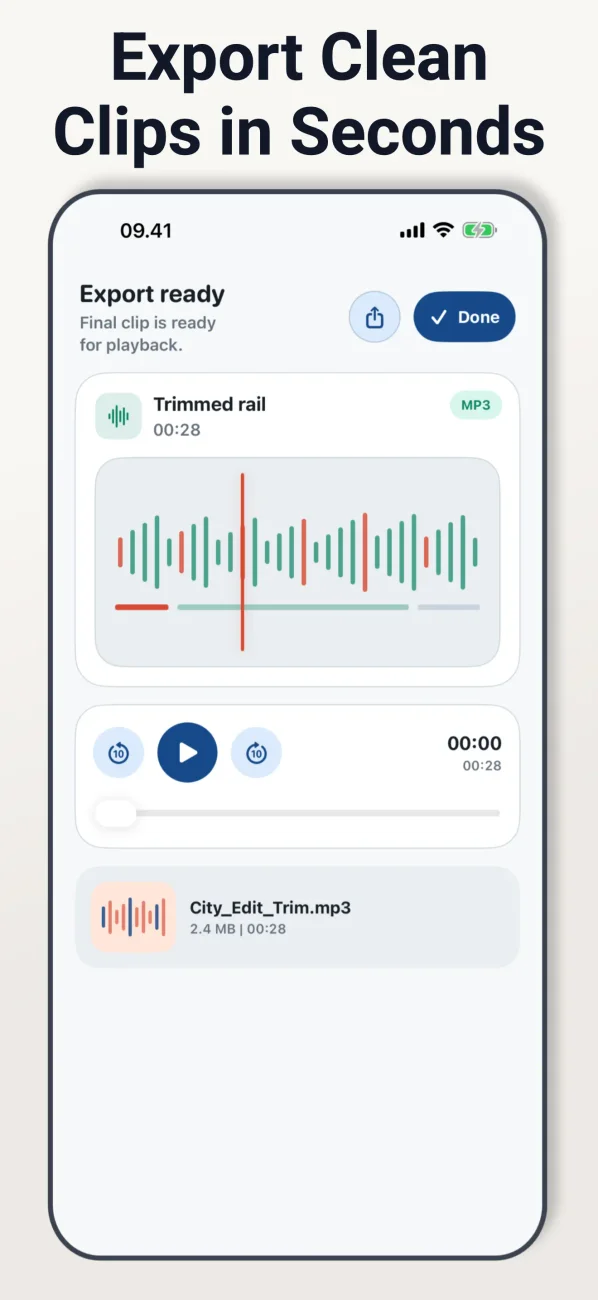
- Save the finished audio file
- Share the result from the export screen
Keep Your Clips Organized
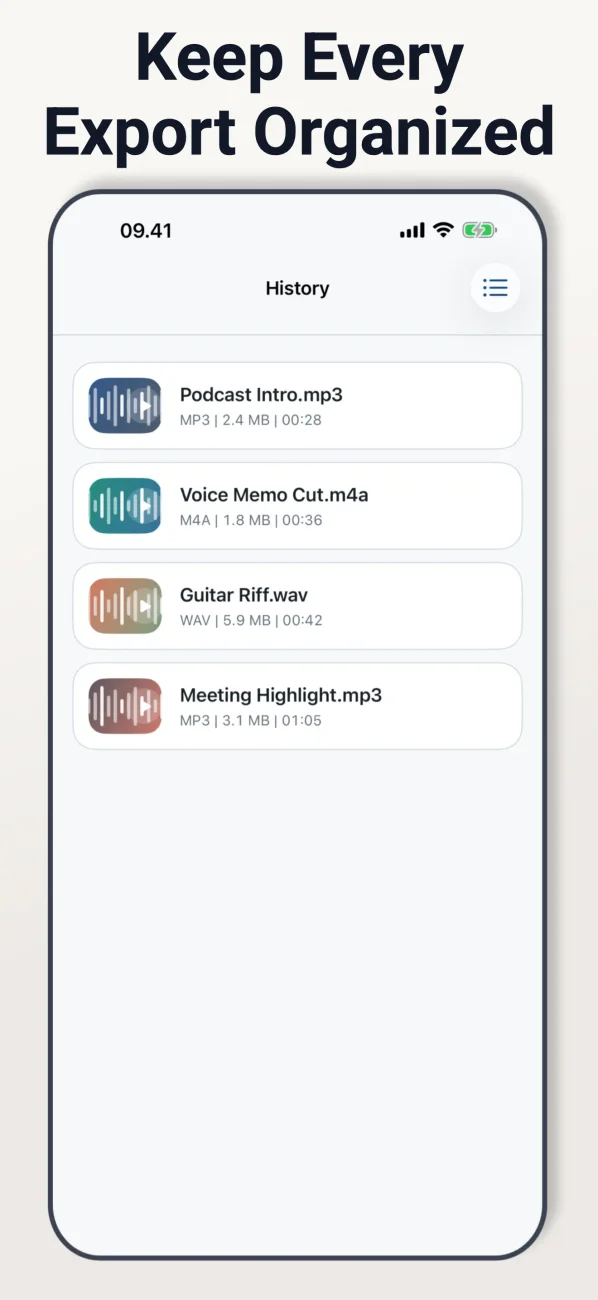
- View saved audio in History
- Preview previous exports
- Rename saved clips
- Share or delete saved files
- Reopen a saved clip for another edit
MP3 Trimmer works well for audio notes, music snippets, ringtone-style clips, podcast cuts, study recordings, voice memos, and quick social media sound edits. Most editing happens on your device after you choose the source file. URL import requires network access to download the audio.
MP3 Trimmer is free to use. Optional Pro access removes ads, unlocks unlimited trims, and enables all output options.
Terms of Use: https://alderpathstudio.github.io/MP3-Trimmer/term-of-use.html
Privacy Policy: https://alderpathstudio.github.io/MP3-Trimmer/privacy-policy.html
Quyền riêng tư của ứng dụng
Những gì Jeny Goentoro khai báo trên App Store về cách ứng dụng này xử lý dữ liệu.
-
Dữ liệu được sử dụng để theo dõi bạn
Có thể được sử dụng để theo dõi bạn trên các ứng dụng và trang web do công ty khác sở hữu.
- Mục mua
- Mã định danh
- Dữ liệu sử dụng
- Chẩn đoán
-
Dữ liệu không liên kết với bạn
Có thể được thu thập nhưng không liên kết với danh tính của bạn.
- Mục mua
- Mã định danh
- Dữ liệu sử dụng
- Chẩn đoán
Phương thức đảm bảo quyền riêng tư có thể khác nhau, chẳng hạn như tuỳ theo các tính năng bạn sử dụng hoặc độ tuổi của bạn.
Thông tin
- Người bán
- Jeny Goentoro
- Danh mục
- Nhạc
- Phiên bản
- 1.0
- Cập nhật
- 24/06/2026
- Phát hành
- 25/06/2026
- Kích thước
- 39,7 MB
- Yêu cầu
- iOS 16.0 trở lên
- Độ tuổi
- 4+
- Giá
- Miễn phí
- Mua hàng trong ứng dụng
- Có
- Ngôn ngữ
- Tiếng Anh
- Bản quyền
- © 2026 Alderpath Studio