
mssh
Minimal SSH Terminal
Diseñada para iPhone, iPad
Gratis · Compras en la aplicación
- Clasificación por edad4+
- CategoríaUtilidades
- DesarrolladorJadesada Ponyium
- IdiomasInglés
- Tamaño10,0 MB
Enlaza a la página oficial de App Store
Download.org no aloja ningún archivo de mssh. El botón abre la página de la aplicación en App Store, donde la publica Jadesada Ponyium. Ficha comprobada por última vez el 18/11/2026.
Capturas de pantalla

Acerca de
El desarrollador no ha proporcionado este texto en tu idioma.
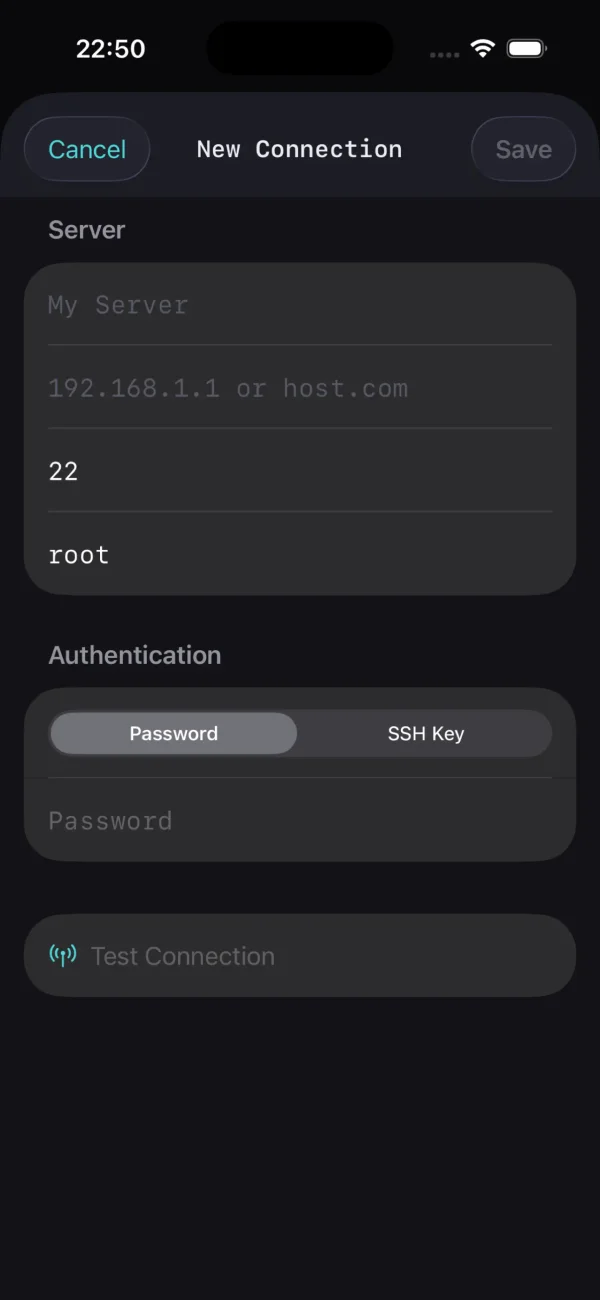
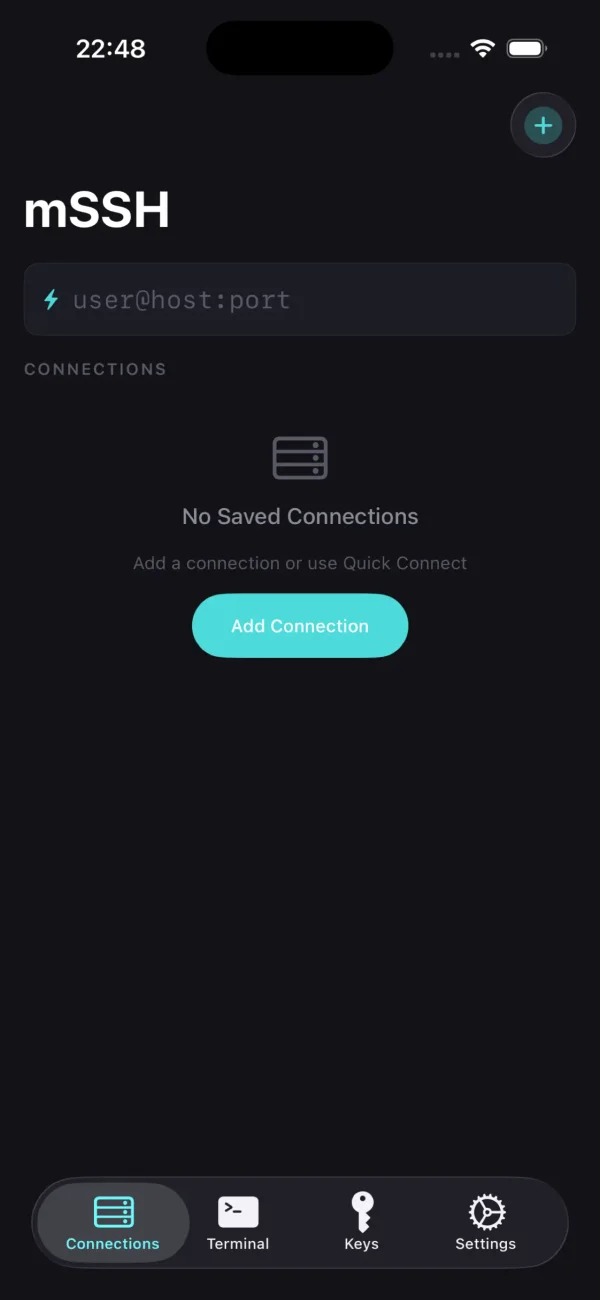
mSSH is a professional SSH and SFTP client for iPhone, iPad, and Mac.
Connect to your remote servers with password or key-based authentication (Ed25519, ECDSA, RSA).
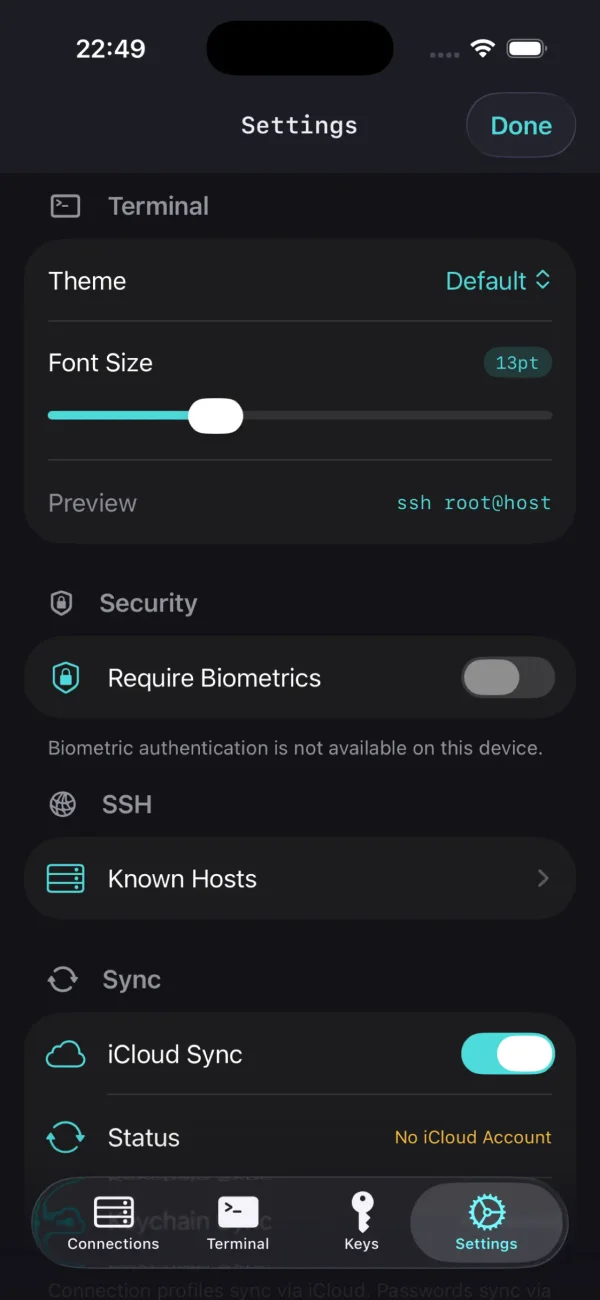
- Six terminal themes, saved command snippets, and cross-device iCloud sync
- Everything you need to manage servers on the go.
Cross-Device Sync — Your connections, SSH keys, snippets, and settings sync across
all your devices via iCloud. Private SSH keys sync optionally through end-to-end encrypted iCloud Keychain. On Mac, your existing ~/.ssh folder is imported automatically.
Terminal Themes & Fonts — Choose from six built-in themes: Default, Solarized Dark,
Monokai, Nord, Dracula, and Tokyo Night. Pick your preferred font family and size (9–24pt), cursor style (block, bar, or underline), and blink behavior. Changes apply instantly.
Snippets — Save commands you run often (deploy scripts, log tailing, service restarts) and send them to any active session with one tap. Access snippets from the terminal toolbar or the iOS keyboard accessory bar.
Connection Organization — Star favorites to pin them at the top. Group connections by environment (Production, Staging, Personal). Add color tags for visual scanning. Search across all connections by name, host, username, or group.
SSH Terminal — Full shell access with xterm-256color support. Manage multiple sessions with tabs. Split terminal view on iPad. Custom keyboard accessory bar with Esc, Tab, Ctrl, arrow keys, and quick-access snippets.
format. Generate Ed25519 keys directly in the app. Import keys by pasting PEM text or from your Mac's ~/.ssh folder. All private keys stored in the Keychain with hardware encryption.
SFTP File Browser — Browse remote filesystems, upload and download files, and manage directories with an intuitive touch interface.
Security — Face ID and Touch ID for app-level protection. All credentials in the Keychain, hardware-encrypted. Host key verification via Trust On First Use (TOFU) with SHA-256 fingerprints. No accounts, no telemetry, no ads.
Mac Support — Native macOS app with sidebar navigation. Import your ~/.ssh keys and config with one click. Sync connections from iPhone via iCloud.
Open Source — mSSH is open source at github.com/nirasnet/mssh. Built with SwiftTerm and Citadel.
Novedades
Versión 1.2.2 · 20/4/2026
Added tip jar — support development with optional tips.
All features remain free.
Privacidad de la aplicación
Lo que Jadesada Ponyium declara en App Store sobre cómo esta aplicación gestiona los datos.
-
No se recopilan datos
El desarrollador no recopila ningún dato de esta aplicación.
Las prácticas de privacidad pueden variar, por ejemplo, según las funciones que uses o tu edad.
Información
- Vendedor
- Jadesada Ponyium
- Categoría
- Utilidades
- Versión
- 1.2.2
- Actualizado
- 20/4/2026
- Publicado
- 2/4/2026
- Tamaño
- 10,0 MB
- Requiere
- iOS 18.0 o posterior
- Clasificación por edad
- 4+
- Precio
- Gratis
- Compras en la aplicación
- Sí
- Idiomas
- Inglés
- Copyright
- © 2025 M4ck Jsd
Quizá también te guste
-
 AirExtendUtilidades
-
 UltraLink+Utilidades
-
 Simple VNCUtilidades
-
 Keyboard AI SubscriptionUtilidades
-
 SysUsage: System MonitorRendimiento de un vistazo
-
 MiSTer CompanionUtilidades
-
 TextTransform with AIUtilidades
-
 Walt Wallet and PassesUtilidades
-
 BLE Tracker : Bluetooth FinderUtilidades
-
 Q Headphones Finder -BluetoothUtilidades