
mssh
Minimal SSH Terminal
Dirancang untuk iPhone, iPad
Gratis · Pembelian dalam aplikasi
- Batasan usia4+
- KategoriKegunaan
- PengembangJadesada Ponyium
- BahasaInggris
- Ukuran10,0 MB
Tertaut ke halaman resmi App Store
Download.org tidak menyimpan file mssh apa pun. Tombol ini membuka halaman aplikasi di App Store, tempat Jadesada Ponyium menerbitkannya. Halaman terakhir diperiksa pada 18/11/2026.
Tangkapan layar

Tentang
Pengembang belum menyediakan teks ini dalam bahasa Anda.
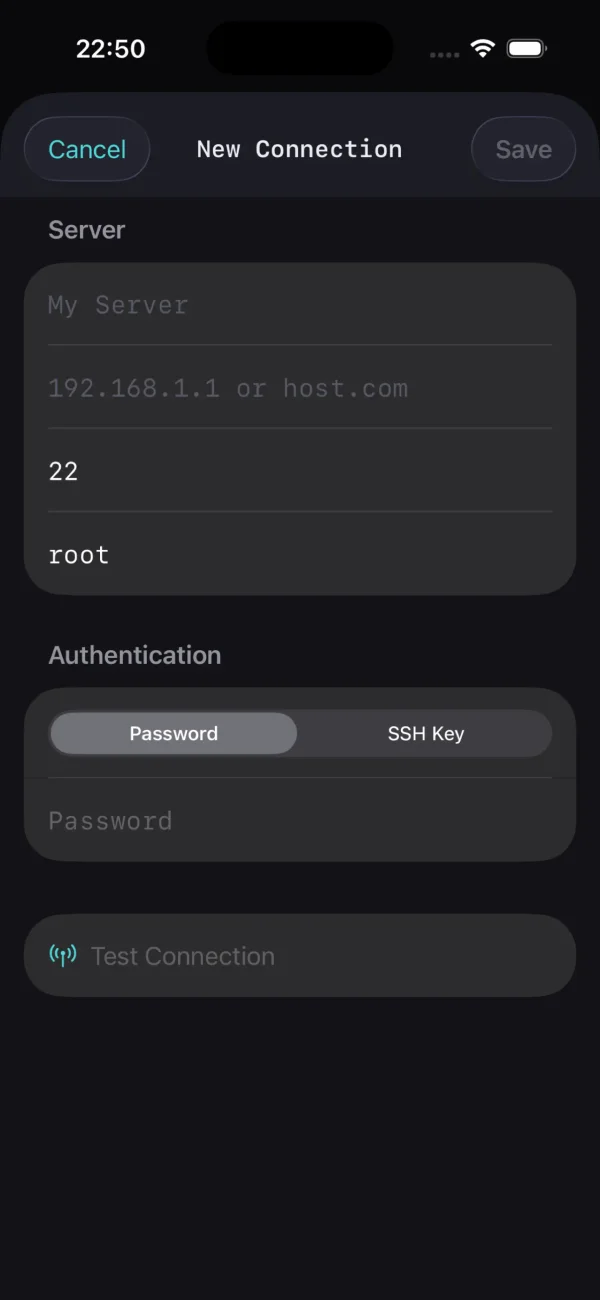
mSSH is a professional SSH and SFTP client for iPhone, iPad, and Mac.
Connect to your remote servers with password or key-based authentication (Ed25519, ECDSA, RSA).
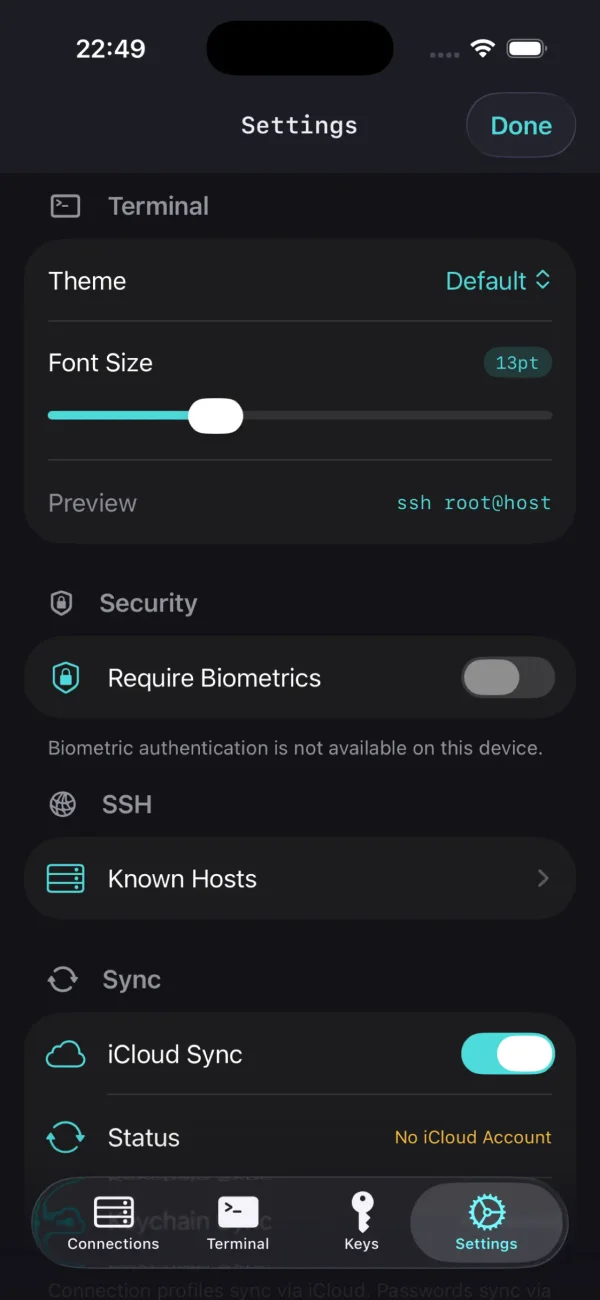
- Six terminal themes, saved command snippets, and cross-device iCloud sync
- Everything you need to manage servers on the go.
Cross-Device Sync — Your connections, SSH keys, snippets, and settings sync across
all your devices via iCloud. Private SSH keys sync optionally through end-to-end encrypted iCloud Keychain. On Mac, your existing ~/.ssh folder is imported automatically.
Terminal Themes & Fonts — Choose from six built-in themes: Default, Solarized Dark,
Monokai, Nord, Dracula, and Tokyo Night. Pick your preferred font family and size (9–24pt), cursor style (block, bar, or underline), and blink behavior. Changes apply instantly.
Snippets — Save commands you run often (deploy scripts, log tailing, service restarts) and send them to any active session with one tap. Access snippets from the terminal toolbar or the iOS keyboard accessory bar.
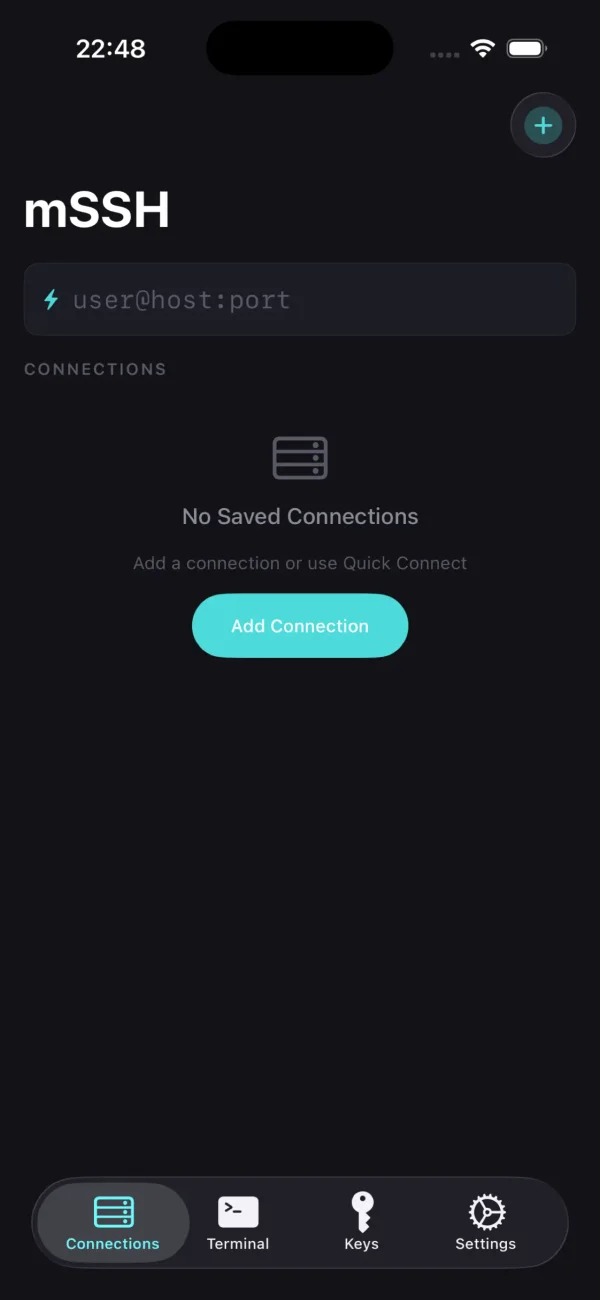
Connection Organization — Star favorites to pin them at the top. Group connections by environment (Production, Staging, Personal). Add color tags for visual scanning. Search across all connections by name, host, username, or group.
SSH Terminal — Full shell access with xterm-256color support. Manage multiple sessions with tabs. Split terminal view on iPad. Custom keyboard accessory bar with Esc, Tab, Ctrl, arrow keys, and quick-access snippets.
format. Generate Ed25519 keys directly in the app. Import keys by pasting PEM text or from your Mac's ~/.ssh folder. All private keys stored in the Keychain with hardware encryption.
SFTP File Browser — Browse remote filesystems, upload and download files, and manage directories with an intuitive touch interface.
Security — Face ID and Touch ID for app-level protection. All credentials in the Keychain, hardware-encrypted. Host key verification via Trust On First Use (TOFU) with SHA-256 fingerprints. No accounts, no telemetry, no ads.
Mac Support — Native macOS app with sidebar navigation. Import your ~/.ssh keys and config with one click. Sync connections from iPhone via iCloud.
Open Source — mSSH is open source at github.com/nirasnet/mssh. Built with SwiftTerm and Citadel.
Yang baru
Versi 1.2.2 · 20/4/2026
Added tip jar — support development with optional tips.
All features remain free.
Privasi aplikasi
Yang dinyatakan Jadesada Ponyium di App Store tentang cara aplikasi ini menangani data.
-
Data tidak dikumpulkan
Pengembang tidak mengumpulkan data apa pun dari aplikasi ini.
Praktik privasi dapat bervariasi, misalnya berdasarkan fitur yang Anda gunakan atau usia Anda.
Informasi
- Penjual
- Jadesada Ponyium
- Kategori
- Kegunaan
- Versi
- 1.2.2
- Diperbarui
- 20/4/2026
- Dirilis
- 2/4/2026
- Ukuran
- 10,0 MB
- Memerlukan
- iOS 18.0 atau yang lebih baru
- Batasan usia
- 4+
- Harga
- Gratis
- Pembelian dalam aplikasi
- Ya
- Bahasa
- Inggris
- Hak cipta
- © 2025 M4ck Jsd