
mssh
Minimal SSH Terminal
Được thiết kế cho iPhone, iPad
Miễn phí · Mua hàng trong ứng dụng
- Độ tuổi4+
- Danh mụcTiện Ích
- Nhà phát triểnJadesada Ponyium
- Ngôn ngữTiếng Anh
- Kích thước10,0 MB
Liên kết đến trang App Store chính thức
Download.org không lưu trữ tệp nào của mssh. Nút này mở trang ứng dụng trên App Store, nơi Jadesada Ponyium phát hành ứng dụng. Trang được kiểm tra lần cuối: 18/11/2026.
Ảnh chụp màn hình

Giới thiệu
Nhà phát triển chưa cung cấp nội dung này bằng ngôn ngữ của bạn.
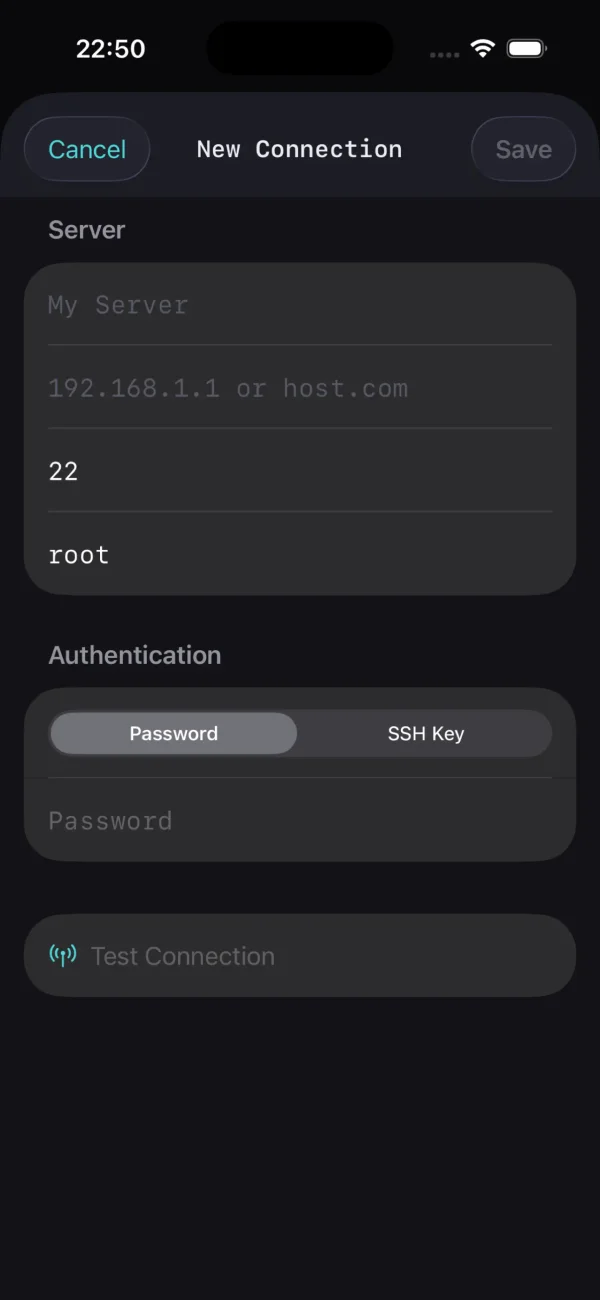
mSSH is a professional SSH and SFTP client for iPhone, iPad, and Mac.
Connect to your remote servers with password or key-based authentication (Ed25519, ECDSA, RSA).
- Six terminal themes, saved command snippets, and cross-device iCloud sync
- Everything you need to manage servers on the go.
Cross-Device Sync — Your connections, SSH keys, snippets, and settings sync across
all your devices via iCloud. Private SSH keys sync optionally through end-to-end encrypted iCloud Keychain. On Mac, your existing ~/.ssh folder is imported automatically.
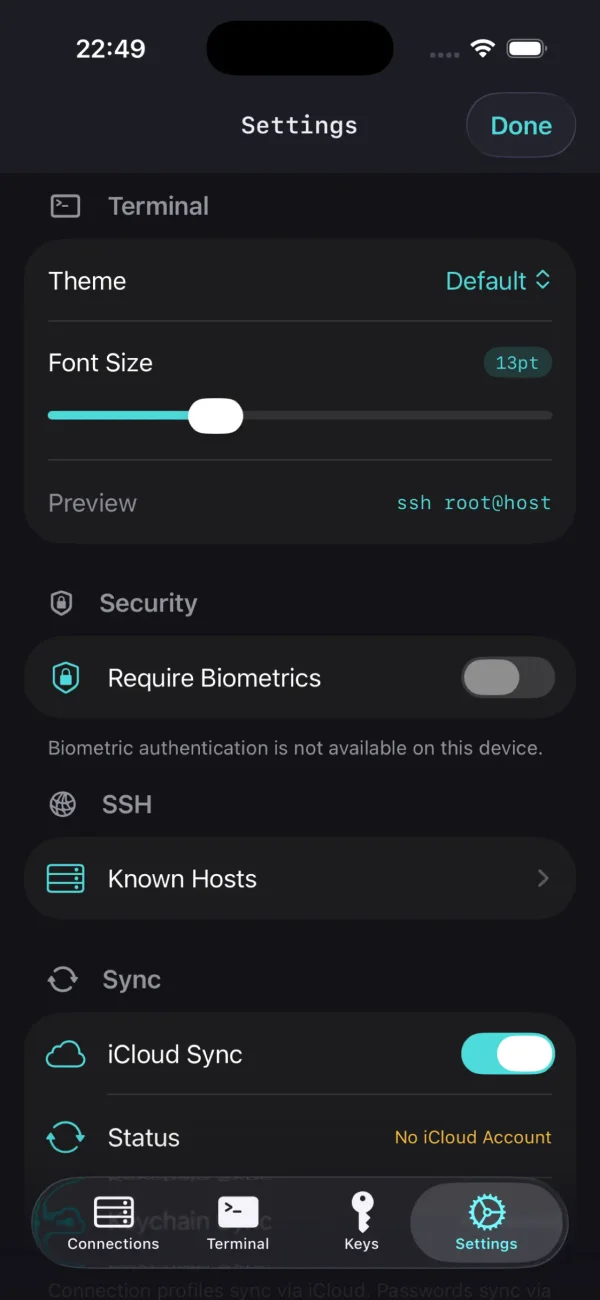
Terminal Themes & Fonts — Choose from six built-in themes: Default, Solarized Dark,
Monokai, Nord, Dracula, and Tokyo Night. Pick your preferred font family and size (9–24pt), cursor style (block, bar, or underline), and blink behavior. Changes apply instantly.
Snippets — Save commands you run often (deploy scripts, log tailing, service restarts) and send them to any active session with one tap. Access snippets from the terminal toolbar or the iOS keyboard accessory bar.
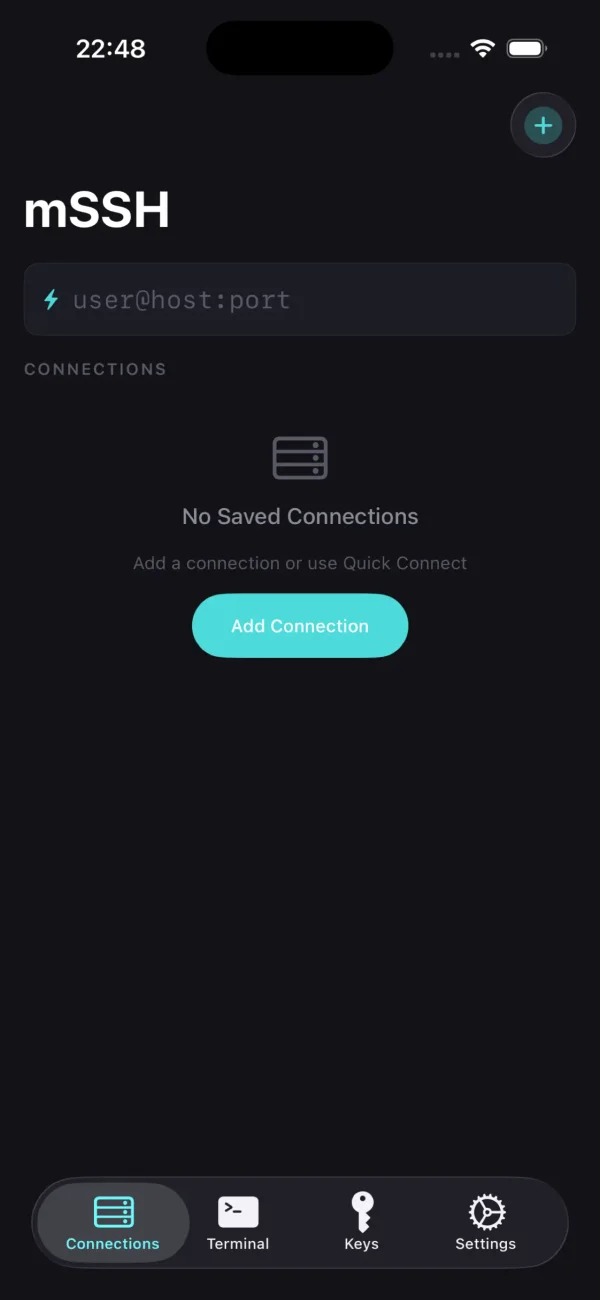
Connection Organization — Star favorites to pin them at the top. Group connections by environment (Production, Staging, Personal). Add color tags for visual scanning. Search across all connections by name, host, username, or group.
SSH Terminal — Full shell access with xterm-256color support. Manage multiple sessions with tabs. Split terminal view on iPad. Custom keyboard accessory bar with Esc, Tab, Ctrl, arrow keys, and quick-access snippets.
format. Generate Ed25519 keys directly in the app. Import keys by pasting PEM text or from your Mac's ~/.ssh folder. All private keys stored in the Keychain with hardware encryption.
SFTP File Browser — Browse remote filesystems, upload and download files, and manage directories with an intuitive touch interface.
Security — Face ID and Touch ID for app-level protection. All credentials in the Keychain, hardware-encrypted. Host key verification via Trust On First Use (TOFU) with SHA-256 fingerprints. No accounts, no telemetry, no ads.
Mac Support — Native macOS app with sidebar navigation. Import your ~/.ssh keys and config with one click. Sync connections from iPhone via iCloud.
Open Source — mSSH is open source at github.com/nirasnet/mssh. Built with SwiftTerm and Citadel.
Có gì mới
Phiên bản 1.2.2 · 20/04/2026
Added tip jar — support development with optional tips.
All features remain free.
Quyền riêng tư của ứng dụng
Những gì Jadesada Ponyium khai báo trên App Store về cách ứng dụng này xử lý dữ liệu.
-
Dữ liệu không được thu thập
Nhà phát triển không thu thập bất kỳ dữ liệu nào từ ứng dụng này.
Phương thức đảm bảo quyền riêng tư có thể khác nhau, chẳng hạn như tuỳ theo các tính năng bạn sử dụng hoặc độ tuổi của bạn.
Thông tin
- Người bán
- Jadesada Ponyium
- Danh mục
- Tiện Ích
- Phiên bản
- 1.2.2
- Cập nhật
- 20/04/2026
- Phát hành
- 02/04/2026
- Kích thước
- 10,0 MB
- Yêu cầu
- iOS 18.0 trở lên
- Độ tuổi
- 4+
- Giá
- Miễn phí
- Mua hàng trong ứng dụng
- Có
- Ngôn ngữ
- Tiếng Anh
- Bản quyền
- © 2025 M4ck Jsd
Có thể bạn cũng thích
-
 AirExtendTiện Ích
-
 UltraLink+Tiện Ích
-
 Simple VNCTiện Ích
-
 Keyboard AI SubscriptionTiện Ích
-
 SysUsage: System MonitorHiệu suất trong nháy mắt
-
 MiSTer CompanionTiện Ích
-
 TextTransform with AITiện Ích
-
 Walt Wallet and PassesTiện Ích
-
 BLE Tracker : Bluetooth FinderTiện Ích
-
 Q Headphones Finder -BluetoothTiện Ích