
- Classification d’âge4+
- CatégorieUtilitaires
- DéveloppeurJadesada Ponyium
- LanguesAnglais
- Taille10,0 Mo
Renvoie vers la page App Store officielle
Download.org n’héberge aucun fichier de mssh. Le bouton ouvre la page de l’application sur App Store, où Jadesada Ponyium la publie. Fiche vérifiée pour la dernière fois le 18/11/2026.
Captures d’écran

À propos
Le développeur n’a pas fourni ce texte dans votre langue.
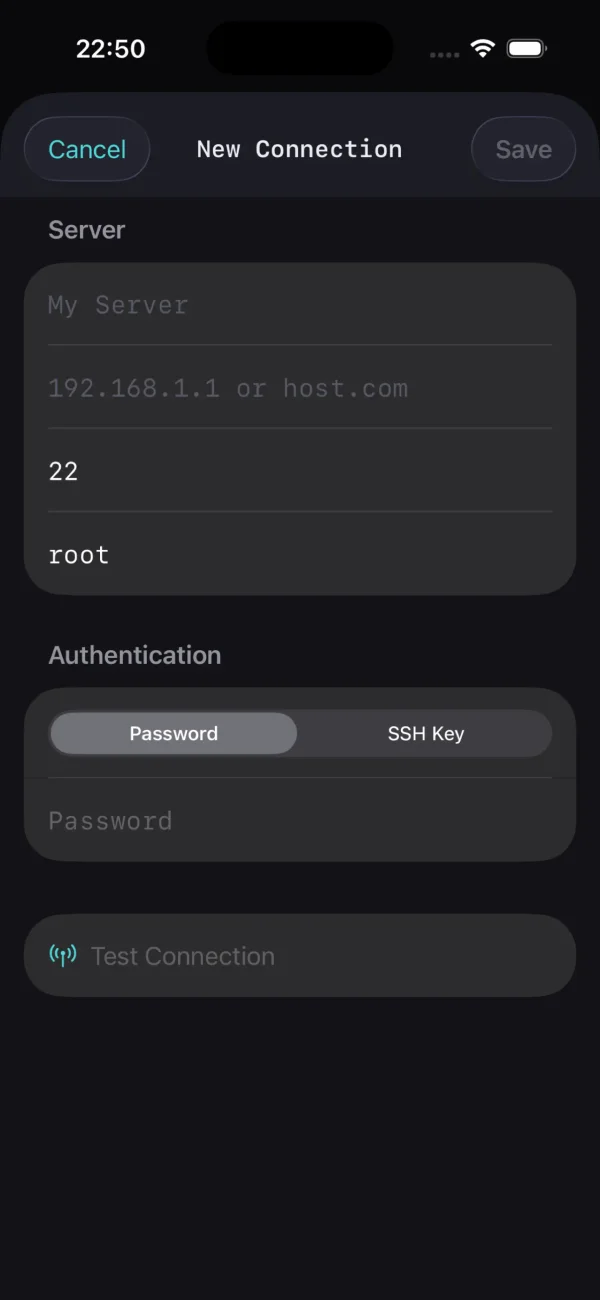
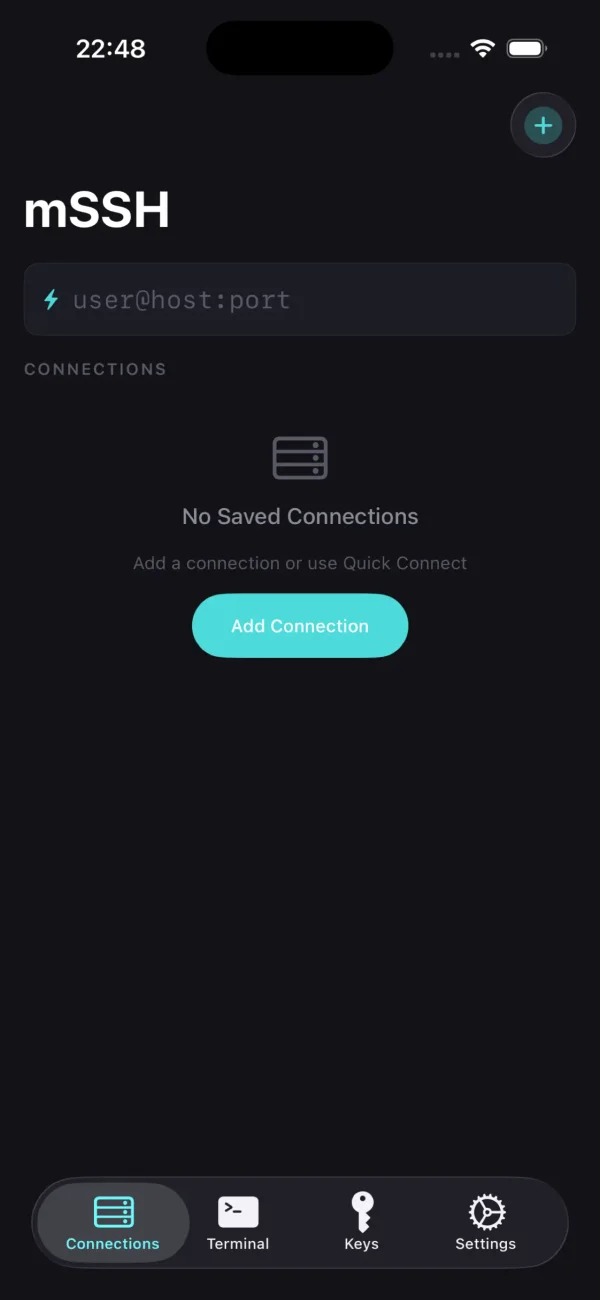
mSSH is a professional SSH and SFTP client for iPhone, iPad, and Mac.
Connect to your remote servers with password or key-based authentication (Ed25519, ECDSA, RSA).
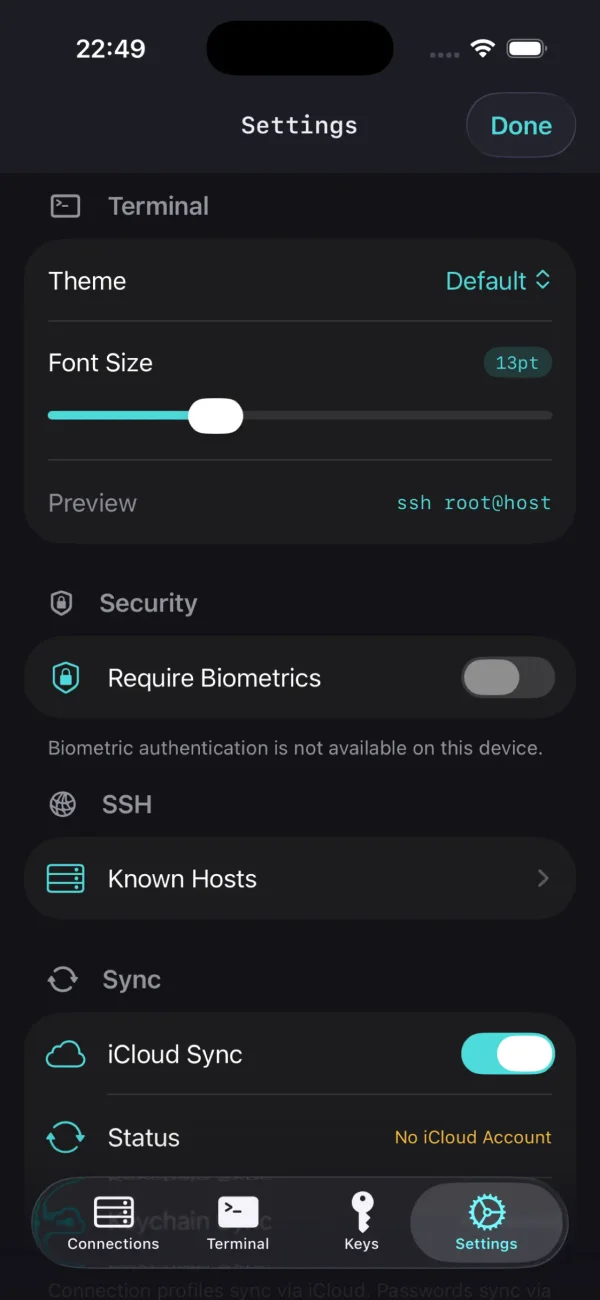
- Six terminal themes, saved command snippets, and cross-device iCloud sync
- Everything you need to manage servers on the go.
Cross-Device Sync — Your connections, SSH keys, snippets, and settings sync across
all your devices via iCloud. Private SSH keys sync optionally through end-to-end encrypted iCloud Keychain. On Mac, your existing ~/.ssh folder is imported automatically.
Terminal Themes & Fonts — Choose from six built-in themes: Default, Solarized Dark,
Monokai, Nord, Dracula, and Tokyo Night. Pick your preferred font family and size (9–24pt), cursor style (block, bar, or underline), and blink behavior. Changes apply instantly.
Snippets — Save commands you run often (deploy scripts, log tailing, service restarts) and send them to any active session with one tap. Access snippets from the terminal toolbar or the iOS keyboard accessory bar.
Connection Organization — Star favorites to pin them at the top. Group connections by environment (Production, Staging, Personal). Add color tags for visual scanning. Search across all connections by name, host, username, or group.
SSH Terminal — Full shell access with xterm-256color support. Manage multiple sessions with tabs. Split terminal view on iPad. Custom keyboard accessory bar with Esc, Tab, Ctrl, arrow keys, and quick-access snippets.
format. Generate Ed25519 keys directly in the app. Import keys by pasting PEM text or from your Mac's ~/.ssh folder. All private keys stored in the Keychain with hardware encryption.
SFTP File Browser — Browse remote filesystems, upload and download files, and manage directories with an intuitive touch interface.
Security — Face ID and Touch ID for app-level protection. All credentials in the Keychain, hardware-encrypted. Host key verification via Trust On First Use (TOFU) with SHA-256 fingerprints. No accounts, no telemetry, no ads.
Mac Support — Native macOS app with sidebar navigation. Import your ~/.ssh keys and config with one click. Sync connections from iPhone via iCloud.
Open Source — mSSH is open source at github.com/nirasnet/mssh. Built with SwiftTerm and Citadel.
Nouveautés
Version 1.2.2 · 20/04/2026
Added tip jar — support development with optional tips.
All features remain free.
Confidentialité de l’application
Ce que Jadesada Ponyium déclare sur l’App Store au sujet du traitement des données par cette application.
-
Données non collectées
Le développeur ne collecte aucune donnée à partir de cette application.
Les pratiques en matière de confidentialité peuvent varier, notamment en fonction des fonctionnalités que vous utilisez ou de votre âge.
Informations
- Vendeur
- Jadesada Ponyium
- Catégorie
- Utilitaires
- Version
- 1.2.2
- Mis à jour
- 20/04/2026
- Publié
- 02/04/2026
- Taille
- 10,0 Mo
- Nécessite
- iOS 18.0 ou version ultérieure
- Classification d’âge
- 4+
- Prix
- Gratuit
- Achats intégrés
- Oui
- Langues
- Anglais
- Copyright
- © 2025 M4ck Jsd
Vous aimerez peut-être aussi
-
 AirExtendUtilitaires
-
 UltraLink+Utilitaires
-
 Simple VNCUtilitaires
-
 Clavier IA SubscriptionClavier IA multilingue
-
 SysUsage: System MonitorPerformances en un coup d'œil
-
 MiSTer CompanionUtilitaires
-
 TextTransform with AIUtilitaires
-
 Walt Wallet and PassesUtilitaires
-
 BLE Tracker : Bluetooth FinderUtilitaires
-
 Q Headphones Finder -BluetoothUtilitaires