- Clasificación por edad4+
- CategoríaUtilidades
- DesarrolladorGabriel Thibault
- IdiomasInglés
- Tamaño1,4 MB
Enlaza a la página oficial de App Store
Download.org no aloja ningún archivo de Nearscreen. El botón abre la página de la aplicación en App Store, donde la publica Gabriel Thibault. Ficha comprobada por última vez el 16/11/2026.
Capturas de pantalla
Acerca de
El desarrollador no ha proporcionado este texto en tu idioma.
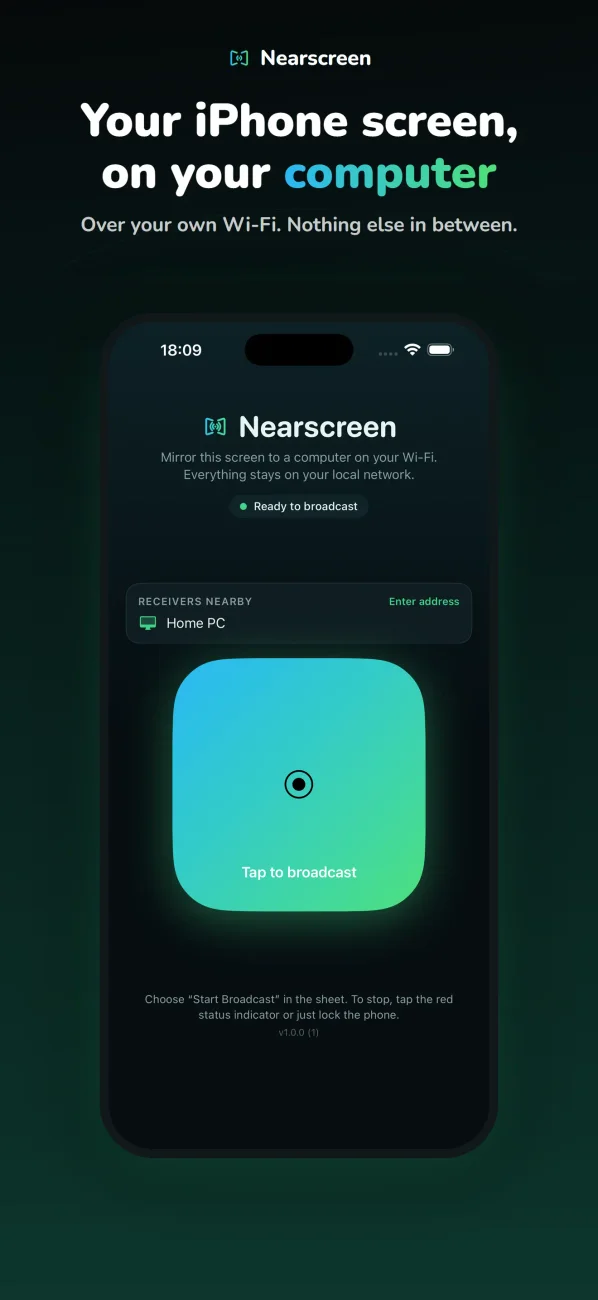
Nearscreen mirrors your iPhone screen to a computer on the same Wi-Fi network. One tap — and your screen appears on your desktop. Nothing ever leaves your local network.
HOW IT WORKS
1. Run the free Nearscreen receiver on your computer (download at https://nearscreen.app/receiver).
2. Open Nearscreen on your iPhone — it finds receivers on your network automatically.
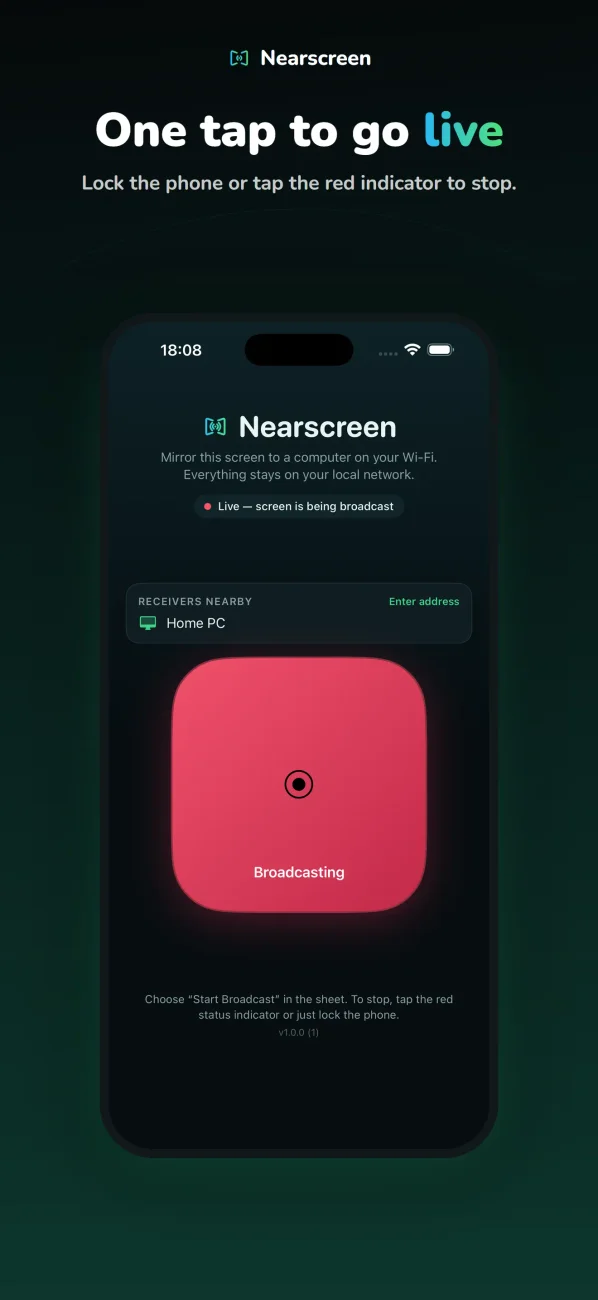
3. Tap the broadcast button and choose "Start Broadcast".
To stop, tap the red status indicator or simply lock your phone.
ON A NETWORK THAT HIDES DEVICES
Offices, dorms and guest Wi-Fi often block the discovery traffic that lets the
phone find your computer. The receiver shows a QR code for exactly this: point
the Camera app at it and Nearscreen opens pointed straight at that computer. You
can also type the address by hand.
PRIVATE BY DESIGN
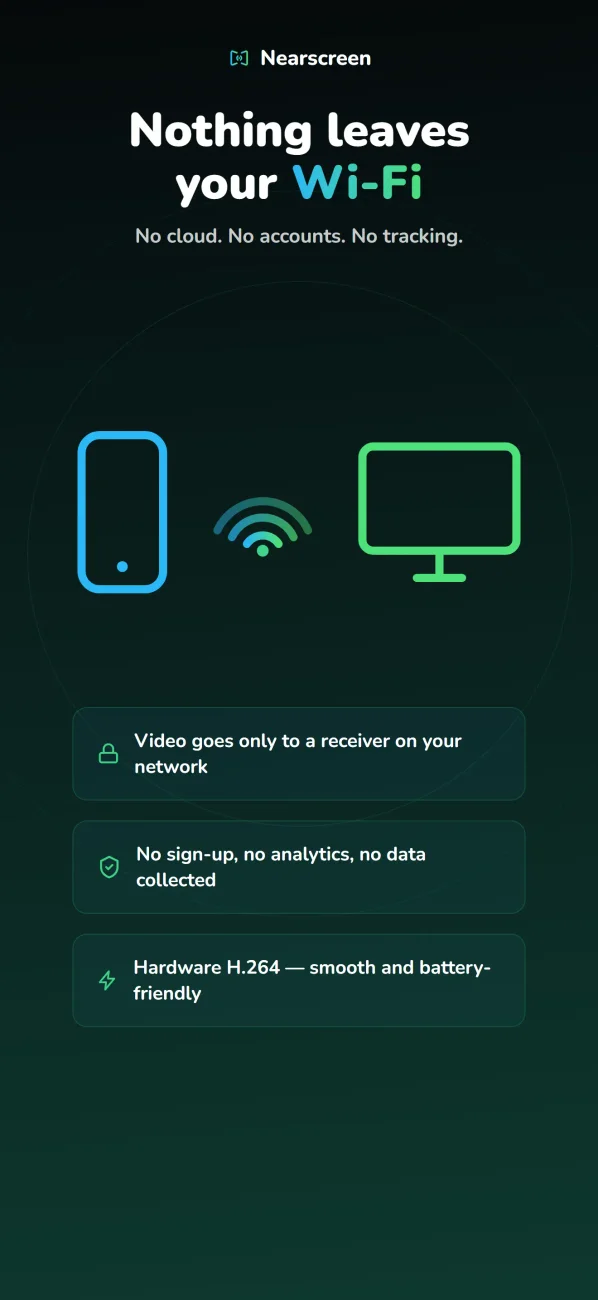
• Your video is streamed only to a receiver on your own network
• No cloud, no servers, no accounts
• No analytics, no tracking — we collect no data at all
FAST AND EFFICIENT
• Hardware H.264 encoding — smooth motion, low battery drain
• Low-latency streaming over your local network
• Keeps broadcasting while you use other apps or lock into a game
GOOD FOR
• Showing your phone on a bigger screen in meetings and classrooms
• Demoing and testing apps
• Streaming mobile gameplay to your desktop setup
• Any moment when screen mirroring should stay strictly on your own network
Nearscreen requires the Nearscreen receiver application on your computer (Windows and macOS, free): https://nearscreen.app/receiver
Novedades
Versión 1.1.0 · 26/9/2026
Improved streaming reliability: if iOS resets the hardware video encoder, Nearscreen now rebuilds it automatically instead of leaving a frozen picture on the receiver. General stability improvements.
Privacidad de la aplicación
Lo que Gabriel Thibault declara en App Store sobre cómo esta aplicación gestiona los datos.
-
No se recopilan datos
El desarrollador no recopila ningún dato de esta aplicación.
Las prácticas de privacidad pueden variar, por ejemplo, según las funciones que uses o tu edad.
Información
- Vendedor
- Gabriel Thibault
- Categoría
- Utilidades
- Versión
- 1.1.0
- Actualizado
- 26/9/2026
- Publicado
- 10/9/2026
- Tamaño
- 1,4 MB
- Requiere
- iOS 16.0 o posterior
- Clasificación por edad
- 4+
- Precio
- Gratis
- Idiomas
- Inglés
- Copyright
- © 2026 Gabriel Thibault
Quizá también te guste
-
 PhoneStage: Screen MirroringUtilidades
-
 Monitor MirrorUtilidades
-
 Mirror: Control Your MacUtilidades
-
 LensGuard: Detecta lentes IADetecta lentes con cámara e IA
-
 BeamRight: Mirror & Cast TVUtilidades
-
 Screen FlickUtilidades
-
 Desktop Mirroring: PantallaDuplicar pantalla por Wi-Fi
-
 Quick Settings LauncherUtilidades
-
 Switch Always OnUtilidades
-
 Remotly – Escritorio remotoAcceso remoto al PC y juegos