- Batasan usia4+
- KategoriKegunaan
- PengembangGabriel Thibault
- BahasaInggris
- Ukuran1,4 MB
Tertaut ke halaman resmi App Store
Download.org tidak menyimpan file Nearscreen apa pun. Tombol ini membuka halaman aplikasi di App Store, tempat Gabriel Thibault menerbitkannya. Halaman terakhir diperiksa pada 16/11/2026.
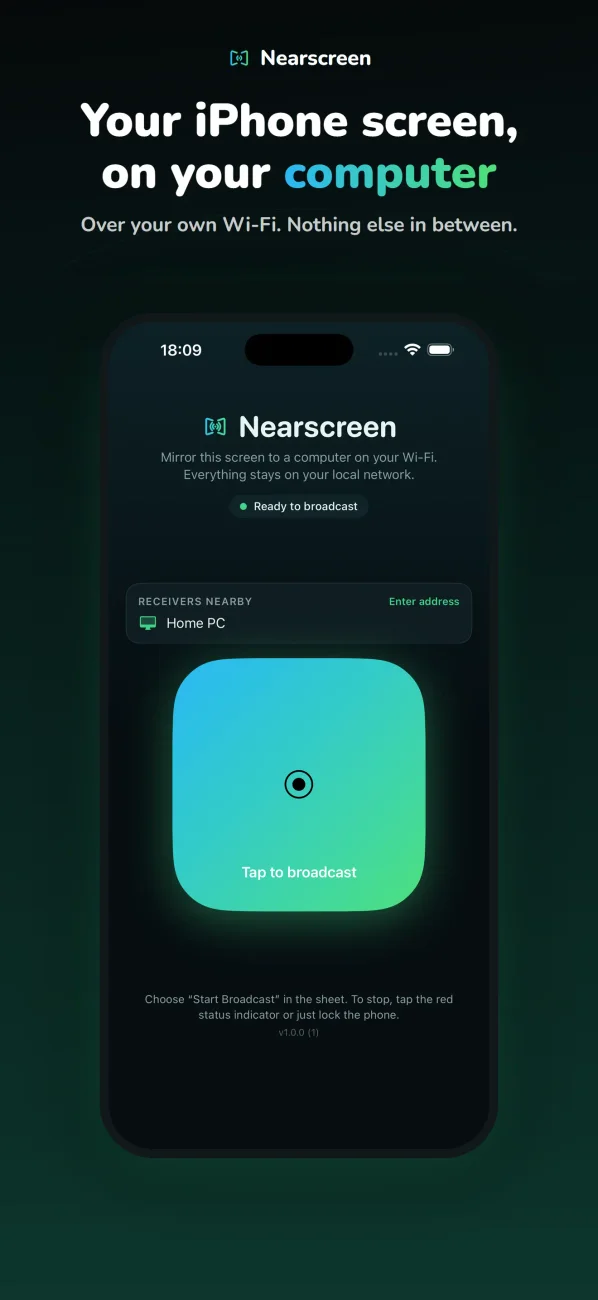
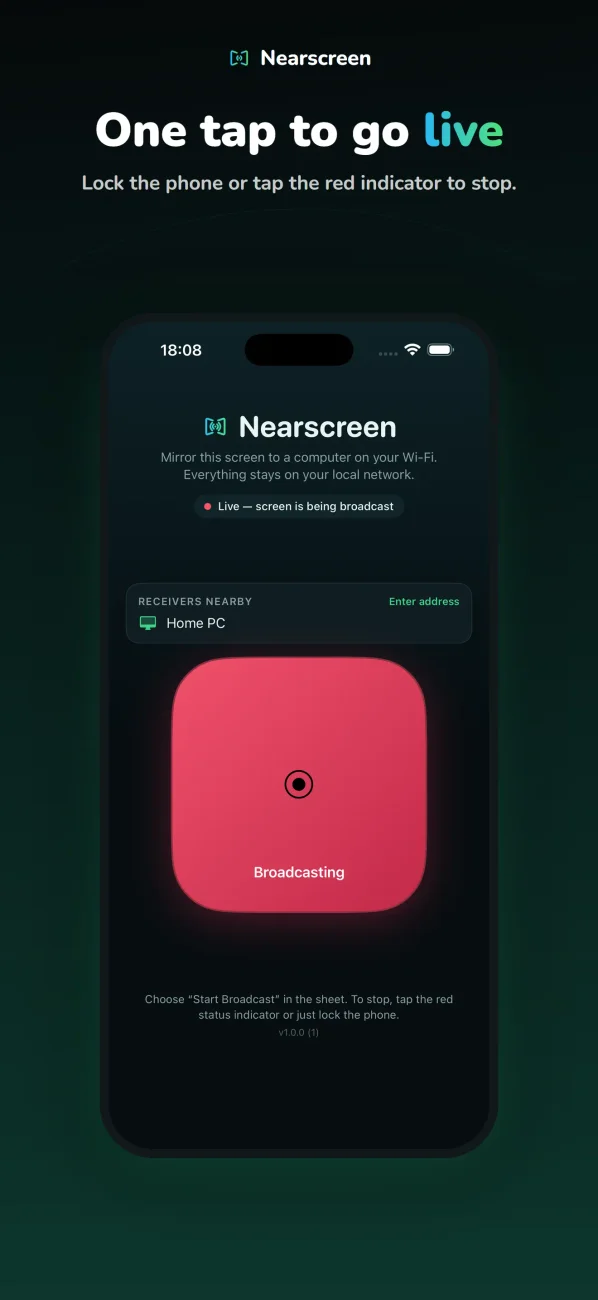
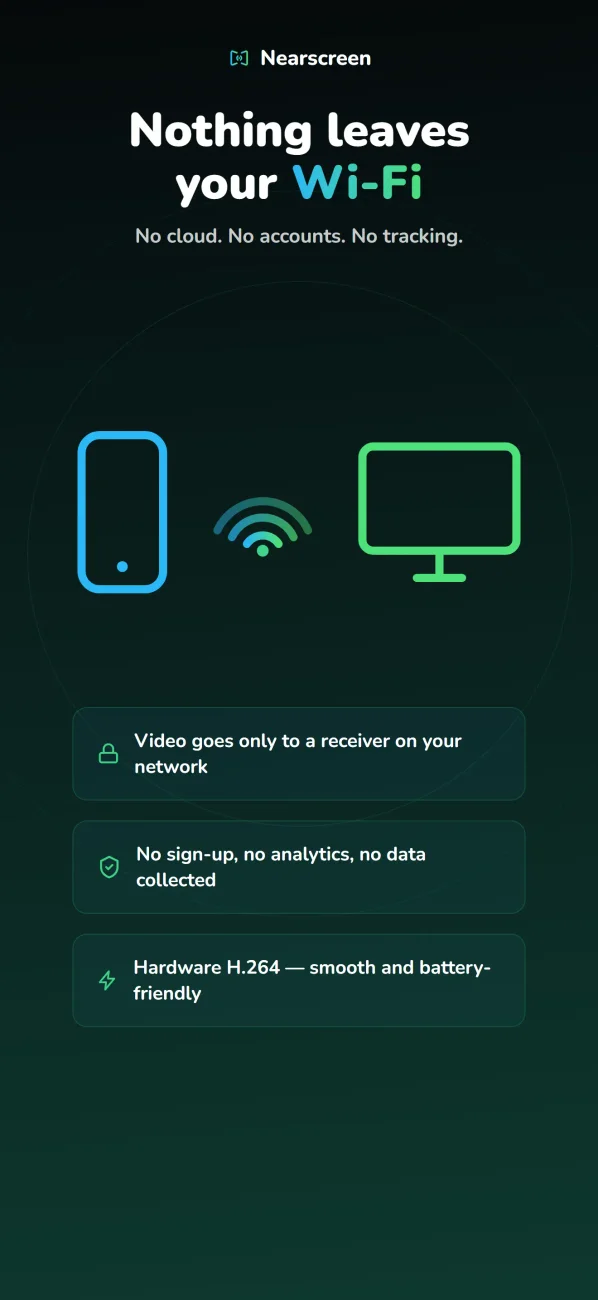
Tangkapan layar
Tentang
Pengembang belum menyediakan teks ini dalam bahasa Anda.
Nearscreen mirrors your iPhone screen to a computer on the same Wi-Fi network. One tap — and your screen appears on your desktop. Nothing ever leaves your local network.
HOW IT WORKS
1. Run the free Nearscreen receiver on your computer (download at https://nearscreen.app/receiver).
2. Open Nearscreen on your iPhone — it finds receivers on your network automatically.
3. Tap the broadcast button and choose "Start Broadcast".
To stop, tap the red status indicator or simply lock your phone.
ON A NETWORK THAT HIDES DEVICES
Offices, dorms and guest Wi-Fi often block the discovery traffic that lets the
phone find your computer. The receiver shows a QR code for exactly this: point
the Camera app at it and Nearscreen opens pointed straight at that computer. You
can also type the address by hand.
PRIVATE BY DESIGN
• Your video is streamed only to a receiver on your own network
• No cloud, no servers, no accounts
• No analytics, no tracking — we collect no data at all
FAST AND EFFICIENT
• Hardware H.264 encoding — smooth motion, low battery drain
• Low-latency streaming over your local network
• Keeps broadcasting while you use other apps or lock into a game
GOOD FOR
• Showing your phone on a bigger screen in meetings and classrooms
• Demoing and testing apps
• Streaming mobile gameplay to your desktop setup
• Any moment when screen mirroring should stay strictly on your own network
Nearscreen requires the Nearscreen receiver application on your computer (Windows and macOS, free): https://nearscreen.app/receiver
Yang baru
Versi 1.1.0 · 26/9/2026
Improved streaming reliability: if iOS resets the hardware video encoder, Nearscreen now rebuilds it automatically instead of leaving a frozen picture on the receiver. General stability improvements.
Privasi aplikasi
Yang dinyatakan Gabriel Thibault di App Store tentang cara aplikasi ini menangani data.
-
Data tidak dikumpulkan
Pengembang tidak mengumpulkan data apa pun dari aplikasi ini.
Praktik privasi dapat bervariasi, misalnya berdasarkan fitur yang Anda gunakan atau usia Anda.
Informasi
- Penjual
- Gabriel Thibault
- Kategori
- Kegunaan
- Versi
- 1.1.0
- Diperbarui
- 26/9/2026
- Dirilis
- 10/9/2026
- Ukuran
- 1,4 MB
- Memerlukan
- iOS 16.0 atau yang lebih baru
- Batasan usia
- 4+
- Harga
- Gratis
- Bahasa
- Inggris
- Hak cipta
- © 2026 Gabriel Thibault
Mungkin Anda juga suka
-
 PhoneStage: Screen MirroringKegunaan
-
 Monitor MirrorKegunaan
-
 Mirror: Control Your MacKegunaan
-
 LensGuard: AI Glasses DetectorKegunaan
-
 BeamRight: Mirror & Cast TVKegunaan
-
 Screen FlickKegunaan
-
 Desktop Mirroring: LayarLayar Mac di iPhone via Wi-Fi
-
 Quick Settings LauncherKegunaan
-
 Switch Always OnKegunaan
-
 Remotly – Remote DesktopKegunaan