- Classification d’âge4+
- CatégorieUtilitaires
- DéveloppeurGabriel Thibault
- LanguesAnglais
- Taille1,4 Mo
Renvoie vers la page App Store officielle
Download.org n’héberge aucun fichier de Nearscreen. Le bouton ouvre la page de l’application sur App Store, où Gabriel Thibault la publie. Fiche vérifiée pour la dernière fois le 16/11/2026.
Captures d’écran
À propos
Le développeur n’a pas fourni ce texte dans votre langue.
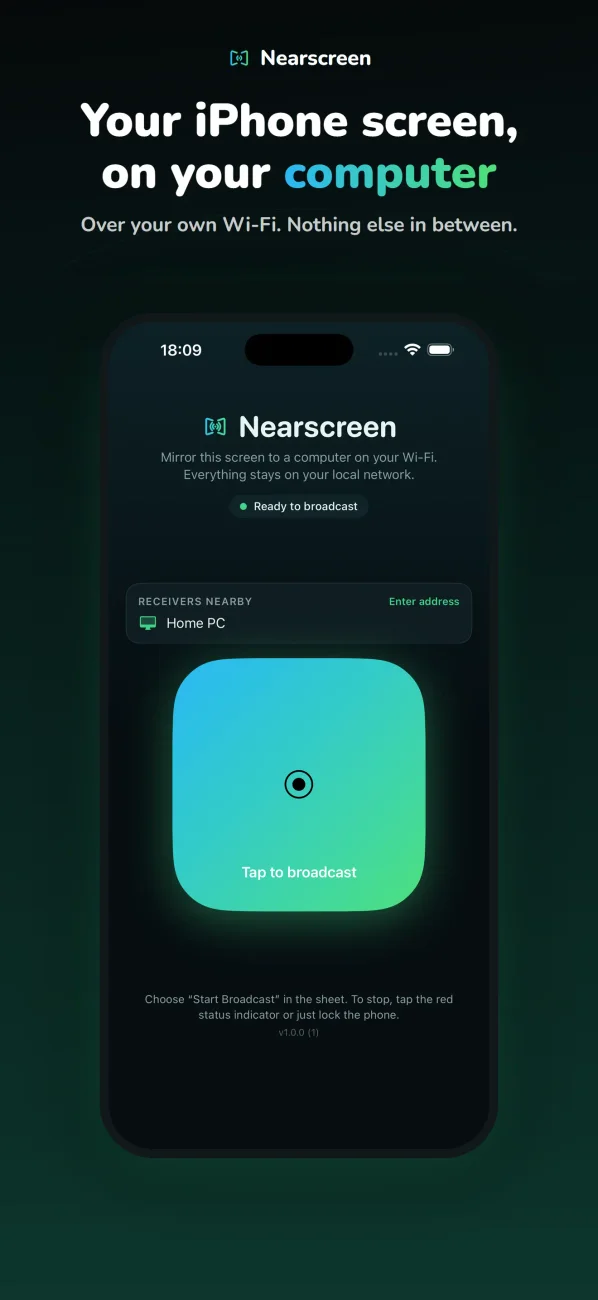
Nearscreen mirrors your iPhone screen to a computer on the same Wi-Fi network. One tap — and your screen appears on your desktop. Nothing ever leaves your local network.
HOW IT WORKS
1. Run the free Nearscreen receiver on your computer (download at https://nearscreen.app/receiver).
2. Open Nearscreen on your iPhone — it finds receivers on your network automatically.
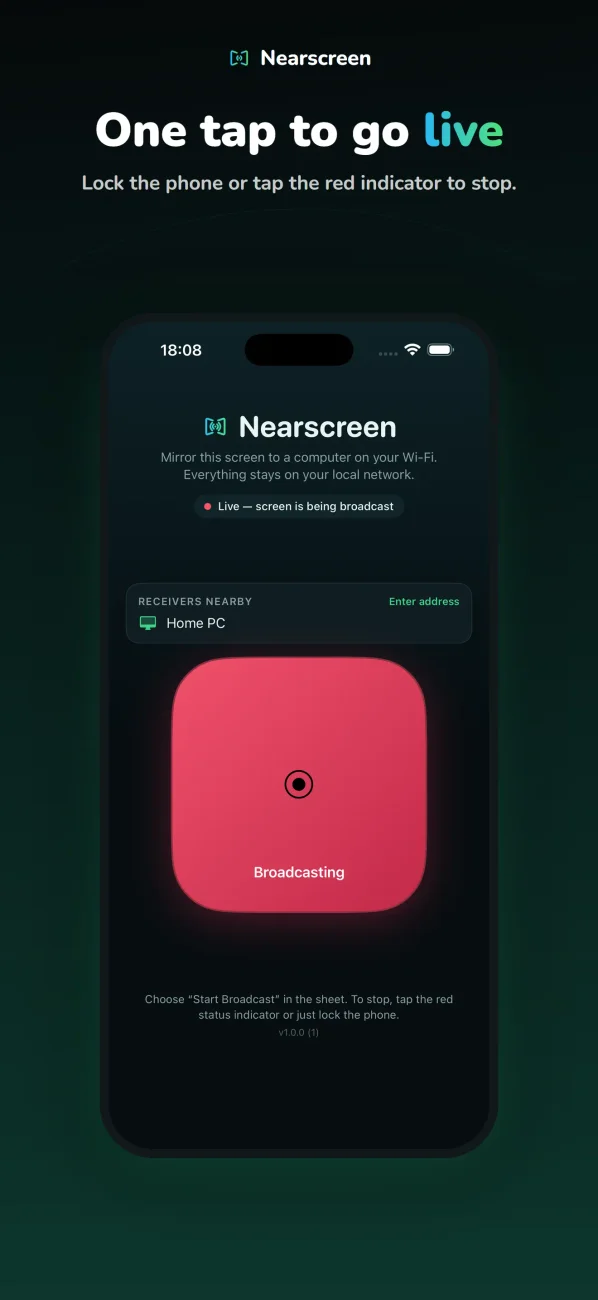
3. Tap the broadcast button and choose "Start Broadcast".
To stop, tap the red status indicator or simply lock your phone.
ON A NETWORK THAT HIDES DEVICES
Offices, dorms and guest Wi-Fi often block the discovery traffic that lets the
phone find your computer. The receiver shows a QR code for exactly this: point
the Camera app at it and Nearscreen opens pointed straight at that computer. You
can also type the address by hand.
PRIVATE BY DESIGN
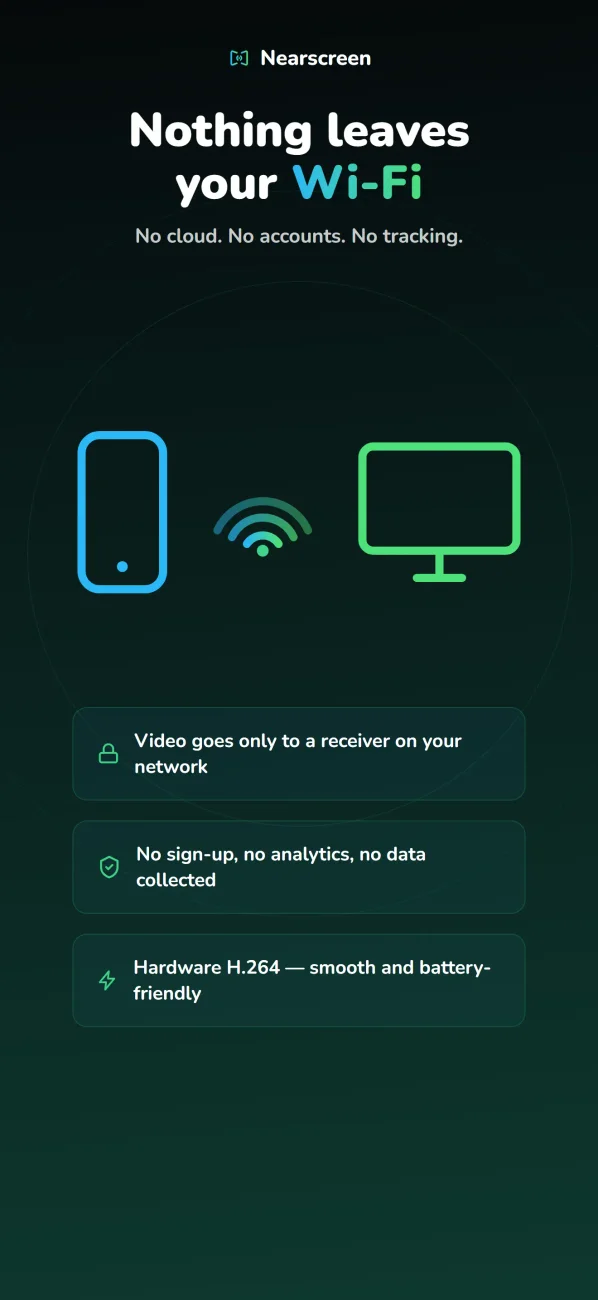
• Your video is streamed only to a receiver on your own network
• No cloud, no servers, no accounts
• No analytics, no tracking — we collect no data at all
FAST AND EFFICIENT
• Hardware H.264 encoding — smooth motion, low battery drain
• Low-latency streaming over your local network
• Keeps broadcasting while you use other apps or lock into a game
GOOD FOR
• Showing your phone on a bigger screen in meetings and classrooms
• Demoing and testing apps
• Streaming mobile gameplay to your desktop setup
• Any moment when screen mirroring should stay strictly on your own network
Nearscreen requires the Nearscreen receiver application on your computer (Windows and macOS, free): https://nearscreen.app/receiver
Nouveautés
Version 1.1.0 · 26/09/2026
Improved streaming reliability: if iOS resets the hardware video encoder, Nearscreen now rebuilds it automatically instead of leaving a frozen picture on the receiver. General stability improvements.
Confidentialité de l’application
Ce que Gabriel Thibault déclare sur l’App Store au sujet du traitement des données par cette application.
-
Données non collectées
Le développeur ne collecte aucune donnée à partir de cette application.
Les pratiques en matière de confidentialité peuvent varier, notamment en fonction des fonctionnalités que vous utilisez ou de votre âge.
Informations
- Vendeur
- Gabriel Thibault
- Catégorie
- Utilitaires
- Version
- 1.1.0
- Mis à jour
- 26/09/2026
- Publié
- 10/09/2026
- Taille
- 1,4 Mo
- Nécessite
- iOS 16.0 ou version ultérieure
- Classification d’âge
- 4+
- Prix
- Gratuit
- Langues
- Anglais
- Copyright
- © 2026 Gabriel Thibault
Vous aimerez peut-être aussi
-
 PhoneStage: Screen MirroringUtilitaires
-
 Monitor MirrorUtilitaires
-
 Mirror: Control Your MacUtilitaires
-
 LensGuard: Détecte lunettes IARepère lunettes IA et à caméra
-
 BeamRight: Mirror & Cast TVUtilitaires
-
 Screen FlickUtilitaires
-
 Desktop Mirroring: PartageMiroir d'écran en Wi-Fi local
-
 Quick Settings LauncherUtilitaires
-
 Switch Always OnUtilitaires
-
 Remotly – Bureau à distanceAccès PC à distance et jeux