PaperDraft
Minimalist journal & notes
Diseñada para iPhone
Gratis · Compras en la aplicación
- Clasificación por edad4+
- CategoríaProductividad
- DesarrolladorConnor Julian-Golding
- IdiomasInglés
- Tamaño743,0 KB
Enlaza a la página oficial de App Store
Download.org no aloja ningún archivo de PaperDraft. El botón abre la página de la aplicación en App Store, donde la publica Connor Julian-Golding. Ficha comprobada por última vez el 12/11/2026.
Capturas de pantalla
Acerca de
El desarrollador no ha proporcionado este texto en tu idioma.
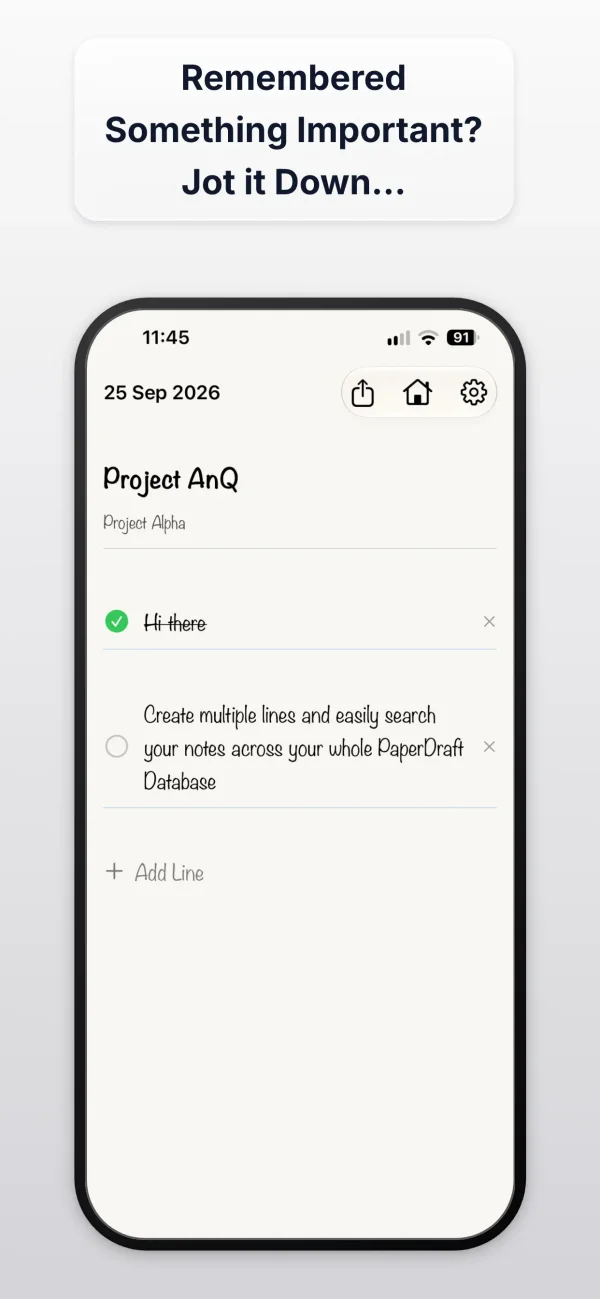
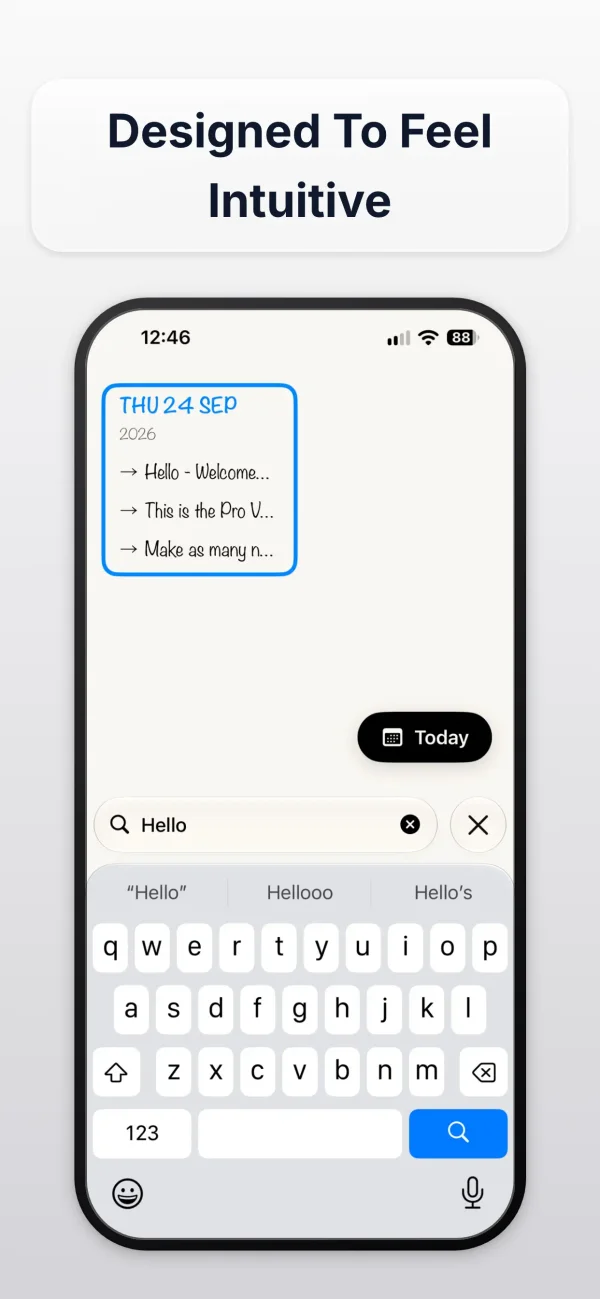
Replace the clutter of complex productivity apps with the elegant simplicity of PaperDraft. Designed to feel like a real notebook, PaperDraft is your dedicated space to jot down daily tasks, draft thoughts, and reflect on your timeline.
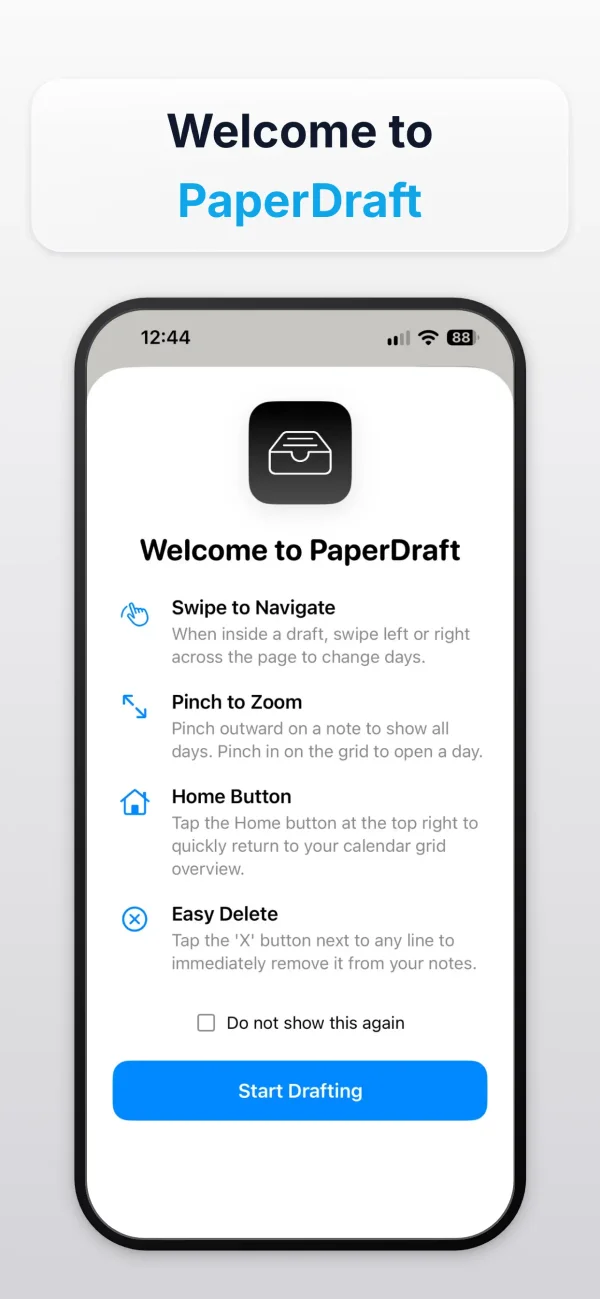
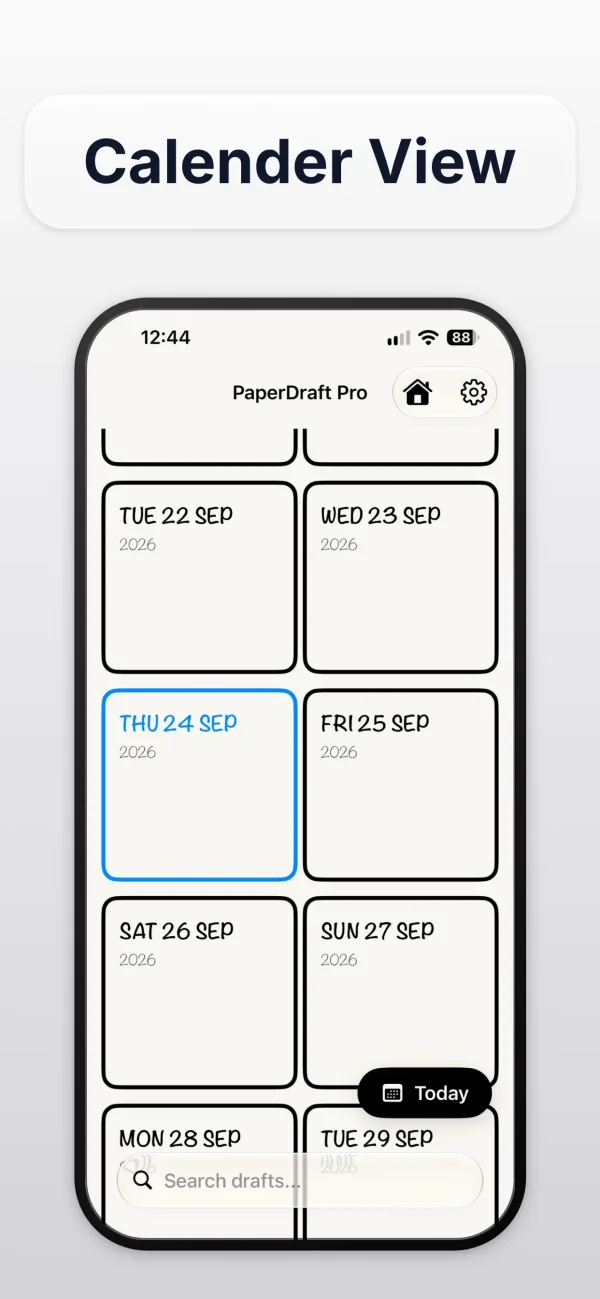
Whether you use it as a daily to-do list, a minimalist diary, or a rapid-logging journal, PaperDraft’s gesture-driven interface keeps you focused on your words. Simply swipe left or right to flip through your days, or pinch the screen to instantly zoom out to a beautiful calendar grid of your entire history.
CORE FEATURES:
• Distraction-Free Drafting: A clean, lined-paper aesthetic that puts your thoughts first.
• Effortless Navigation: Swipe smoothly between days just like turning the pages of a notebook.
• Pinch-to-Zoom Grid: Pinch out on any draft to seamlessly transition into a grid overview of all your past and future notes.
• One-Tap Tasks: Tap the circle next to any line to instantly strike it through and mark it as complete.
• Frictionless Editing: Easily add new lines or tap the 'X' to instantly remove a thought from your draft.
---------------------------------------------
PAPERDRAFT PRO:
Upgrade once and keep it forever. Unlocking PaperDraft Pro gives you access to our complete suite of premium planning tools:
• Automatic iCloud Backups: Daily drafts now silently sync to a dedicated "PaperDraft" folder in iCloud Drive as proprietary .pdfe files. (Pro).
• Privacy Lock: Secure your personal journal using Face ID or Touch ID. (Pro).
• Premium Themes: Swap the classic paper for Dark Mode, Yellow Legal Pad, or Architect Blueprint themes. (Pro).
• Unlimited Search: Instantly locate specific tasks, memories, or notes across your entire timeline. (Pro).
• Text Export: Turn your daily drafts into beautifully formatted text logs to share, AirDrop, or save to your files. (Pro).
• Custom Ink Colours: Write in Fountain Blue, Correction Red, or Highlighter Green (Pro).
• Changeable Typography: Fancy something different? No problem, pick a font you love (Pro).
• Support the Developer!
Novedades
Versión 1.3 · 26/9/2026
New in Version 1.3:
---------------------------
> Automatic iCloud Backups (Pro): Daily drafts now silently sync to a dedicated "PaperDraft" folder in iCloud Drive as proprietary .pdfe files.
> Multi-File Import/Restore (Pro): A new file importer in Settings allows users to select and restore multiple past .pdfe backups simultaneously, mapping them perfectly to their correct calendar dates.
> True Rich Text (.rtf) Export Fix: Re-engineered the Share Sheet engine to generate physical .rtf files.
> Dynamic Export Labels: The export menu now intelligently reads the calendar and updates to say "Export Today's Draft" or "Export [Specific Date]" depending on the page currently being viewed.
> Expanded Premium Typography (Pro): Added three new typography choices to the font engine: Monospaced, Modern Sans (Avenir), and Typewriter.
> Instant Theme Switching Fix: Applied a hard-refresh ID tie to the Settings view, completely fixing the bug where text would become unreadable (e.g., white text on a white background) when switching between dark and light themes.
Privacidad de la aplicación
Lo que Connor Julian-Golding declara en App Store sobre cómo esta aplicación gestiona los datos.
-
No se recopilan datos
El desarrollador no recopila ningún dato de esta aplicación.
Las prácticas de privacidad pueden variar, por ejemplo, según las funciones que uses o tu edad.
Información
- Vendedor
- Connor Julian-Golding
- Categoría
- Productividad
- Versión
- 1.3
- Actualizado
- 26/9/2026
- Publicado
- 23/9/2026
- Tamaño
- 743,0 KB
- Requiere
- iOS 17 o posterior
- Clasificación por edad
- 4+
- Precio
- Gratis
- Compras en la aplicación
- Sí
- Idiomas
- Inglés
- Copyright
- © Connor Julian-Golding
Quizá también te guste
-
 DocOne ExpressEscáner PDF, recibos e ID
-
 Screen Time Focus - PausedBloquea apps: trabajo, estudio
-
 PDFOneOrganiza, rellena y firma PDF
-
 PutSpot: Localiza ObjetosFotos, búsqueda por voz y QR
-
 Nodal: IA privada sin internetChat local y clonación de voz
-
 SuperShot: Captura de pantallaLarga con scroll, anotar y OCR
-
 Falcon File ManagerVídeos, música, fotos y ZIP
-
 JottreEscritura minimalista
-
 ETasks: Tareas y alarmasPlan de tareas y recordatorios
-
 Focus Tower: Modo EstudioPomodoro y Concentración