PDFScan Go
Unlimited & Private Documents
Diseñada para iPhone, iPad, iPod touch
Gratis
- Clasificación por edad4+
- CategoríaProductividad
- DesarrolladorDuong Nguyen Huu
- IdiomasInglés
- Tamaño41,4 MB
Enlaza a la página oficial de App Store
Download.org no aloja ningún archivo de PDFScan Go. El botón abre la página de la aplicación en App Store, donde la publica Duong Nguyen Huu. Ficha comprobada por última vez el 18/11/2026.
Capturas de pantalla

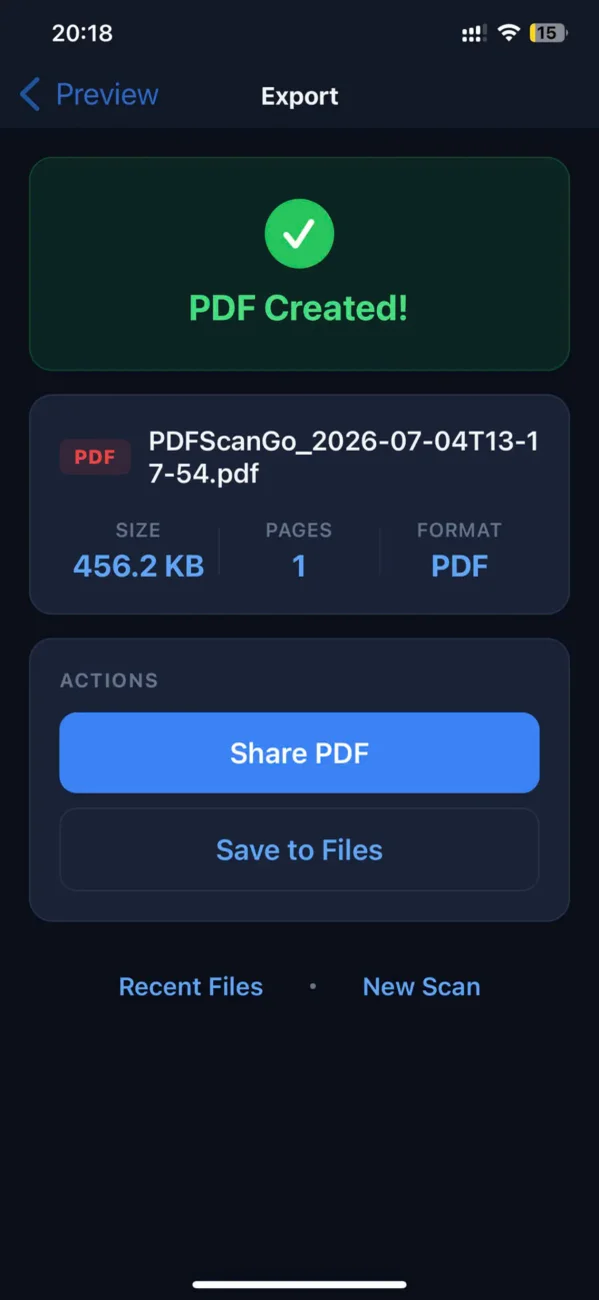
Acerca de
El desarrollador no ha proporcionado este texto en tu idioma.
pdfScan Go: Your Secure & High-Quality Document Scanner
Experience a powerful, reliable, and private way to digitize your documents. pdfScan Go is designed for users who prioritize security and efficiency, offering a seamless scanning experience without the need for accounts or cloud uploads.
PRIVACY FIRST: 100% ON-DEVICE PROCESSING
Your sensitive data stays where it belongs — on your iPhone or iPad.
Offline Processing: All document scanning and text recognition (OCR) happen locally on your device.
No Cloud Uploads: We do not store or transmit your documents to external servers.
No Account Required: Start scanning immediately. No email, no registration, and no personal data collection.
Works Offline: Perfect for secure environments or areas without internet access.
UNLIMITED SCANNING FEATURES
Enjoy full access to essential scanning tools with no page limits and no watermarks on your exports.
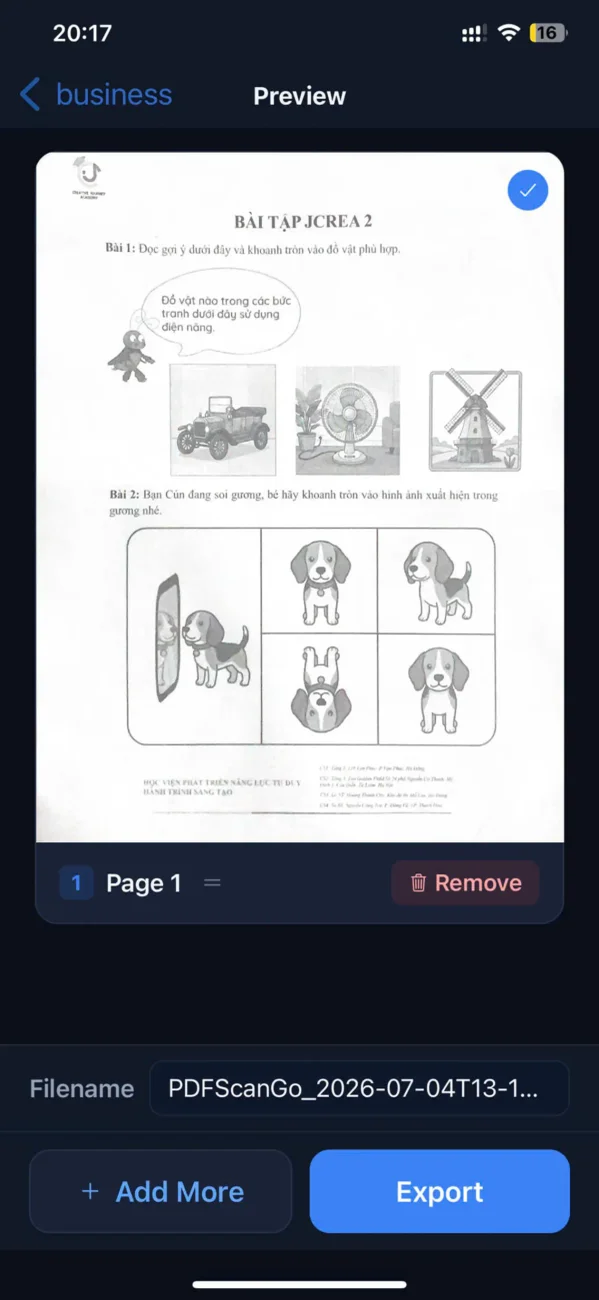
Smart Auto-Detection: Automatically identifies document borders and crops images for a professional look.
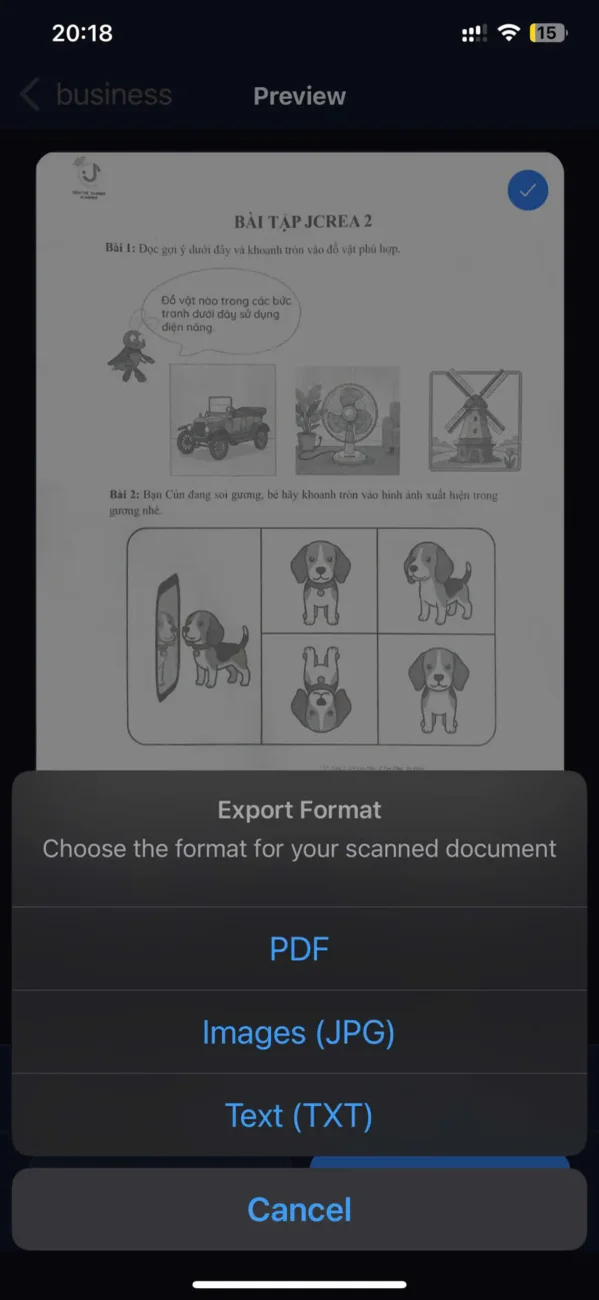
Multi-Format Export: Save your scans as high-quality PDF, Image (JPG), or Text (TXT) files.
On-Device OCR: Extract text from your scans using advanced built-in recognition technology.
Multi-Page Support: Combine multiple pages into a single PDF or export them individually.
Enhancement Tools: Use filters to brighten, sharpen, or convert scans to grayscale for maximum readability.
Files App Integration: Easily save directly to the iOS Files app or share via AirPlay, Email, and messaging platforms.
VERSATILE FOR EVERY NEED
Business: Scan contracts, receipts, and business cards on the go.
Education: Digitize lecture notes, textbooks, and whiteboards.
Personal: Securely store IDs, medical records, and handwritten notes.
Simple. Secure. Powerful. Transform your device into a professional-grade scanner today with pdfScan Go.
Novedades
Versión 1.1 · 5/7/2026
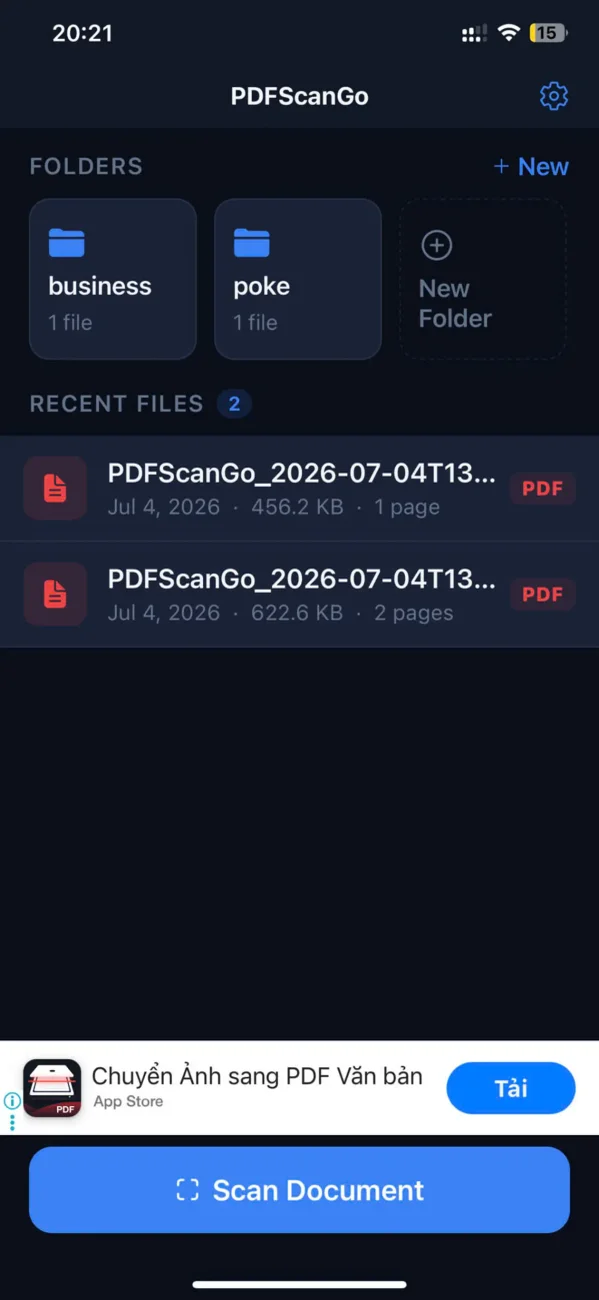
• Added folders to organize your scanned documents.
• New Light & Dark Mode support that follows your device settings.
• Improved PDF generation with better page fitting, paper size options (A4/Letter), and smaller file sizes.
• Better scan reliability and performance with improved error handling and stability.
• Various UI improvements and bug fixes.
Privacidad de la aplicación
Lo que Duong Nguyen Huu declara en App Store sobre cómo esta aplicación gestiona los datos.
-
Datos usados para rastrearte
Pueden usarse para rastrearte en aplicaciones y sitios web propiedad de otras empresas.
- Identificadores
- Datos de uso
- Otros datos
-
Datos vinculados a ti
Pueden recopilarse y vincularse a tu identidad.
- Identificadores
-
Datos no vinculados a ti
Pueden recopilarse, pero no se vinculan a tu identidad.
- Datos de uso
- Otros datos
Las prácticas de privacidad pueden variar, por ejemplo, según las funciones que uses o tu edad.
Información
- Vendedor
- Duong Nguyen Huu
- Categoría
- Productividad
- Versión
- 1.1
- Actualizado
- 5/7/2026
- Publicado
- 17/4/2026
- Tamaño
- 41,4 MB
- Requiere
- iOS 15.1 o posterior
- Clasificación por edad
- 4+
- Precio
- Gratis
- Idiomas
- Inglés
- Copyright
- © 2026 MoonCap
Quizá también te guste
-
 PixScan AI – Smart ScannerProductividad
-
 Skanae: Escáner de documentosEscáner privado sin conexión
-
 AssistIQ - Creative AI PartnerProductividad
-
 ScanMate: Scan, Convert, EditProductividad
-
 ThreadFlow · Control de tiempoTrabajo real · multitarea
-
 ScanMate: Escáner PDFSin anuncios. Sin marcas.
-
 Clearcan: Escáner PDFEscanea y busca el texto
-
 Telic - Better productivityProductividad
-
 PDF Converter : PDF To Word •Productividad
-
 Adonit OneProductividad