PDFScan Go
Unlimited & Private Documents
Designed for iPhone, iPad, iPod touch
Free
- Age rating4+
- CategoryProductivity
- DeveloperDuong Nguyen Huu
- LanguagesEnglish
- Size41.4 MB
Links to the official App Store page
Download.org hosts no file of PDFScan Go. The button opens its official App Store page, published by Duong Nguyen Huu. Listing last checked on Nov 18, 2026.
Screenshots


About
pdfScan Go: Your Secure & High-Quality Document Scanner
Experience a powerful, reliable, and private way to digitize your documents. pdfScan Go is designed for users who prioritize security and efficiency, offering a seamless scanning experience without the need for accounts or cloud uploads.
PRIVACY FIRST: 100% ON-DEVICE PROCESSING
Your sensitive data stays where it belongs — on your iPhone or iPad.
Offline Processing: All document scanning and text recognition (OCR) happen locally on your device.
No Cloud Uploads: We do not store or transmit your documents to external servers.
No Account Required: Start scanning immediately. No email, no registration, and no personal data collection.
Works Offline: Perfect for secure environments or areas without internet access.
UNLIMITED SCANNING FEATURES
Enjoy full access to essential scanning tools with no page limits and no watermarks on your exports.
Smart Auto-Detection: Automatically identifies document borders and crops images for a professional look.
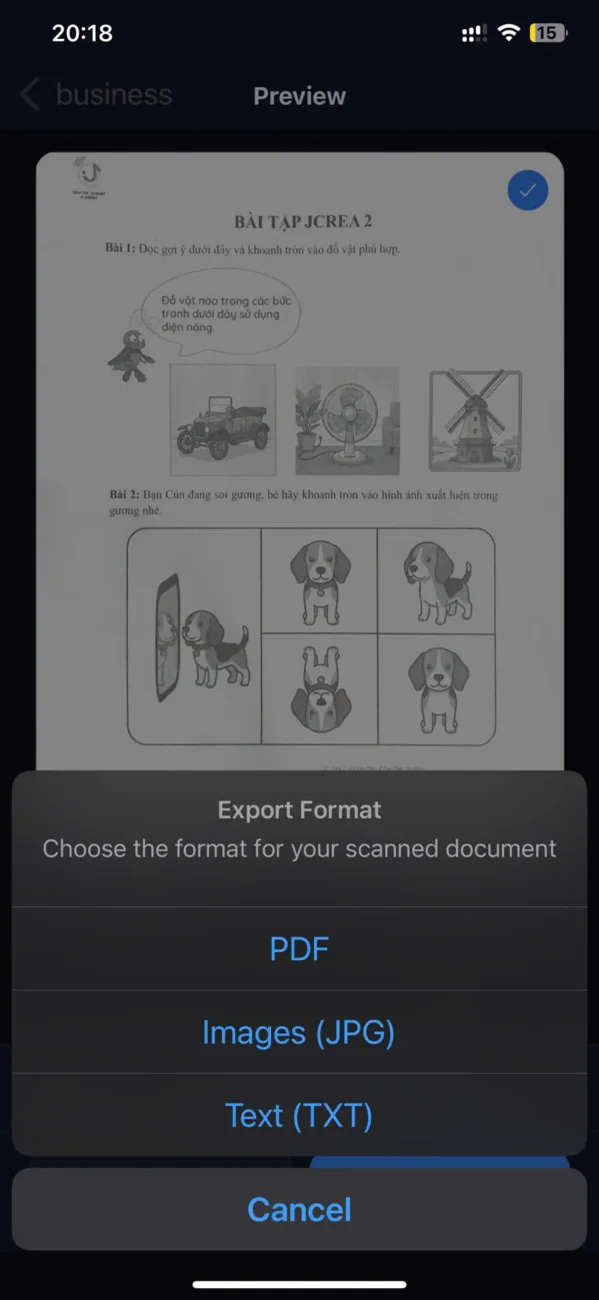
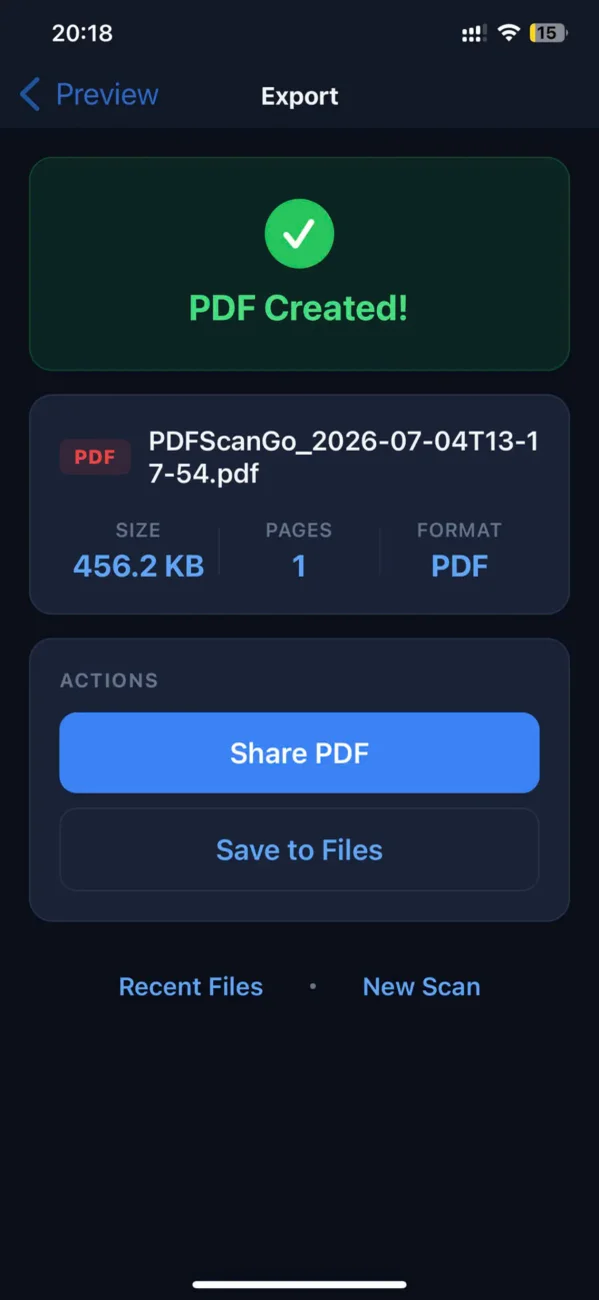
Multi-Format Export: Save your scans as high-quality PDF, Image (JPG), or Text (TXT) files.
On-Device OCR: Extract text from your scans using advanced built-in recognition technology.
Multi-Page Support: Combine multiple pages into a single PDF or export them individually.
Enhancement Tools: Use filters to brighten, sharpen, or convert scans to grayscale for maximum readability.
Files App Integration: Easily save directly to the iOS Files app or share via AirPlay, Email, and messaging platforms.
VERSATILE FOR EVERY NEED
Business: Scan contracts, receipts, and business cards on the go.
Education: Digitize lecture notes, textbooks, and whiteboards.
Personal: Securely store IDs, medical records, and handwritten notes.
Simple. Secure. Powerful. Transform your device into a professional-grade scanner today with pdfScan Go.
What’s new
Version 1.1 · Jul 5, 2026
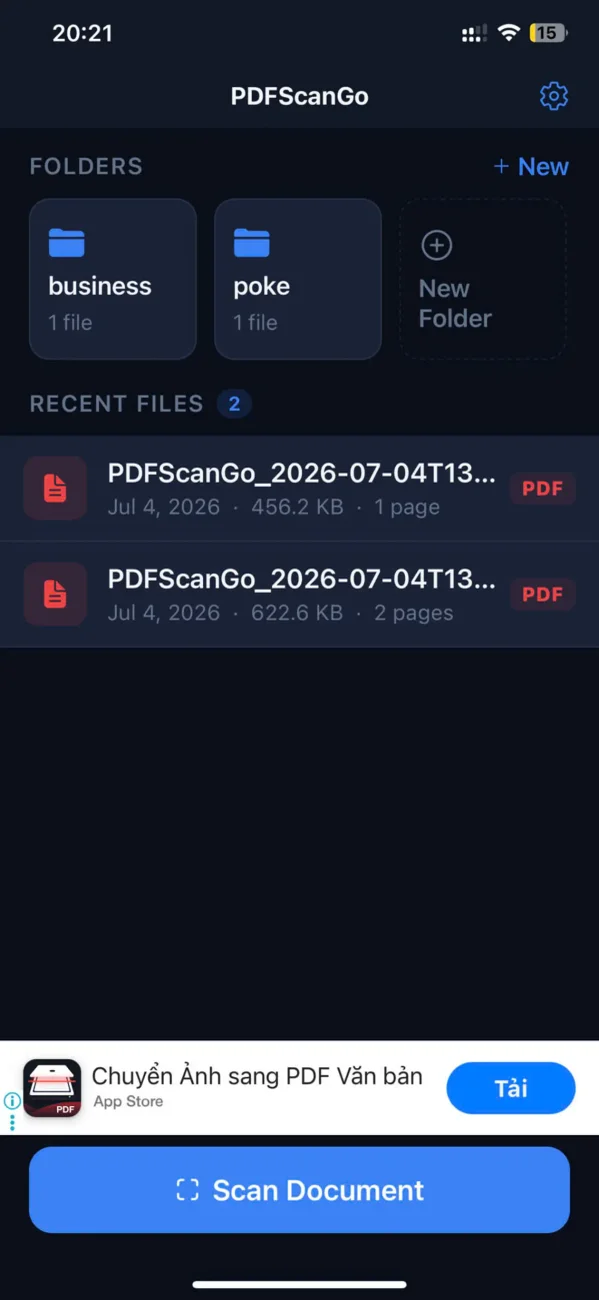
• Added folders to organize your scanned documents.
• New Light & Dark Mode support that follows your device settings.
• Improved PDF generation with better page fitting, paper size options (A4/Letter), and smaller file sizes.
• Better scan reliability and performance with improved error handling and stability.
• Various UI improvements and bug fixes.
App privacy
What Duong Nguyen Huu declares on the App Store about how this app handles data.
-
Data used to track you
May be used to track you across apps and websites owned by other companies.
- Identifiers
- Usage data
- Other data
-
Data linked to you
May be collected and linked to your identity.
- Identifiers
-
Data not linked to you
May be collected but is not linked to your identity.
- Usage data
- Other data
Privacy practices may vary, for example with the features you use or your age.
Information
- Seller
- Duong Nguyen Huu
- Category
- Productivity
- Version
- 1.1
- Updated
- Jul 5, 2026
- Released
- Apr 17, 2026
- Size
- 41.4 MB
- Requires
- iOS 15.1 or later
- Age rating
- 4+
- Price
- Free
- Languages
- English
- Copyright
- © 2026 MoonCap
You might also like
-
 PixScan AI – Smart ScannerSmart Doc Scanner & PDF
-
 Skanae: PDF Document ScannerPrivate Offline OCR & AI Sort
-
 AssistIQ - Creative AI PartnerCreative AI Partner
-
 ScanMate: Scan, Convert, Edit문서 스캔·편집·파일 변환까지 한 번에!
-
 ThreadFlow: Parallel TimerReal Work Time · Task Timer
-
 ScanMate: PDF ScannerNo ads. No watermark. Ever.
-
 Clearcan: PDF ScannerScan, Search Text. No Ads
-
 Telic - Better productivityAll-in-one productivity app
-
 PDF Converter : PDF To Word •Photos to PDF & Word To PDF
-
 Adonit OneRecords moments, Capture ideas