
PhonePad - Game Controller
Make your iPhone a gamepad
Diseñada para iPhone
Compras en la aplicación
- Clasificación por edad4+
- CategoríaUtilidades
- DesarrolladorEfrem Agnilleri
- IdiomasInglés
- Tamaño53,1 MB
Es posible que PhonePad - Game Controller no esté disponible en App Store en este momento
No se pudo acceder a la ficha de la tienda en nuestra última comprobación. El enlace sigue llevando a la página oficial de App Store.
Capturas de pantalla
Acerca de
El desarrollador no ha proporcionado este texto en tu idioma.
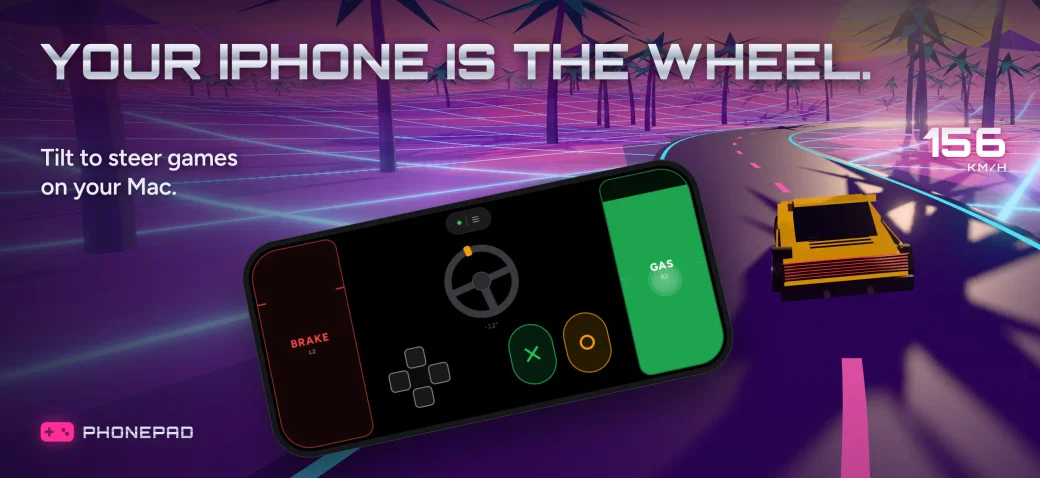
PhonePad turns your iPhone into a game controller for your Mac. Tilt it to steer, slide your thumbs onto the gas and brake, and play wirelessly over your Wi-Fi.
It pairs with the free PhonePad app for Mac. Get it at phonepad.vercel.app.
STEER BY TILTING
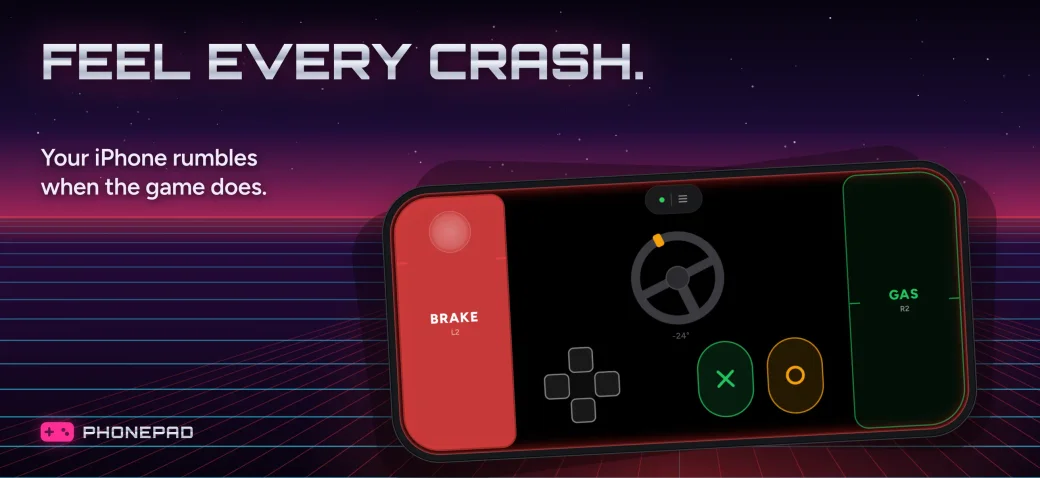
Hold your iPhone sideways and turn it like a steering wheel. The more you tilt, the harder the car turns: a little for a gentle bend, a lot for a hairpin.
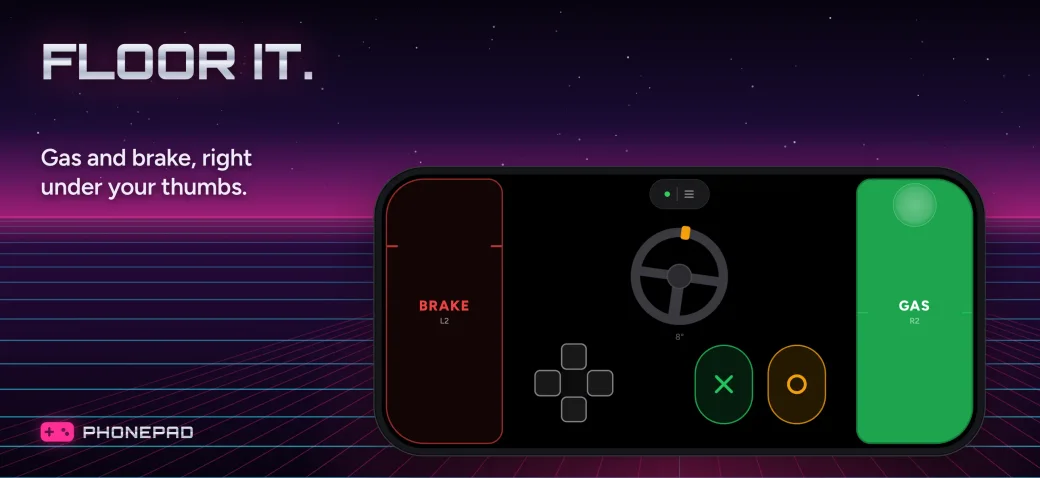
ANALOG GAS AND BRAKE
Gas and brake sit right under your thumbs. Press a little to roll through a corner, or floor it down the straight.
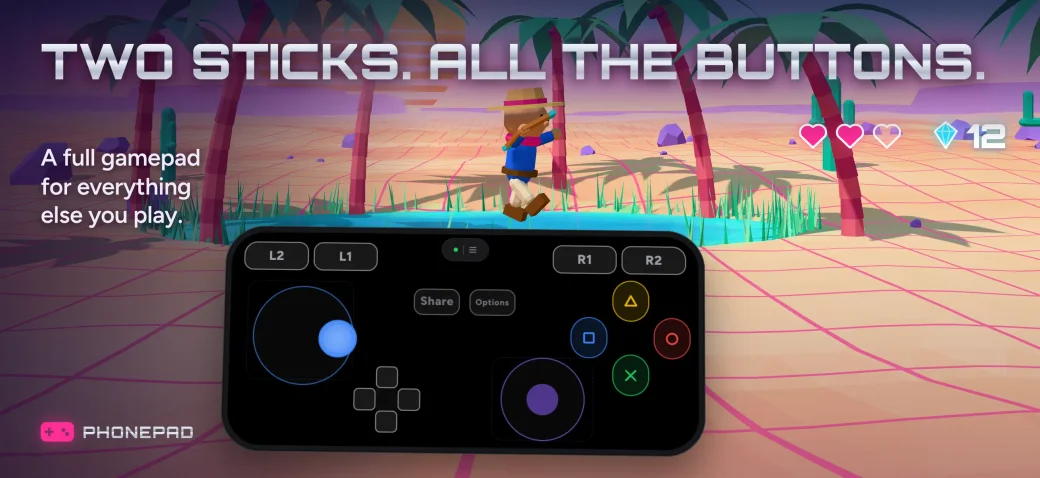
A FULL GAMEPAD TOO
Not playing a racing game? Switch to Classic gamepad: two thumbsticks, a D-pad, four shoulder buttons and all four face buttons.
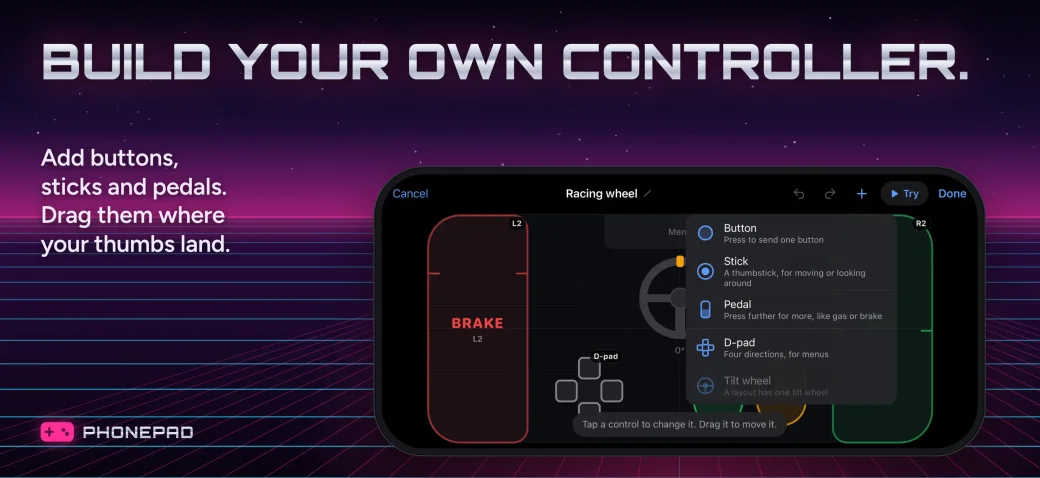
BUILD YOUR OWN CONTROLLER
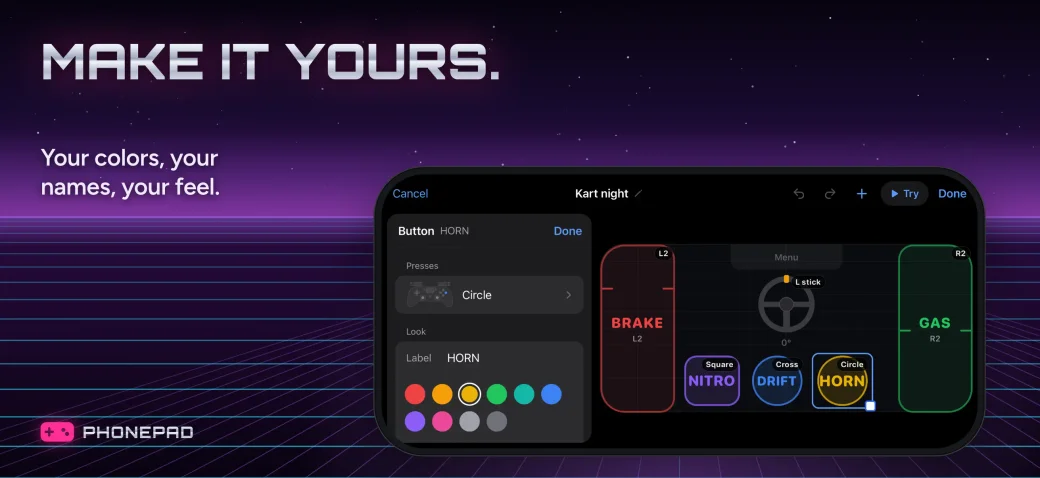
Open the editor and make a controller that fits your hands and your game.
• Add buttons, sticks, pedals, a D-pad and a tilt wheel
• Drag them where your thumbs land and size them to fit
• Choose what each one presses, then give it your own name and color
• Tune the feel: how far you tilt for a full turn, where a pedal starts pressing, how sensitive a stick is
• Make one for racing, one for flying, and one for whatever you play next.
FEEL THE GAME
When the game rumbles the controller, your iPhone rumbles in your hands. Every button gives a little tap when you press it, so you know it landed without looking down. Turn on Glow with the game, and the edges of your screen light up in the game's colors.
NO WIRES NEEDED
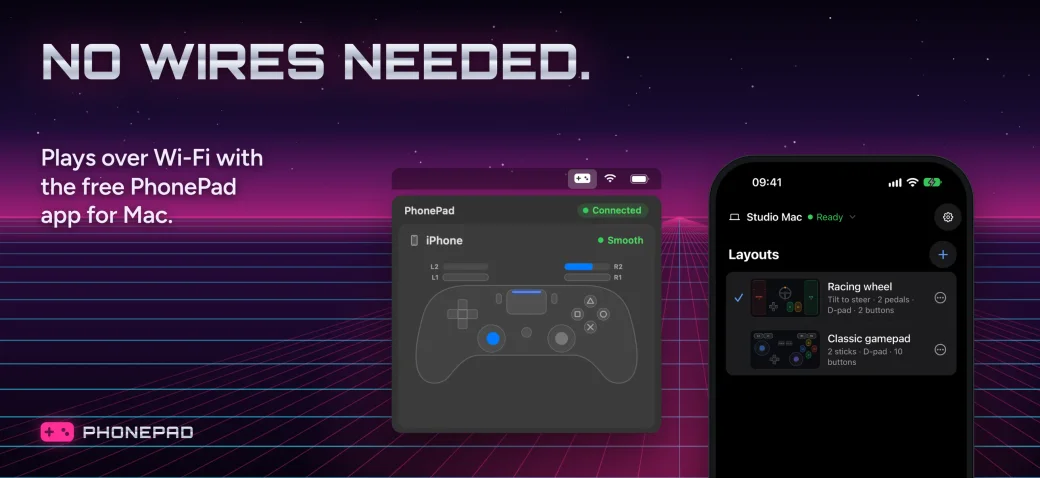
PhonePad plays over the Wi-Fi you already have. Open PhonePad on your Mac, pick your Mac on your iPhone, and you're in. You only set it up once. Want to charge while you play?
Plug in a USB cable and PhonePad switches to it by itself.
WORKS WITH YOUR GAMES
Your Mac sees PhonePad as a real game controller, so games that support controllers can use it.
WHAT'S FREE AND WHAT'S PRO
PhonePad is free to download, and both built-in controllers, Racing wheel and Classic gamepad, are free to play for as long as you like. You can try the editor for free too.
PhonePad Pro is a one-time purchase that saves your changes and your own controllers. You pay once, and there's no subscription.
Novedades
Versión 1.0.2 · 20/11/2026
Bug fixes and minor enhancements
Privacidad de la aplicación
Lo que Efrem Agnilleri declara en App Store sobre cómo esta aplicación gestiona los datos.
-
No se recopilan datos
El desarrollador no recopila ningún dato de esta aplicación.
Las prácticas de privacidad pueden variar, por ejemplo, según las funciones que uses o tu edad.
Información
- Vendedor
- Efrem Agnilleri
- Categoría
- Utilidades
- Versión
- 1.0.2
- Actualizado
- 20/11/2026
- Publicado
- 13/11/2026
- Tamaño
- 53,1 MB
- Requiere
- iOS 16.4 o posterior
- Clasificación por edad
- 4+
- Compras en la aplicación
- Sí
- Idiomas
- Inglés
- Copyright
- © 2026 Efrem Agnilleri
Quizá también te guste
-
 SteerWave: Volante para PCMando para juegos de coches
-
 PX Controller - Remote PlayUtilidades
-
 Mando Consola - PersonalizableTu móvil es tu mando gaming
-
 Phone ControllerUtilidades
-
 KeyCodeCheckUtilidades
-
 HTTPocket: Servidor WiFiTransfiere archivos sin nube
-
 V-Pad: Virtual GamepadUtilidades
-
 PadLink RemoteUtilidades
-
 QR-Code and NFC ScannerUtilidades
-
 Lose ControlTu móvil, mando para tu PC