
- Clasificación por edad4+
- CategoríaUtilidades
- DesarrolladorSocheat Rath
- IdiomasInglés
- Tamaño15,8 MB
Enlaza a la página oficial de App Store
Download.org no aloja ningún archivo de PadLink Remote. El botón abre la página de la aplicación en App Store, donde la publica Socheat Rath. Ficha comprobada por última vez el 12/11/2026.
Capturas de pantalla



Acerca de
El desarrollador no ha proporcionado este texto en tu idioma.
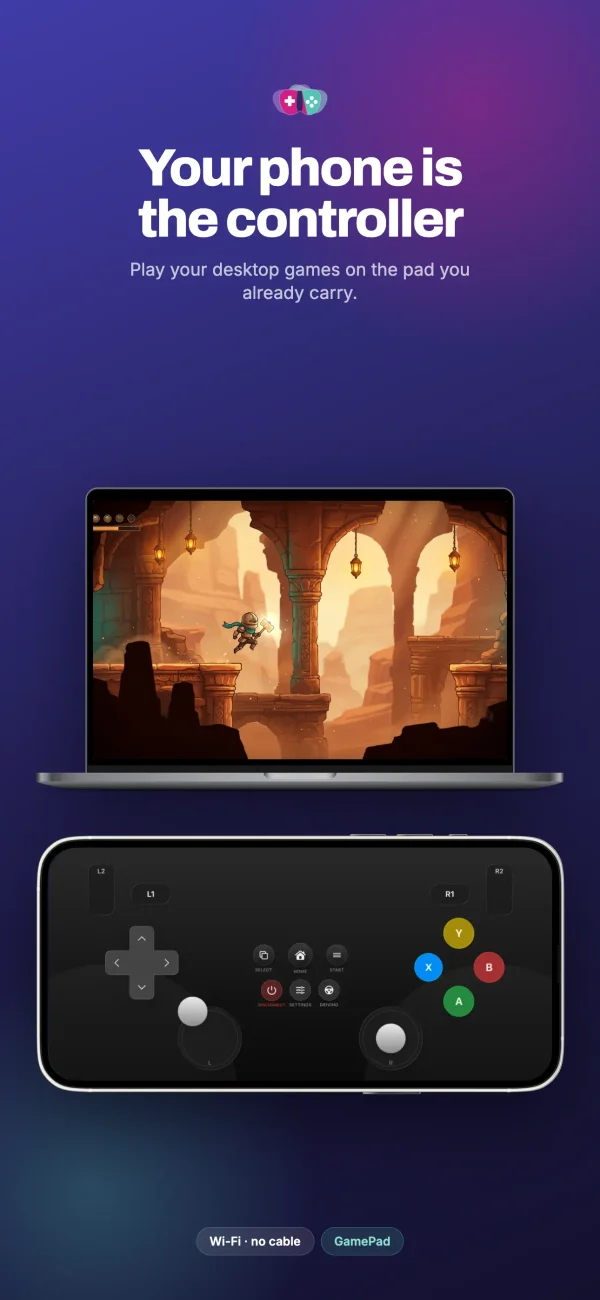
PadLink Remote turns your phone into a wireless game controller for your computer. Play with an on-screen gamepad, a full racing cockpit, or a touchpad mouse — over your local Wi-Fi, with no cables and no account.
HOW IT WORKS
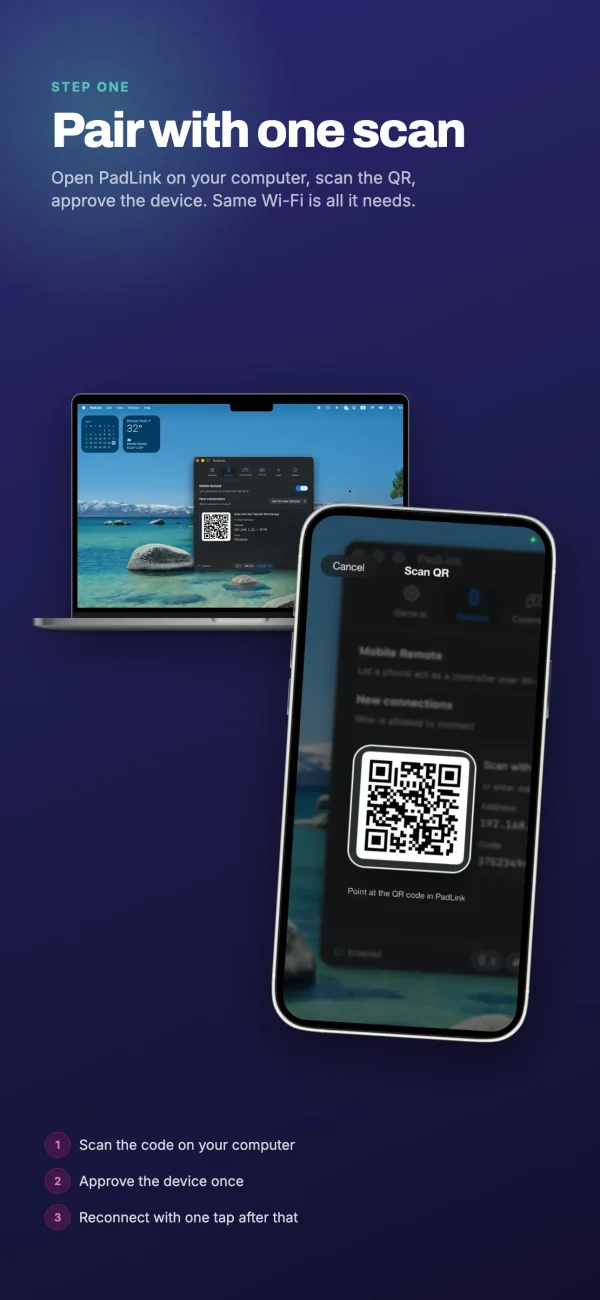
1. Install the free PadLink desktop app on your computer.
2. Open PadLink Remote and pair in seconds — scan the QR code or type the pairing code.
3. Start playing. PadLink presents your phone as a standard gamepad your games already recognize (or as keyboard & mouse).
CONTROL SURFACES
• Gamepad — dual thumbsticks, D-pad, face buttons, shoulder buttons, analog triggers, and menu buttons, laid out like a real controller.
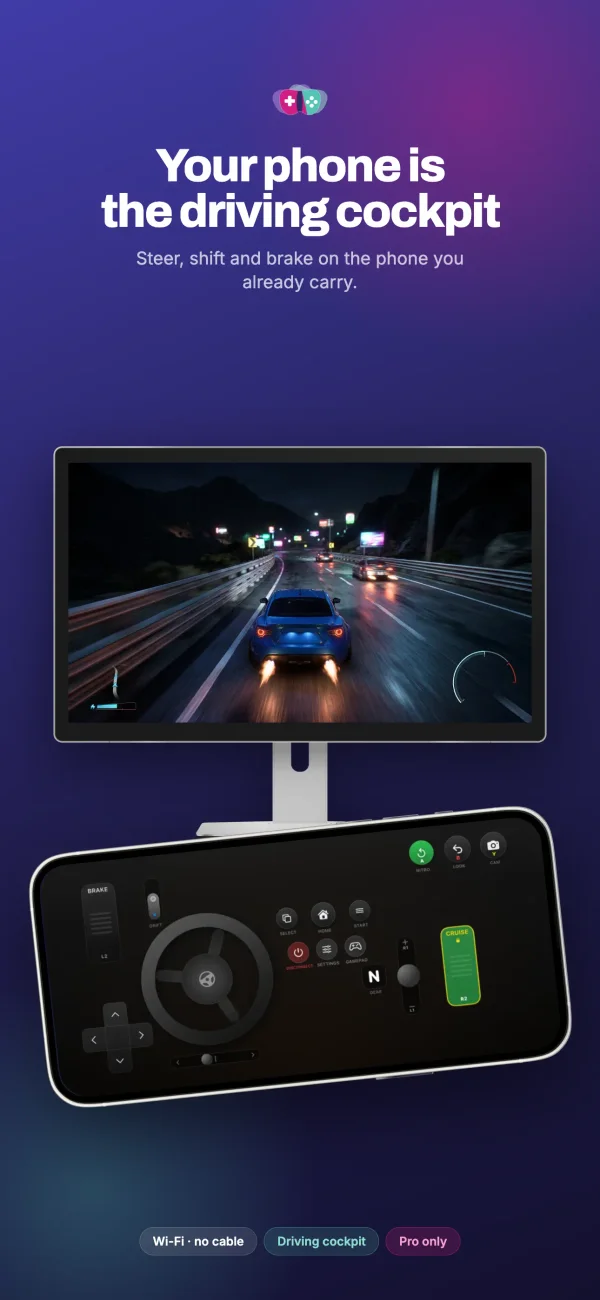
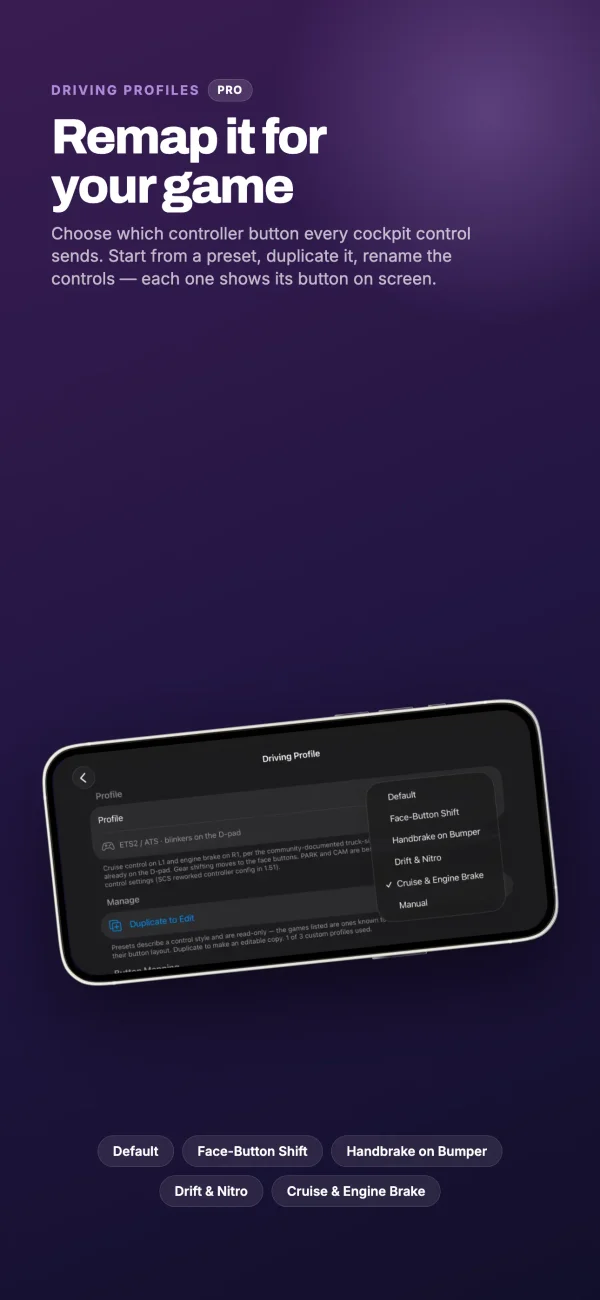
• Car Driving cockpit — a steering wheel with tilt (gyro) steering, gas and brake pedals with cruise-lock, a sequential gear shifter, and a handbrake. Built for racing games.
• Touchpad mouse — use your phone as a trackpad whenever you need a pointer.
FEATURES
• Low-latency input over your local network — no internet connection needed for gameplay.
• Easy pairing by QR code, manual code, or one-tap reconnect to a known computer.
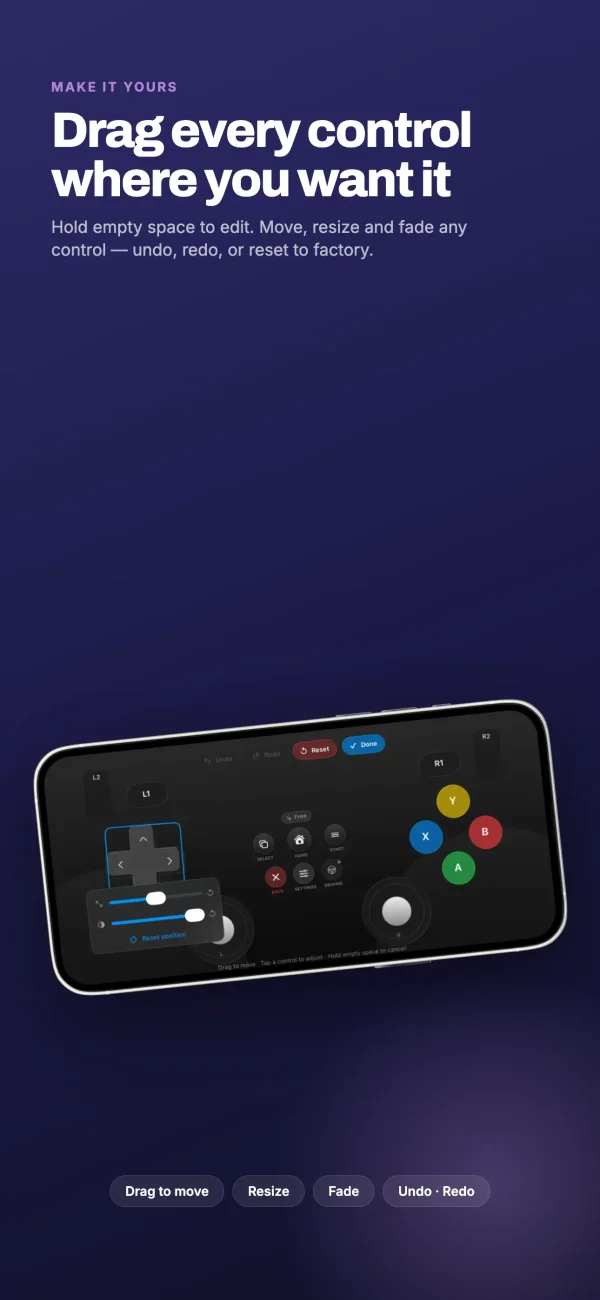
• Customizable layout — move, resize, and set the opacity of every control to fit your hands and your screen. Free for everyone.
• Haptic feedback on button presses and triggers.
• Automatic reconnect if your Wi-Fi drops mid-session.
• Designed for landscape play.
REQUIREMENTS
• The free PadLink desktop app, available for Windows and macOS.
• Your phone and computer on the same Wi-Fi / local network.
• No sign-in and no account — your controller input goes only to your own computer.
FREE & PRO
PadLink Remote is free to download and play. The Car Driving cockpit becomes available when the computer you connect to is running PadLink Pro or its free trial — it is a capability of the desktop app. While connected to a computer on the free plan, a small banner ad appears during play.
PRIVACY
Your controller input is sent only to your own computer over your local network. The camera is used solely to scan the pairing QR code, on your device.
Turn the phone in your pocket into the controller your games have been waiting for.
Novedades
Versión 1.0.0 · 22/9/2026
• Fixed the app rotating back to portrait when the connection stuttered.
• Steadier reconnection after a brief Wi-Fi drop.
Privacidad de la aplicación
Lo que Socheat Rath declara en App Store sobre cómo esta aplicación gestiona los datos.
-
Datos usados para rastrearte
Pueden usarse para rastrearte en aplicaciones y sitios web propiedad de otras empresas.
- Identificadores
- Datos de uso
- Diagnóstico
-
Datos vinculados a ti
Pueden recopilarse y vincularse a tu identidad.
- Identificadores
- Datos de uso
- Diagnóstico
Las prácticas de privacidad pueden variar, por ejemplo, según las funciones que uses o tu edad.
Información
- Vendedor
- Socheat Rath
- Categoría
- Utilidades
- Versión
- 1.0.0
- Actualizado
- 22/9/2026
- Publicado
- 4/9/2026
- Tamaño
- 15,8 MB
- Requiere
- iOS 16.0 o posterior
- Clasificación por edad
- 4+
- Precio
- Gratis
- Idiomas
- Inglés
- Copyright
- © 2026 Nimets Technology
Quizá también te guste
-
 Gamepad Pro – Remote for PCUtilidades
-
 Phone ControllerUtilidades
-
 TouchNow - Escritorio remotoPantalla, teclado y control
-
 V-Pad: Virtual GamepadUtilidades
-
 TabletHIDUtilidades
-
 Lose ControlTu móvil, mando para tu PC
-
 RojX: PC Gaming ControllerUtilidades
-
 Virtual Steering ControllerUtilidades
-
 iKontrollerUtilidades
-
 BLE JoystickUtilidades