
PhonePad - Game Controller
Make your iPhone a gamepad
Được thiết kế cho iPhone
Miễn phí · Mua hàng trong ứng dụng
- Độ tuổi4+
- Danh mụcTiện Ích
- Nhà phát triểnEfrem Agnilleri
- Ngôn ngữTiếng Anh
- Kích thước53,1 MB
Liên kết đến trang App Store chính thức
Download.org không lưu trữ tệp nào của PhonePad - Game Controller. Nút này mở trang ứng dụng trên App Store, nơi Efrem Agnilleri phát hành ứng dụng. Trang được kiểm tra lần cuối: 23/11/2026.
Ảnh chụp màn hình
Giới thiệu
Nhà phát triển chưa cung cấp nội dung này bằng ngôn ngữ của bạn.
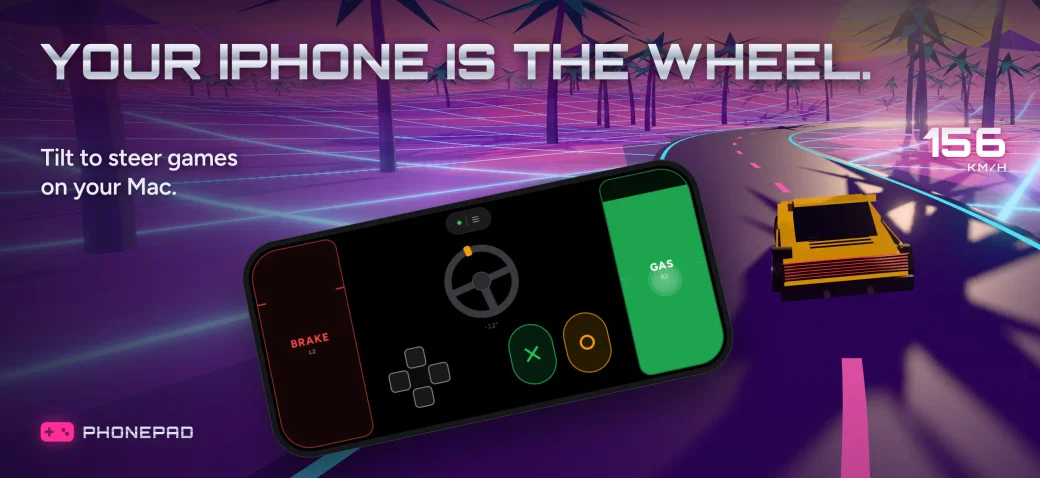
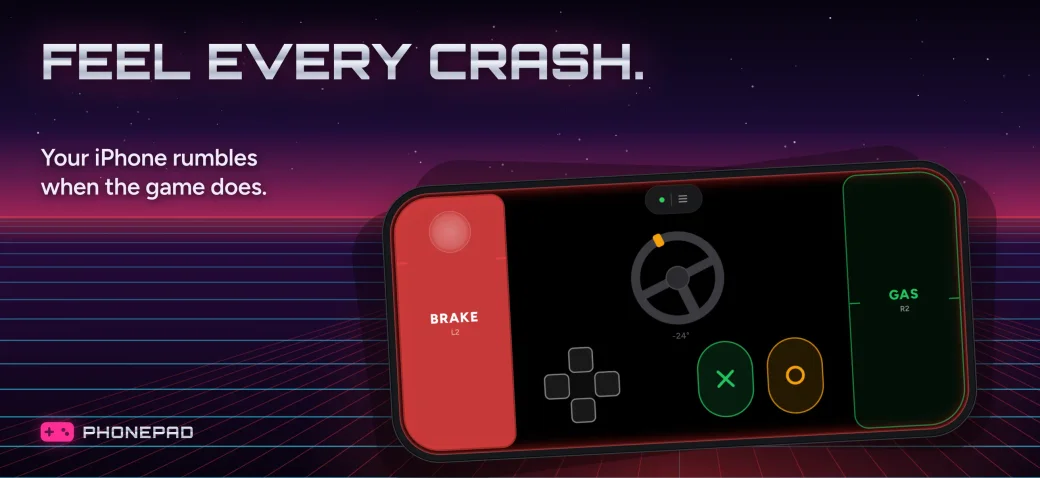
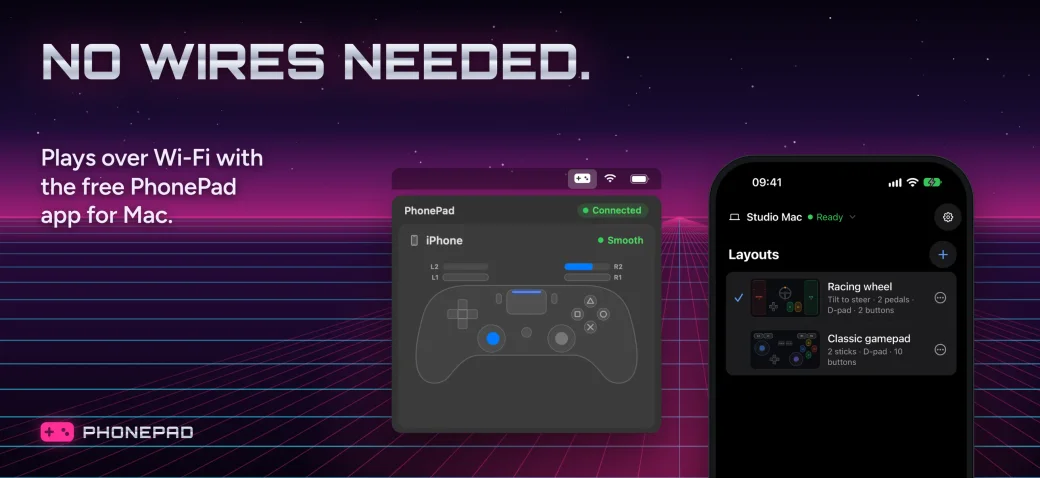
PhonePad turns your iPhone into a game controller for your Mac. Tilt it to steer, slide your thumbs onto the gas and brake, and play wirelessly over your Wi-Fi.
It pairs with the free PhonePad app for Mac. Get it at phonepad.vercel.app.
STEER BY TILTING
Hold your iPhone sideways and turn it like a steering wheel. The more you tilt, the harder the car turns: a little for a gentle bend, a lot for a hairpin.
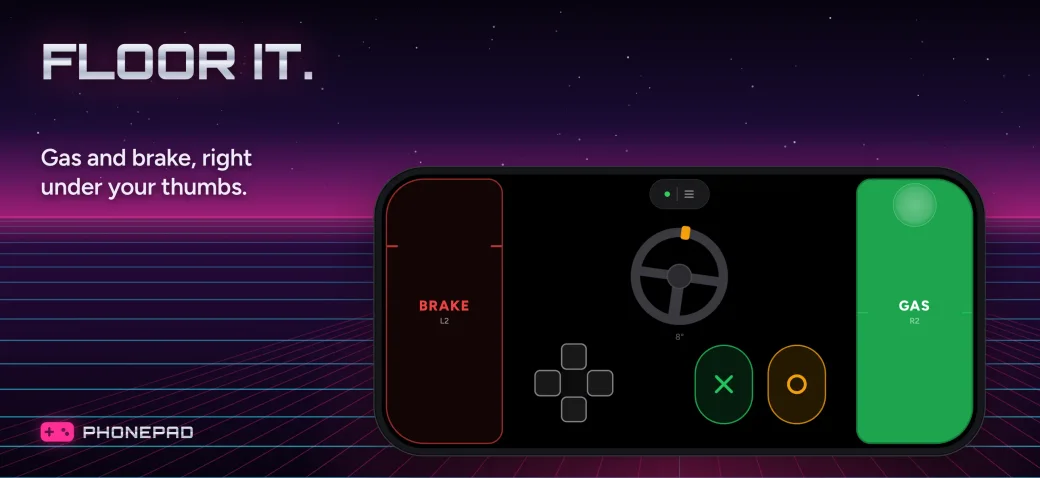
ANALOG GAS AND BRAKE
Gas and brake sit right under your thumbs. Press a little to roll through a corner, or floor it down the straight.
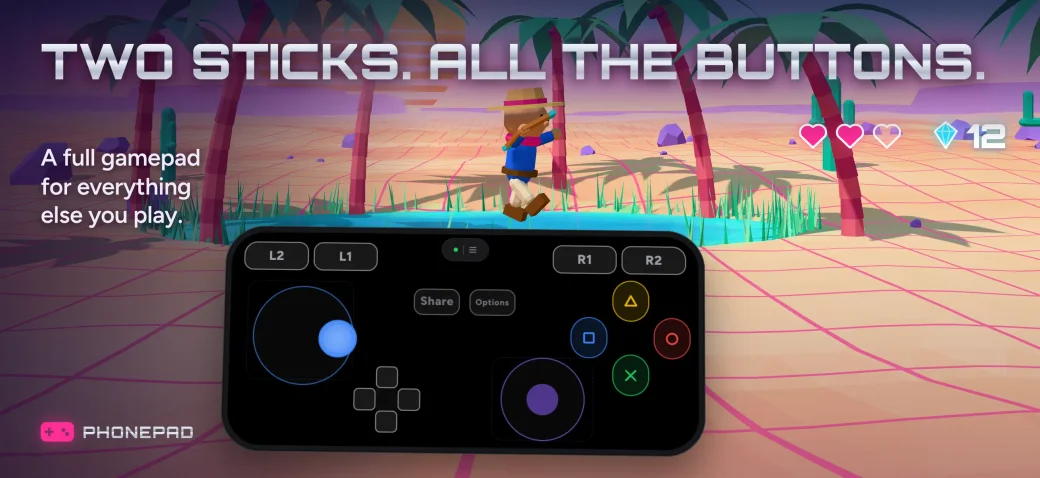
A FULL GAMEPAD TOO
Not playing a racing game? Switch to Classic gamepad: two thumbsticks, a D-pad, four shoulder buttons and all four face buttons.
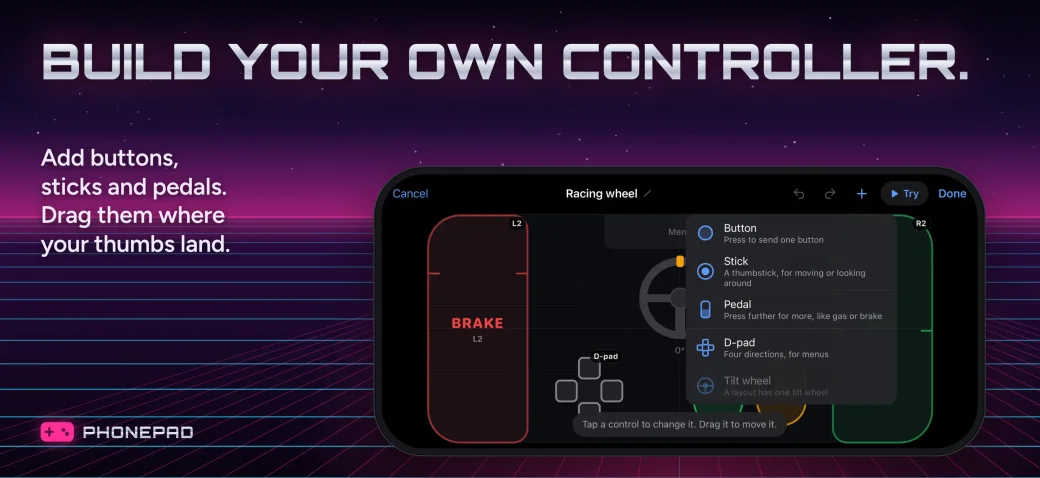
BUILD YOUR OWN CONTROLLER
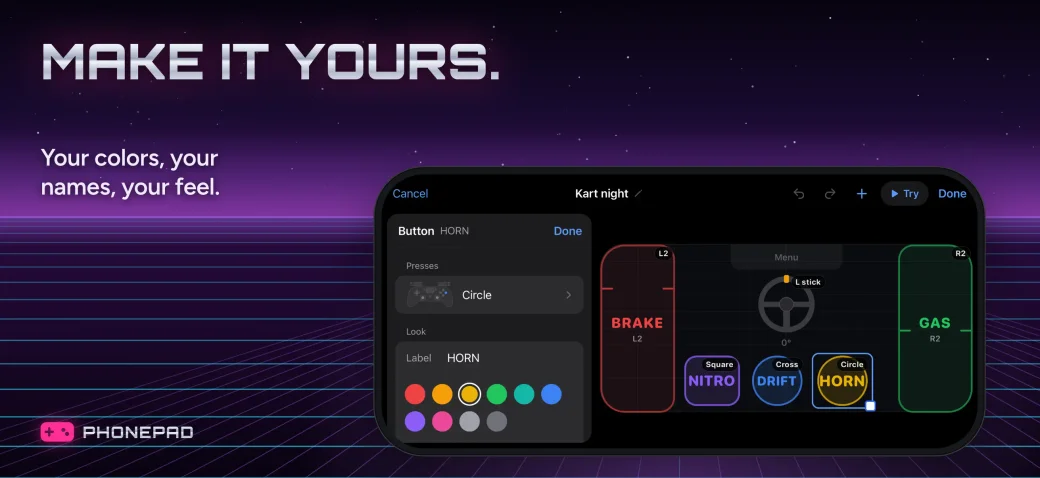
Open the editor and make a controller that fits your hands and your game.
• Add buttons, sticks, pedals, a D-pad and a tilt wheel
• Drag them where your thumbs land and size them to fit
• Choose what each one presses, then give it your own name and color
• Tune the feel: how far you tilt for a full turn, where a pedal starts pressing, how sensitive a stick is
• Make one for racing, one for flying, and one for whatever you play next.
FEEL THE GAME
When the game rumbles the controller, your iPhone rumbles in your hands. Every button gives a little tap when you press it, so you know it landed without looking down. Turn on Glow with the game, and the edges of your screen light up in the game's colors.
NO WIRES NEEDED
PhonePad plays over the Wi-Fi you already have. Open PhonePad on your Mac, pick your Mac on your iPhone, and you're in. You only set it up once. Want to charge while you play?
Plug in a USB cable and PhonePad switches to it by itself.
WORKS WITH YOUR GAMES
Your Mac sees PhonePad as a real game controller, so games that support controllers can use it.
WHAT'S FREE AND WHAT'S PRO
PhonePad is free to download, and both built-in controllers, Racing wheel and Classic gamepad, are free to play for as long as you like. You can try the editor for free too.
PhonePad Pro is a one-time purchase that saves your changes and your own controllers. You pay once, and there's no subscription.
Có gì mới
Phiên bản 1.0.2 · 20/11/2026
Bug fixes and minor enhancements
Quyền riêng tư của ứng dụng
Những gì Efrem Agnilleri khai báo trên App Store về cách ứng dụng này xử lý dữ liệu.
-
Dữ liệu không được thu thập
Nhà phát triển không thu thập bất kỳ dữ liệu nào từ ứng dụng này.
Phương thức đảm bảo quyền riêng tư có thể khác nhau, chẳng hạn như tuỳ theo các tính năng bạn sử dụng hoặc độ tuổi của bạn.
Thông tin
- Người bán
- Efrem Agnilleri
- Danh mục
- Tiện Ích
- Phiên bản
- 1.0.2
- Cập nhật
- 20/11/2026
- Phát hành
- 13/11/2026
- Kích thước
- 53,1 MB
- Yêu cầu
- iOS 16.4 trở lên
- Độ tuổi
- 4+
- Giá
- Miễn phí
- Mua hàng trong ứng dụng
- Có
- Ngôn ngữ
- Tiếng Anh
- Bản quyền
- © 2026 Efrem Agnilleri
Có thể bạn cũng thích
-
 SteerWave: PC Steering WheelTiện Ích
-
 PX Controller - Remote PlayTiện Ích
-
 Console Controller - CustomizeTiện Ích
-
 Phone ControllerTiện Ích
-
 KeyCodeCheckTiện Ích
-
 HTTPocket: Chia Sẻ Tệp WifiMáy Chủ HTTP, Chuyển Tệp Nhanh
-
 V-Pad: Virtual GamepadTiện Ích
-
 PadLink RemoteTiện Ích
-
 QR-Code and NFC ScannerTiện Ích
-
 Lose Control: PC ControllerTiện Ích