
Plan Timer: Visual Routines
Your activities, step by step
Diseñada para iPhone, iPad
Gratis · Compras en la aplicación
- Clasificación por edad4+
- CategoríaUtilidades
- DesarrolladorJoseph Martell
- IdiomasInglés+ 1 más
- Tamaño30,5 MB
Enlaza a la página oficial de App Store
Download.org no aloja ningún archivo de Plan Timer: Visual Routines. El botón abre la página de la aplicación en App Store, donde la publica Joseph Martell. Ficha comprobada por última vez el 18/11/2026.
Capturas de pantalla


Acerca de
El desarrollador no ha proporcionado este texto en tu idioma.
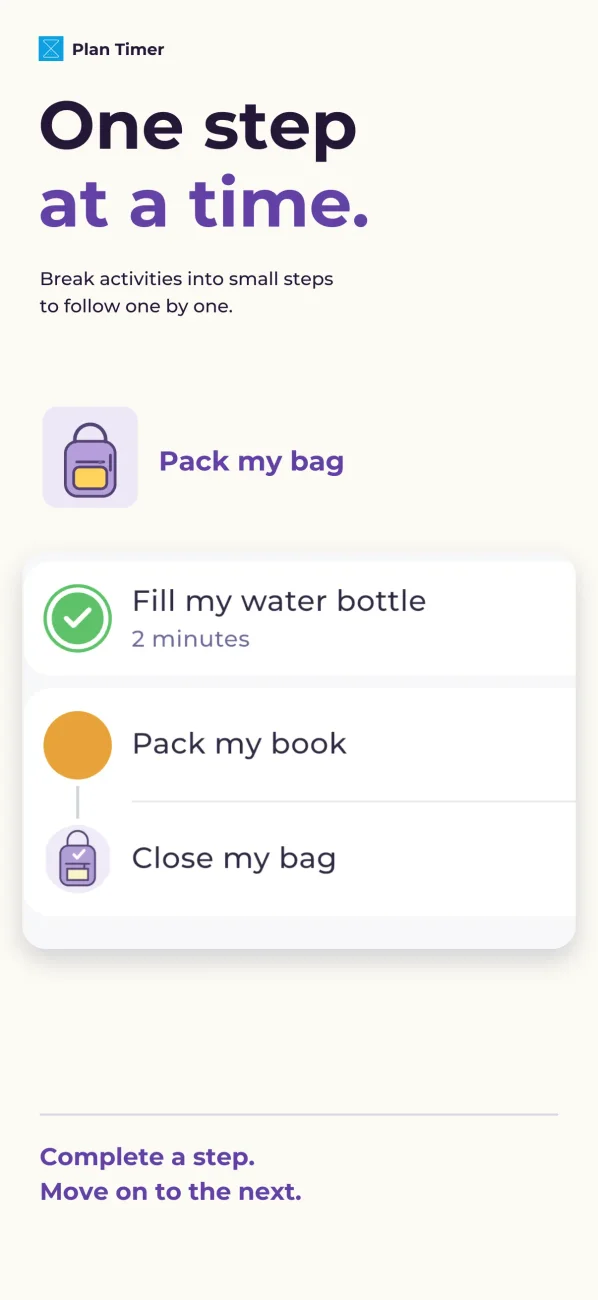
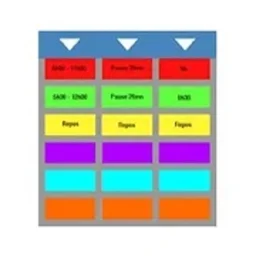
Break everyday activities into picture steps and follow them one at a time. Create your own visual routines for free, with no account required, then bring them together in your daily schedule.
EVERYDAY TASKS, STEP BY STEP
• Break each activity into easy-to-follow steps.
• Choose pictures from the library or use your own photos.
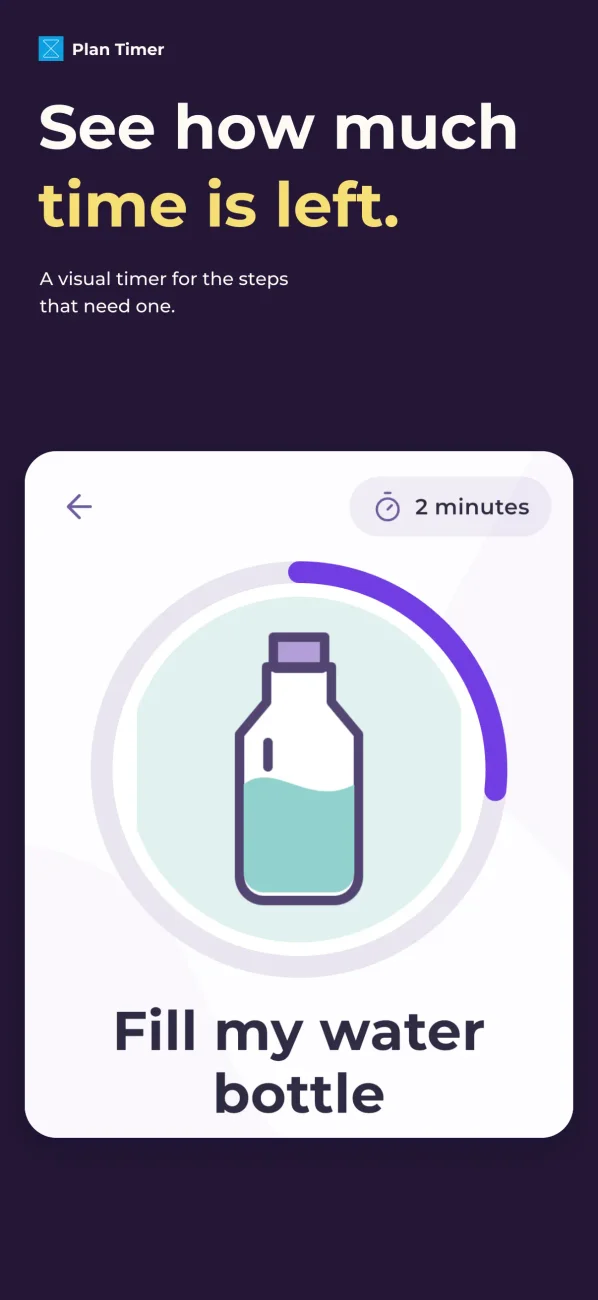
• Add a timer to the steps that need one.
• Bring your activities together in a visual schedule.
From packing a bag to getting dressed or taking a break, create visual guides for your everyday activities. Complete one step, then move on to the next.
FOR PROFESSIONALS AND CAREGIVERS
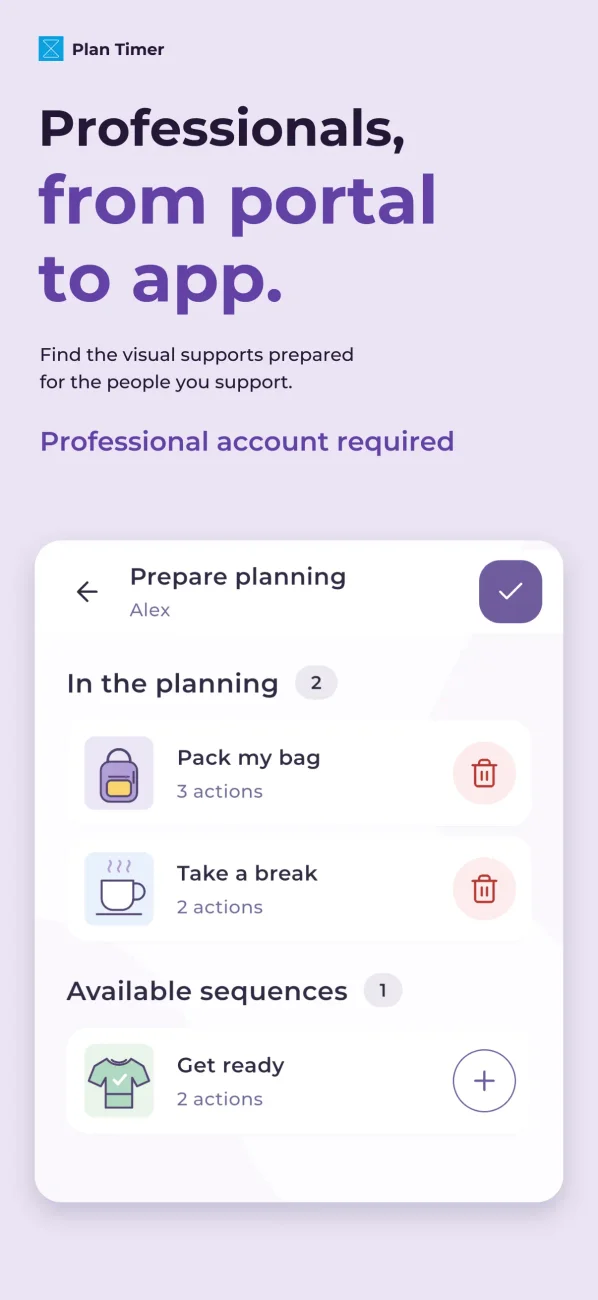
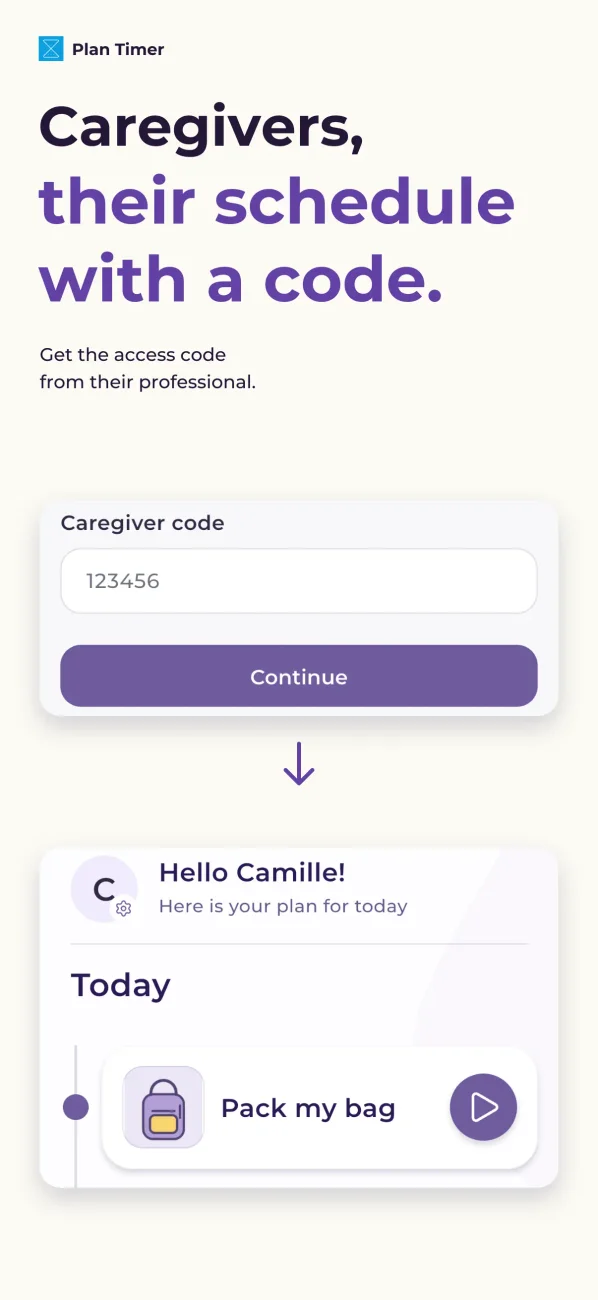
Use schedules prepared in the Plan Timer web portal on iPhone or iPad. Professionals select the people they are authorised to support. Caregivers enter a code to access the schedule for the person they support. These modes require access provided separately as part of their support arrangements.
TRY THE INTERACTIVE DEMO
Explore personal, professional and caregiver modes with fictional examples. Run timers and complete activity steps to see how the app works.
OPTIONAL PREMIUM
Creating and using your personal schedule is free. Premium adds themes, sound effects and spoken titles. Professional and caregiver access is separate from this in-app purchase.
Professional portal: https://plan-timer.com
Questions? contact@plan-timer.com
Privacy policy: https://plan-timer.com/politique-confidentialite/
Terms of use: https://www.apple.com/legal/internet-services/itunes/dev/stdeula/
Novedades
Versión 1.0.0 · 8/11/2026
Your visual schedule, redesigned for everyday life.
• A refreshed interface for finding activities and following their steps.
• Create and edit your personal schedule directly in the app.
• Try timers and complete steps in the new interactive demo.
• Access visual supports through redesigned professional and caregiver journeys.
• Updated handling of Premium purchases and restoration on iOS.
For users of earlier versions: scheduled reminders in personal mode, token economies and configurable rewards are no longer offered.
Requires iOS 16 or later.
Privacidad de la aplicación
Lo que Joseph Martell declara en App Store sobre cómo esta aplicación gestiona los datos.
-
Datos vinculados a ti
Pueden recopilarse y vincularse a tu identidad.
- Información de contacto
- Contenido del usuario
- Identificadores
- Datos de uso
- Diagnóstico
Las prácticas de privacidad pueden variar, por ejemplo, según las funciones que uses o tu edad.
Información
- Vendedor
- Joseph Martell
- Categoría
- Utilidades
- Versión
- 1.0.0
- Actualizado
- 8/11/2026
- Publicado
- 4/4/2022
- Tamaño
- 30,5 MB
- Requiere
- iOS 16.0 o posterior
- Clasificación por edad
- 4+
- Precio
- Gratis
- Compras en la aplicación
- Sí
- Idiomas
- Inglés, Francés
- Copyright
- © 2026, ITCare
Quizá también te guste
-
 AutismProSobrecarga, Rutinas, CAA
-
 Eliot Protect alarmUtilidades
-
 TodoOcaAgenda visual, juego de mesa
-
 Multitímpe: CountKitHORA FECHA Contador de avances
-
 Teclado personalizado: K-boardAgrega imágenes a cada tecla
-
 PocketPrinter5890Utilidades
-
 Book Flip 笔记3D翻页手写笔记
-
 Convert Photo to PDF fastfrom Image to PDF in seconds
-
 PLANNING MANAGERUtilidades
-
 PDF Reader Light & SimpleUtilidades