
Plan Timer: Visual Routines
Your activities, step by step
Dirancang untuk iPhone, iPad
Gratis · Pembelian dalam aplikasi
- Batasan usia4+
- KategoriKegunaan
- PengembangJoseph Martell
- BahasaInggris+ 1 lainnya
- Ukuran30,5 MB
Tertaut ke halaman resmi App Store
Download.org tidak menyimpan file Plan Timer: Visual Routines apa pun. Tombol ini membuka halaman aplikasi di App Store, tempat Joseph Martell menerbitkannya. Halaman terakhir diperiksa pada 18/11/2026.
Tangkapan layar


Tentang
Pengembang belum menyediakan teks ini dalam bahasa Anda.
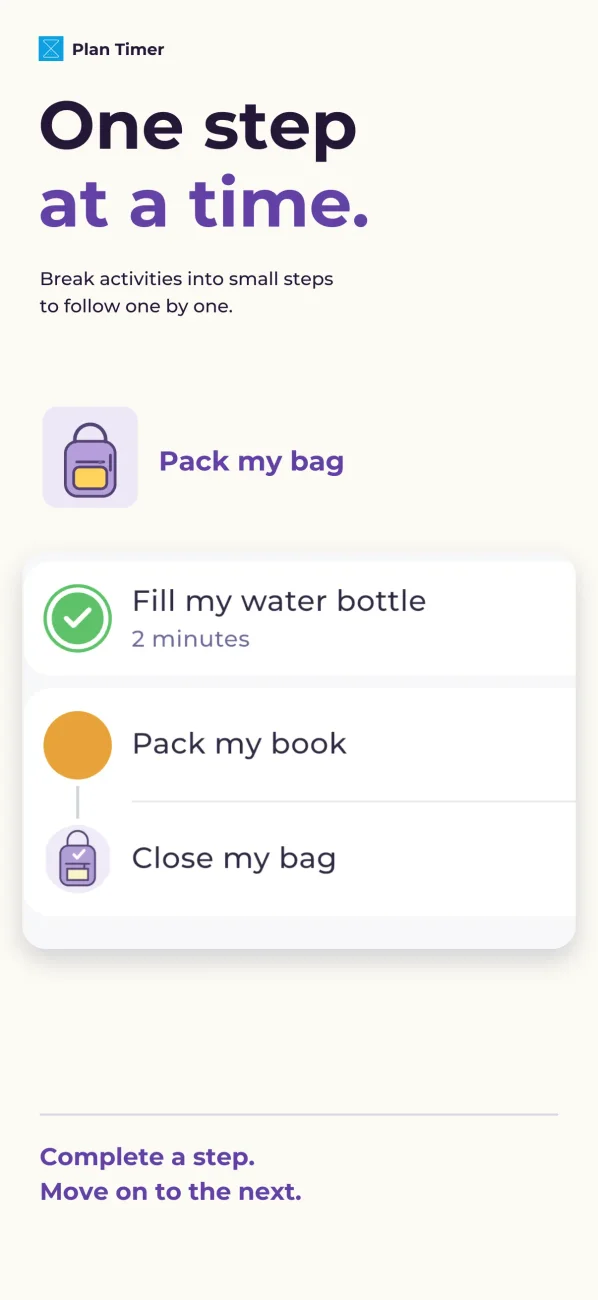
Break everyday activities into picture steps and follow them one at a time. Create your own visual routines for free, with no account required, then bring them together in your daily schedule.
EVERYDAY TASKS, STEP BY STEP
• Break each activity into easy-to-follow steps.
• Choose pictures from the library or use your own photos.
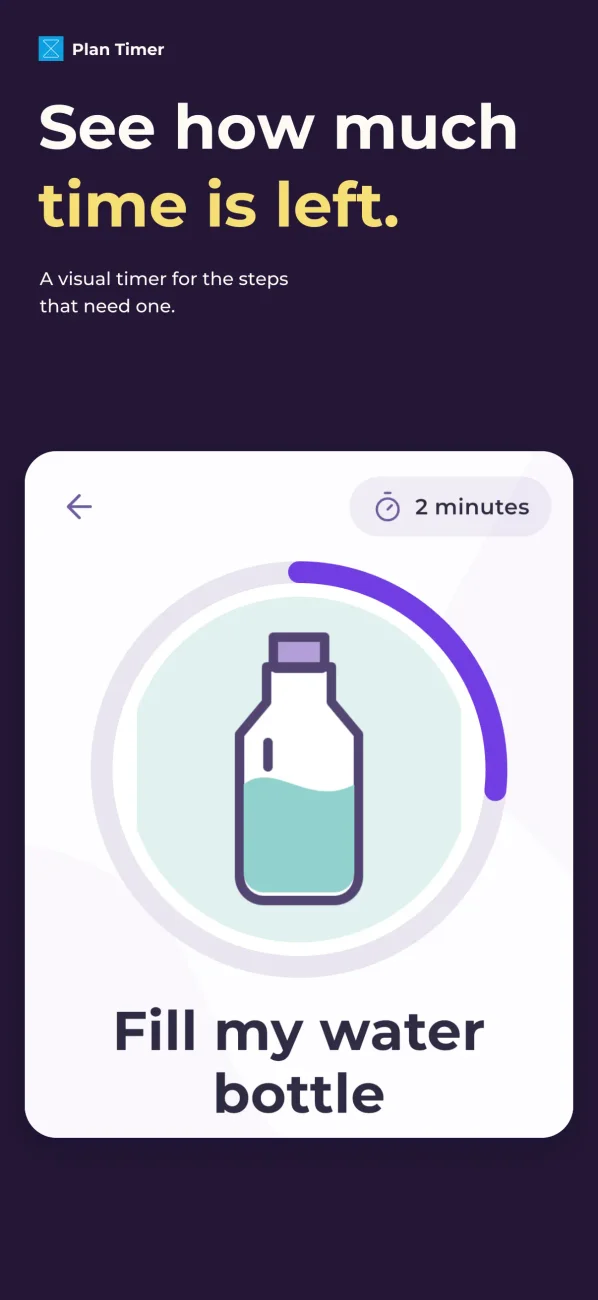
• Add a timer to the steps that need one.
• Bring your activities together in a visual schedule.
From packing a bag to getting dressed or taking a break, create visual guides for your everyday activities. Complete one step, then move on to the next.
FOR PROFESSIONALS AND CAREGIVERS
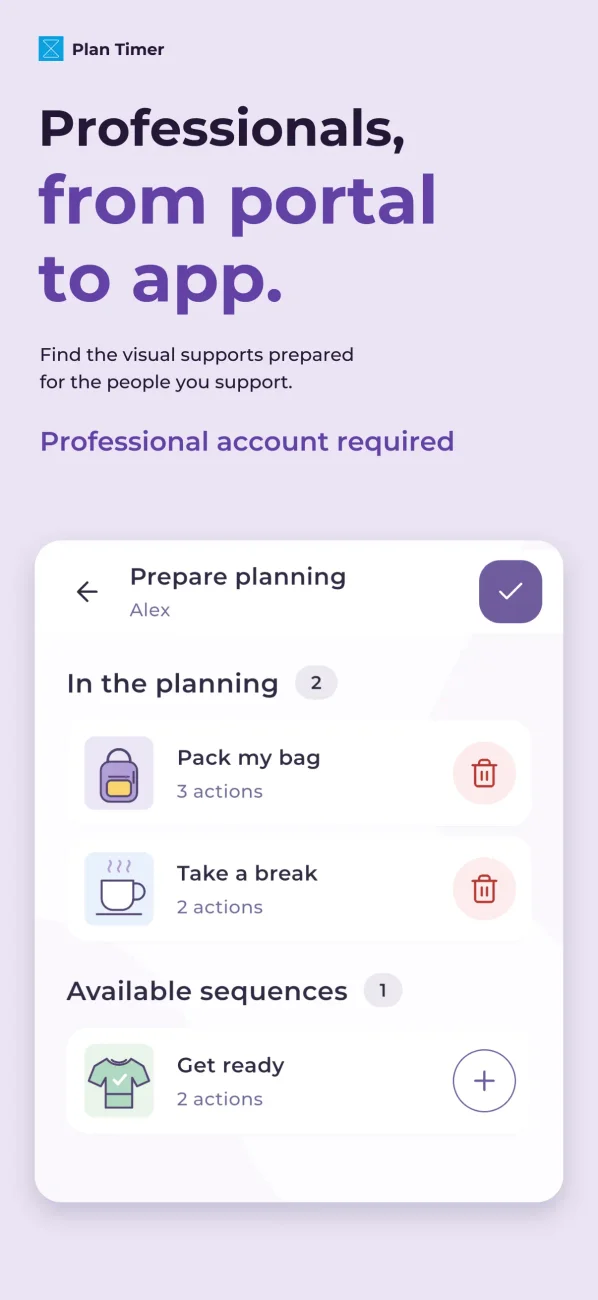
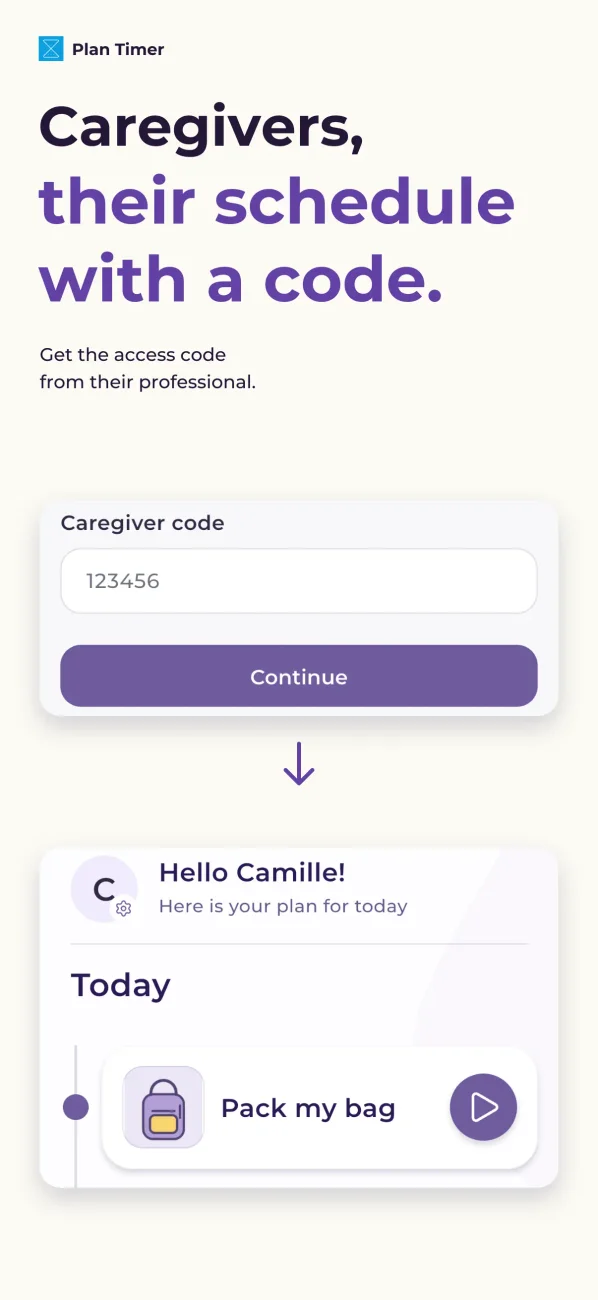
Use schedules prepared in the Plan Timer web portal on iPhone or iPad. Professionals select the people they are authorised to support. Caregivers enter a code to access the schedule for the person they support. These modes require access provided separately as part of their support arrangements.
TRY THE INTERACTIVE DEMO
Explore personal, professional and caregiver modes with fictional examples. Run timers and complete activity steps to see how the app works.
OPTIONAL PREMIUM
Creating and using your personal schedule is free. Premium adds themes, sound effects and spoken titles. Professional and caregiver access is separate from this in-app purchase.
Professional portal: https://plan-timer.com
Questions? contact@plan-timer.com
Privacy policy: https://plan-timer.com/politique-confidentialite/
Terms of use: https://www.apple.com/legal/internet-services/itunes/dev/stdeula/
Yang baru
Versi 1.0.0 · 8/11/2026
Your visual schedule, redesigned for everyday life.
• A refreshed interface for finding activities and following their steps.
• Create and edit your personal schedule directly in the app.
• Try timers and complete steps in the new interactive demo.
• Access visual supports through redesigned professional and caregiver journeys.
• Updated handling of Premium purchases and restoration on iOS.
For users of earlier versions: scheduled reminders in personal mode, token economies and configurable rewards are no longer offered.
Requires iOS 16 or later.
Privasi aplikasi
Yang dinyatakan Joseph Martell di App Store tentang cara aplikasi ini menangani data.
-
Data yang ditautkan dengan Anda
Dapat dikumpulkan dan ditautkan dengan identitas Anda.
- Info kontak
- Konten pengguna
- Pengenal
- Data penggunaan
- Diagnostik
Praktik privasi dapat bervariasi, misalnya berdasarkan fitur yang Anda gunakan atau usia Anda.
Informasi
- Penjual
- Joseph Martell
- Kategori
- Kegunaan
- Versi
- 1.0.0
- Diperbarui
- 8/11/2026
- Dirilis
- 4/4/2022
- Ukuran
- 30,5 MB
- Memerlukan
- iOS 16.0 atau yang lebih baru
- Batasan usia
- 4+
- Harga
- Gratis
- Pembelian dalam aplikasi
- Ya
- Bahasa
- Inggris, Prancis
- Hak cipta
- © 2026, ITCare
Mungkin Anda juga suka
-
 AutismProKegunaan
-
 Eliot Protect alarmKegunaan
-
 TodoUlarTanggaJadwal harian jadi papan main
-
 Multitimer Countdown: CountKitKegunaan
-
 Customized Keyboard: K-boardKegunaan
-
 PocketPrinter5890Kegunaan
-
 Book Flip NotesKegunaan
-
 Convert Photo to PDF fastfrom Image to PDF in seconds
-
 PLANNING MANAGERKegunaan
-
 PDF Reader Light & SimpleKegunaan