ProUser: Command Your Day
Edit your calendar like code.
Diseñada para iPhone
3,99 €
- Clasificación por edad4+
- CategoríaProductividad
- Desarrolladorhourafter
- Tamaño2,9 MB
Enlaza a la página oficial de App Store
Download.org no aloja ningún archivo de ProUser: Command Your Day. El botón abre la página de la aplicación en App Store, donde la publica hourafter. Ficha comprobada por última vez el 28/11/2026.
Capturas de pantalla
Acerca de
El desarrollador no ha proporcionado este texto en tu idioma.
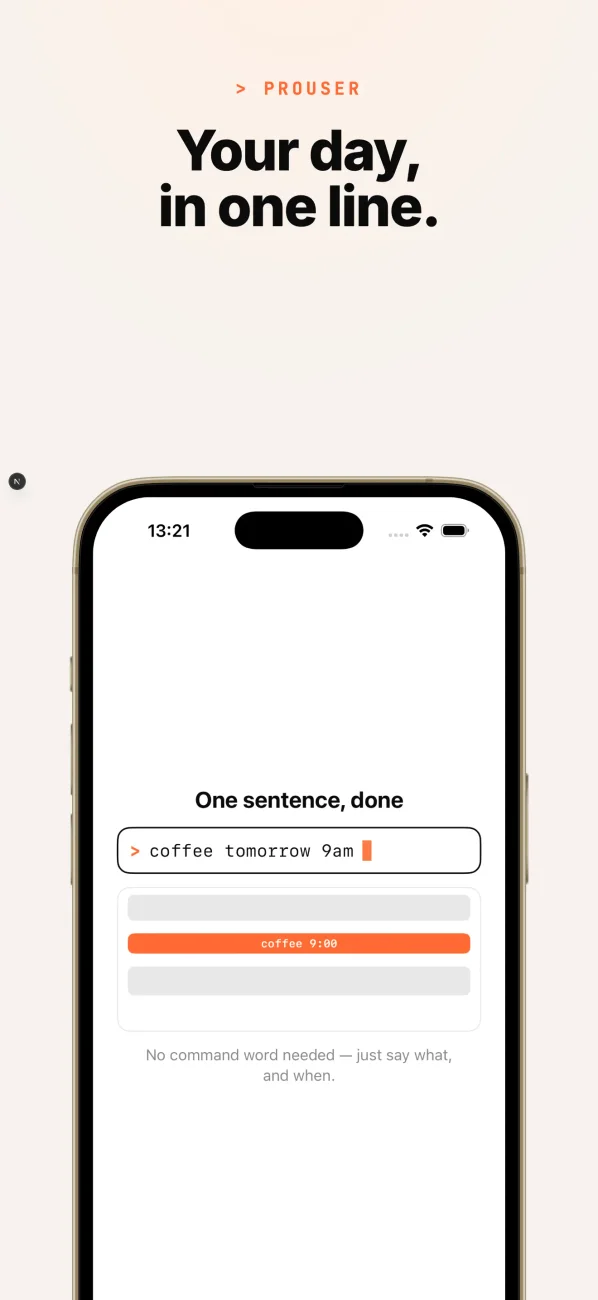
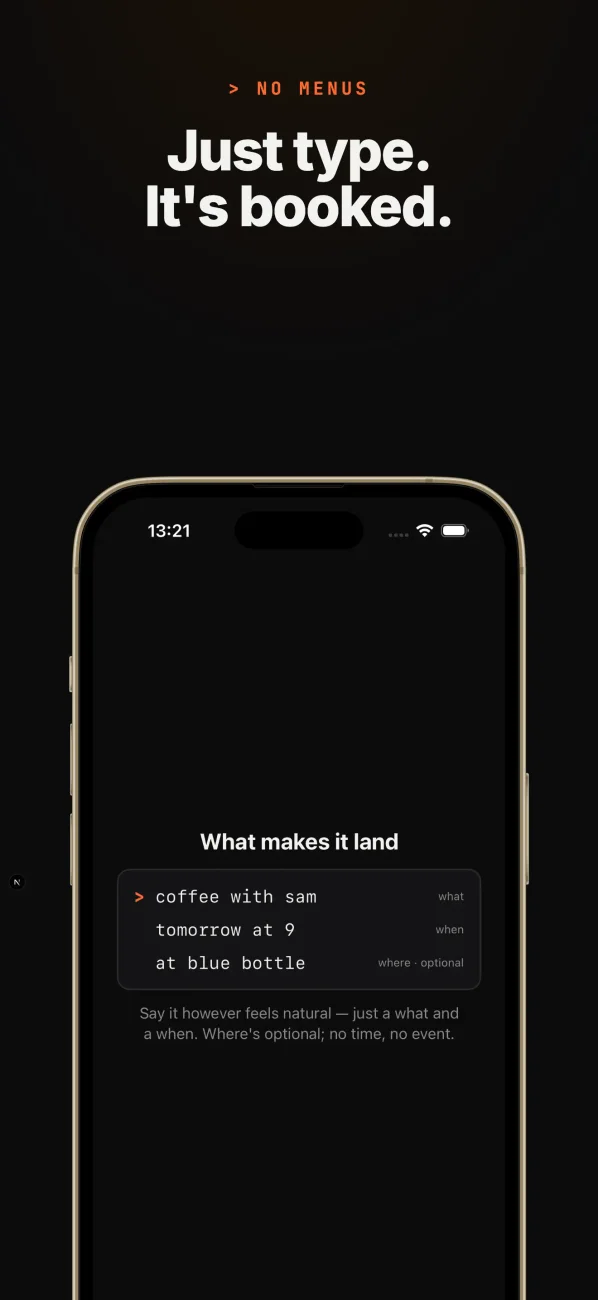
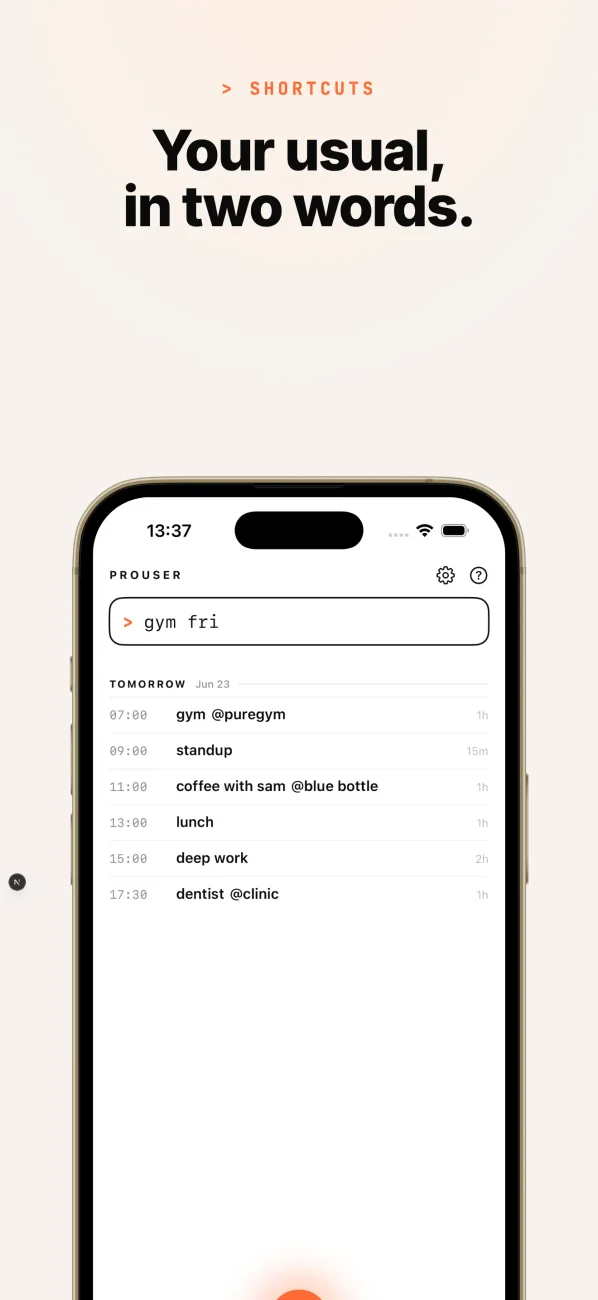
ProUser turns a sentence into an event. Type "coffee with sam tomorrow at 9" and it's on your calendar — no menus, no date pickers, no taps.
It reads plain language on-device, instantly. Say what and when, and the event lands. Same words, same result, every time — nothing waits on a server.
Made for people who live in their calendar and think faster than they tap.
WHAT YOU CAN DO
• Add in one line — "dentist tuesday at 3pm", "lunch at noon", "gym friday 7am"
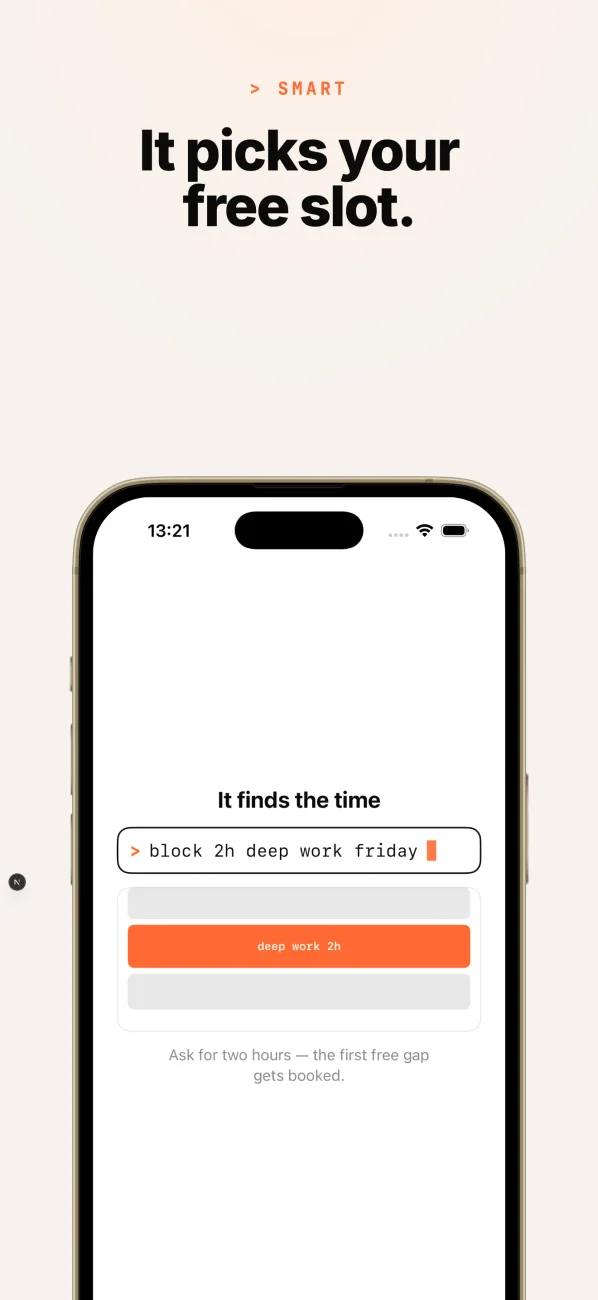
• Let it find the time — "block 2 hours of deep work friday" takes your first free gap
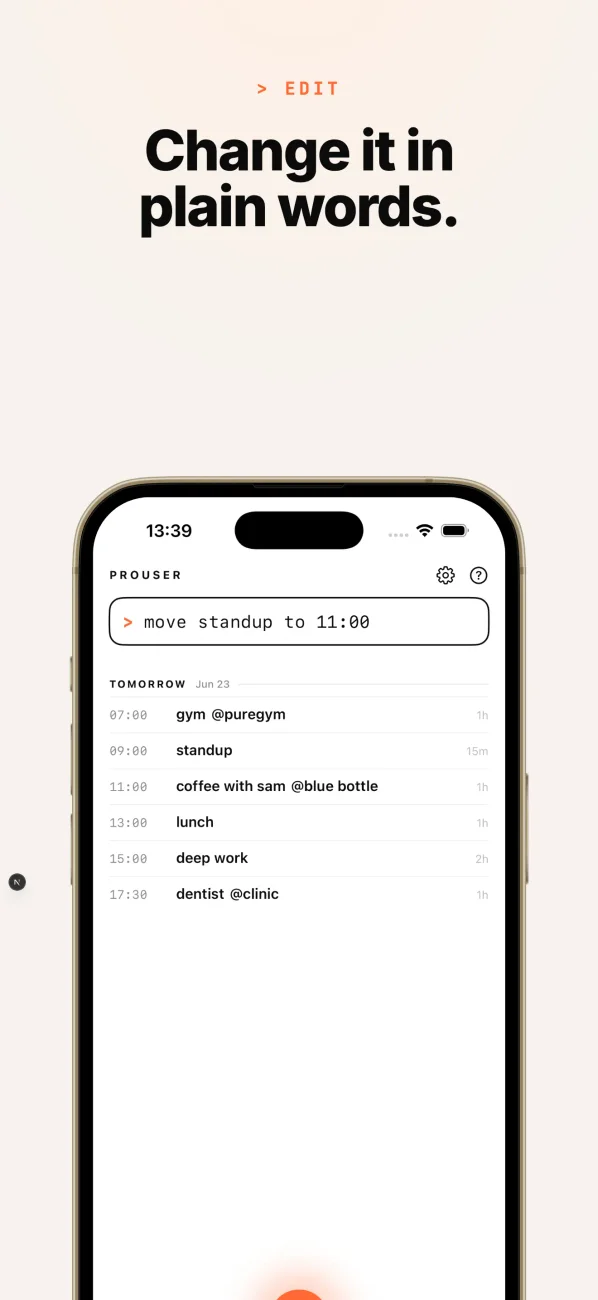
• Change things in plain words — push it later, move it, make it shorter, rename it
• Clear a stretch — "clear friday afternoon" empties it in one step
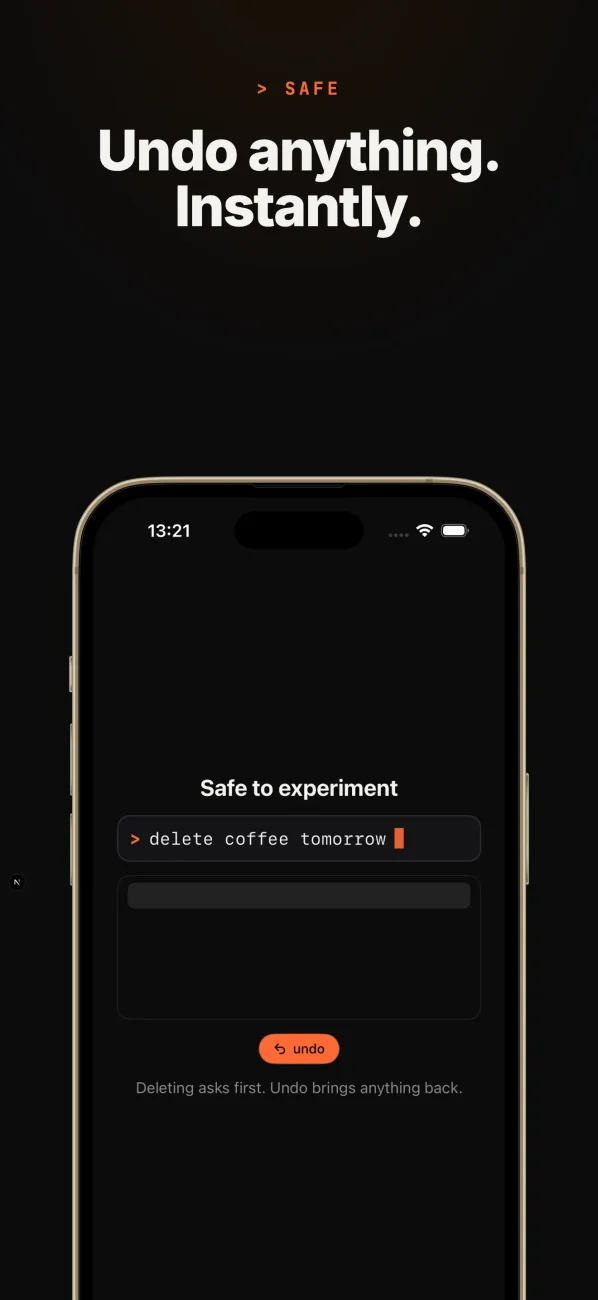
• Undo anything — every change reverses instantly; deletes ask first
• Save your usuals — define "gym" once, then just type "gym fri"
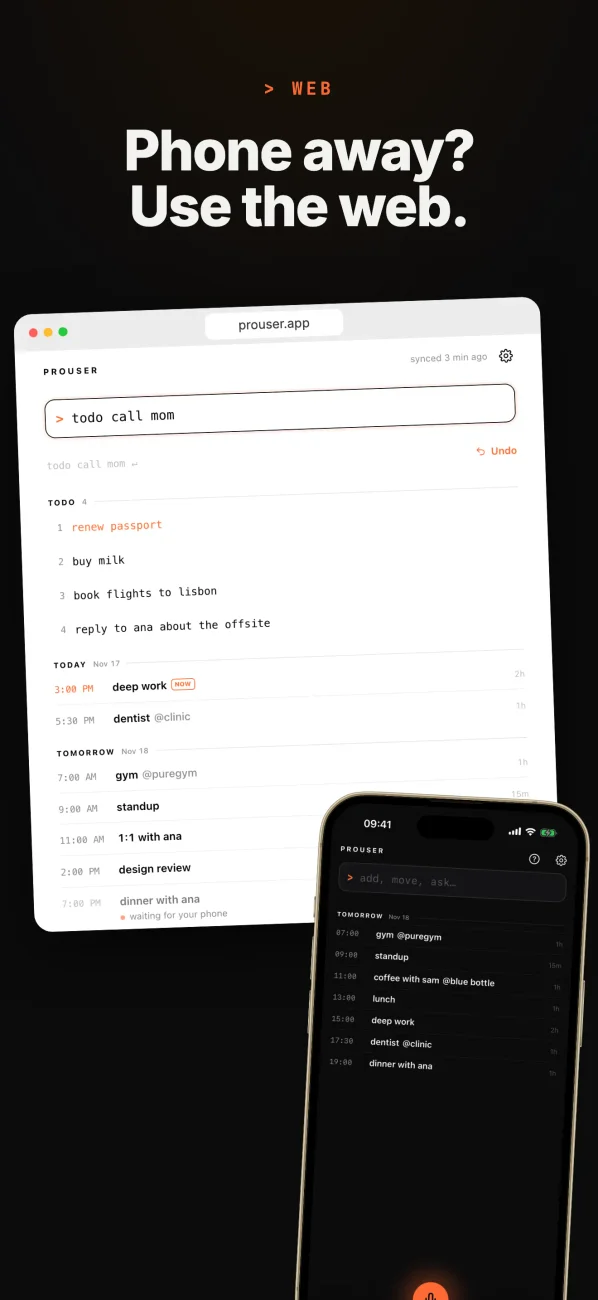
• Use it on the web — at prouser.app, add events and todos from any browser; your iPhone puts them in your calendar
• Keep a todo list — "todo buy milk" adds it, "todo! call landlord" puts it first, "done buy milk" ticks it off
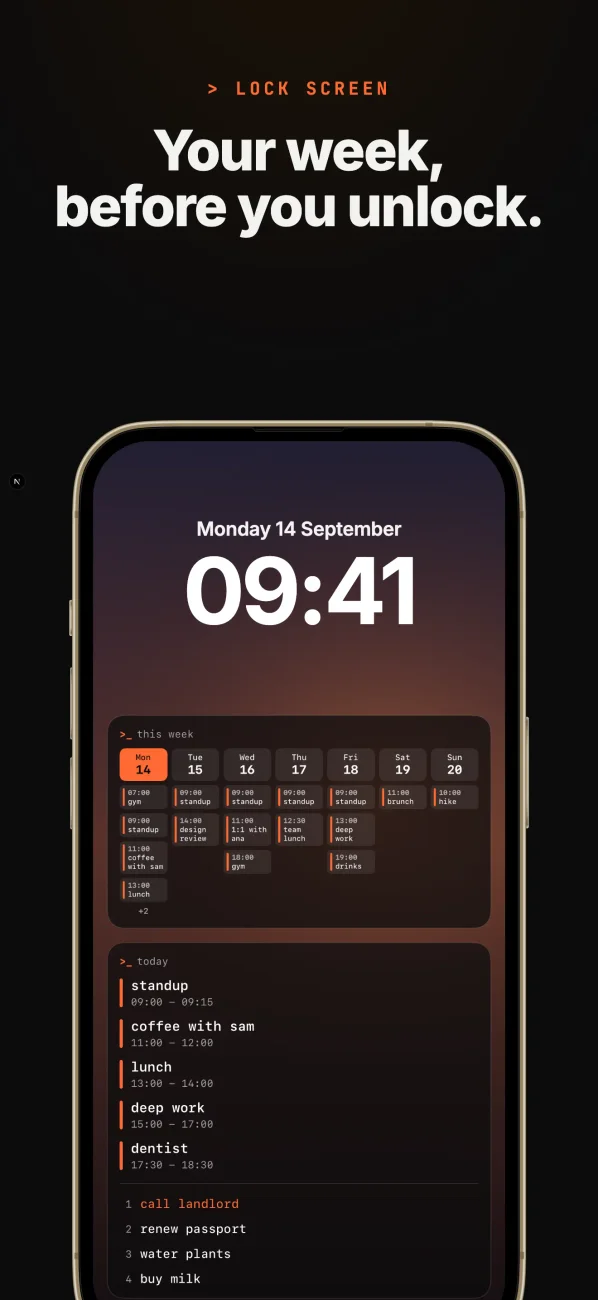
• Your week on the lock screen — a Shortcut draws the week's events and your todos onto your wallpaper
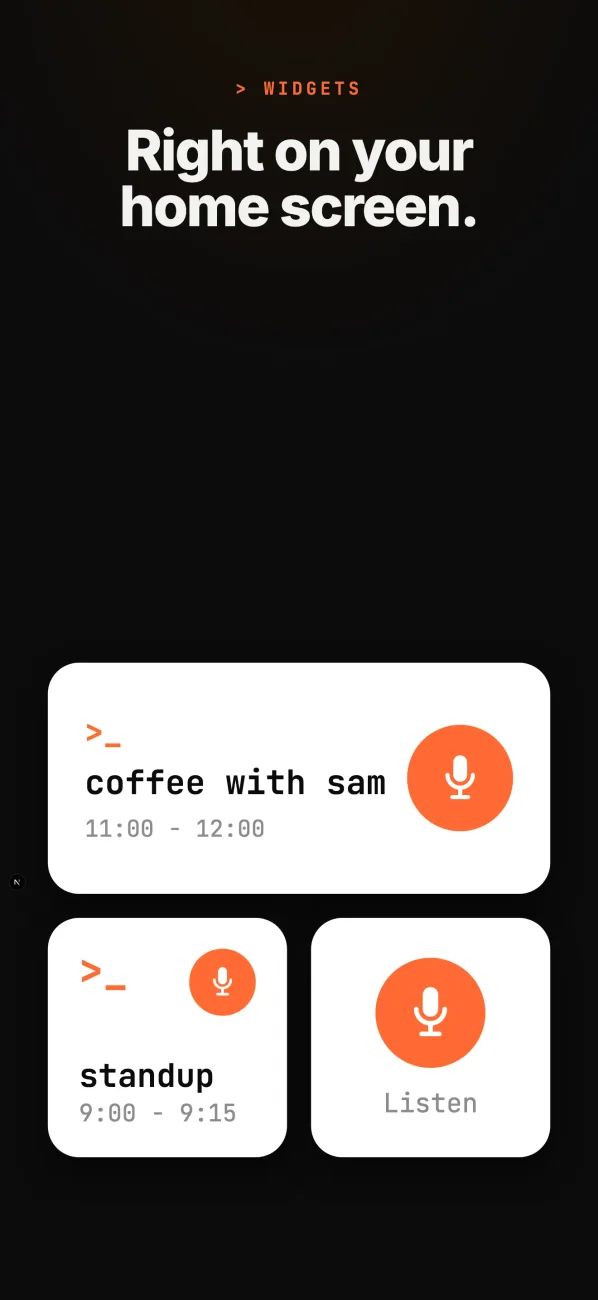
• Quick Add widget — open straight into the command bar from your lock screen
• Type or speak it
PRIVATE BY DESIGN
Your calendar stays on your device. ProUser works offline, makes no account, and collects nothing. Turn on web use and a copy of your upcoming events and todos goes to your own iCloud — never to us.
Edit your calendar like code.
Novedades
Versión 2.2.0 · 26/11/2026
ProUser 2.2: move and resize the calendar on your lock screen.
• Adjust layout in Settings lets you drag your week and todos up or down on the lock screen, and change Size and Opacity.
• Turn Week, Today and Todos on or off, so the wallpaper shows only what you want.
• Tap Use a lock screen screenshot to see your clock and widgets behind it while you place it.
Privacidad de la aplicación
Lo que hourafter declara en App Store sobre cómo esta aplicación gestiona los datos.
-
No se recopilan datos
El desarrollador no recopila ningún dato de esta aplicación.
Las prácticas de privacidad pueden variar, por ejemplo, según las funciones que uses o tu edad.
Información
- Vendedor
- LYSIU UAB
- Categoría
- Productividad
- Versión
- 2.2.0
- Actualizado
- 26/11/2026
- Publicado
- 1/7/2026
- Tamaño
- 2,9 MB
- Requiere
- iOS 26.0 o posterior
- Clasificación por edad
- 4+
- Precio
- 3,99 €
- Copyright
- © 2026 ProUser
Quizá también te guste
-
 SELECT - Minimal pick launcherProductividad
-
 Atelier TablesProductividad
-
 Atelier DazzleProductividad
-
 Atelier LibrettoProductividad
-
 Evthi: Private Life OrganizerProductividad
-
 CosmoKnowledgeMapProductividad
-
 Contactmend: Safe MergeProductividad
-
 Rooster - Calendar AlarmsProductividad
-
 Triquid NotesNotas de Trilium, donde sea
-
 Tri ClipperWeb clipper para Trilium