
- Age rating4+
- CategoryProductivity
- Developerhourafter
- Size2.8 MB
Links to the official App Store page
Download.org hosts no file of ProUser: Command Your Day. The button opens its official App Store page, published by hourafter. Listing last checked on Nov 24, 2026.
Screenshots
About
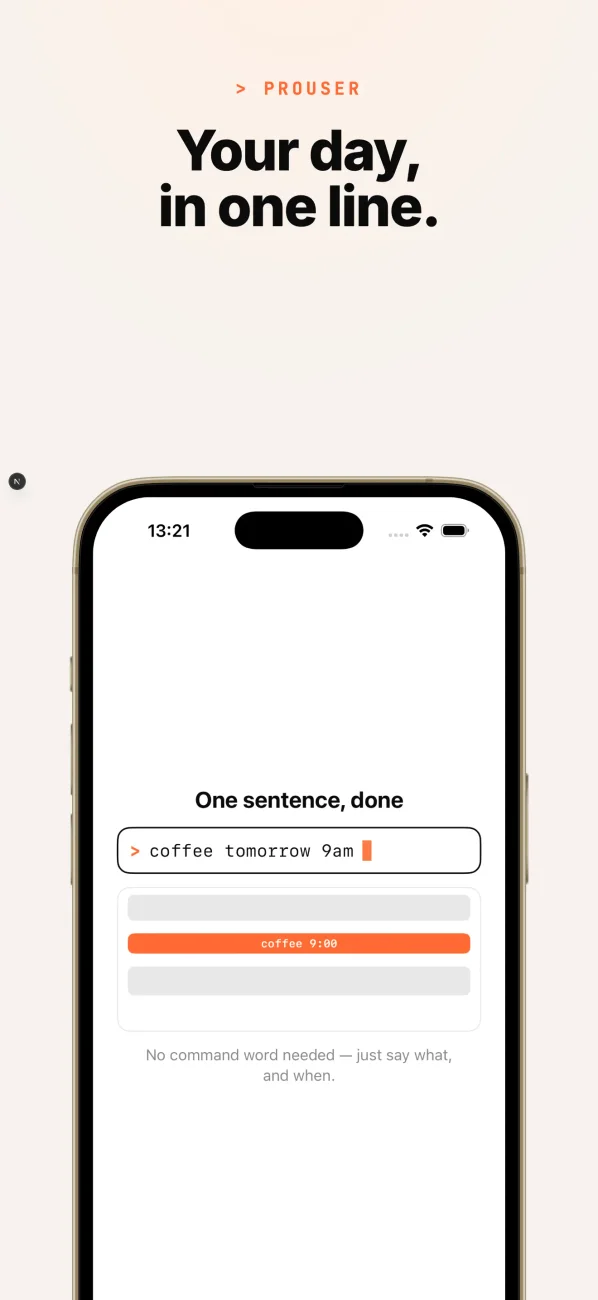
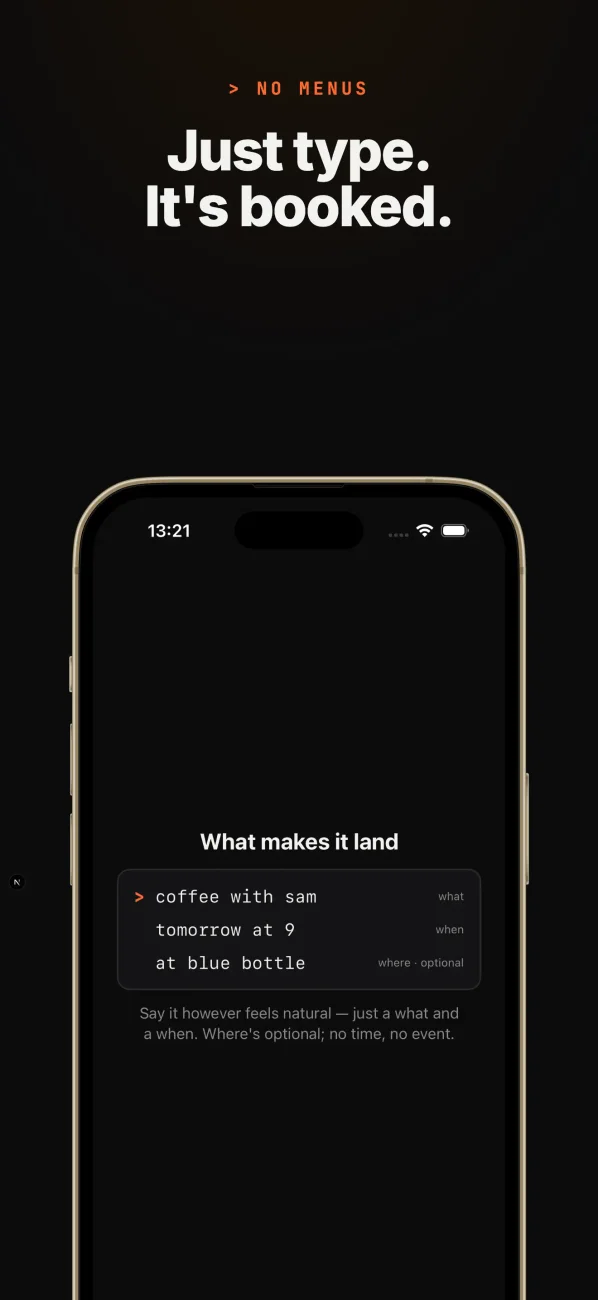
ProUser turns a sentence into an event. Type "coffee with sam tomorrow at 9" and it's on your calendar — no menus, no date pickers, no taps.
It reads plain language on-device, instantly. Say what and when, and the event lands. Same words, same result, every time — nothing waits on a server.
Made for people who live in their calendar and think faster than they tap.
WHAT YOU CAN DO
• Add in one line — "dentist tuesday at 3pm", "lunch at noon", "gym friday 7am"
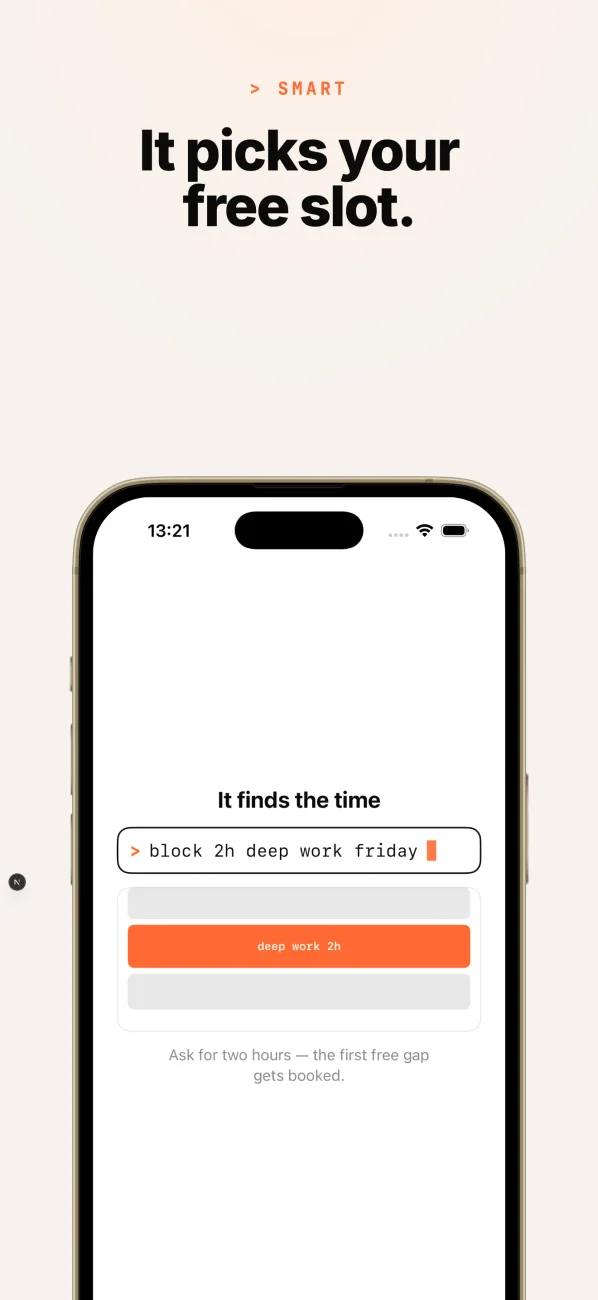
• Let it find the time — "block 2 hours of deep work friday" takes your first free gap
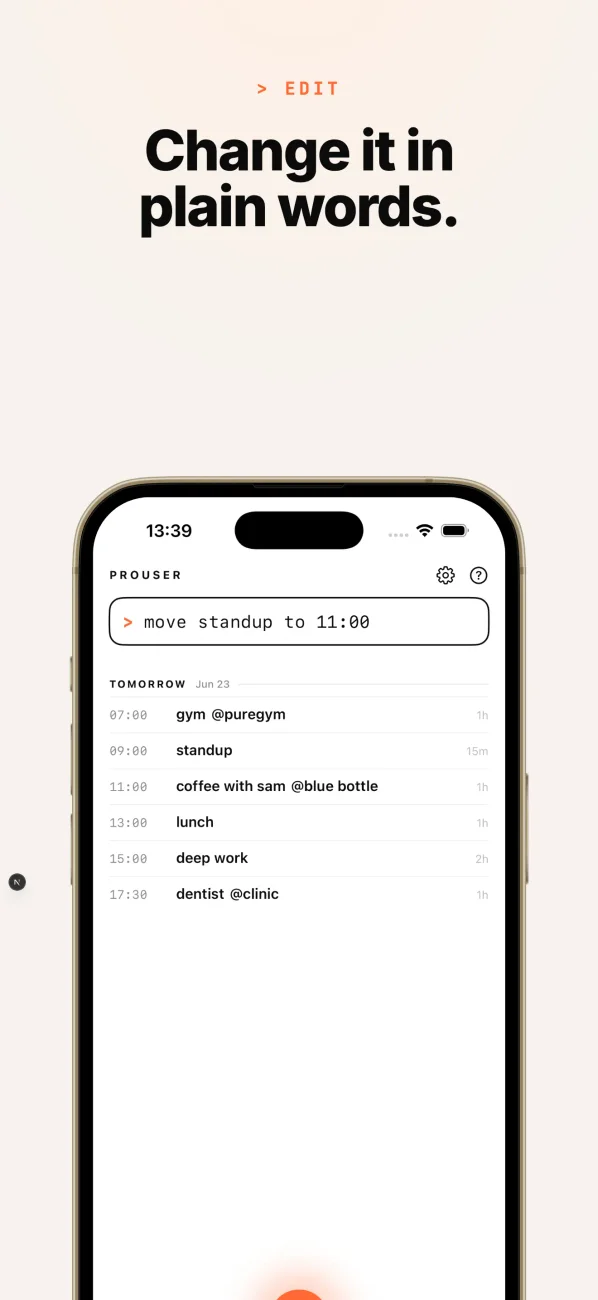
• Change things in plain words — push it later, move it, make it shorter, rename it
• Clear a stretch — "clear friday afternoon" empties it in one step
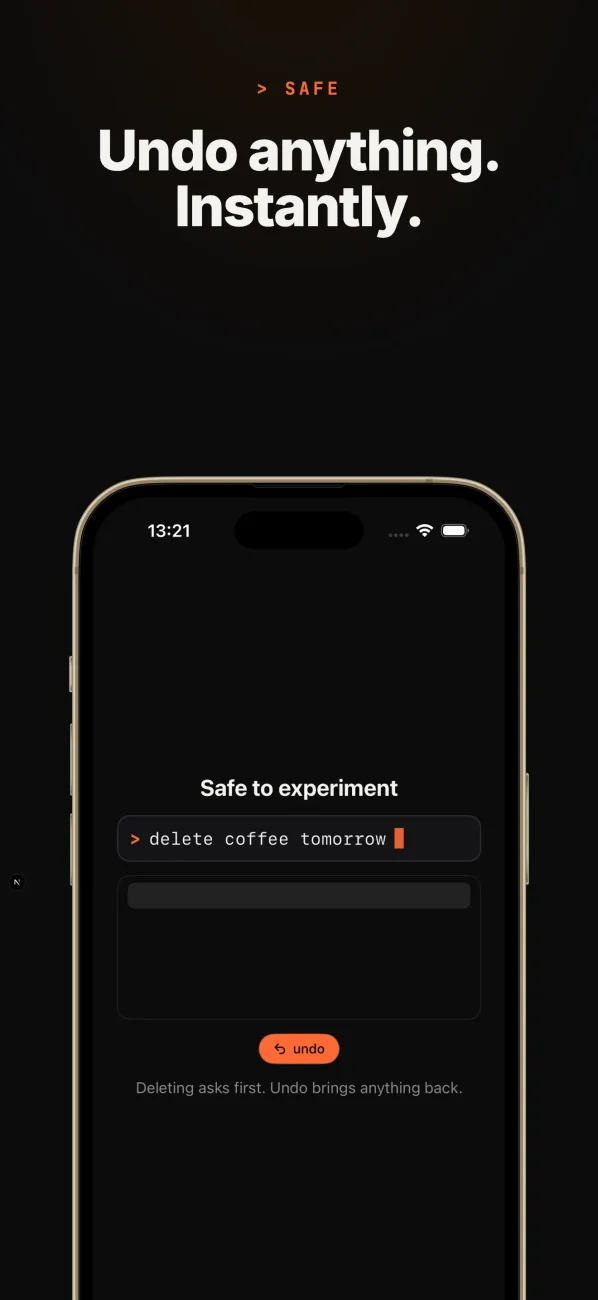
• Undo anything — every change reverses instantly; deletes ask first
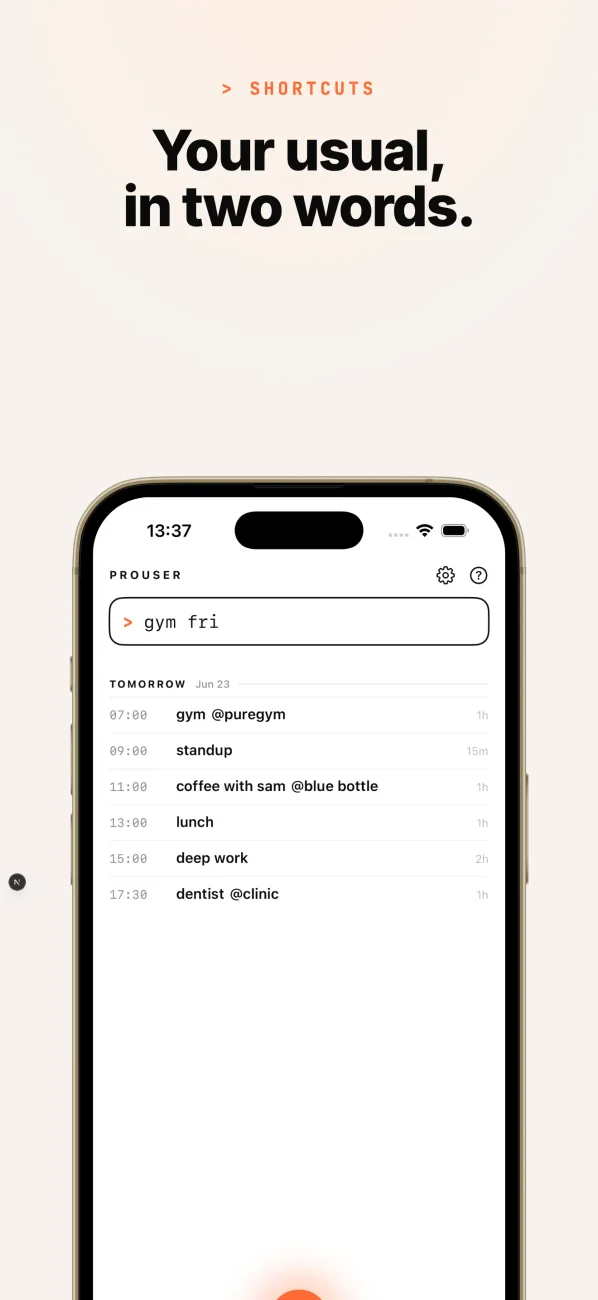
• Save your usuals — define "gym" once, then just type "gym fri"
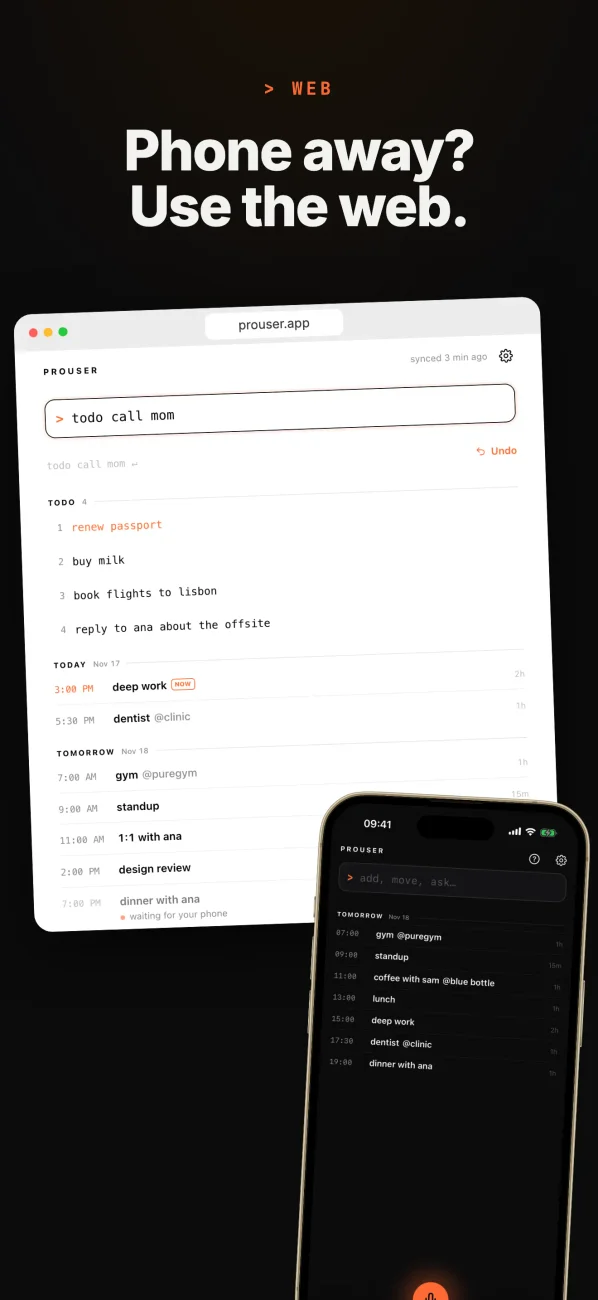
• Use it on the web — at prouser.app, add events and todos from any browser; your iPhone puts them in your calendar
• Keep a todo list — "todo buy milk" adds it, "todo! call landlord" puts it first, "done buy milk" ticks it off
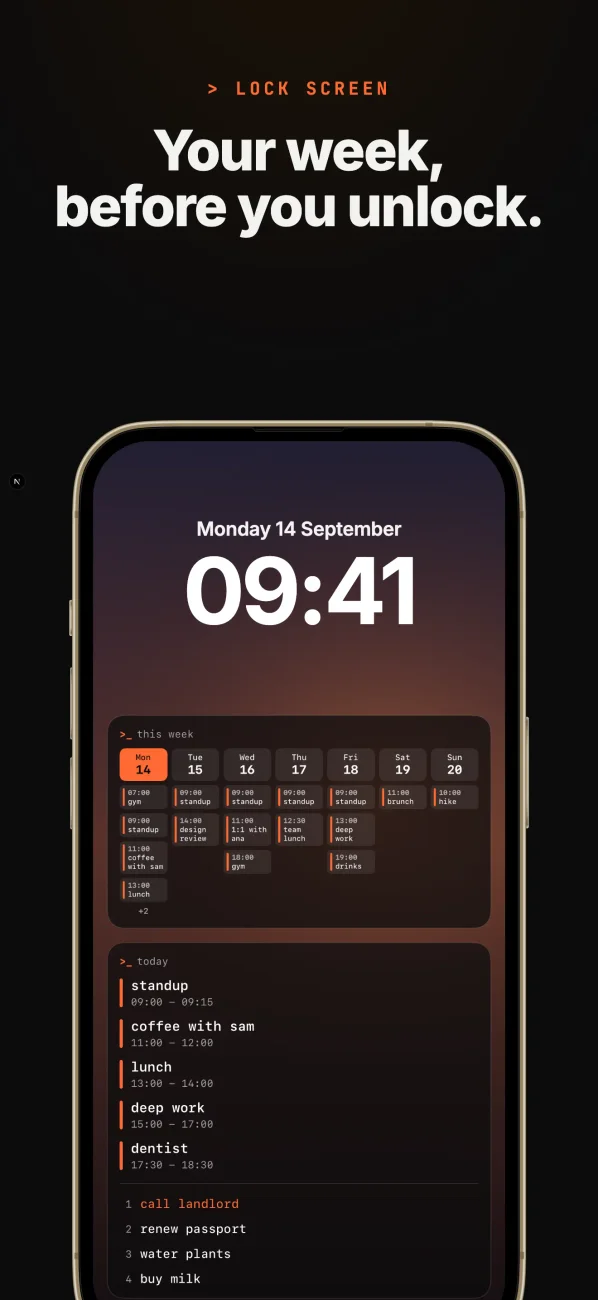
• Your week on the lock screen — a Shortcut draws the week's events and your todos onto your wallpaper
• Quick Add widget — open straight into the command bar from your lock screen
• Type or speak it
PRIVATE BY DESIGN
Your calendar stays on your device. ProUser works offline, makes no account, and collects nothing. Turn on web use and a copy of your upcoming events and todos goes to your own iCloud — never to us.
Edit your calendar like code.
What’s new
Version 2.1.0 · Nov 23, 2026
ProUser 2.1 — faster in, nothing to learn.
• Open it and type. The keyboard is up the moment ProUser opens.
• Not sure what to write? Tap the buttons key next to the mic and pick: Add, Move, Remove, Todo, Done or Show. ProUser asks what and when, then shows you the sentence so next time you can just type it.
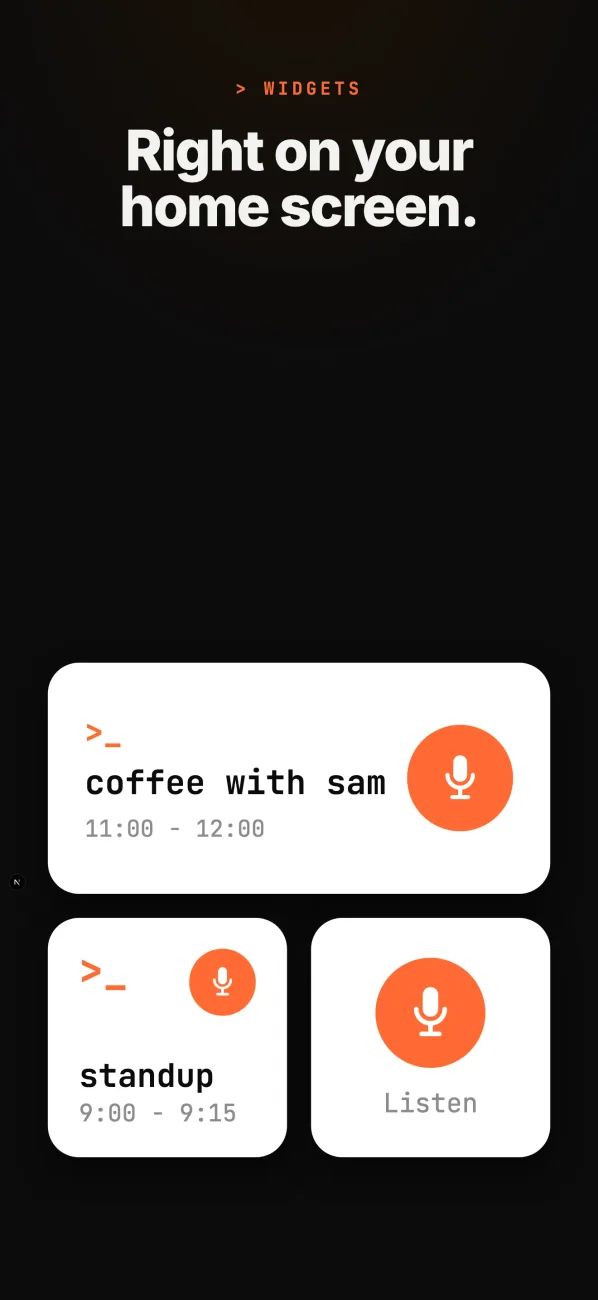
• New widgets: This week and Todos on your home screen.
• Add ProUser to Control Center or the Action button to jump straight into typing.
• Move things across days in one go: "move standup from tue 10:00 to thu 14:00". Or "show this week".
• Hold the Todo key to make it an urgent todo.
• Names with accents like "šventė" now come through exactly as you type them.
• If your lock-screen wallpaper stops updating, ProUser tells you and walks you through fixing it.
App privacy
What hourafter declares on the App Store about how this app handles data.
-
Data not collected
The developer does not collect any data from this app.
Privacy practices may vary, for example with the features you use or your age.
Information
- Seller
- LYSIU UAB
- Category
- Productivity
- Version
- 2.1.0
- Updated
- Nov 23, 2026
- Released
- Jul 1, 2026
- Size
- 2.8 MB
- Requires
- iOS 26.0 or later
- Age rating
- 4+
- Price
- $3.99
- Copyright
- © 2026 ProUser
You might also like
-
 SELECT - Minimal pick launcherFor ADHD. Less choice. Focus.
-
 Atelier TablesSpreadsheets simplified
-
 Atelier DazzlePresentations simplified
-
 Atelier LibrettoDocuments simplified
-
 Evthi: Private Life OrganizerLife admin: bills, docs, debts
-
 CosmoKnowledgeMapPages you read grow in a map.
-
 Contactmend: Safe MergeBackup-First Contact Repair
-
 Rooster - Calendar AlarmsConnect calendars and alarms
-
 Triquid NotesNotes for Trilium, anywhere
-
 Tri ClipperWeb clipper for Trilium