- 対象年齢4+
- カテゴリ仕事効率化
- 開発元hourafter
- サイズ2.9 MB
App Storeの公式ページにリンクしています
Download.orgはProUser: Command Your Dayのファイルを一切ホストしていません。ボタンを押すと、hourafterが公開しているApp Storeのアプリページが開きます。ページの最終確認:2026/11/28。
スクリーンショット
概要
開発元はこのテキストをお使いの言語で提供していません。
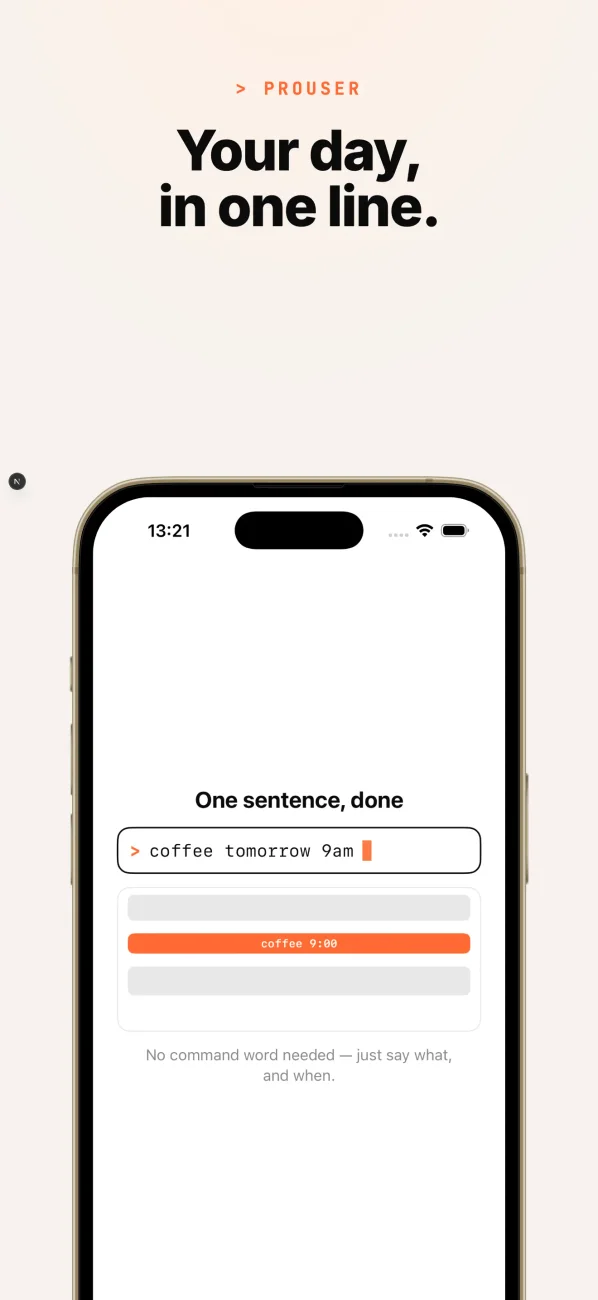
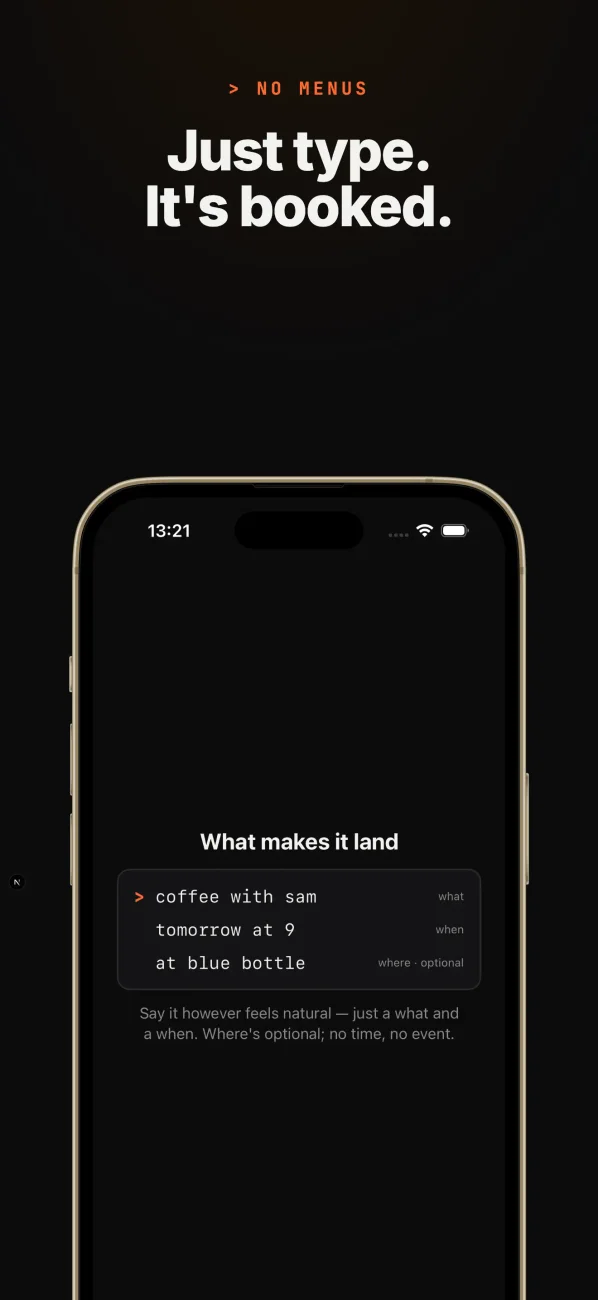
ProUser turns a sentence into an event. Type "coffee with sam tomorrow at 9" and it's on your calendar — no menus, no date pickers, no taps.
It reads plain language on-device, instantly. Say what and when, and the event lands. Same words, same result, every time — nothing waits on a server.
Made for people who live in their calendar and think faster than they tap.
WHAT YOU CAN DO
• Add in one line — "dentist tuesday at 3pm", "lunch at noon", "gym friday 7am"
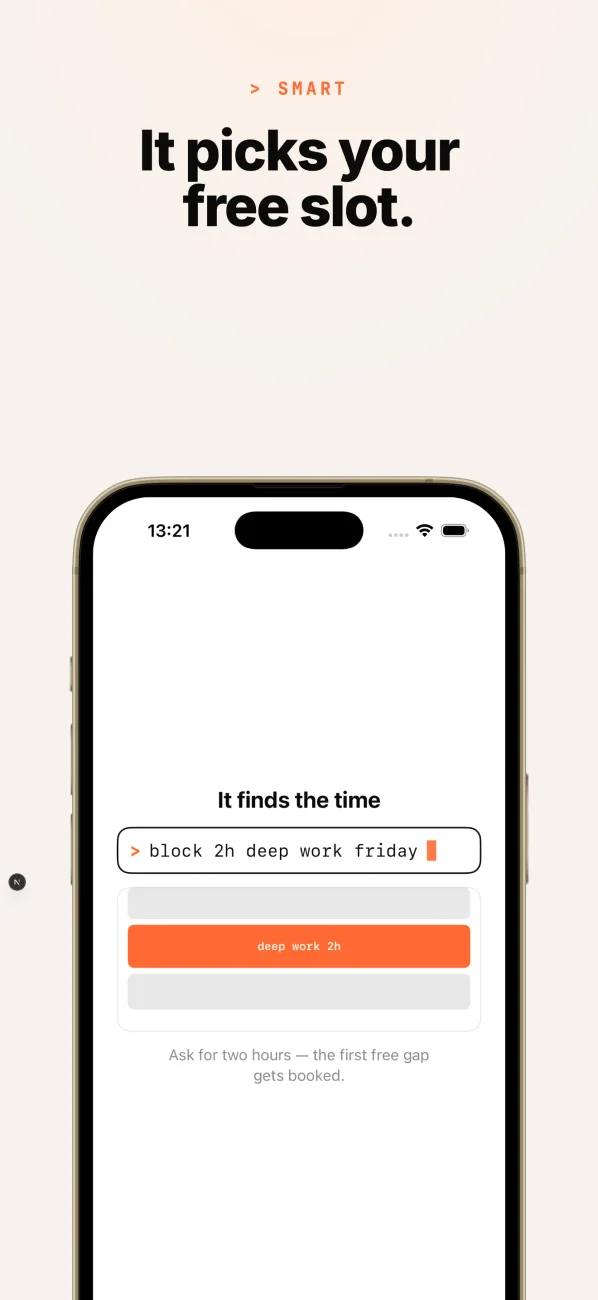
• Let it find the time — "block 2 hours of deep work friday" takes your first free gap
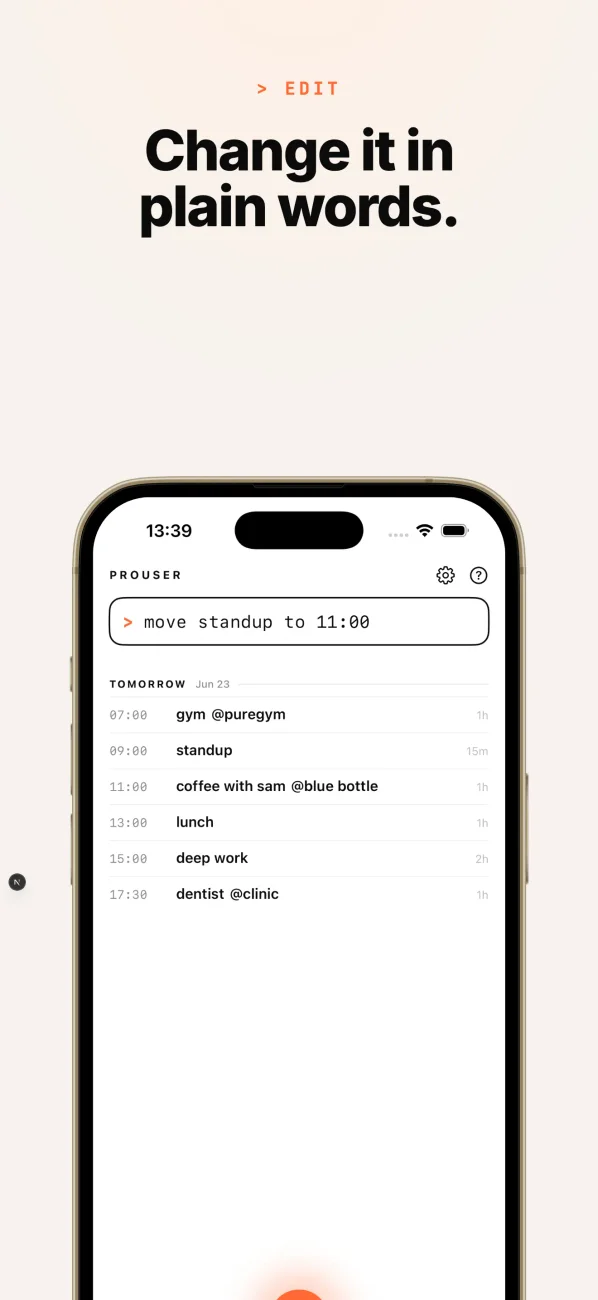
• Change things in plain words — push it later, move it, make it shorter, rename it
• Clear a stretch — "clear friday afternoon" empties it in one step
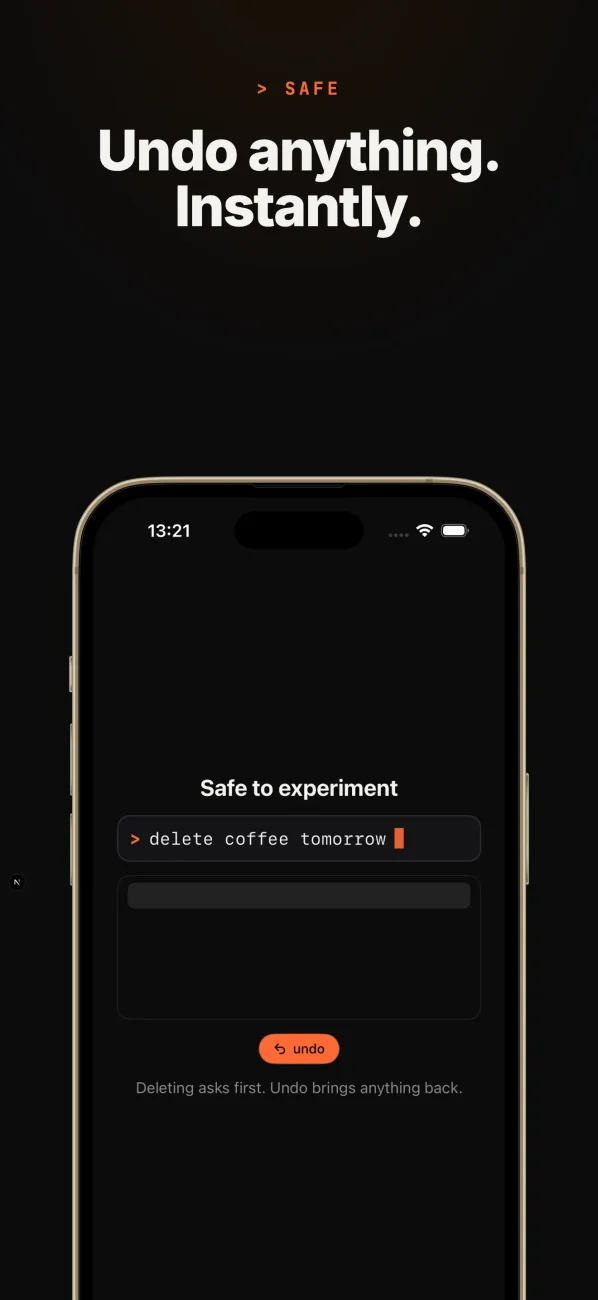
• Undo anything — every change reverses instantly; deletes ask first
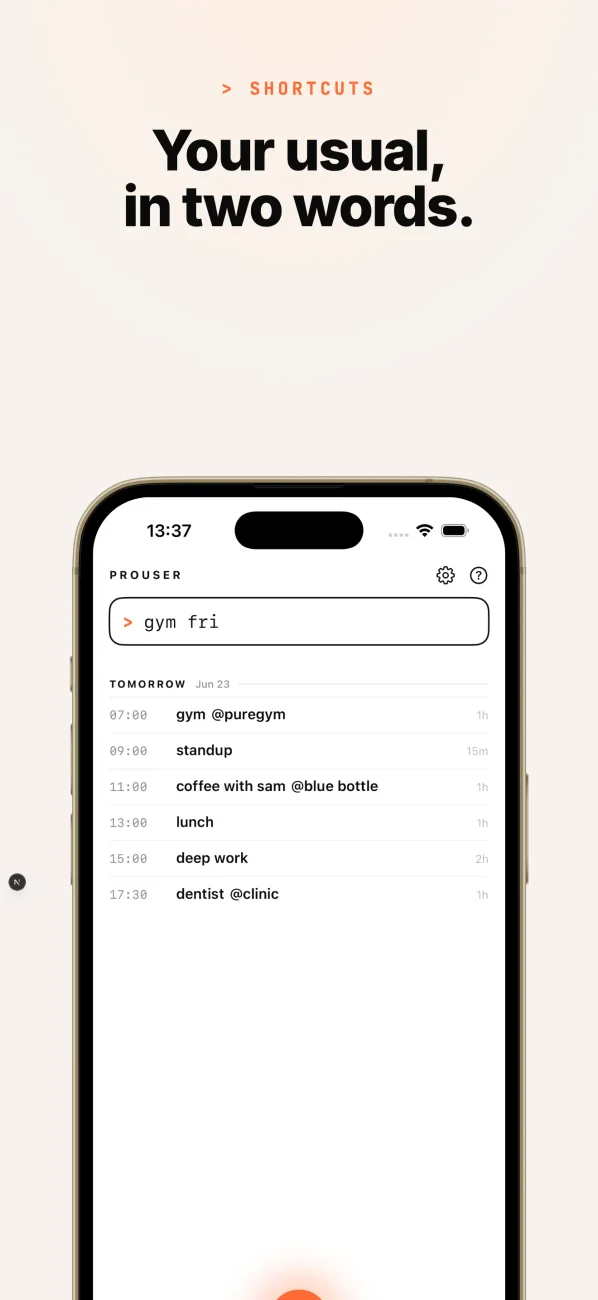
• Save your usuals — define "gym" once, then just type "gym fri"
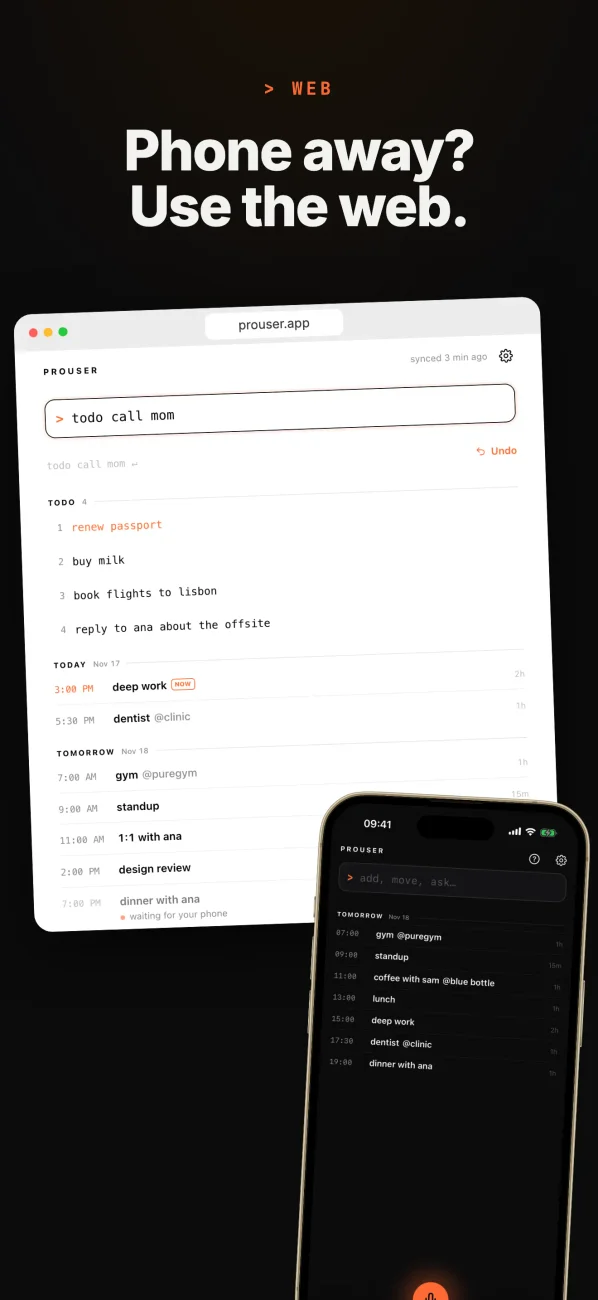
• Use it on the web — at prouser.app, add events and todos from any browser; your iPhone puts them in your calendar
• Keep a todo list — "todo buy milk" adds it, "todo! call landlord" puts it first, "done buy milk" ticks it off
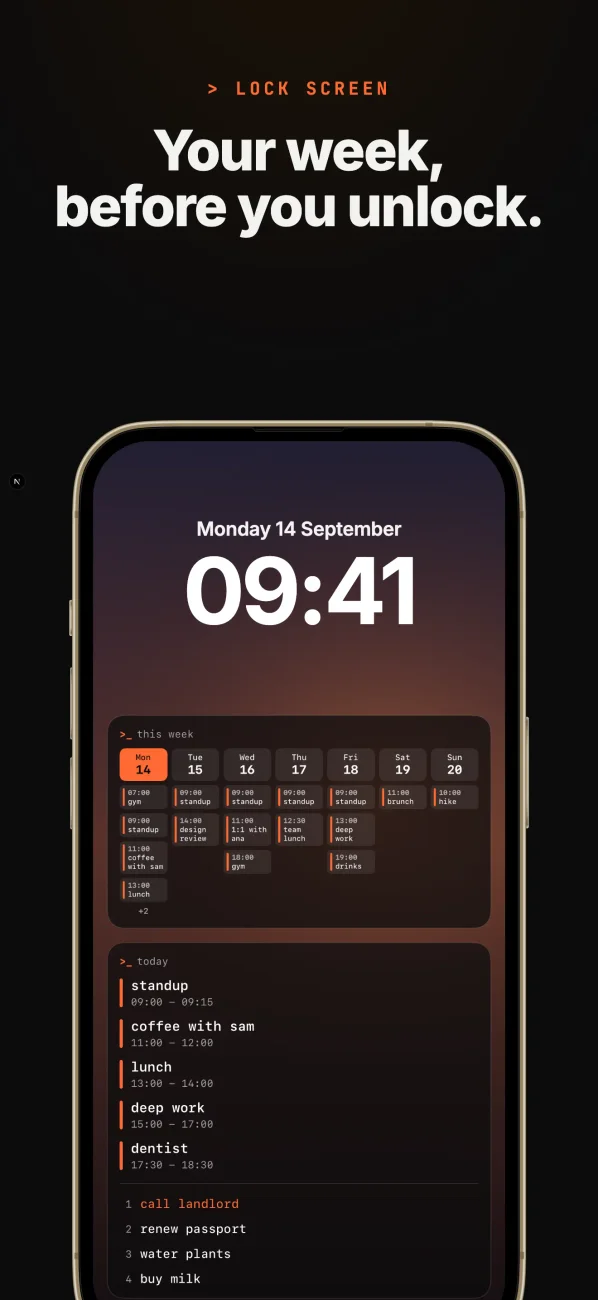
• Your week on the lock screen — a Shortcut draws the week's events and your todos onto your wallpaper
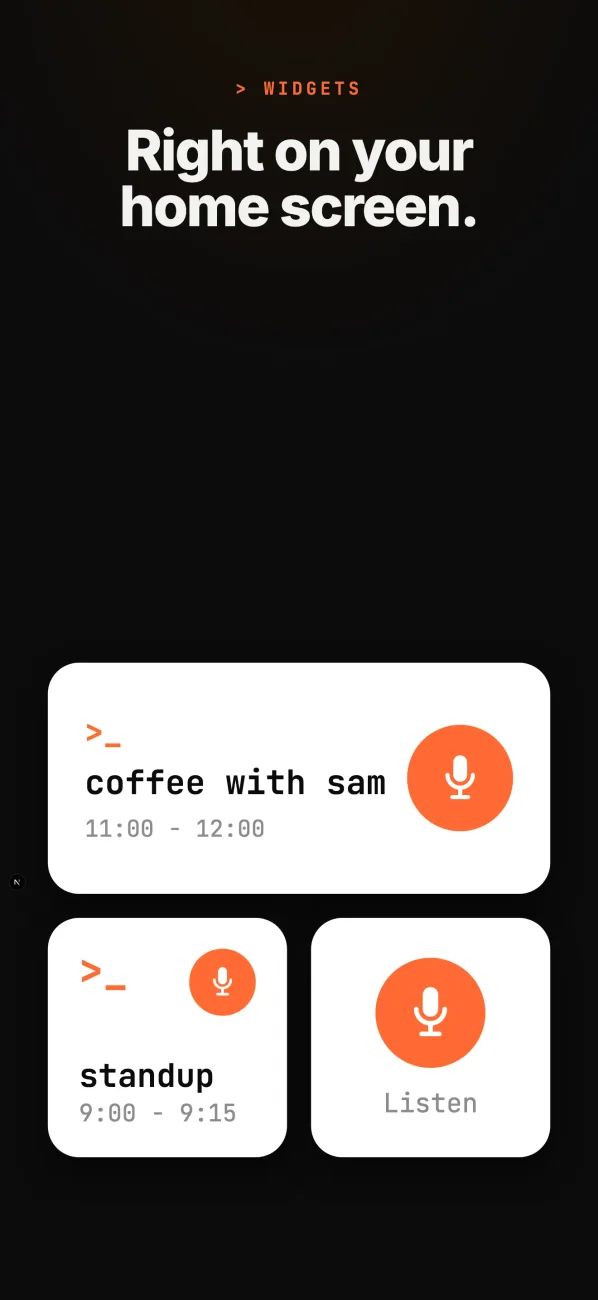
• Quick Add widget — open straight into the command bar from your lock screen
• Type or speak it
PRIVATE BY DESIGN
Your calendar stays on your device. ProUser works offline, makes no account, and collects nothing. Turn on web use and a copy of your upcoming events and todos goes to your own iCloud — never to us.
Edit your calendar like code.
新機能
バージョン 2.2.0 · 2026/11/26
ProUser 2.2: move and resize the calendar on your lock screen.
• Adjust layout in Settings lets you drag your week and todos up or down on the lock screen, and change Size and Opacity.
• Turn Week, Today and Todos on or off, so the wallpaper shows only what you want.
• Tap Use a lock screen screenshot to see your clock and widgets behind it while you place it.
アプリのプライバシー
このアプリのデータの取り扱いについて、hourafterがApp Storeで申告している内容です。
-
データの収集なし
開発元はこのアプリからデータを収集しません。
プライバシーの取り扱いは、ご利用の機能やお客様の年齢などに応じて異なる場合があります。
情報
- 販売元
- LYSIU UAB
- カテゴリ
- 仕事効率化
- バージョン
- 2.2.0
- 更新日
- 2026/11/26
- リリース
- 2026/7/1
- サイズ
- 2.9 MB
- 必要条件
- iOS 26.0以降
- 対象年齢
- 4+
- 価格
- ¥600
- 著作権
- © 2026 ProUser