ProUser: Command Your Day
Edit your calendar like code.
Được thiết kế cho iPhone
119.000đ
- Độ tuổi4+
- Danh mụcHiệu Suất
- Nhà phát triểnhourafter
- Kích thước2,9 MB
Liên kết đến trang App Store chính thức
Download.org không lưu trữ tệp nào của ProUser: Command Your Day. Nút này mở trang ứng dụng trên App Store, nơi hourafter phát hành ứng dụng. Trang được kiểm tra lần cuối: 28/11/2026.
Ảnh chụp màn hình
Giới thiệu
Nhà phát triển chưa cung cấp nội dung này bằng ngôn ngữ của bạn.
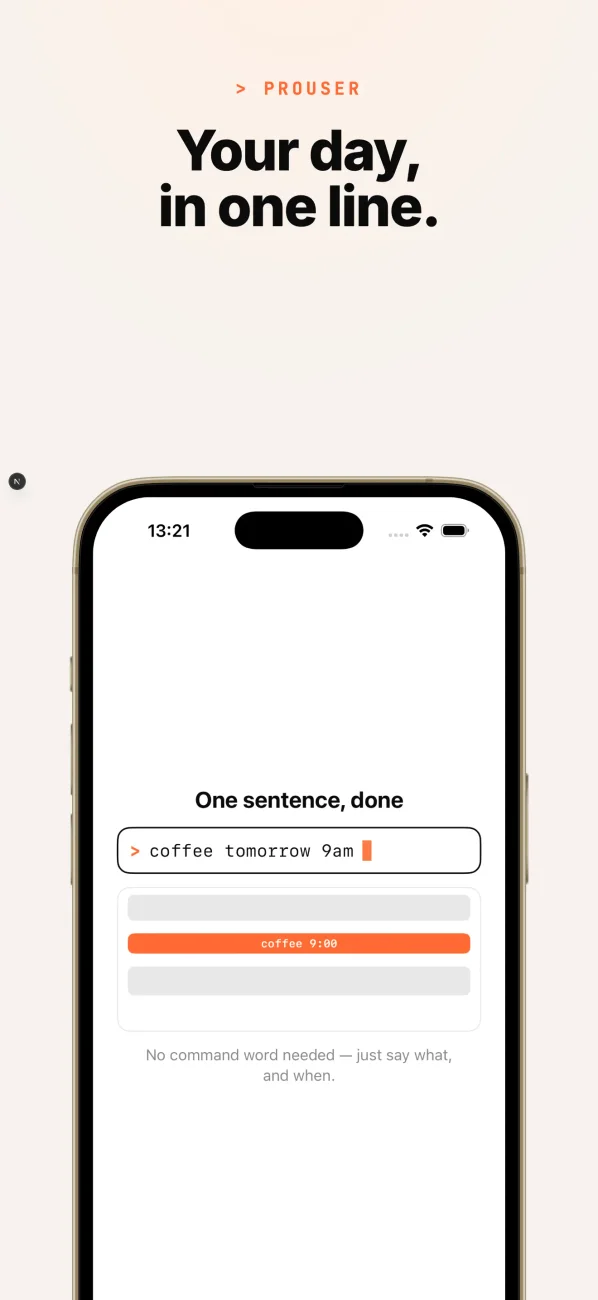
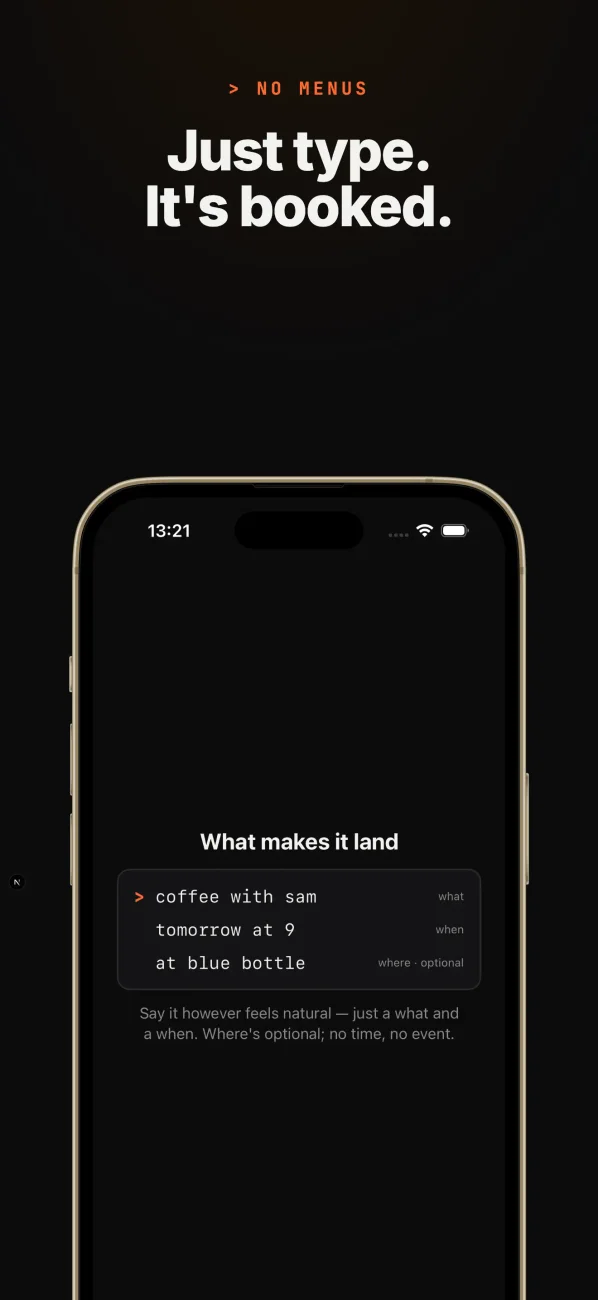
ProUser turns a sentence into an event. Type "coffee with sam tomorrow at 9" and it's on your calendar — no menus, no date pickers, no taps.
It reads plain language on-device, instantly. Say what and when, and the event lands. Same words, same result, every time — nothing waits on a server.
Made for people who live in their calendar and think faster than they tap.
WHAT YOU CAN DO
• Add in one line — "dentist tuesday at 3pm", "lunch at noon", "gym friday 7am"
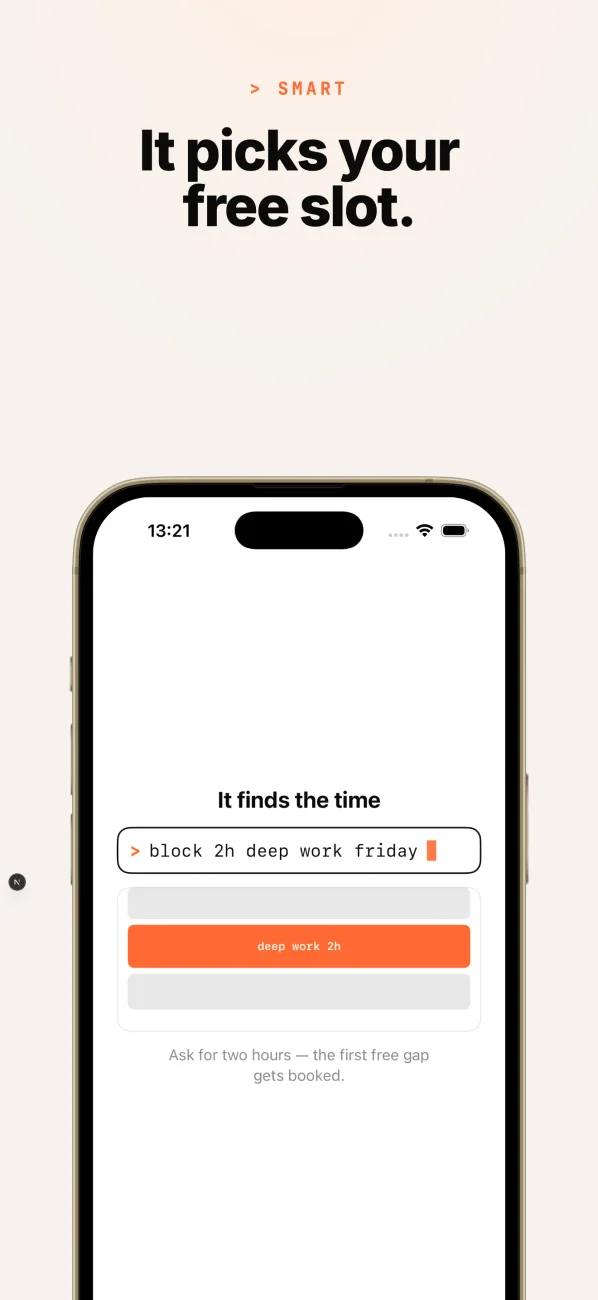
• Let it find the time — "block 2 hours of deep work friday" takes your first free gap
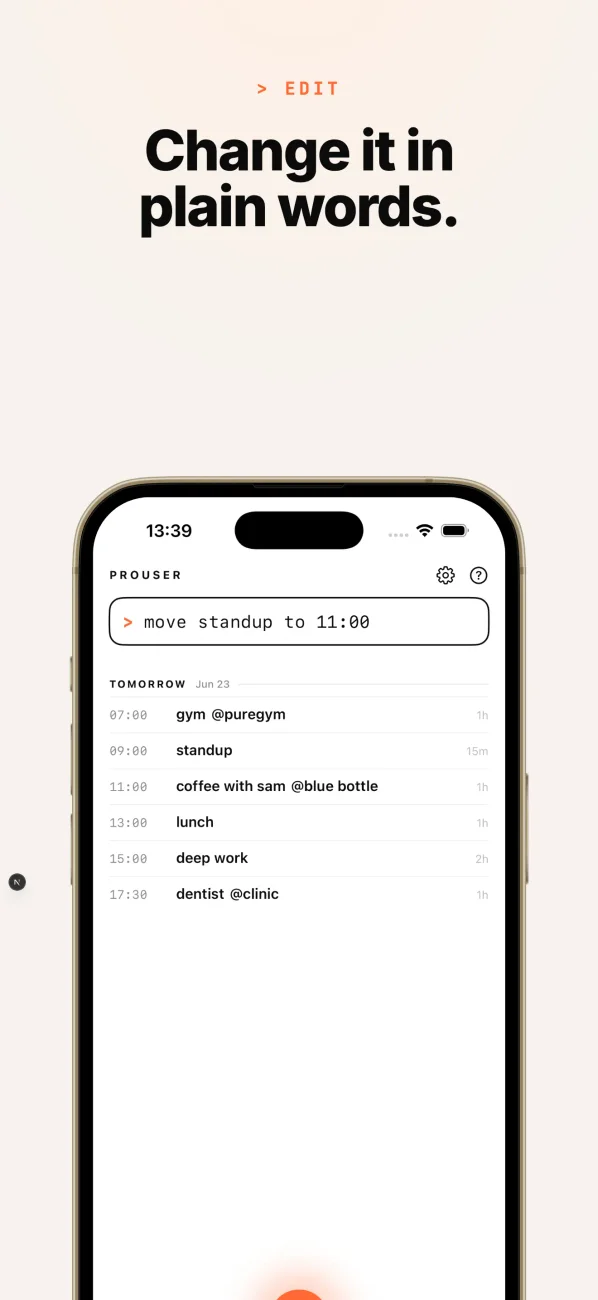
• Change things in plain words — push it later, move it, make it shorter, rename it
• Clear a stretch — "clear friday afternoon" empties it in one step
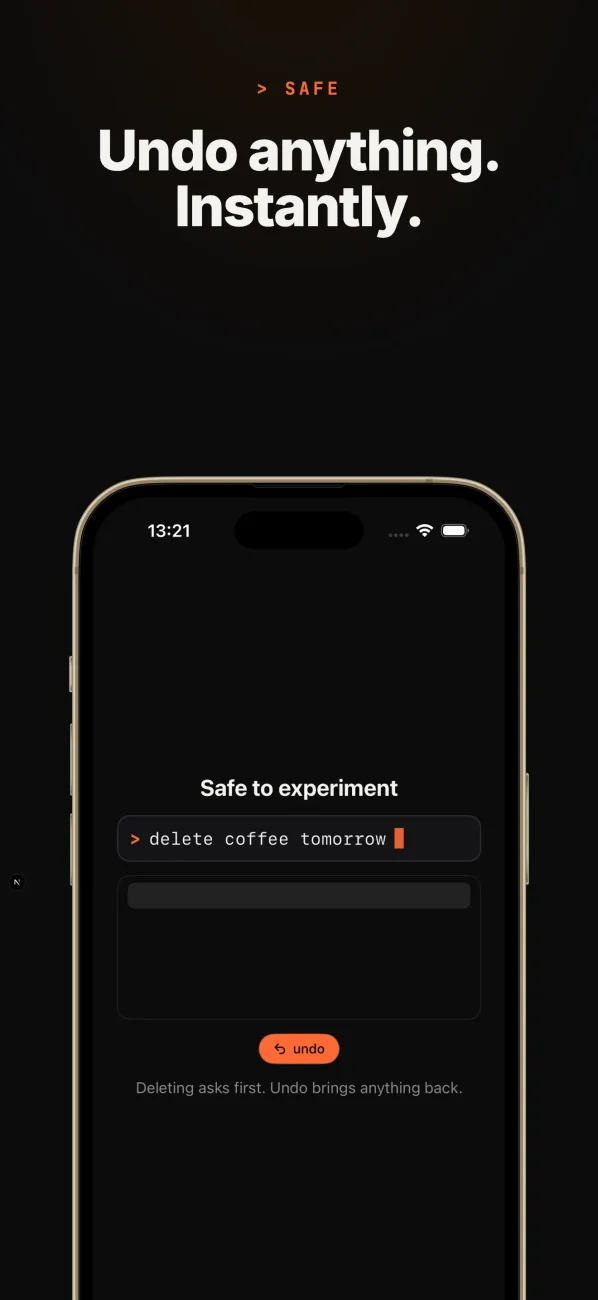
• Undo anything — every change reverses instantly; deletes ask first
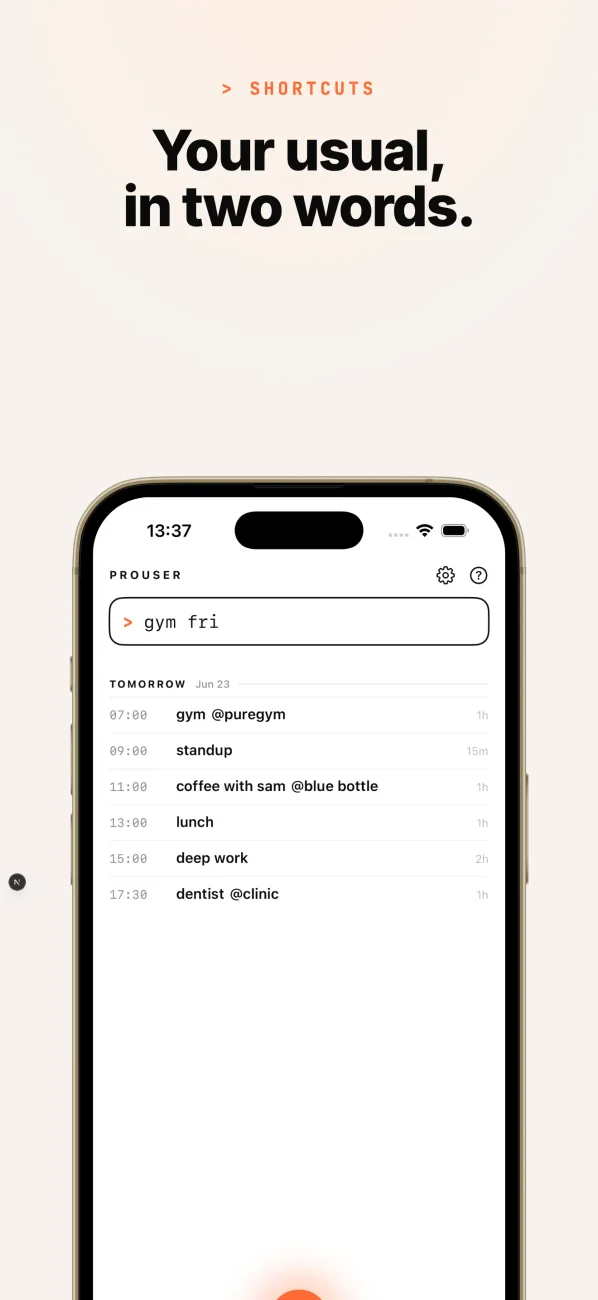
• Save your usuals — define "gym" once, then just type "gym fri"
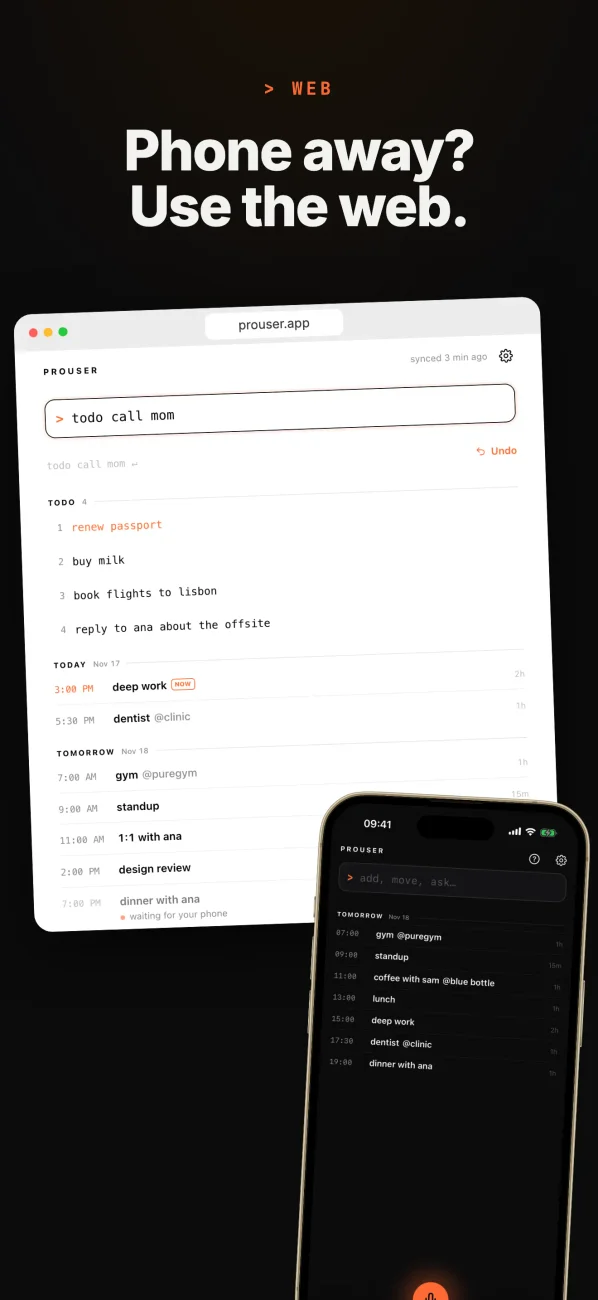
• Use it on the web — at prouser.app, add events and todos from any browser; your iPhone puts them in your calendar
• Keep a todo list — "todo buy milk" adds it, "todo! call landlord" puts it first, "done buy milk" ticks it off
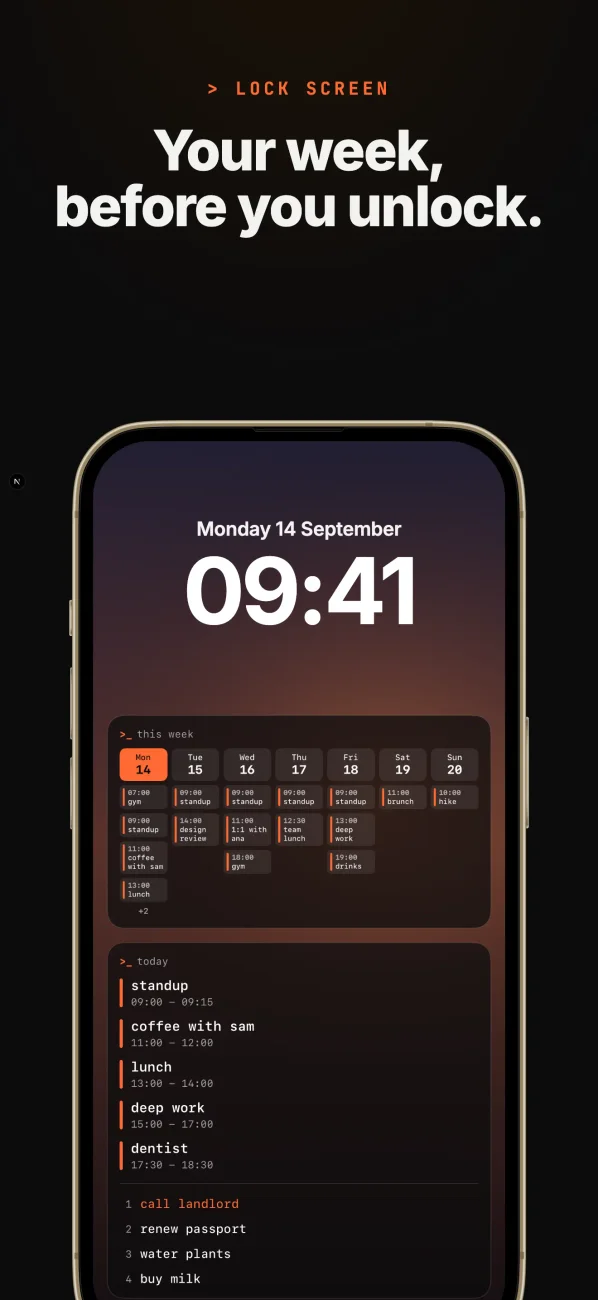
• Your week on the lock screen — a Shortcut draws the week's events and your todos onto your wallpaper
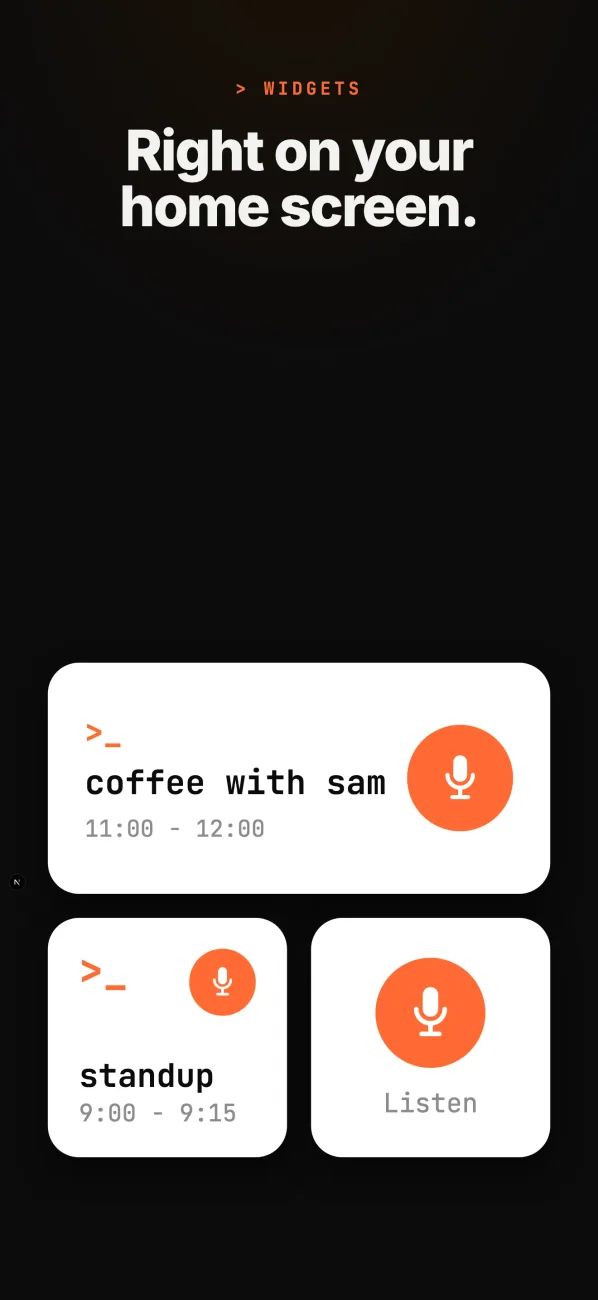
• Quick Add widget — open straight into the command bar from your lock screen
• Type or speak it
PRIVATE BY DESIGN
Your calendar stays on your device. ProUser works offline, makes no account, and collects nothing. Turn on web use and a copy of your upcoming events and todos goes to your own iCloud — never to us.
Edit your calendar like code.
Có gì mới
Phiên bản 2.2.0 · 26/11/2026
ProUser 2.2: move and resize the calendar on your lock screen.
• Adjust layout in Settings lets you drag your week and todos up or down on the lock screen, and change Size and Opacity.
• Turn Week, Today and Todos on or off, so the wallpaper shows only what you want.
• Tap Use a lock screen screenshot to see your clock and widgets behind it while you place it.
Quyền riêng tư của ứng dụng
Những gì hourafter khai báo trên App Store về cách ứng dụng này xử lý dữ liệu.
-
Dữ liệu không được thu thập
Nhà phát triển không thu thập bất kỳ dữ liệu nào từ ứng dụng này.
Phương thức đảm bảo quyền riêng tư có thể khác nhau, chẳng hạn như tuỳ theo các tính năng bạn sử dụng hoặc độ tuổi của bạn.
Thông tin
- Người bán
- LYSIU UAB
- Danh mục
- Hiệu Suất
- Phiên bản
- 2.2.0
- Cập nhật
- 26/11/2026
- Phát hành
- 01/07/2026
- Kích thước
- 2,9 MB
- Yêu cầu
- iOS 26.0 trở lên
- Độ tuổi
- 4+
- Giá
- 119.000đ
- Bản quyền
- © 2026 ProUser