
- Clasificación por edad4+
- CategoríaFoto y vídeo
- DesarrolladorRobert Lefkowitz
- IdiomasInglés
- Tamaño12,1 MB
Es posible que QuadCropper no esté disponible en App Store en este momento
No se pudo acceder a la ficha de la tienda en nuestra última comprobación. El enlace sigue llevando a la página oficial de App Store.
Capturas de pantalla
Acerca de
El desarrollador no ha proporcionado este texto en tu idioma.
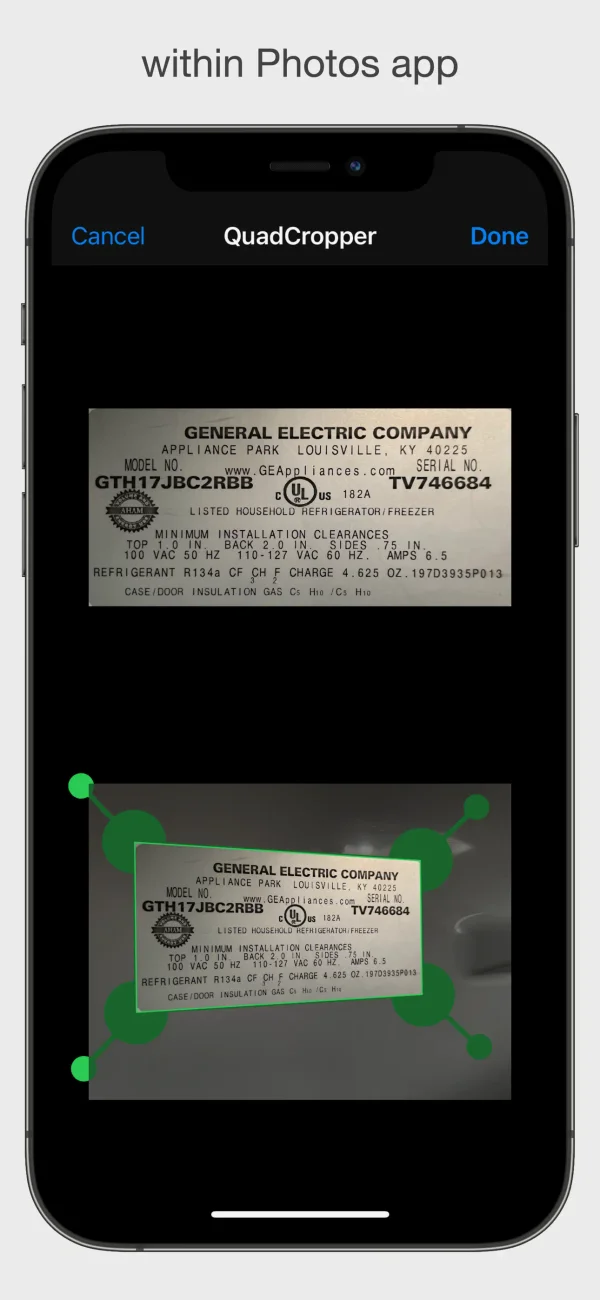
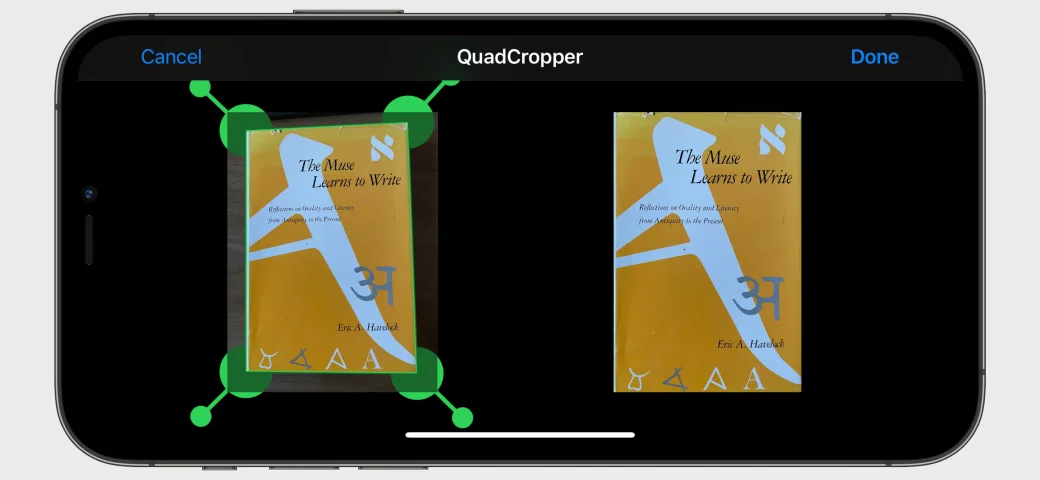
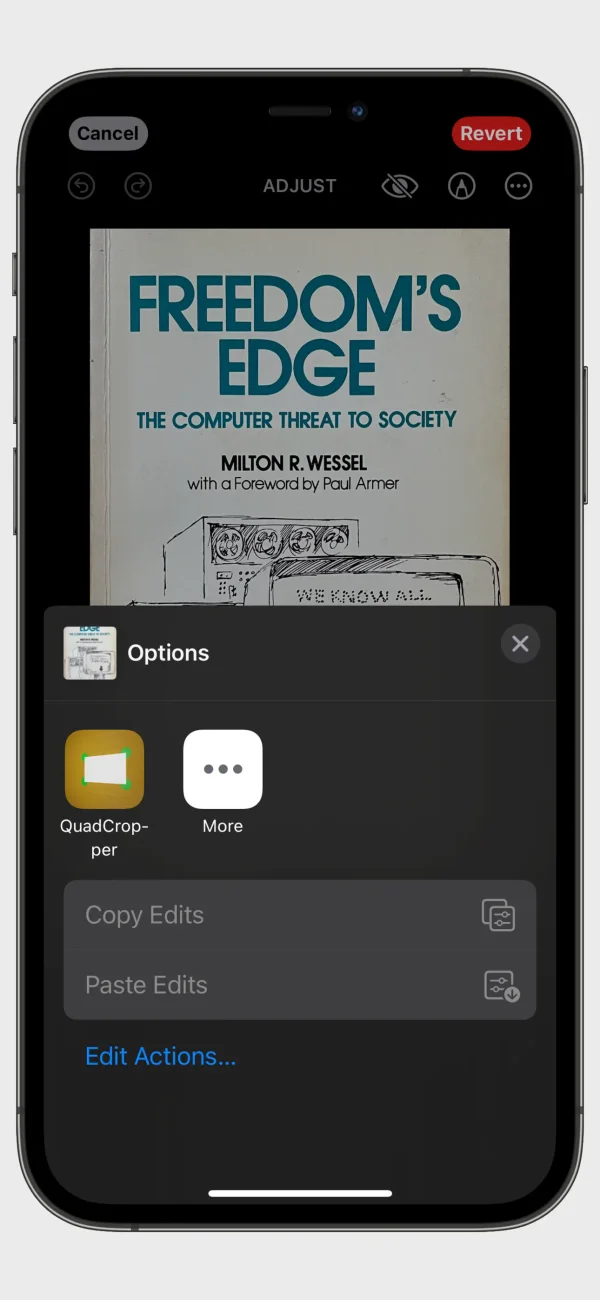
This app contains a Photos extension to crop and deskew rectangles in a photo. Since the rectangles may be skewed by perspective, the cropping tool allows individual placement of the four corners of the 2D quadrilateral -- and then deskews the contained rectangle. This is useful for business cards or slides or book covers or the like which have been photographed at an angle.
The app mimics the functionality of the Photos extension and can access the Photos library or the camera to get an image. One can also crop the image from any file. Unless the image is retrieved from the Photos library, the app will store the cropped image to a user-selected file.
Corners can be nudged by tapping on the corner circles. The corner will move by a pixel in the direction of the quadrant of the circle that was tapped on.
Privacidad de la aplicación
Lo que Robert Lefkowitz declara en App Store sobre cómo esta aplicación gestiona los datos.
-
No se recopilan datos
El desarrollador no recopila ningún dato de esta aplicación.
Las prácticas de privacidad pueden variar, por ejemplo, según las funciones que uses o tu edad.
Información
- Vendedor
- Robert Lefkowitz
- Categoría
- Foto y vídeo
- Versión
- 1.0
- Actualizado
- 21/11/2023
- Publicado
- 20/11/2023
- Tamaño
- 12,1 MB
- Requiere
- iOS 17.0 o posterior
- Clasificación por edad
- 4+
- Idiomas
- Inglés
- Copyright
- © 2023 Robert M. Lefkowitz
Quizá también te guste
-
 PersCrop - Perspective CropFoto y vídeo
-
 Perspective Crop LensFoto y vídeo
-
 Maple: Álbum familiar privadoFotos y videos cifrados
-
 Album Widget - PhotosFoto y vídeo
-
 PIXLpathFoto y vídeo
-
 DrawNova: AR Sketch TraceFoto y vídeo
-
 AutoAlign: Escanea y EnderezaEscáner IA para tus documentos
-
 ArchCam: Perspective CameraFoto y vídeo
-
 PhotoSegmentFoto y vídeo
-
 SlideShow with TitlesFoto y vídeo