
- Classificação etária4+
- CategoriaFoto e vídeo
- DesenvolvedorRobert Lefkowitz
- IdiomasInglês
- Tamanho12,1 MB
QuadCropper pode não estar disponível na App Store no momento
Não foi possível acessar a página da loja na nossa última verificação. O link continua levando à página oficial na App Store.
Capturas de tela
Sobre
O desenvolvedor não forneceu este texto no seu idioma.
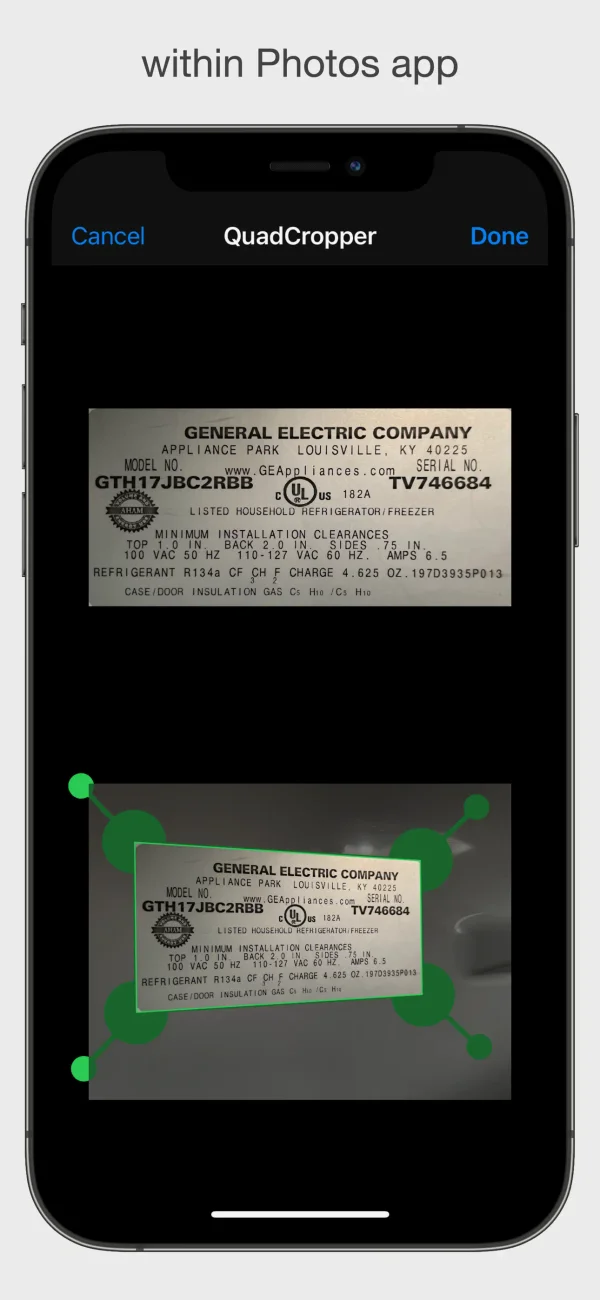
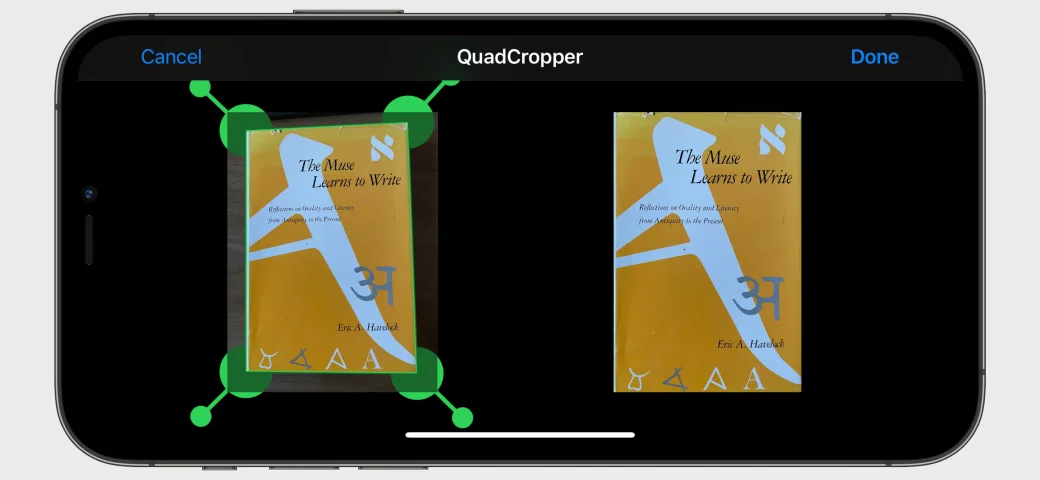
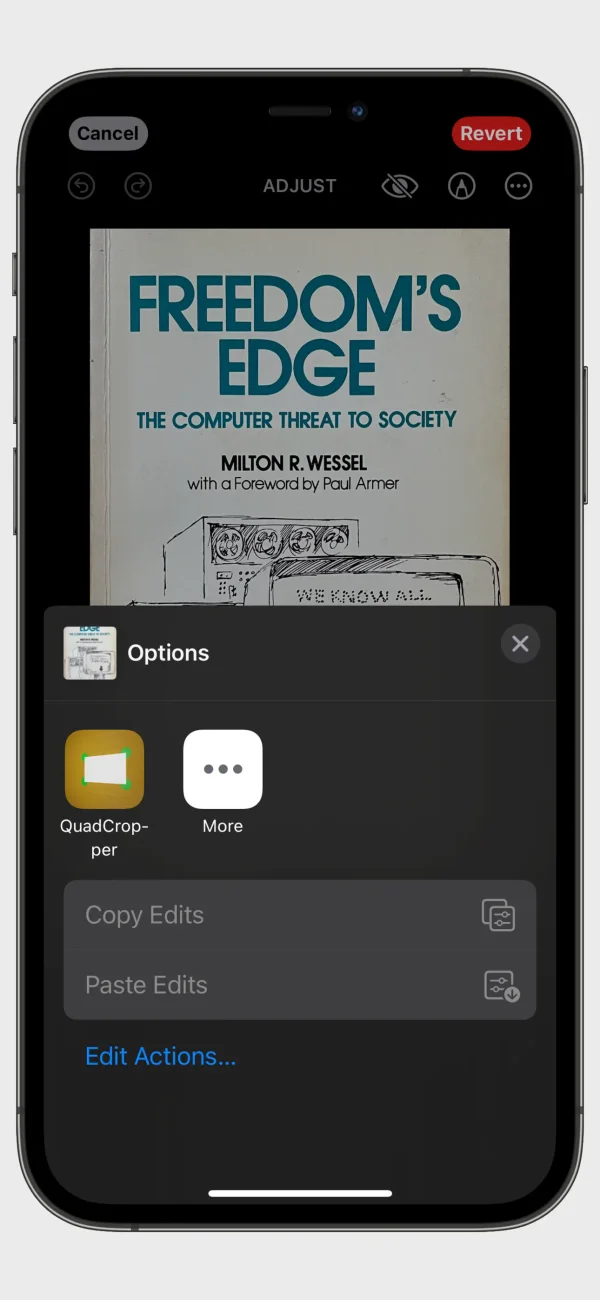
This app contains a Photos extension to crop and deskew rectangles in a photo. Since the rectangles may be skewed by perspective, the cropping tool allows individual placement of the four corners of the 2D quadrilateral -- and then deskews the contained rectangle. This is useful for business cards or slides or book covers or the like which have been photographed at an angle.
The app mimics the functionality of the Photos extension and can access the Photos library or the camera to get an image. One can also crop the image from any file. Unless the image is retrieved from the Photos library, the app will store the cropped image to a user-selected file.
Corners can be nudged by tapping on the corner circles. The corner will move by a pixel in the direction of the quadrant of the circle that was tapped on.
Privacidade do app
O que Robert Lefkowitz declara na App Store sobre como este app lida com os dados.
-
Dados não coletados
O desenvolvedor não coleta nenhum dado deste app.
As práticas de privacidade podem variar, por exemplo, com base nos recursos que você usa ou na sua idade.
Informações
- Vendedor
- Robert Lefkowitz
- Categoria
- Foto e vídeo
- Versão
- 1.0
- Atualizado
- 21/11/2023
- Lançamento
- 20/11/2023
- Tamanho
- 12,1 MB
- Requer
- iOS 17.0 ou posterior
- Classificação etária
- 4+
- Idiomas
- Inglês
- Copyright
- © 2023 Robert M. Lefkowitz
Você também pode gostar
-
 PersCrop - Perspective CropFoto e vídeo
-
 Perspective Crop LensFoto e vídeo
-
 Maple: Álbum familiar privadoFotos e vídeos criptografados
-
 Album Widget - PhotosFoto e vídeo
-
 PIXLpathFoto e vídeo
-
 DrawNova: AR Sketch TraceFoto e vídeo
-
 AutoAlign: Scan & StraightenFoto e vídeo
-
 ArchCam: Perspective CameraFoto e vídeo
-
 PhotoSegmentFoto e vídeo
-
 SlideShow with TitlesFoto e vídeo