
- Clasificación por edad4+
- CategoríaFoto y vídeo
- DesarrolladorKevin Ghori
- IdiomasInglés
- Tamaño21,1 MB
Enlaza a la página oficial de App Store
Download.org no aloja ningún archivo de Quick Video Editor. El botón abre la página de la aplicación en App Store, donde la publica Kevin Ghori. Ficha comprobada por última vez el 12/11/2026.
Capturas de pantalla
Acerca de
El desarrollador no ha proporcionado este texto en tu idioma.
Powerful and easy-to-use video editor app.
A useful and handy collection of features to edit and update videos.
Easy and modern UI is implemented in the All Video Editor app.
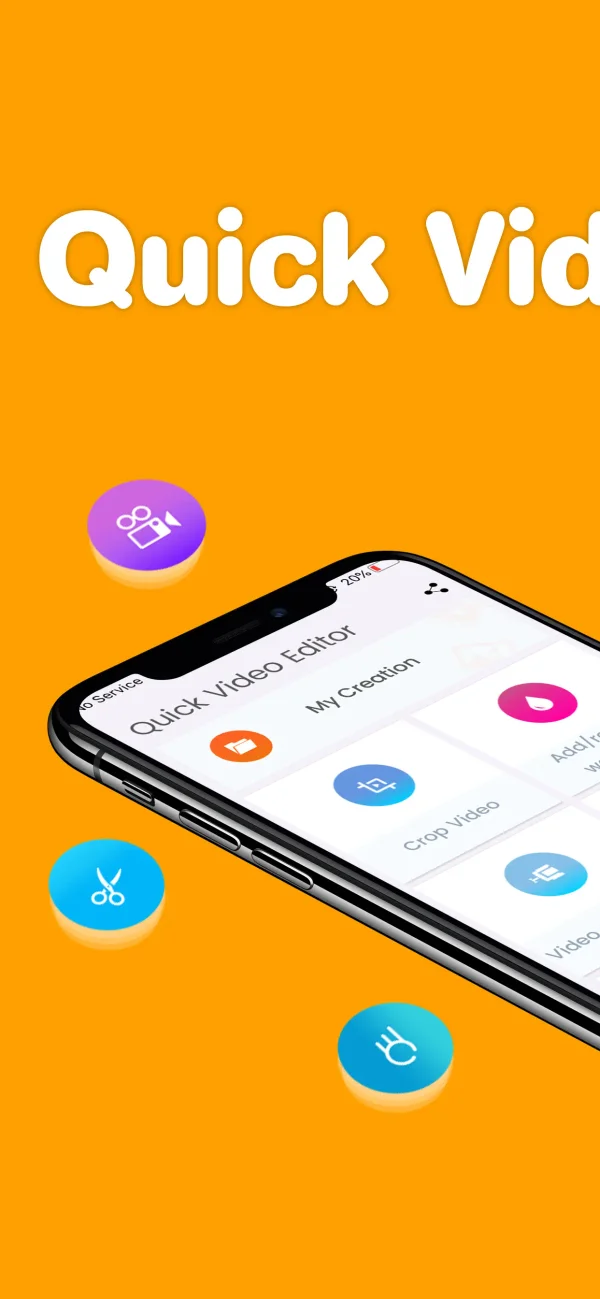
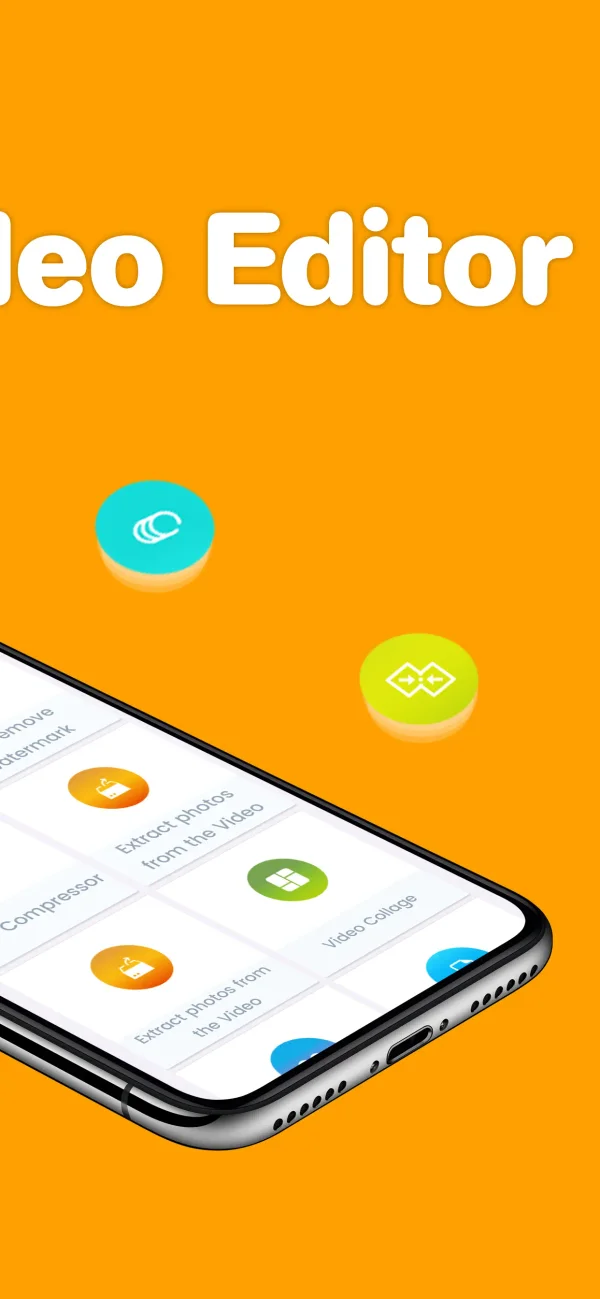
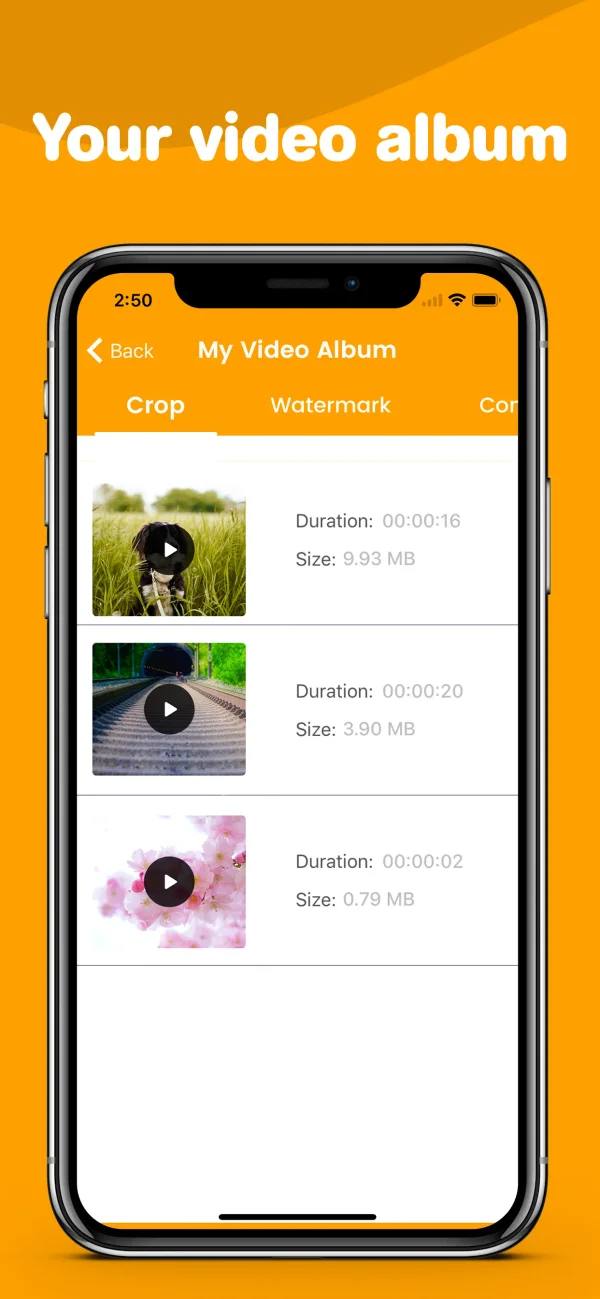
Various features are inbuilt into the All video Editor app like crop video, add watermark to video, compress video, extract photo from video, Video to gif, video to audio, slow motion, fast motion, trim video, merge videos, photo to video etc.
Components of All Video Editor app are briefed below:
1. Crop Video
The display section of the video can be trimmed with the help of the crop option.
2. Add Watermark
Watermark can be added to the selected video to make the video authentic and user-specific. Various stickers and text options with Font, color, opacity and shadow features are facilitated.
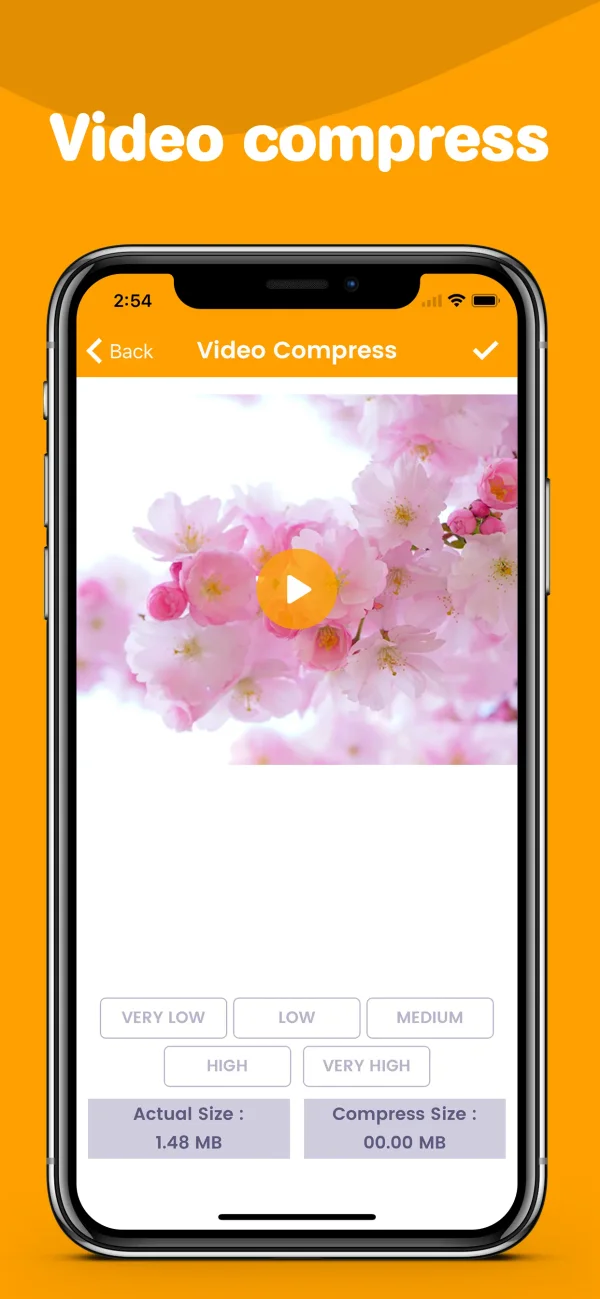
3. Video Compressor
Selected video is subjected to video compressor for compression, with minimal degradation in video quality.
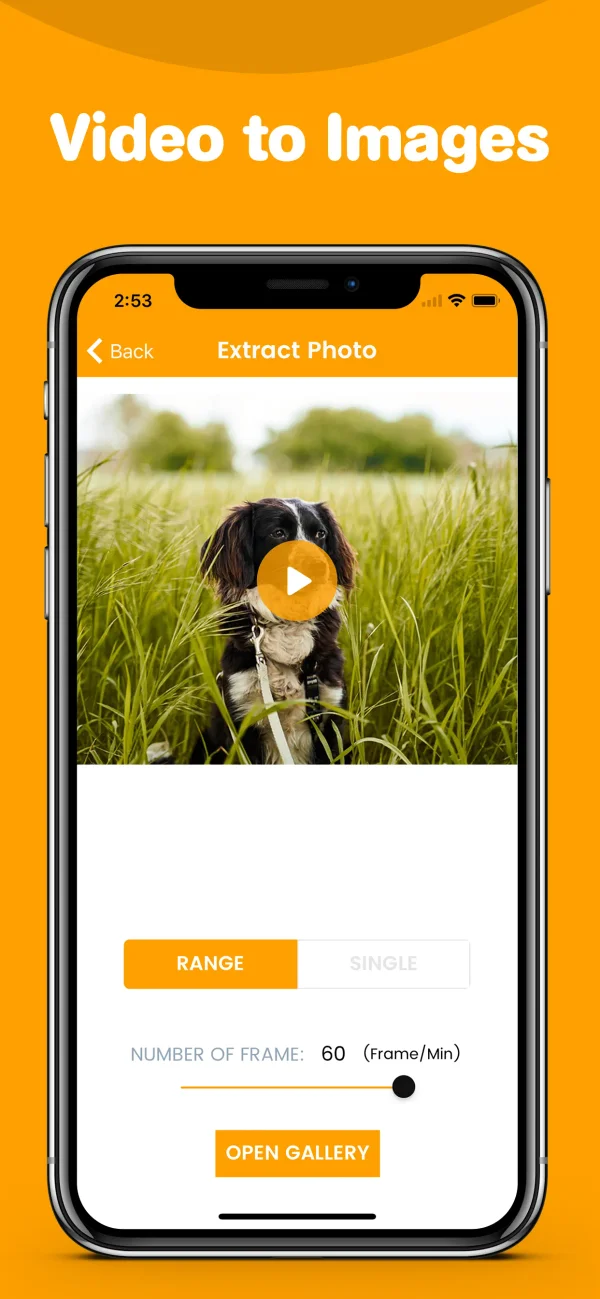
4. Extract photo from Video
Specific moments from the video can be captured easily and saved into the phone library in seconds of time.
5. Add/Remove audio from Video
Audio from video can be removed easily by a single tap mechanism. galore of audio options are inbuilt into the app to add pleasant and soothing audio to videos.
6. Video to gif
Sections of video can be turned into gifs which are funny, refreshing and innovative. High-quality gifs are generated.
7. Video to audio
Audio from the video can be extracted and a new audio file is generated.
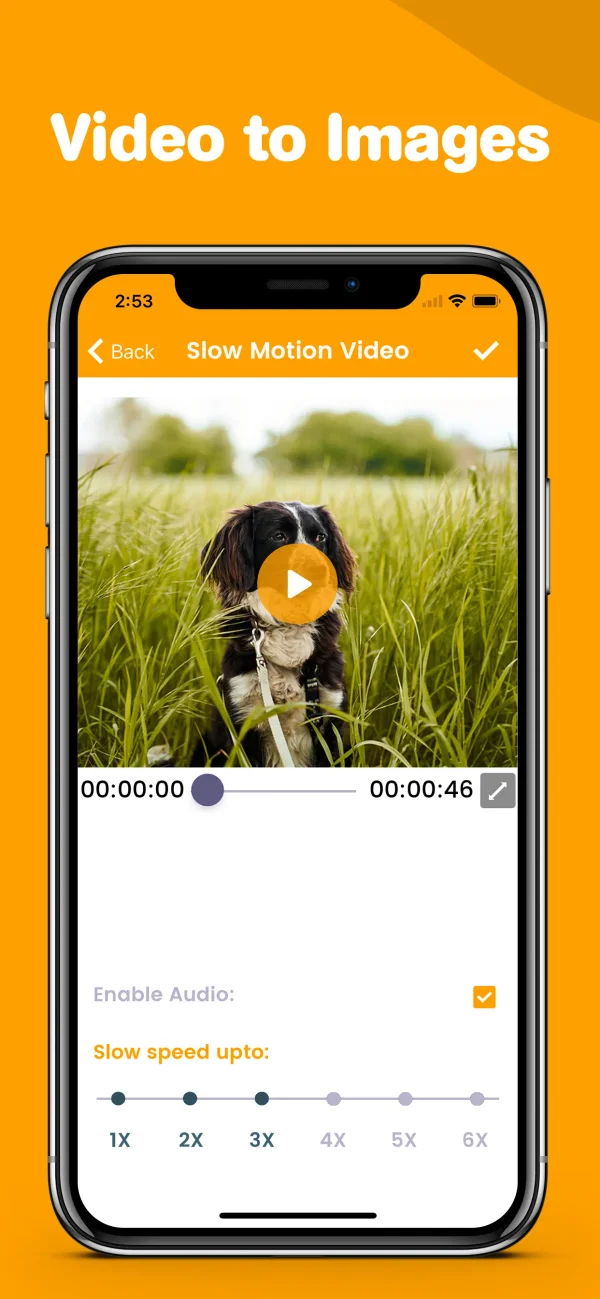
8. Slow Motion
Selected video can be handed to slow motion maker tool inbuilt in the All Video Editor app to invoke slow motion effect into videos.
9. Fast Motion
Selected video is given as input to the Fast motion tool to generate fast motion effect in videos.
10. Merger Videos
Maximum two videos can be merged at a given time. They can be freely adjusted into the frames.
11. Photo to Video
Video with a maximum of 50 photos can be generated in a short span of time. Duration of display of photos in video can be manually set by user.
12. Trim Video
A new video can be created from the original video by trim option. Select only the required section of the video with the aid of left and right sliding scissor symbols.
All Video Editor app is a multipurpose app while dealing with modification in video formats.
All Video Editor app is effective and efficient in functioning and provides the best user experience.
Novedades
Versión 1.2 · 7/1/2025
- Bug fixes.
Privacidad de la aplicación
Lo que Kevin Ghori declara en App Store sobre cómo esta aplicación gestiona los datos.
-
Datos usados para rastrearte
Pueden usarse para rastrearte en aplicaciones y sitios web propiedad de otras empresas.
- Identificadores
- Datos de uso
- Diagnóstico
-
Datos no vinculados a ti
Pueden recopilarse, pero no se vinculan a tu identidad.
- Identificadores
- Datos de uso
- Diagnóstico
Las prácticas de privacidad pueden variar, por ejemplo, según las funciones que uses o tu edad.
Información
- Vendedor
- Kevin Ghori
- Categoría
- Foto y vídeo
- Versión
- 1.2
- Actualizado
- 7/1/2025
- Publicado
- 7/7/2019
- Tamaño
- 21,1 MB
- Requiere
- iOS 13.0 o posterior
- Clasificación por edad
- 4+
- Precio
- Gratis
- Idiomas
- Inglés
- Copyright
- © Ashish Patel
Quizá también te guste
-
 Video Editor : Slow-Mo VideoFoto y vídeo
-
 ClipClap: Editor de VídeoSubtítulos, Reels y Música
-
 Ivy Professional Video EditorFoto y vídeo
-
 Video Editor - Vlog StarYT editor studio & intro maker
-
 WeVideo - Video Editor & MakerFoto y vídeo
-
 Video Editor .Foto y vídeo
-
 Magisto - Editor de VídeoPelícula de Fotos con Musica
-
 Filmmaker Pro Editor de VideoSuperapp edición vídeos fotos
-
 KwaiCut - Editor de VideoEditor de Video Kwai
-
 VITA-Editor y Creador de VídeoEdita como un pro