
- 対象年齢4+
- カテゴリ写真/ビデオ
- 開発元Kevin Ghori
- 言語英語
- サイズ21.1 MB
App Storeの公式ページにリンクしています
Download.orgはQuick Video Editorのファイルを一切ホストしていません。ボタンを押すと、Kevin Ghoriが公開しているApp Storeのアプリページが開きます。ページの最終確認:2026/11/12。
スクリーンショット

概要
開発元はこのテキストをお使いの言語で提供していません。
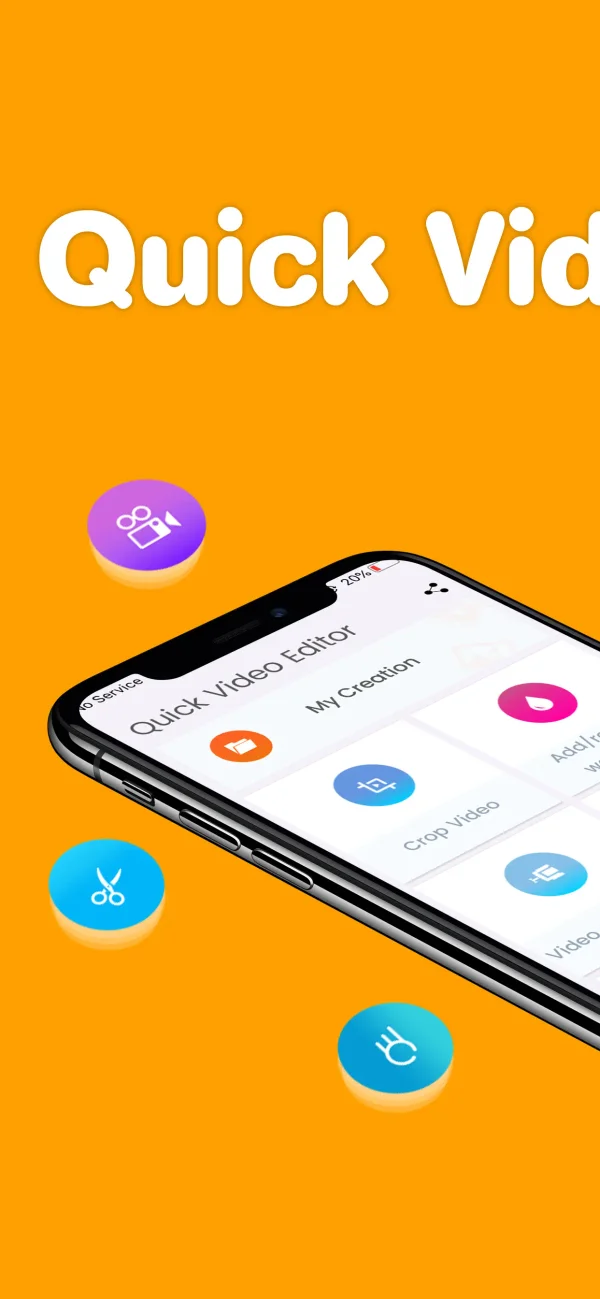
Powerful and easy-to-use video editor app.
A useful and handy collection of features to edit and update videos.
Easy and modern UI is implemented in the All Video Editor app.
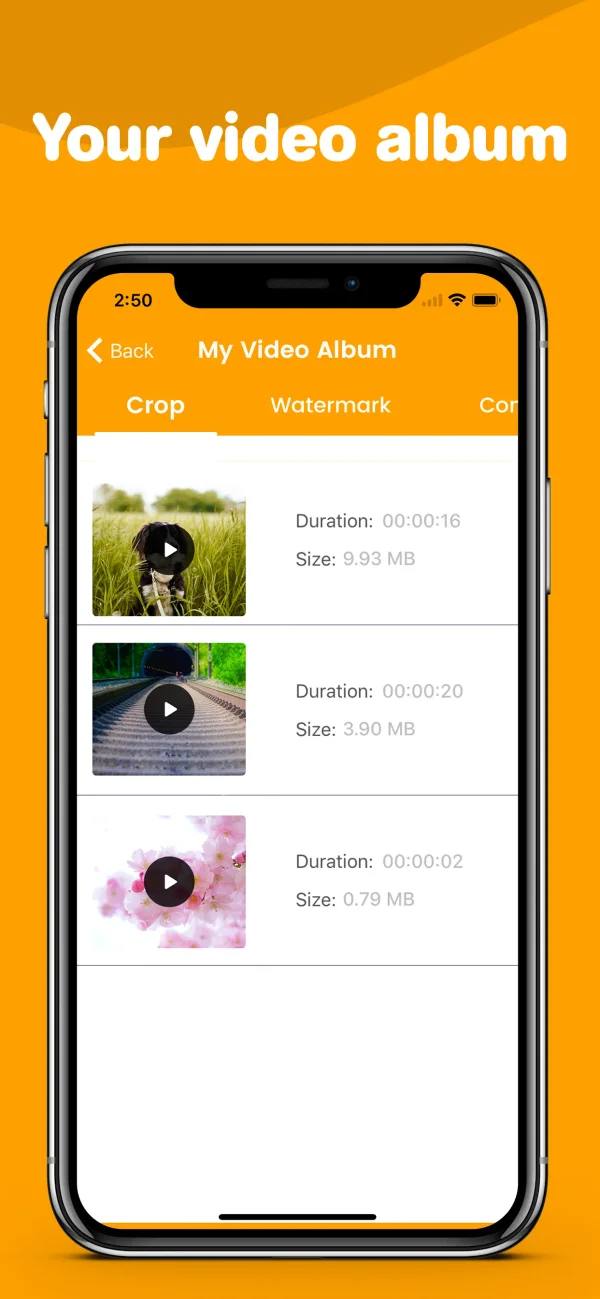
Various features are inbuilt into the All video Editor app like crop video, add watermark to video, compress video, extract photo from video, Video to gif, video to audio, slow motion, fast motion, trim video, merge videos, photo to video etc.
Components of All Video Editor app are briefed below:
1. Crop Video
The display section of the video can be trimmed with the help of the crop option.
2. Add Watermark
Watermark can be added to the selected video to make the video authentic and user-specific. Various stickers and text options with Font, color, opacity and shadow features are facilitated.
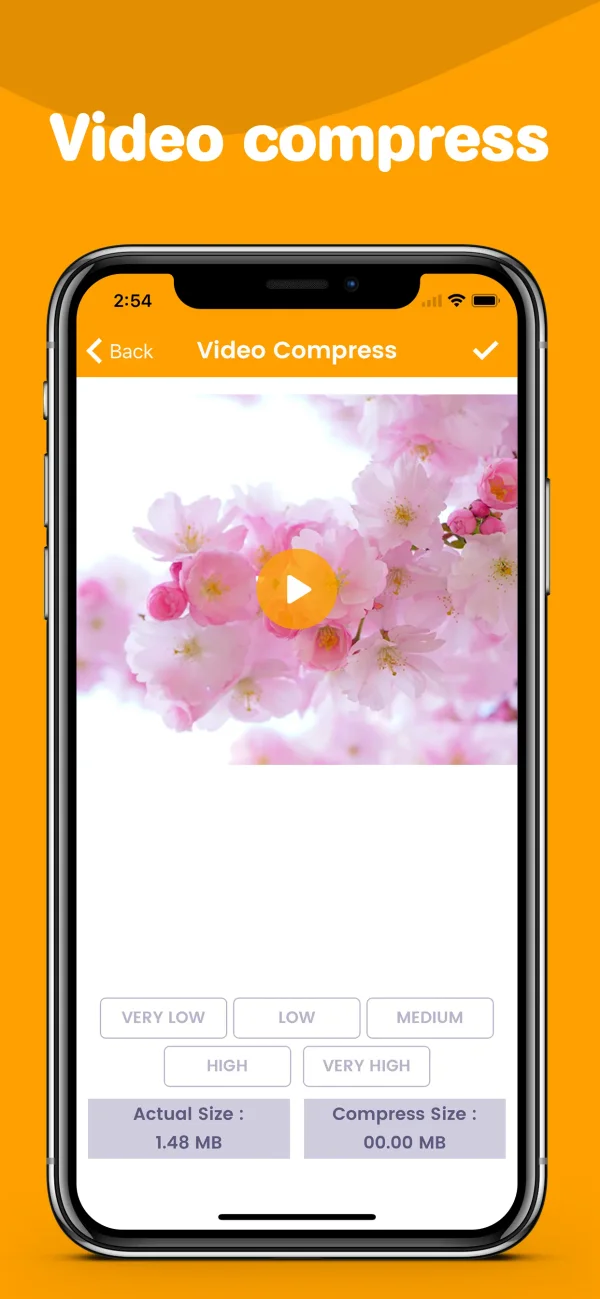
3. Video Compressor
Selected video is subjected to video compressor for compression, with minimal degradation in video quality.
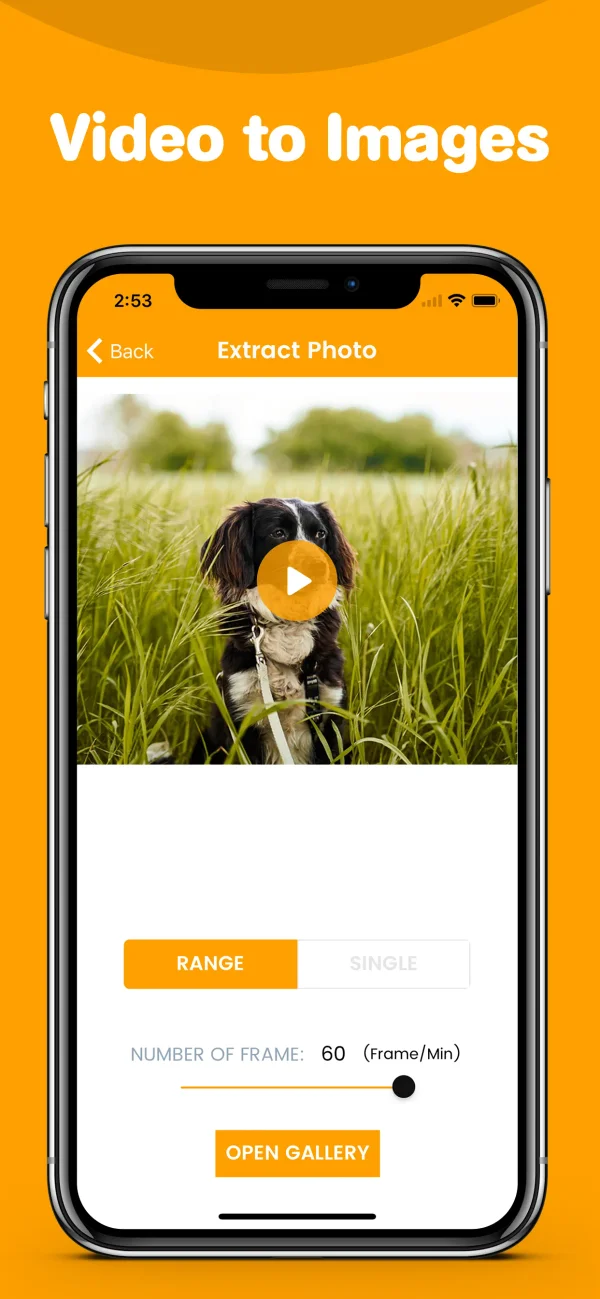
4. Extract photo from Video
Specific moments from the video can be captured easily and saved into the phone library in seconds of time.
5. Add/Remove audio from Video
Audio from video can be removed easily by a single tap mechanism. galore of audio options are inbuilt into the app to add pleasant and soothing audio to videos.
6. Video to gif
Sections of video can be turned into gifs which are funny, refreshing and innovative. High-quality gifs are generated.
7. Video to audio
Audio from the video can be extracted and a new audio file is generated.
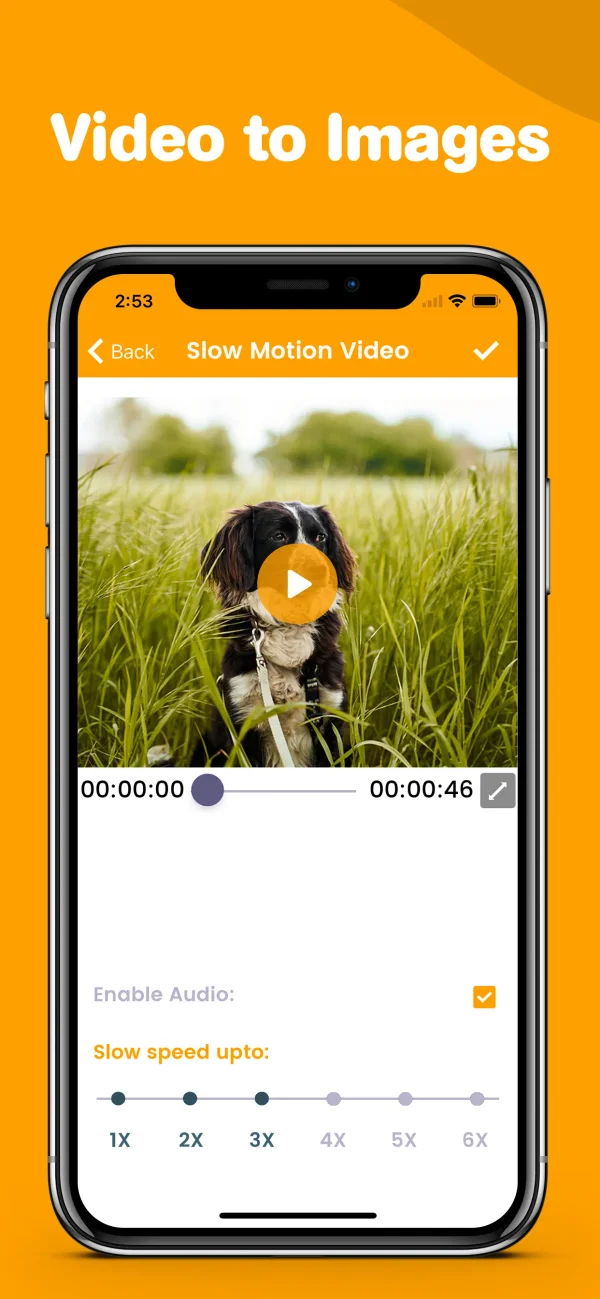
8. Slow Motion
Selected video can be handed to slow motion maker tool inbuilt in the All Video Editor app to invoke slow motion effect into videos.
9. Fast Motion
Selected video is given as input to the Fast motion tool to generate fast motion effect in videos.
10. Merger Videos
Maximum two videos can be merged at a given time. They can be freely adjusted into the frames.
11. Photo to Video
Video with a maximum of 50 photos can be generated in a short span of time. Duration of display of photos in video can be manually set by user.
12. Trim Video
A new video can be created from the original video by trim option. Select only the required section of the video with the aid of left and right sliding scissor symbols.
All Video Editor app is a multipurpose app while dealing with modification in video formats.
All Video Editor app is effective and efficient in functioning and provides the best user experience.
新機能
バージョン 1.2 · 2025/1/7
- Bug fixes.
アプリのプライバシー
このアプリのデータの取り扱いについて、Kevin GhoriがApp Storeで申告している内容です。
-
ユーザーのトラッキングに使用されるデータ
他社のアプリやウェブサイトを横断してユーザーをトラッキングする目的で使用される場合があります。
- ID
- 使用状況データ
- 診断
-
ユーザーに関連付けられないデータ
収集される場合がありますが、ユーザーの識別情報には関連付けられません。
- ID
- 使用状況データ
- 診断
プライバシーの取り扱いは、ご利用の機能やお客様の年齢などに応じて異なる場合があります。
情報
- 販売元
- Kevin Ghori
- カテゴリ
- 写真/ビデオ
- バージョン
- 1.2
- 更新日
- 2025/1/7
- リリース
- 2019/7/7
- サイズ
- 21.1 MB
- 必要条件
- iOS 13.0以降
- 対象年齢
- 4+
- 価格
- 無料
- 言語
- 英語
- 著作権
- © Ashish Patel
こちらもおすすめ
-
 Video Editor : Slow-Mo Video写真/ビデオ
-
 ClipClap: 動画編集・動画カット自動字幕・リール・音楽付き動画
-
 Ivy Professional Video Editor写真/ビデオ
-
 動画編集器 - VlogStarユーチューブ動画編集、イントロメーカー、サムネイル作成
-
 WeVideo - Video Editor & Maker写真/ビデオ
-
 動画編集 - 動画加工 & 動画作成どうが編集 & ビデオ編集 動画切り取りアプリ
-
 Magisto 動画編集 アプリとムービーメーカー写真やクリップをビデオに変える
-
 Filmmaker Pro - 動画エディター動画&写真編集スーパーアプリ
-
 KwaiCut - Video EditorKwai Official Video Edit Tool
-
 VITA - 超簡単!動画編集ビデオ&写真の加工