
- Altersfreigabe4+
- KategorieFoto und Video
- EntwicklerKevin Ghori
- SprachenEnglisch
- Größe21,1 MB
Verlinkt auf die offizielle App Store-Seite
Download.org hostet keine Datei von Quick Video Editor. Die Schaltfläche öffnet die App-Seite bei App Store, wo Kevin Ghori die App veröffentlicht. Eintrag zuletzt geprüft am 12.11.2026.
Screenshots

Info
Der Entwickler hat diesen Text nicht in Ihrer Sprache bereitgestellt.
Powerful and easy-to-use video editor app.
A useful and handy collection of features to edit and update videos.
Easy and modern UI is implemented in the All Video Editor app.
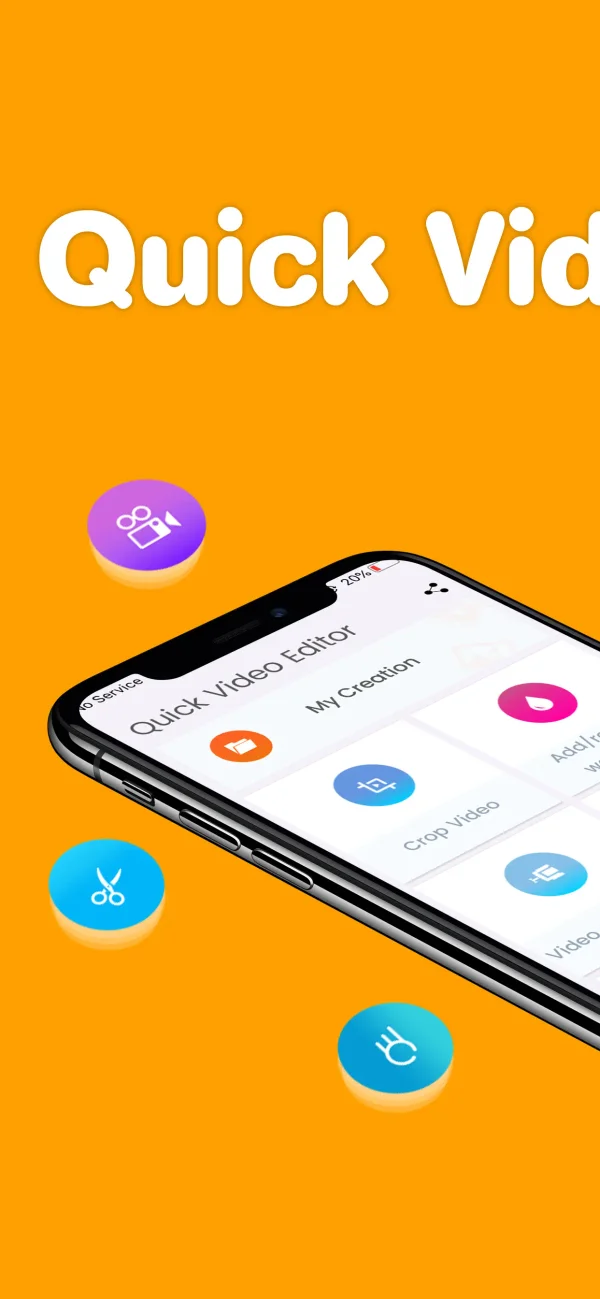
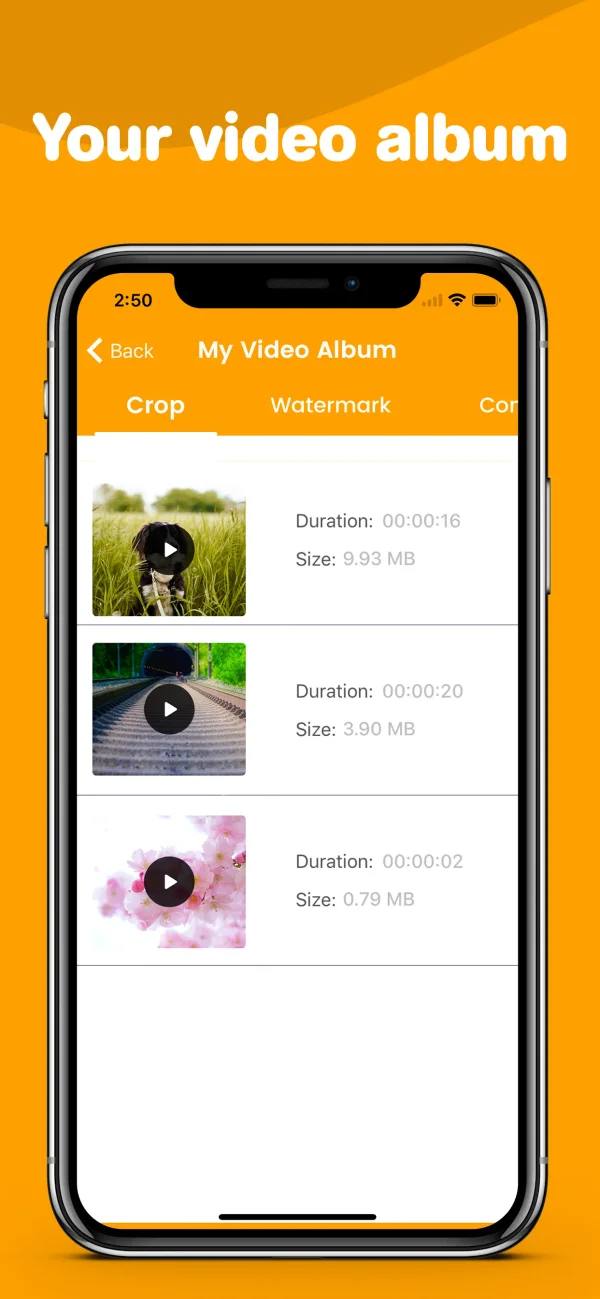
Various features are inbuilt into the All video Editor app like crop video, add watermark to video, compress video, extract photo from video, Video to gif, video to audio, slow motion, fast motion, trim video, merge videos, photo to video etc.
Components of All Video Editor app are briefed below:
1. Crop Video
The display section of the video can be trimmed with the help of the crop option.
2. Add Watermark
Watermark can be added to the selected video to make the video authentic and user-specific. Various stickers and text options with Font, color, opacity and shadow features are facilitated.
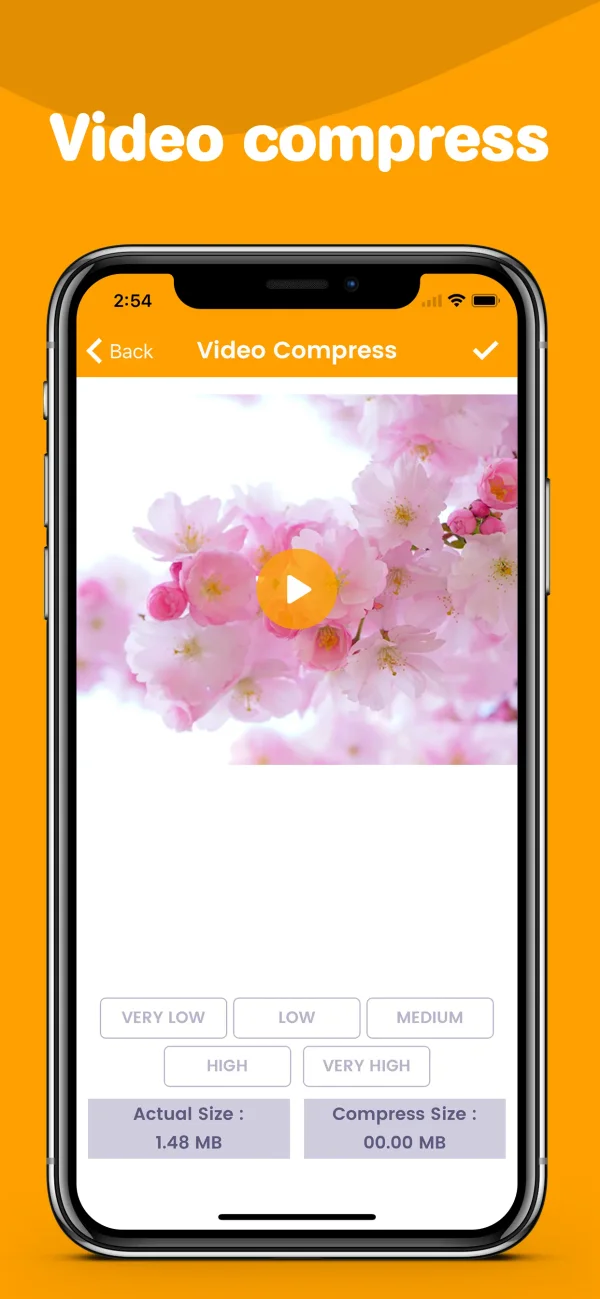
3. Video Compressor
Selected video is subjected to video compressor for compression, with minimal degradation in video quality.
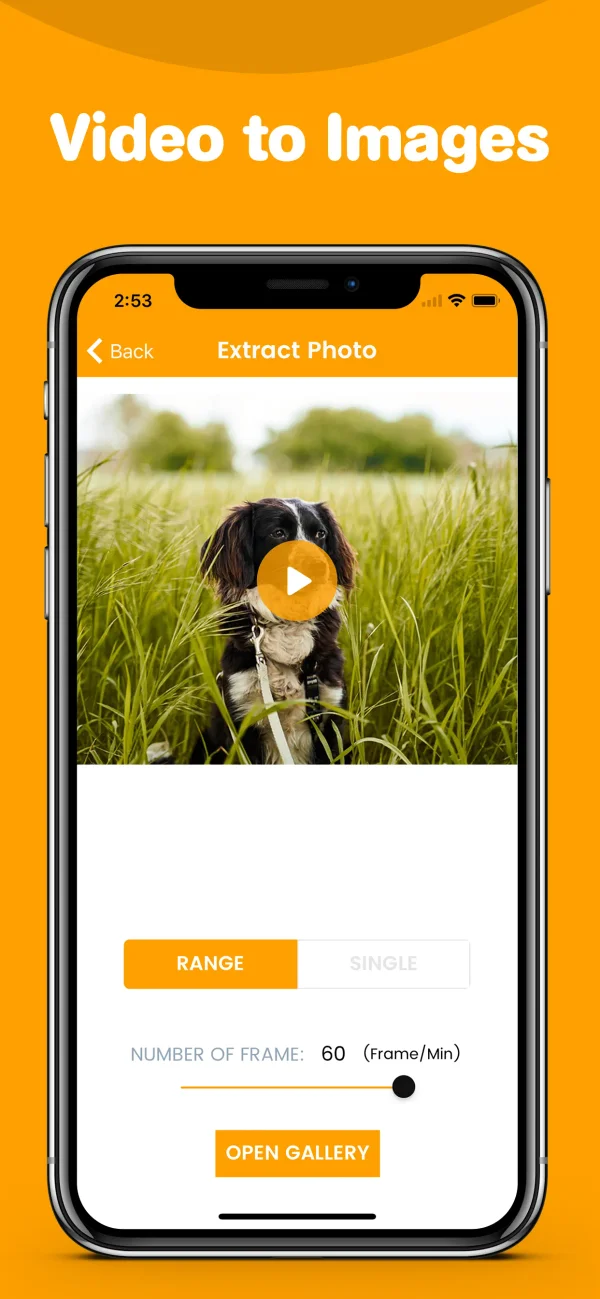
4. Extract photo from Video
Specific moments from the video can be captured easily and saved into the phone library in seconds of time.
5. Add/Remove audio from Video
Audio from video can be removed easily by a single tap mechanism. galore of audio options are inbuilt into the app to add pleasant and soothing audio to videos.
6. Video to gif
Sections of video can be turned into gifs which are funny, refreshing and innovative. High-quality gifs are generated.
7. Video to audio
Audio from the video can be extracted and a new audio file is generated.
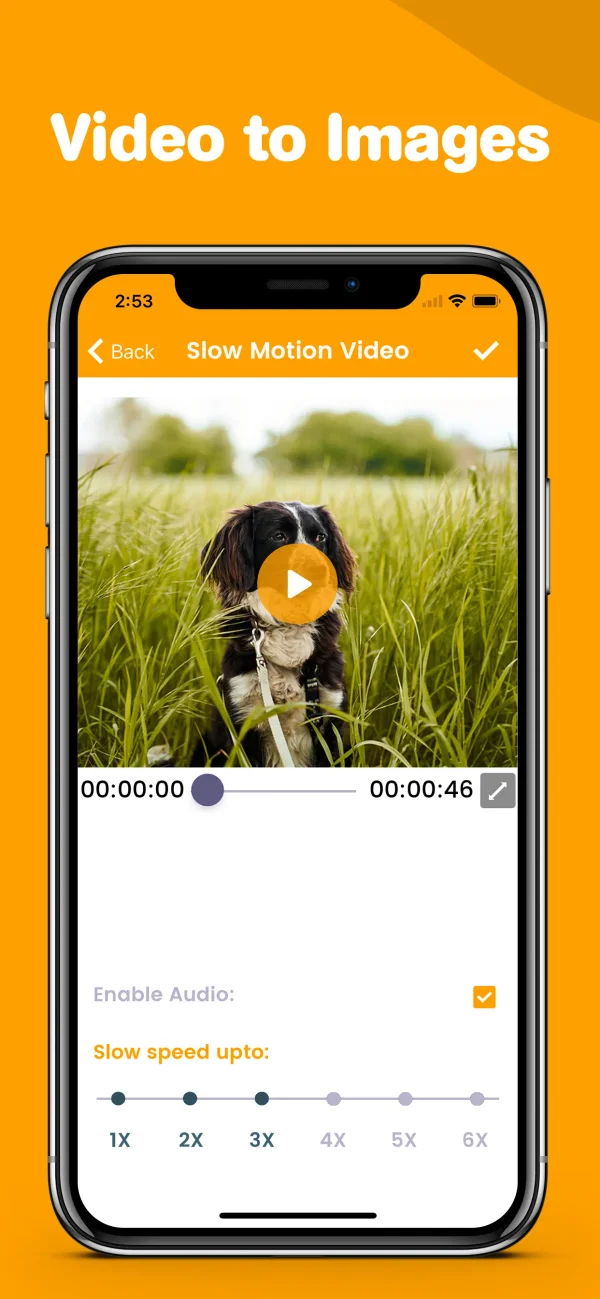
8. Slow Motion
Selected video can be handed to slow motion maker tool inbuilt in the All Video Editor app to invoke slow motion effect into videos.
9. Fast Motion
Selected video is given as input to the Fast motion tool to generate fast motion effect in videos.
10. Merger Videos
Maximum two videos can be merged at a given time. They can be freely adjusted into the frames.
11. Photo to Video
Video with a maximum of 50 photos can be generated in a short span of time. Duration of display of photos in video can be manually set by user.
12. Trim Video
A new video can be created from the original video by trim option. Select only the required section of the video with the aid of left and right sliding scissor symbols.
All Video Editor app is a multipurpose app while dealing with modification in video formats.
All Video Editor app is effective and efficient in functioning and provides the best user experience.
Neue Funktionen
Version 1.2 · 07.01.2025
- Bug fixes.
App-Datenschutz
Was Kevin Ghori im App Store zum Umgang dieser App mit Daten angibt.
-
Daten, die zum Tracking Ihrer Person verwendet werden
Können verwendet werden, um Sie über Apps und Websites anderer Unternehmen hinweg zu verfolgen.
- Kennungen
- Nutzungsdaten
- Diagnose
-
Nicht mit Ihnen verknüpfte Daten
Können erfasst werden, sind aber nicht mit Ihrer Identität verknüpft.
- Kennungen
- Nutzungsdaten
- Diagnose
Die Datenschutzpraktiken können variieren, zum Beispiel je nach den von Ihnen verwendeten Funktionen oder Ihrem Alter.
Informationen
- Anbieter
- Kevin Ghori
- Kategorie
- Foto und Video
- Version
- 1.2
- Aktualisiert
- 07.01.2025
- Veröffentlicht
- 07.07.2019
- Größe
- 21,1 MB
- Erfordert
- iOS 13.0 oder neuer
- Altersfreigabe
- 4+
- Preis
- Kostenlos
- Sprachen
- Englisch
- Copyright
- © Ashish Patel
Das könnte Ihnen auch gefallen
-
 Video Editor : Slow-Mo VideoFoto und Video
-
 ClipClap: Video Editor & ReelsUntertitel, Musik & Diashow
-
 Ivy Professional Video EditorFoto und Video
-
 Video Editor - Vlog StarYT editor studio & intro maker
-
 WeVideo - Video Editor & MakerFoto und Video
-
 Video Editor .Foto und Video
-
 Magisto - Video BearbeitenFilme und Diashow erstellen
-
 Filmmaker Pro – Video-EditorVideo- und Fotobearbeitung
-
 KwaiCut - Video EditorFoto und Video
-
 VITA - Video Editor & MakerFoto und Video